
WORLD'S FIRST AGENTIC AI VIDEO EDITORFOR WINDOWS
Video EditorThat Edits For You
Describe the edit. Shorz turns it into a finished video.
No timelineNo manual editingJust results
Windows app • 1 AIML API key • Quick setup
Watch Shorz turn instructions into a finished video
Powered by world-class AI models
 OpenAI GPT 5
 Veo 3.1Nano Banana 2
 ElevenLabs
 Kling 3.1
 SeedanceOpenAI GPT 5Veo 3.1Nano Banana 2ElevenLabsKling 3.1Seedance
What you can create with Shorz
Turn clips, scripts, images, or dialogue into finished videos from one app.
Turn raw clips into a finished edit automatically.
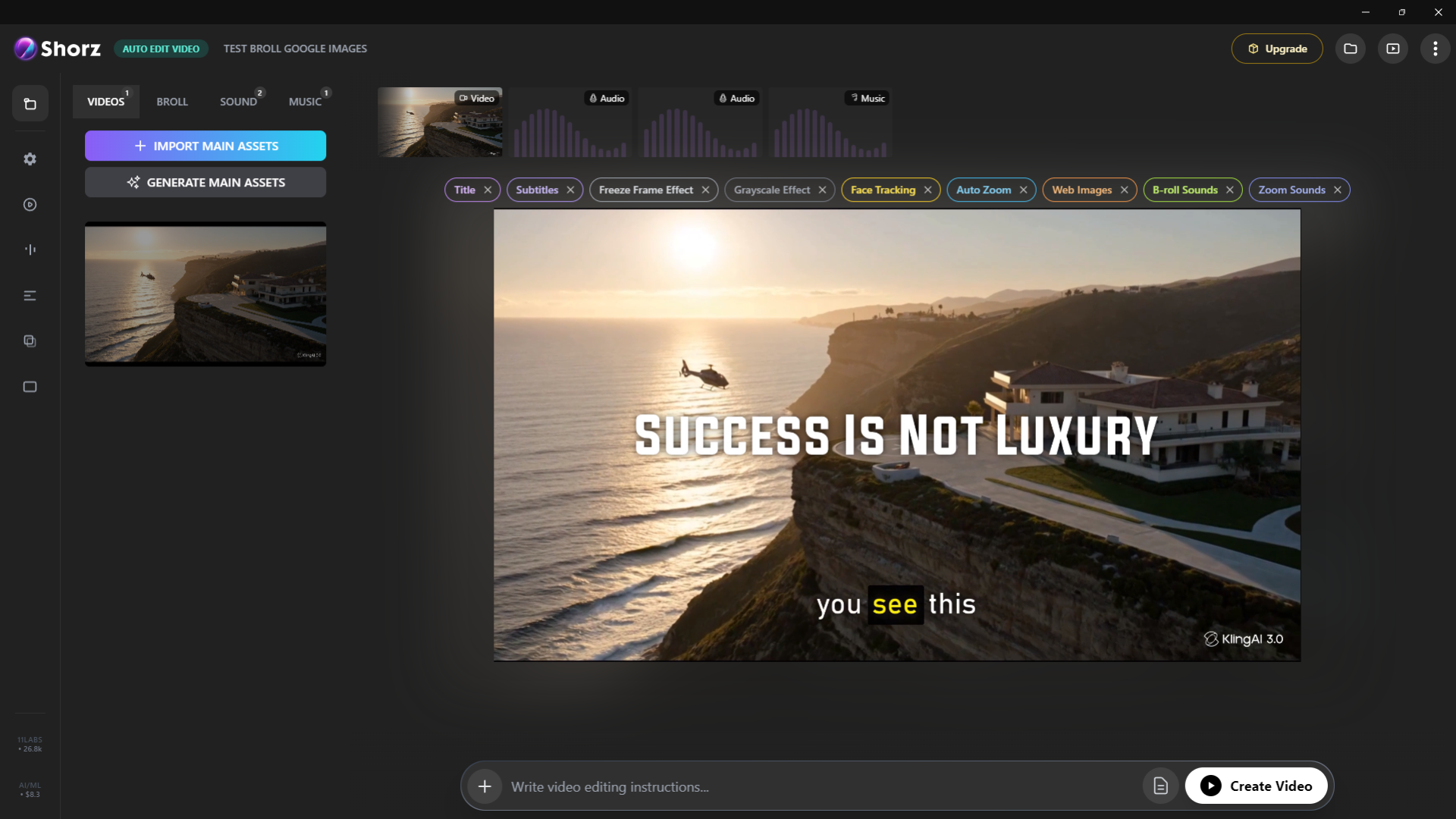
Shorz vs The old way
Manual editing takes hours in other tools. Shorz turns the same work into a 10x simpler and faster workflow.
Manual editing
- Build every edit on a timeline
- Cut clips by hand
- Add captions manually
- Search for B-roll yourself
- Repurpose videos one by one
Shorz
- Describe the edit
- Generate the video faster
- Add captions automatically
- Insert B-roll automatically
- Create more formats from one workflow
Stop editing by hand. Start directing the result.
Everything Shorz edits for you
B-roll, subtitles, zooms, transitions, music & more — handled automatically.

Automatic B-roll
Adds relevant visuals, clips, images, and GIFs automatically to support what’s being said.
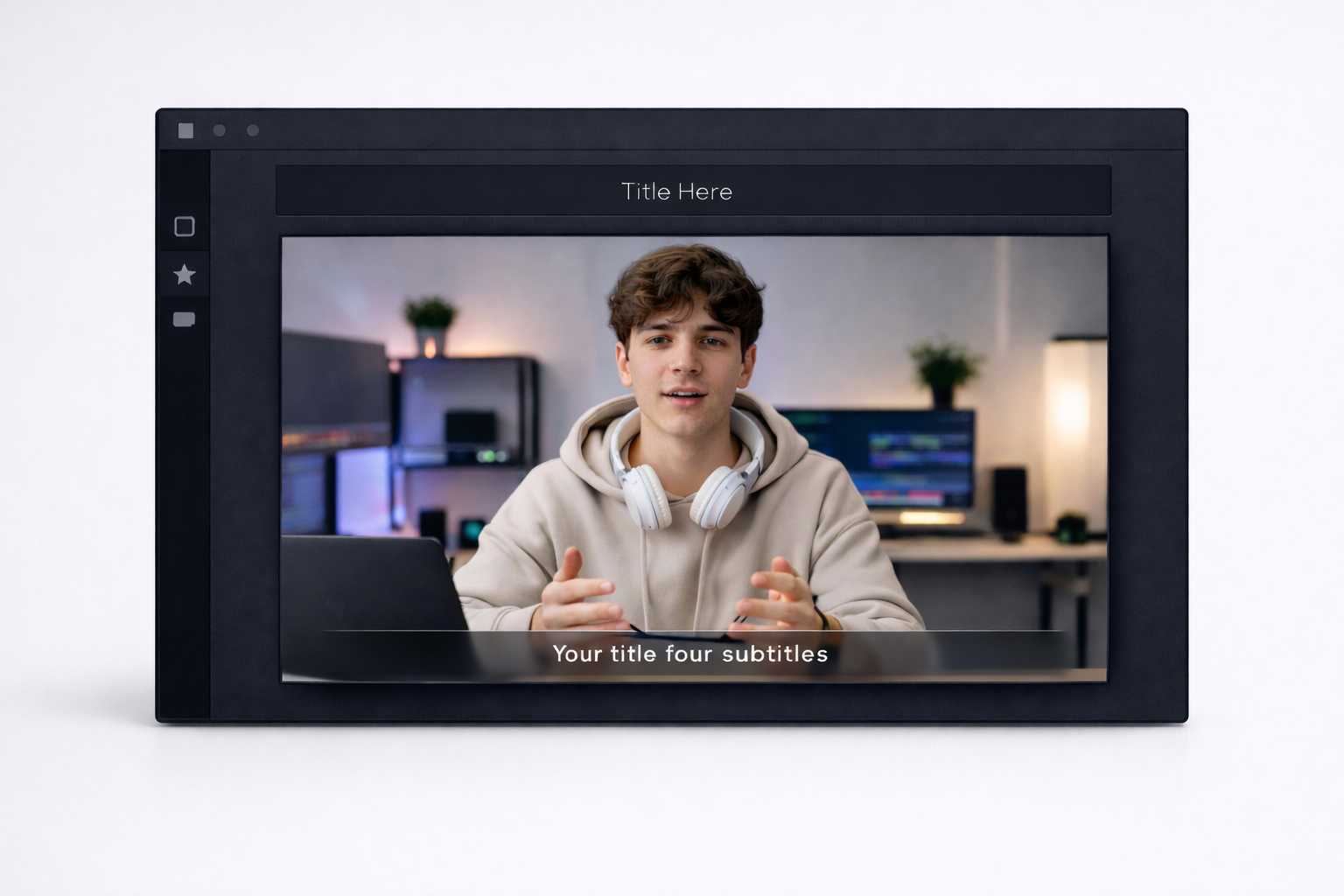
Titles & Subtitles
Generates on-screen titles and readable subtitles automatically to improve clarity and retention.
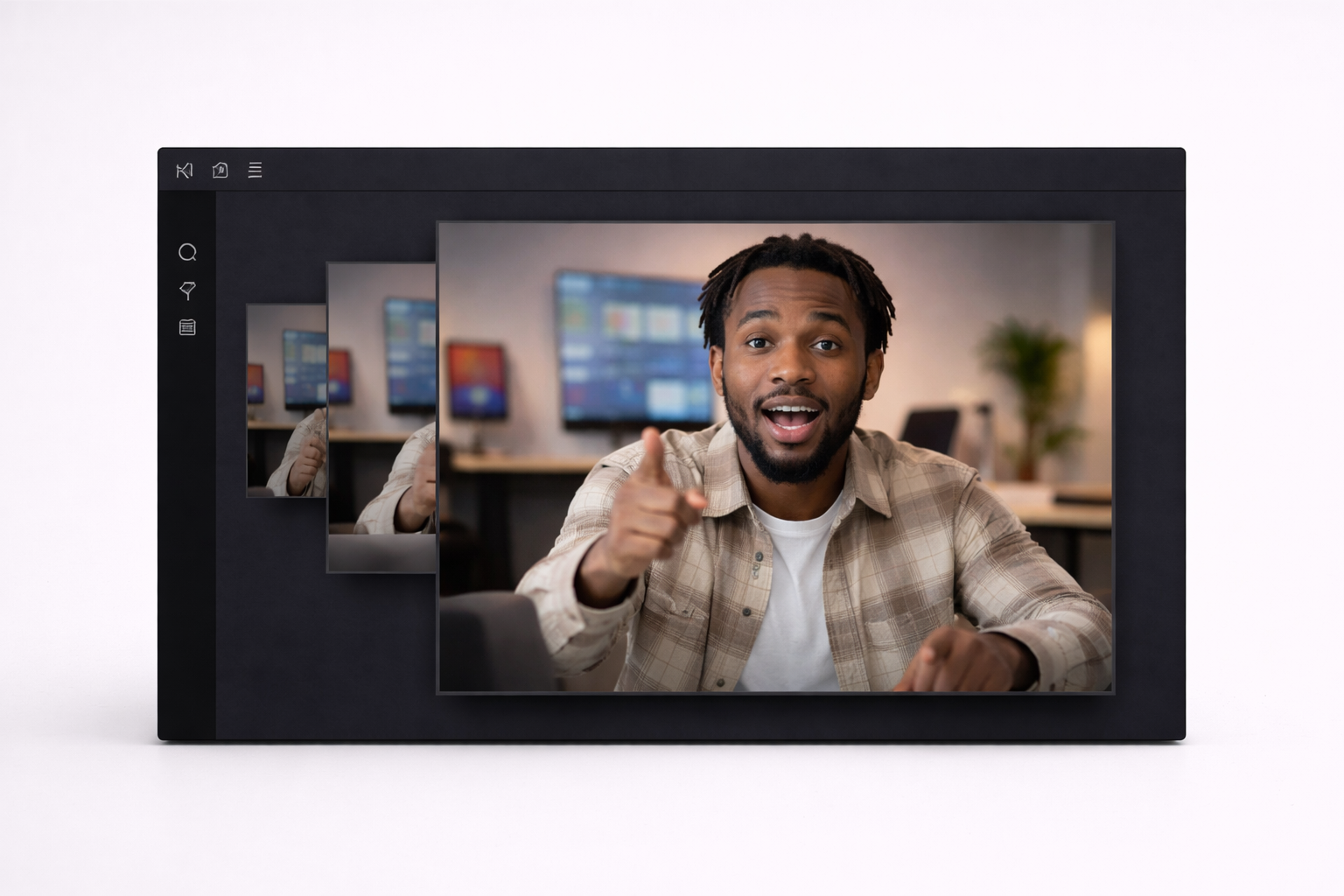
Auto-Zoom
Zooms into key moments automatically to create energy and emphasize what matters.
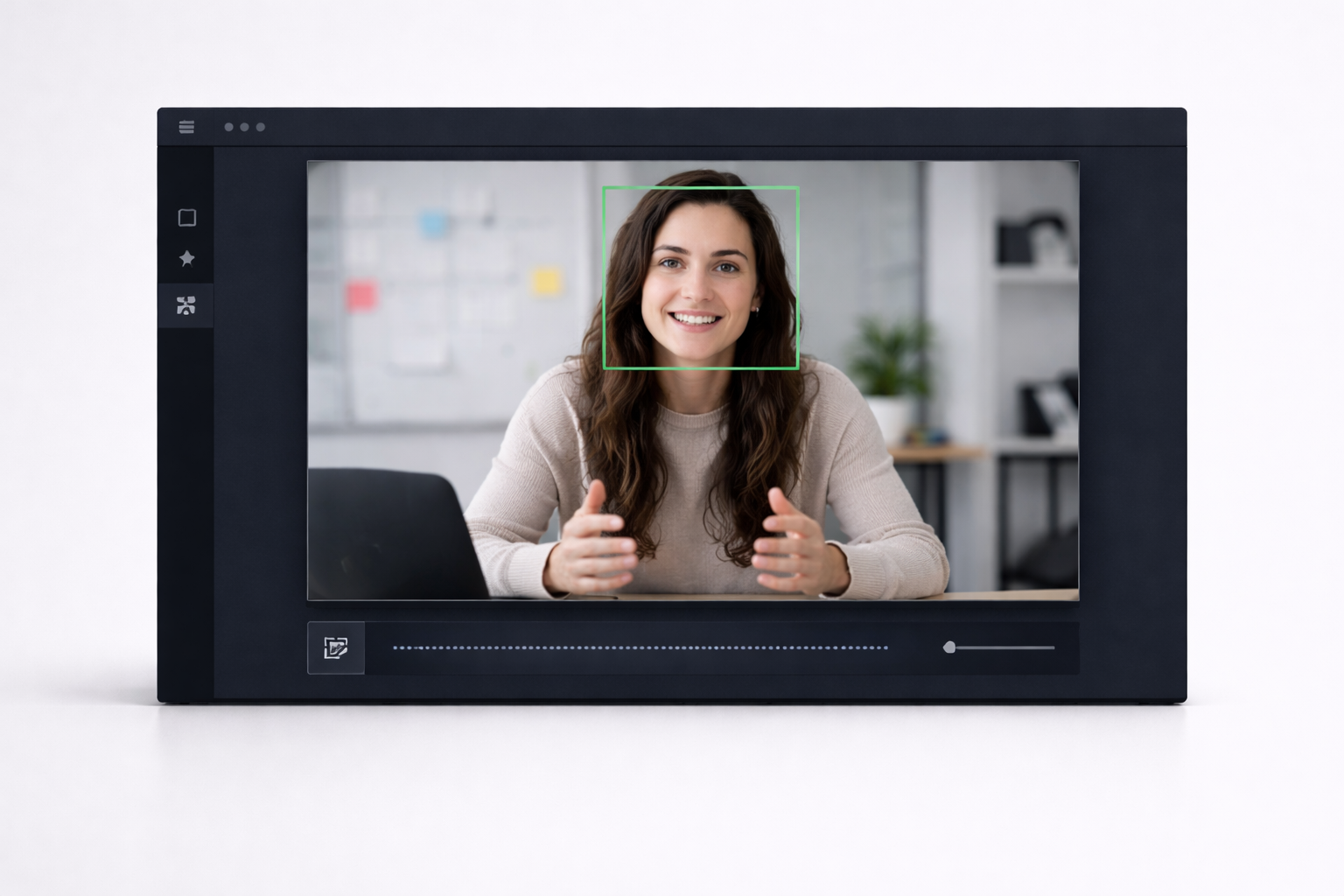
Face Tracking
Keeps faces centered during zooms and crops for vertical video and social formats.

Transitions & Motion
Adds smooth transitions and subtle motion automatically so videos feel dynamic, not static.
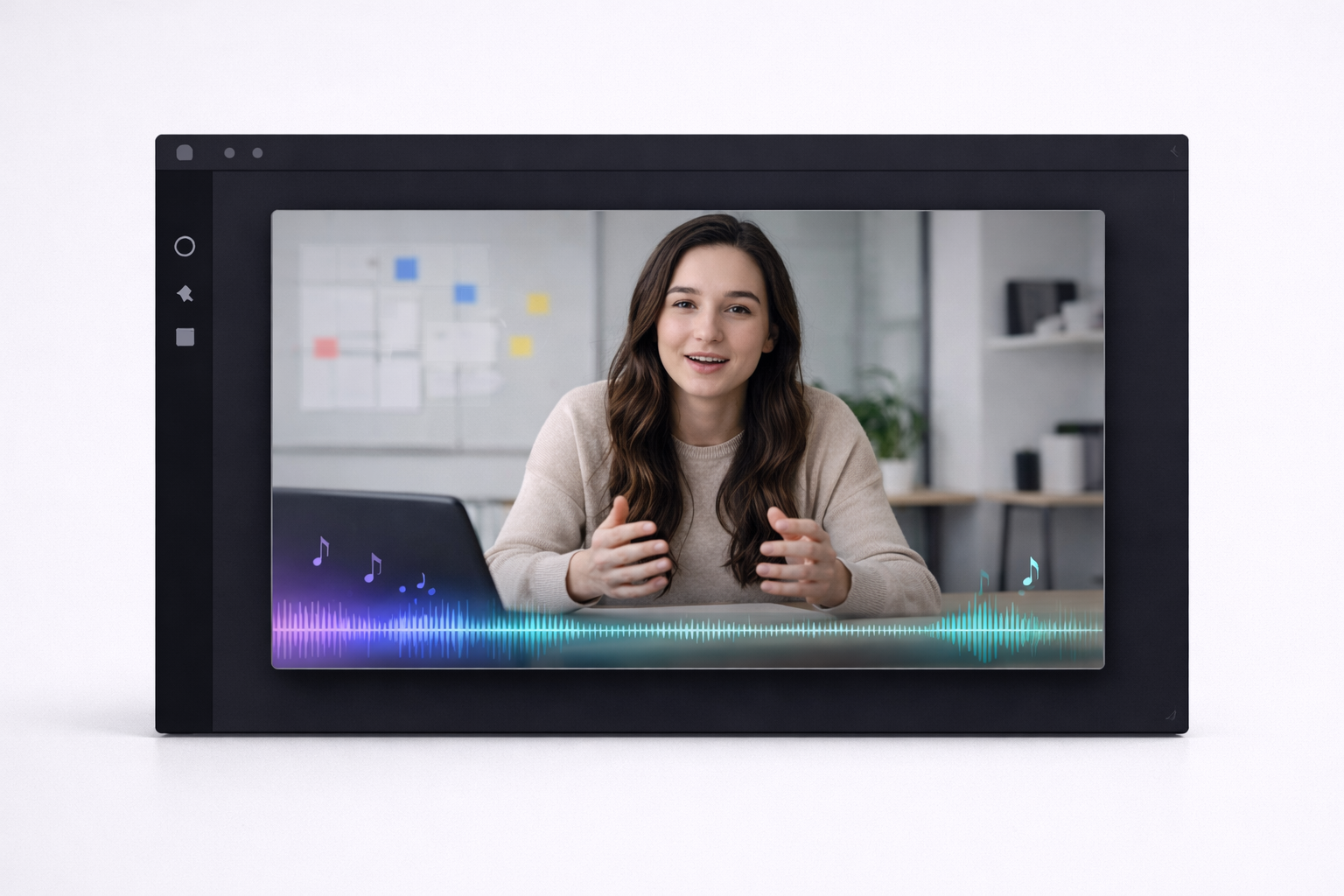
Music & Sound
Adds background music and sound effects automatically to match the pace and mood.
Built for creators, marketers & brands.
Create YouTube videos, Shorts, ads & client content from one app.
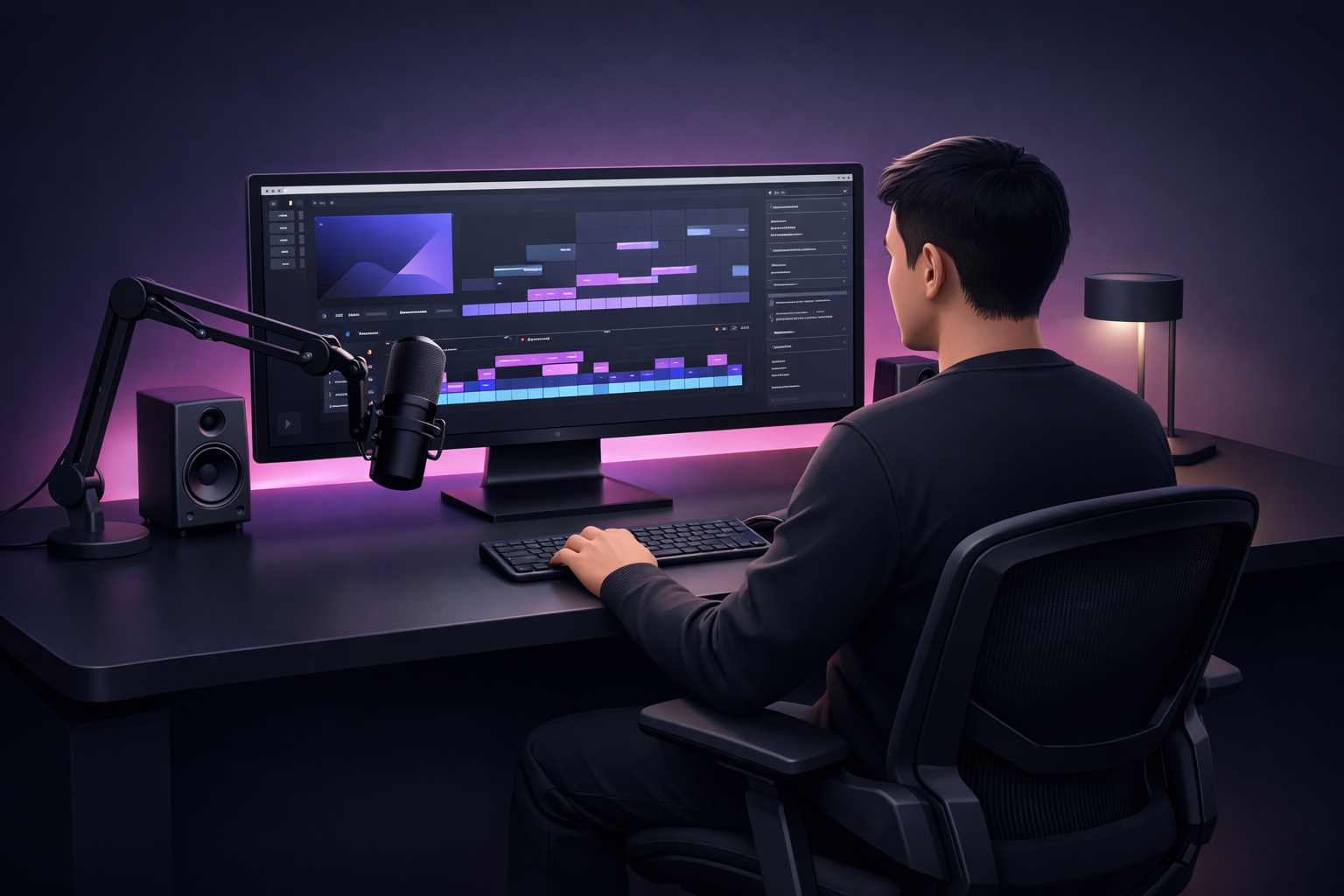
Faceless Channel Builders
Turn scripts into full YouTube videos with visuals, narration, subtitles & thumbnails — no filming.
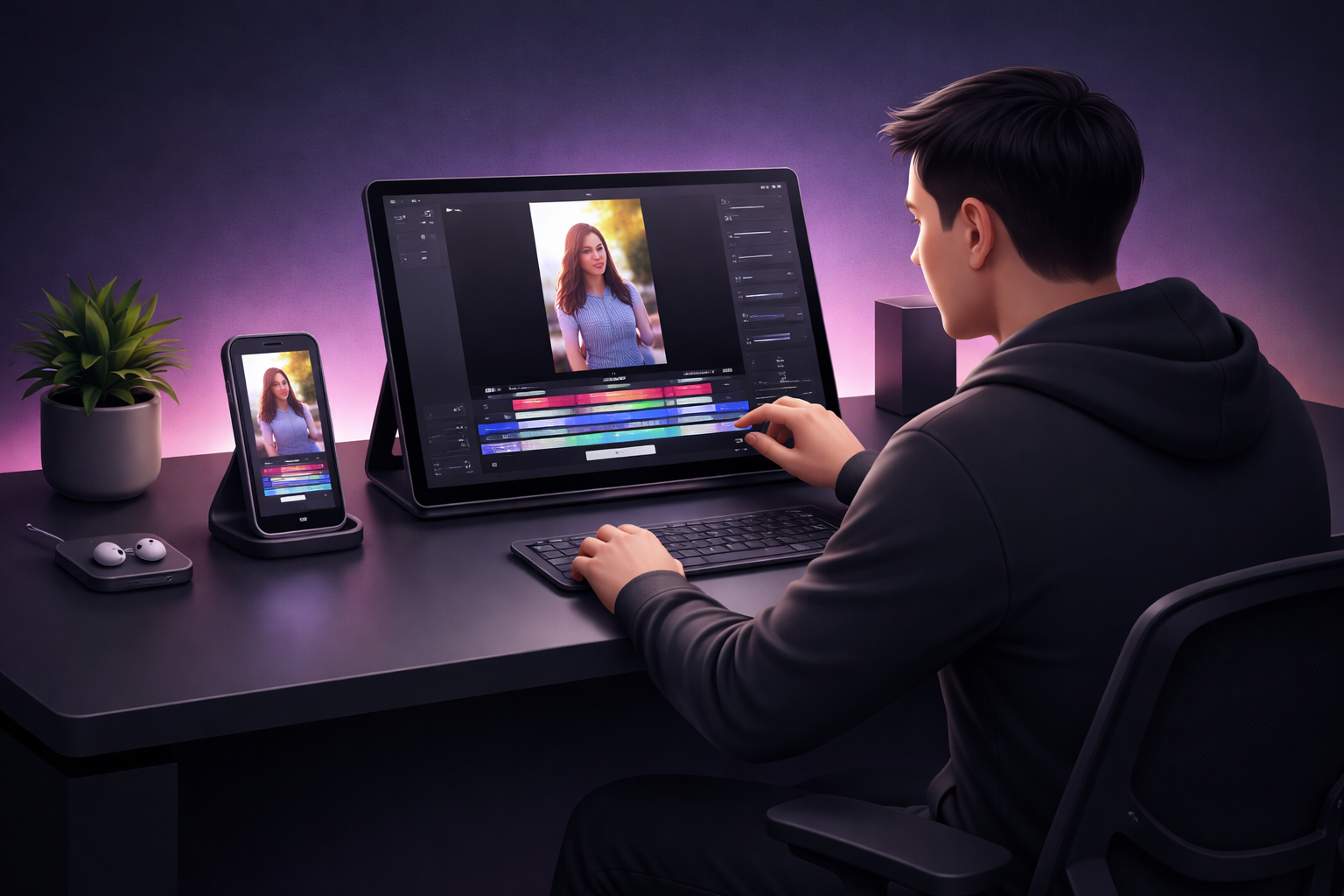
Short-Form Creators
Turn ideas or long videos into Shorts, Reels, and TikToks with captions, B-roll, and music.

Founders & Marketers
Turn webinars, demos, and recordings into polished clips, social posts, and video ads.
Also included with Shorz
Extra tools to create, package, and publish faster.
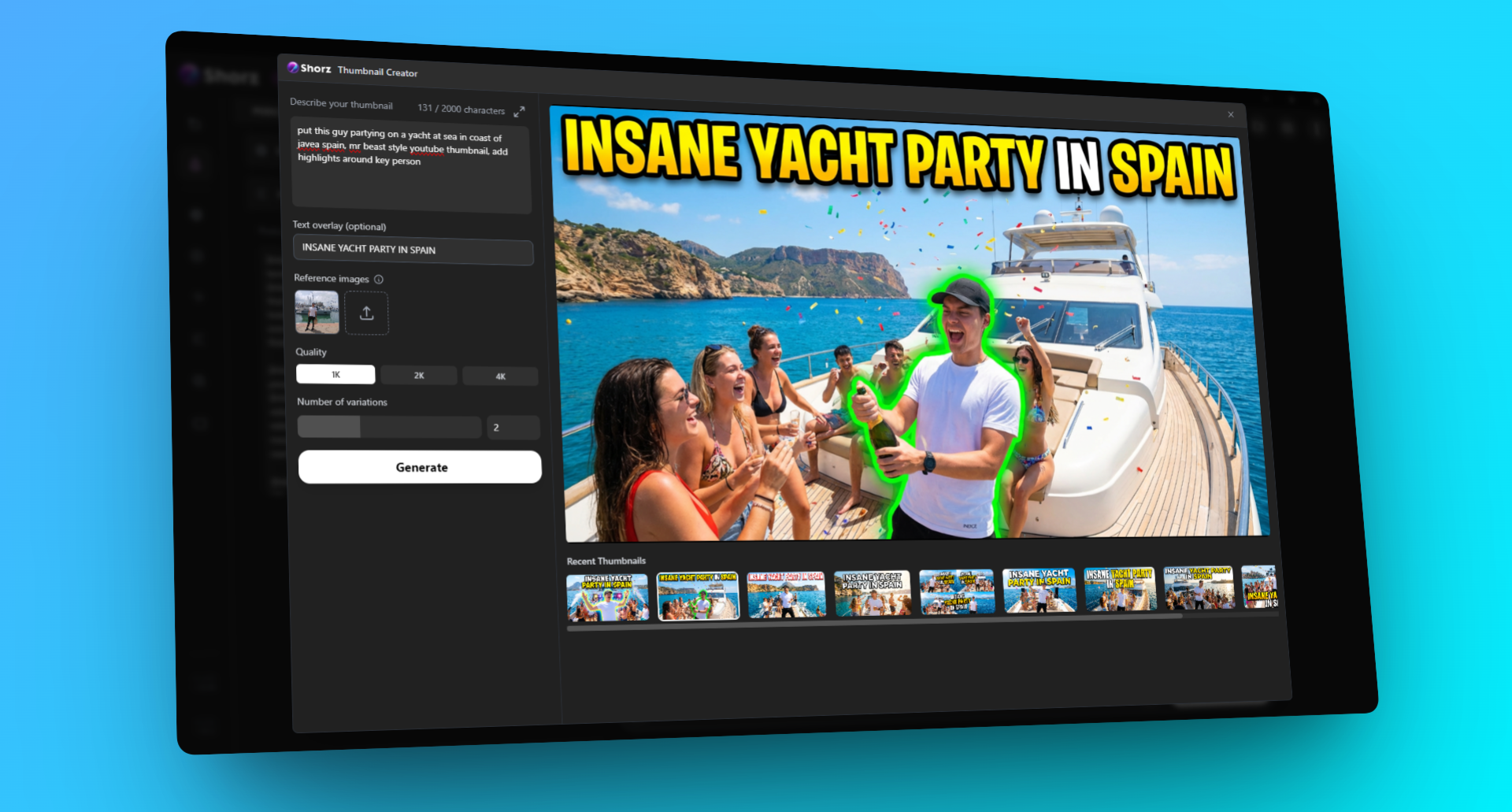
Thumbnail Creator
Generate click-worthy YouTube and Shorts thumbnails from a prompt or reference image.
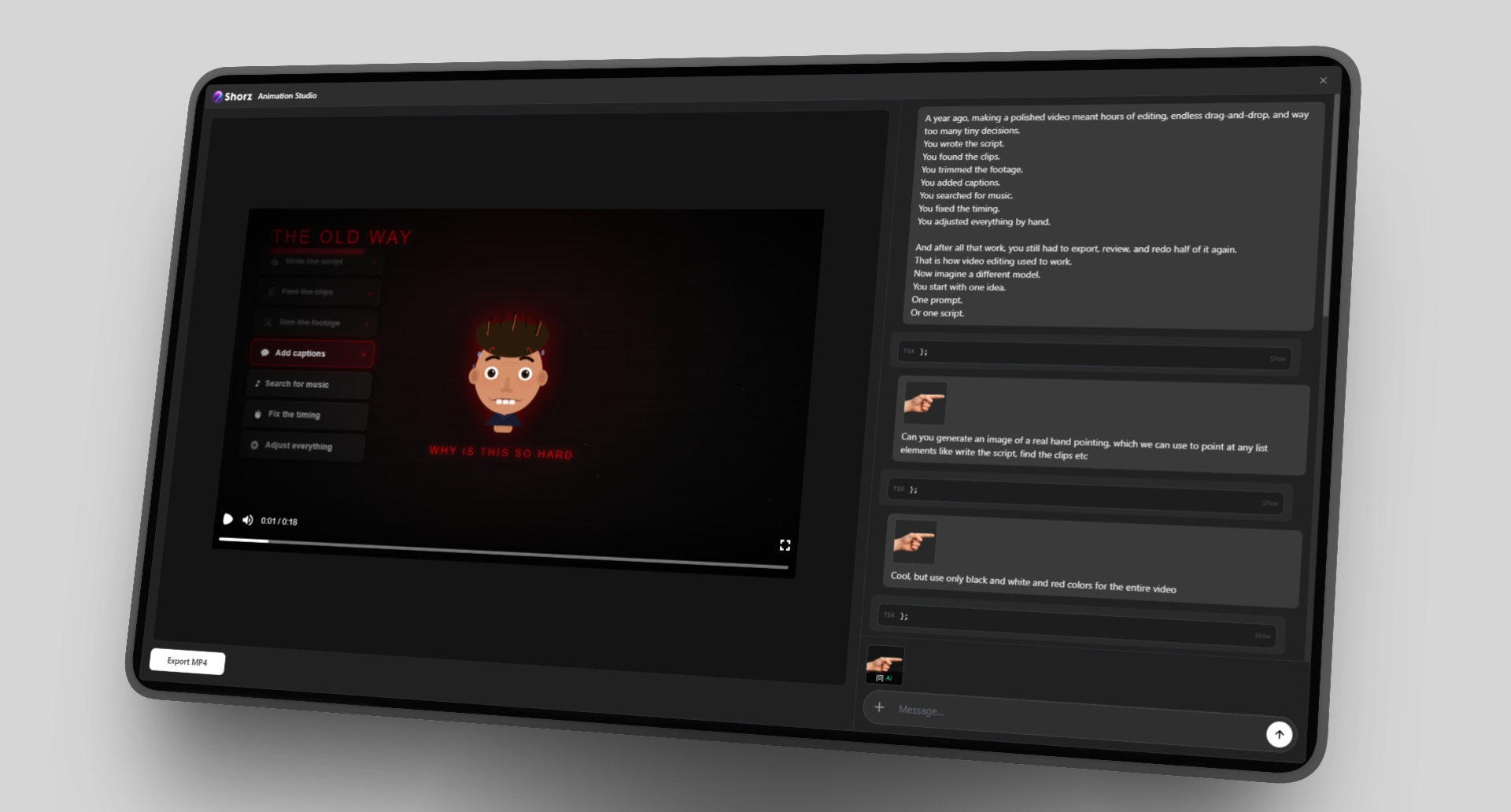
Animation Studio
Prompt animated scenes and preview the video live as Shorz builds it.
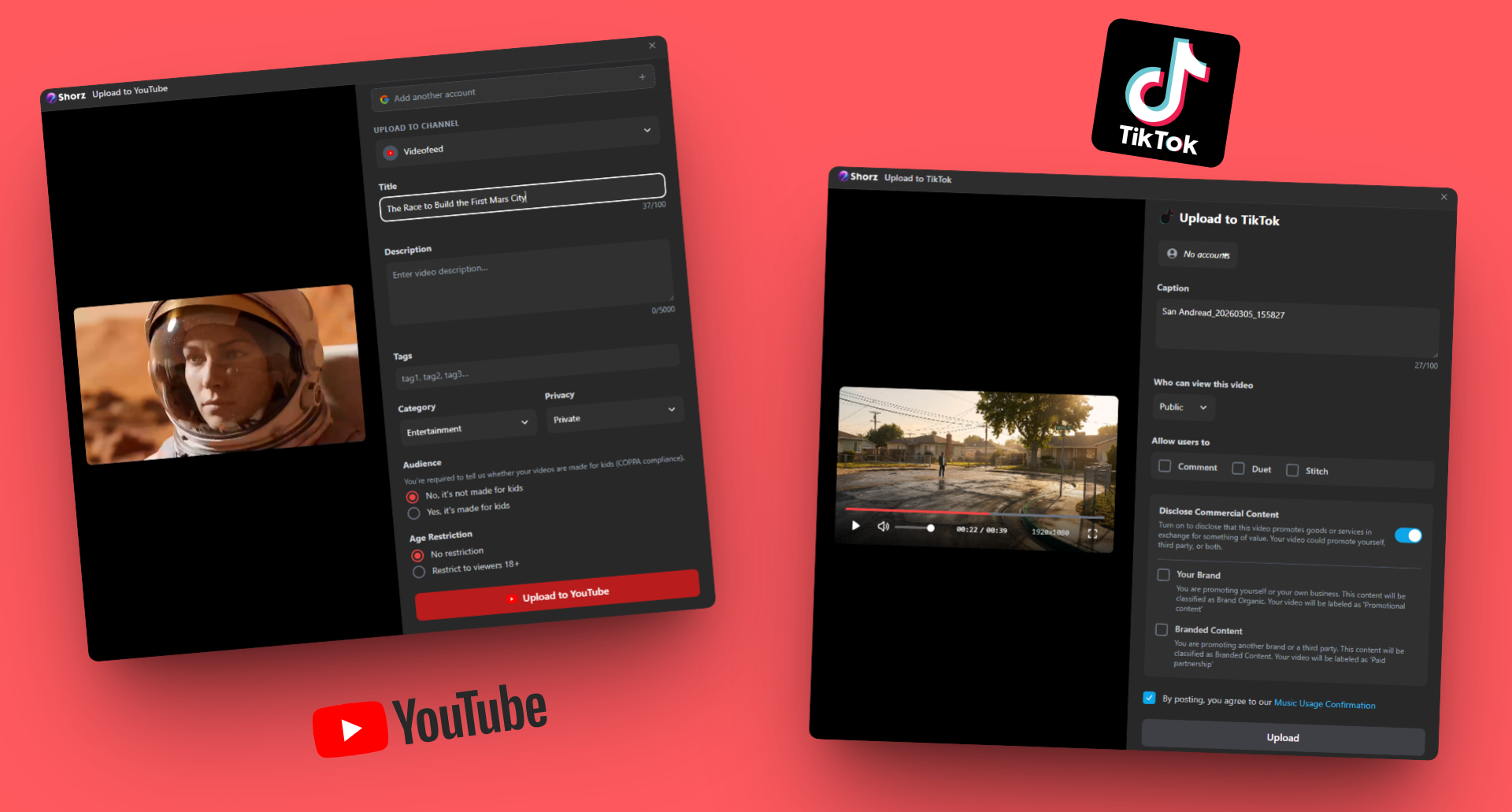
Direct Uploads
Publish to YouTube or TikTok without leaving Shorz. Review titles, captions & settings in-app.
Pay once. Own Forever🎉
No expensive monthly subscription. Start free, then upgrade once to remove the watermark and unlock commercial use.
Shorz Free
Best for trying Shorz free
- Full app access
- Try all core workflows
- Watermarked exports
- Personal use
Shorz Lifetime
Best for serious creators and client work
- No watermark
- Commercial use
- Direct upload to YouTube & TikTok
- One-time payment
- License key delivered instantly
- Locked to 1 computer
No watermark. Commercial use unlocked.
Your questions, answered
Getting Started
Yes — you only need 1 AIML API key to start using Shorz. It acts as the connection Shorz uses to access the AI models behind script-to-video, auto-editing, subtitles, image generation, and other workflows. You add it once during setup, and then Shorz uses it in the background. ElevenLabs is optional and only needed for premium voice features. Shorz uses your own AIML API key so you can pay for AI generation based on usage instead of a large monthly subscription.
Shorz uses your own AIML API key and credits for generation, so cost depends on the models and workflows you use. You stay in control of usage and spend.
The free version lets you use all Shorz workflows with your own API key. Free exports include a watermark. Youtube/Tiktok uploads are limited to Lifetime License users.
The setup file downloads instantly. The full app is about ~1.6 GB, and installation usually takes around 10–20 minutes depending on your connection.
No. Shorz is designed to remove manual editing work, so you can create videos by simply describing the edit instead of using a complex timeline.
Traditional editors require manual cutting and timeline work. Shorz lets you describe the edit and handles the heavy lifting automatically.
Yes — the Lifetime license includes commercial use. The free version is mainly for testing and includes a watermark.
Yes. You can guide the output through your prompt, workflow choices, and editing instructions.
After purchase, you receive your license key instantly. Enter it in the app to unlock watermark-free exports and commercial use.
Not yet. Shorz is currently available for Windows.
Still have questions? info@shorz.ai
Ready to stop editing
by hand?
Start now and see how fast Shorz turns ideas into finished videos for YouTube, TikTok, Instagram, Threads & Facebook.
Windows app1 AIML API keyQuick setup