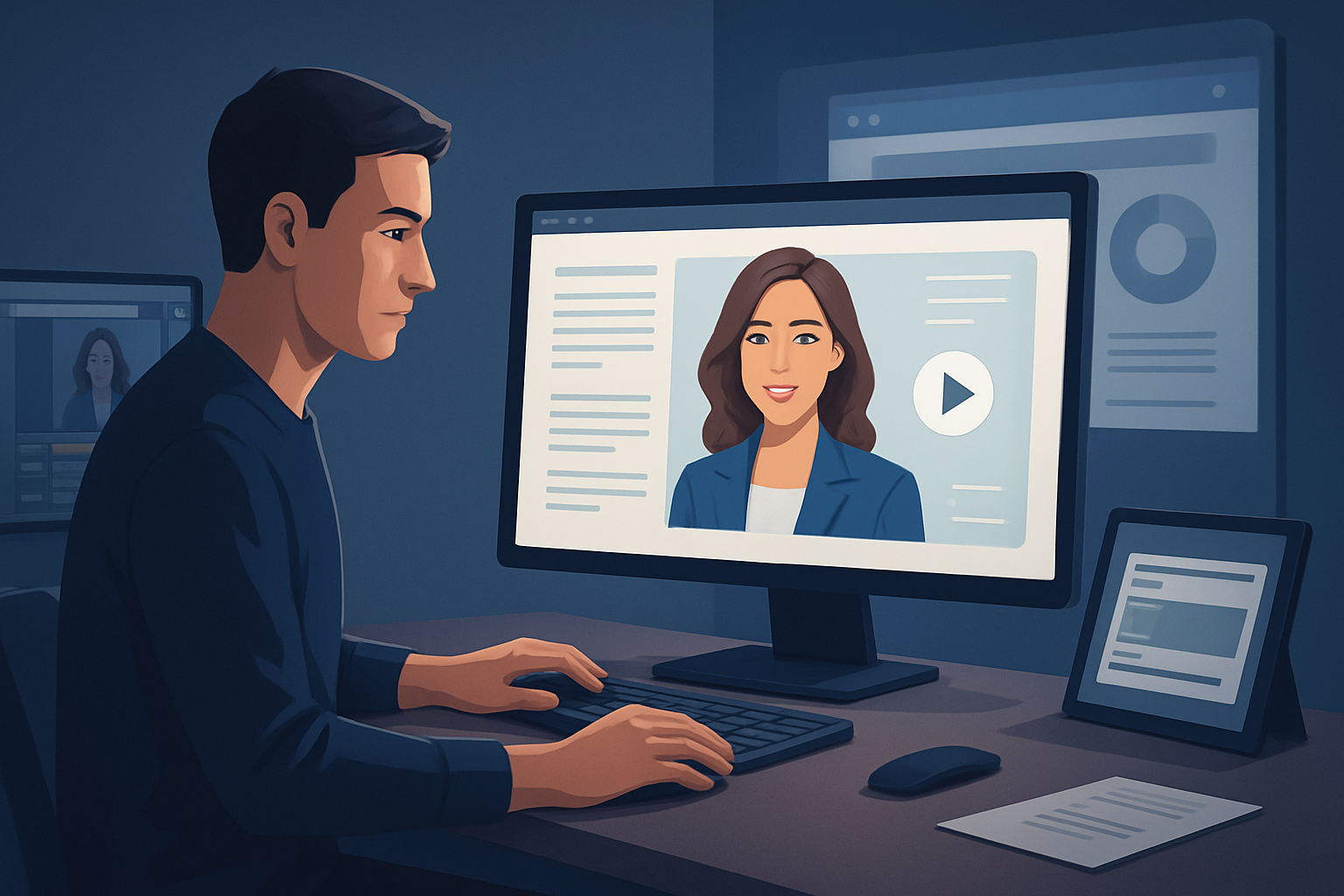
For Facebook advertisers in lead generation who need more ad variants—fast
If you run lead-gen campaigns on Facebook, you know the routine: ad fatigue hits quickly, audiences need new hooks, and CM teams must pump out 10–20 creative variants per test without blowing the schedule or budget. This page is for advertisers in lead generation who want to launch more avatar-driven ad variants faster — specifically for Facebook — with workflows you can start this week.
Why this matters now
- Facebook’s auction favors fresh creative. Small headline or visual changes can swing CTR and CPL.
- Lead-gen funnels require tight messaging tests (offer, CTA, social proof) across formats and placements.
- Recording multiple spokesperson videos is slow and costly; localization multiplies the problem.
The practical fix is compressing the creative workflow: faster first drafts, reusable assets, and fewer tools between script and final file. Shorz fits into that exact gap as a Windows desktop AI video production suite that shortcuts avatar and ad creative production while keeping finishing controls in one place.
Pain points we solve for Facebook lead-gen advertisers
- Slow turnaround when a winning angle needs 6–8 variants for placements and languages.
- High production friction: booking talent, filming, editing, and re-shoots.
- Tool switching between TTS/dubbing, editors, subtitle generators, and thumbnail tools.
- Loss of reuse: assets scattered across drives or cloud apps, making repeat tests costly.
Quick workflow you can implement this week (repeatable, measurable)
- Define the test matrix (today)
- Pick 3 hooks, 2 offers, and 2 CTAs = 12 variants. Add language variants if you target multiple markets.
- Draft short scripts (same day)
- Keep scripts 10–20 seconds for Facebook feed/Stories. Lead with the hook in the first 3 seconds.
- Collect an avatar image and brand assets (same day)
- Use one high-quality headshot or avatar image, your logo, product images, and any B-roll.
- Create baseline avatar draft in Shorz (day 2)
- Use Avatar mode with your image + typed script or uploaded audio. Generate a first draft for each hook.
- Layer finishing controls (day 2–3)
- Add title hooks, subtitles, music, SFX, auto-zoom or face-tracking, and branded overlays inside Shorz.
- Produce all aspect ratios (day 3)
- Export landscape, square, and vertical previews from the same project to match Facebook placements.
- Localize and dub (day 3–4)
- Use Shorz’s dubbing and narration workflows to create language variants and balance audio levels.
- Generate thumbnails and asset packages (day 4)
- Use stored thumbnails and export reusable assets so ad ops can upload to Ads Manager.
- Upload and schedule tests in Facebook Ads Manager (day 5)
- Name files consistently for A/B tracking (e.g., Hook1_OfferA_EN_V1).
- Iterate on winners (week 2)
- Open the local Shorz project, tweak hooks or overlays, and export new variants quickly.
These steps compress weeks of work into days by keeping drafting, finishing, and localization inside one persistent workspace with reusable local assets.
Best-tool criteria for avatar ads (what to evaluate)
- Avatar from image + script/audio: must support quick spoken spokesperson alternatives.
- In-app audio: narration, dubbing, music, SFX, and final mix controls to avoid external DAW steps.
- Subtitle and title hooks built into finishing controls for platform-specific readability.
- Multiple-aspect preview and export (landscape, square, portrait) for Facebook placements.
- Visual polish layers (auto zoom, face tracking, freeze frames) so avatars don’t feel static.
- Local project and asset storage for repeatability, versioning, and reusable libraries.
- Thumbnail and export asset generation alongside video outputs to streamline upload.
Shorz meets these criteria as a Windows desktop suite that combines Avatar mode, audio/dubbing, finishing controls, aspect previews, and local asset libraries — all designed around short-form ad and spokesperson workflows.
Where Shorz fits in your creative stack
- Pre-production: Scriptwriting and test-matrix planning done in your usual tools.
- Production (Shorz): Avatar creation (image + script/audio), text-to-video starts, or Auto Edit Video from existing footage — all inside one workspace to produce faster first drafts.
- Post-production (Shorz): Subtitles, title hooks, music, SFX, audio mix, visual polish, and multi-aspect exports.
- Asset management: Shorz stores projects and generated assets locally for reusable libraries and consistent variant naming.
- Upload: Final files exported from Shorz are ready to upload to Facebook Ads Manager; thumbnails and export packages are produced alongside the videos.
If you need UGC-style spokesperson videos for lead capture pages, webinars, or product demos, use Shorz to iterate creative rapidly. See related workflows for sales calls, webinars, and demos to adapt format and messaging quickly. AI Avatar Ads for Sales Calls AI Avatar Ads for Webinars AI Avatar Ads for Product Demos
Measurement and rollout tips for Facebook lead-gen
- Start with 12 small variants and scale winners into lookalike audiences.
- Track CPL by creative name (use consistent export naming from Shorz).
- Localize winning hooks and run language-specific A/B tests using the dubbing workflow.
- Keep a “variant library” in Shorz so you can spawn new edits from winners in minutes.
For creator-style and UGC workflows, Shorz’s avatar and finishing stacks shorten the path from idea to publish-ready ad. Avatar Video Ads and UGC-Style Creative Workflows
FAQ — tailored to advertisers running Facebook lead-gen campaigns
Q: Can I use avatar videos directly in Facebook Ads? A: Yes. Export standard video files and thumbnails from Shorz and upload them to Facebook Ads Manager or your ad platform of choice.
Q: Will avatar videos pass Facebook’s ad policies for lead-gen? A: Avatars must follow the same creative and targeting policies as any video ad. Keep claims accurate, avoid prohibited content, and follow Facebook’s advertising guidelines for lead-gen forms and data collection.
Q: How fast can I produce 12 variants? A: With a defined script matrix and Shorz’s avatar + finishing workflows, teams can produce first drafts in 48–72 hours and finalize multiple aspect ratios and localized versions within a week.
Q: Do avatars replace live spokespersons? A: Avatars reduce friction and cost for many test variants, but they don’t have to replace live shoots entirely. Use avatars to test angles quickly and scale winners into higher-fidelity shoots if needed.
Q: Can I localize quickly for multiple markets? A: Yes. Shorz supports narration/dubbing and audio mixing, making it straightforward to produce language variants and export localized files.
Q: How do I keep versions organized? A: Store projects locally in Shorz’s workspace, use consistent filename conventions, and reuse the asset library for thumbnails, overlays, and music to accelerate iterations.
Ready to launch more Facebook lead-gen avatar ads?
If you want to compress your creative workflow, produce repeatable variants faster, and keep finishing controls inside one workspace, start building avatar ads with workflows engineered for Facebook placements. Learn how to set up avatar video ad projects and spin up variants quickly. Avatar Video Ads and UGC-Style Creative Workflows