
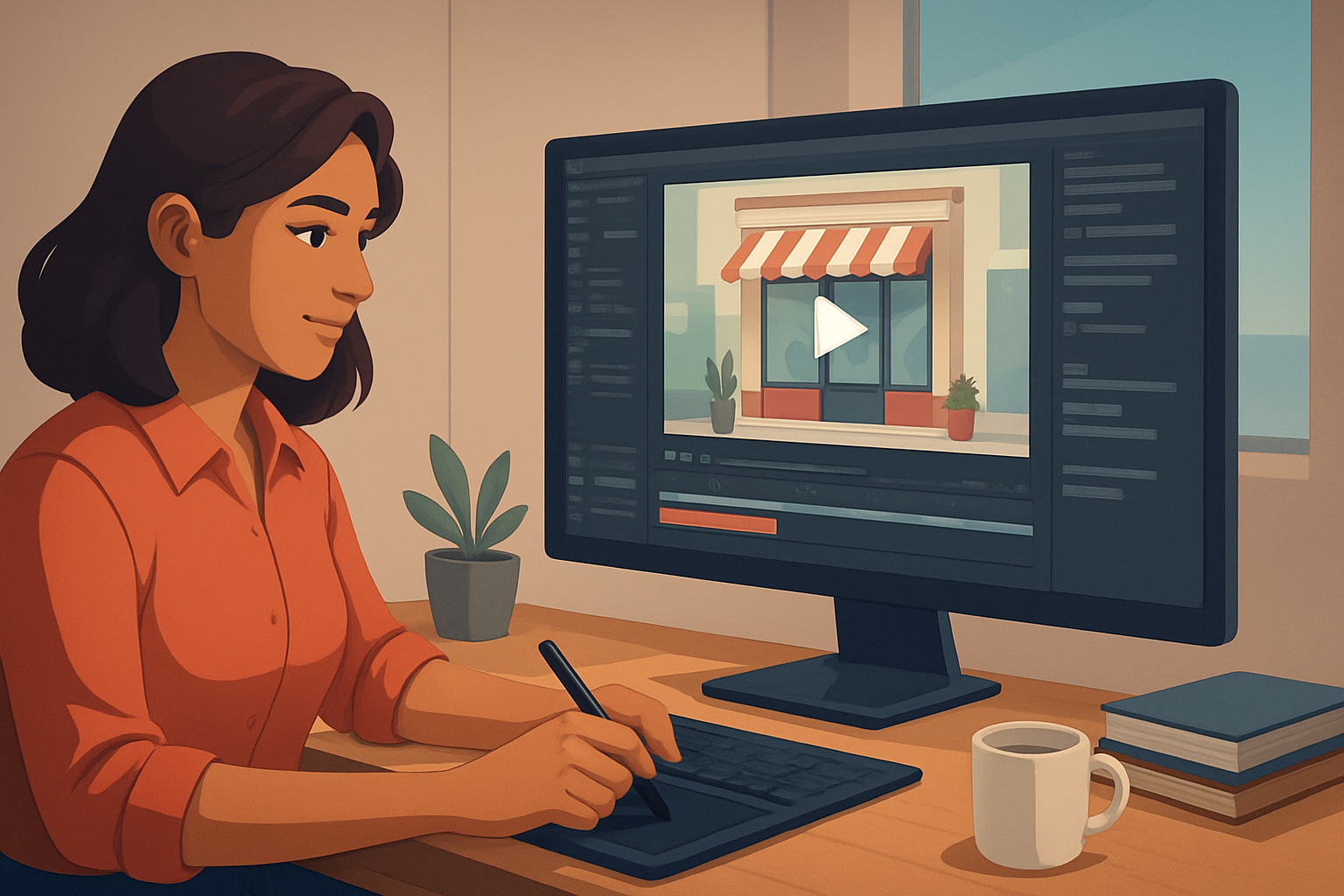

For local business creators on TikTok: hooks that actually convert foot traffic and bookings
You run a local business and you make your own videos for TikTok. Your goals are specific: show your space, explain a service in 15–30 seconds, and get viewers to call, book, or walk in. Your pain points are also specific: short attention spans, vertical-format constraints, inconsistent branding across videos, and too many small edits eating your time.
This page gives a short-form workflow you can implement this week to produce repeatable, publish-ready TikToks with hook-first editing, subtitle packaging, and thumbnail assets — without hopping between a dozen apps.
Why this workflow matters now for local businesses on TikTok
TikTok rewards quick, native-feeling videos that hook in the first 1–3 seconds. For local businesses, that means the content must simultaneously:
- Communicate trust (show the location, team, or results)
- Show a clear next step (call, book, visit)
- Fit vertical format and trend cadence
You need a production loop that gets you from raw footage or a simple script to multiple publish-ready variants (portrait for TikTok, square for Reels, thumbnail for discovery), fast. That’s where a workflow designed around short-form finishing — not just first drafts — pays off.
Practical workflow you can run this week (7 steps)
Decide 5 repeatable hooks (Monday)
- Examples: “3 ways we fix X in 30 seconds,” “Before → 10 days after,” “The secret only locals know,” “Here’s a quick cost breakdown,” “Book today and save.”
- Keep each hook to a single sentence you can say on camera.
Batch shoot 10–15 vertical clips (Tuesday)
- Film 10–30 second takes: quick intro line, one demonstration shot, a clear call-to-action card (phone number, booking link).
- Capture extra B-roll: storefront, menu, tools, hands-on action.
Import and organize into a local asset library (Wednesday)
- Use a single workspace to import footage, logos, and music into one reusable project library.
- Tag assets by location, offer, and hook so you can reuse them next week.
Auto-edit first drafts (Wednesday afternoon)
- Run an Auto Edit Video project to create fast draft cuts from your takes and B-roll.
- Let AI produce a first cut, then use finishing controls to tighten the first 3 seconds and add a title hook.
Apply social-native finishing layers (Thursday)
- Add subtitle design, a bold title hook over the first frame, and a branded border.
- Use auto zoom and face tracking to keep the subject centered in portrait crops.
- Swap or add B-roll where the main clip needs visual proof.
Generate thumbnails and export variants (Friday)
- Generate portrait exports for TikTok, square for cross-posting, plus a thumbnail asset stored with the project.
- Export with optimized volume mixing and a short sound bed.
Schedule and iterate (Weekend)
- Post one hook per day for a week. Track which hooks drive bookings or calls and repeat the best performers.
- Reuse the same asset library and project history to create fresh variants faster.
Each step compresses bottlenecks: faster first drafts, repeatable output, and reusable assets inside one local workspace.
Best tool criteria for local business creators (and how Shorz fits)
When you pick an editor for local-TikTok production, prioritize:
- Fast first drafts from footage and scripts
- Built-in finishing layers (titles, subtitles, B-roll, overlays)
- Portrait-first preview and export
- Persistent local asset storage and reusable libraries
- Thumbnail generation and publishing helpers for TikTok/YouTube
- Controls to polish (auto zoom, face tracking, freeze frames)
Shorz matches these needs as a Windows desktop AI video production suite. It combines Auto Edit Video, Text-to-Video, Avatar, and Podcast project types so you can start from footage or a script and move to publish-ready video inside one persistent workspace. Shorz stores projects and generated assets locally for repeat work and reusable libraries, and it includes subtitle and title-hook systems, B-roll and overlay controls, auto zoom and face tracking, and export previews for portrait, square, and landscape. That makes it a workflow-focused option rather than just a raw generator.
If you want examples of hook frameworks used in other niches, see these tailored posts:
- Best YouTube Shorts Hooks for Real Estate Creators
- Best YouTube Shorts Hooks for SaaS Creators
- Best YouTube Shorts Hooks for Finance Creators
Where Shorz sits in your stack
- Capture: phone or camera — shoot vertical takes and B-roll.
- Local editing & finishing: import into Shorz (Auto Edit Video or Text-to-Video depending on whether you’re starting from footage or a script). Use the asset library and finishing tools to produce publish-ready variants.
- Scheduling/distribution: export portrait and square files plus thumbnails from Shorz, then upload to TikTok and cross-post with your scheduling tool. Shorz compresses the edit + finishing loop, reducing tool switching and giving you reusable assets for weekly production.
Quick checklist to run this week
- Pick 5 hooks and write 5 one-line scripts.
- Film 10 vertical clips and 10 B-roll shots.
- Import assets into one Shorz project and run Auto Edit for fast drafts.
- Apply subtitles, title hooks, and thumbnail generation.
- Export portrait + square, then publish one daily hook for 5 days.
FAQ (local business creators on TikTok)
Q: How long should a TikTok hook be? A: Aim for a 1–3 second visual hook and a 3–15 second message. Use your first frame for a bold title hook and the first 3 seconds to show the problem or outcome.
Q: Can I repurpose the same project for Instagram Reels and YouTube Shorts? A: Yes. Preview in portrait and square inside the same project, then export both variants. Store thumbnails in the same project for each platform.
Q: I don’t want to be on camera — can I still make effective hooks? A: Use Text-to-Video or Avatar project types to create faceless content, then layer branded overlays, B-roll, and subtitles to make it feel local and authentic.
Q: How do I keep branding consistent across videos? A: Keep a reusable asset library of logos, borders, fonts, and music within your Shorz project. Reuse title-hook templates and subtitle styles to stay consistent.
Q: Does this workflow work for service-based businesses (salons, clinics, restaurants)? A: Yes. Focus hooks on quick transformations, menu highlights, or process snippets. Store before/after photos and demo clips in the asset library for rapid assembly.
Q: Do I need other tools? A: Use a scheduling/publishing tool for timed posting and analytics. Shorz handles the core production, finishing, and thumbnail generation so you export publish-ready files.
Ready to compress your TikTok production loop?
Start turning raw footage and one-line hooks into publish-ready TikToks with faster first drafts, reusable assets, and built-in finishing controls. Learn more about the workflow and AI video editors here: What Is an AI Video Editor?
Want to dive in now? Export polished portrait videos, thumbnails, and reusable libraries from a single Windows desktop workspace and publish more this week. What Is an AI Video Editor?


