
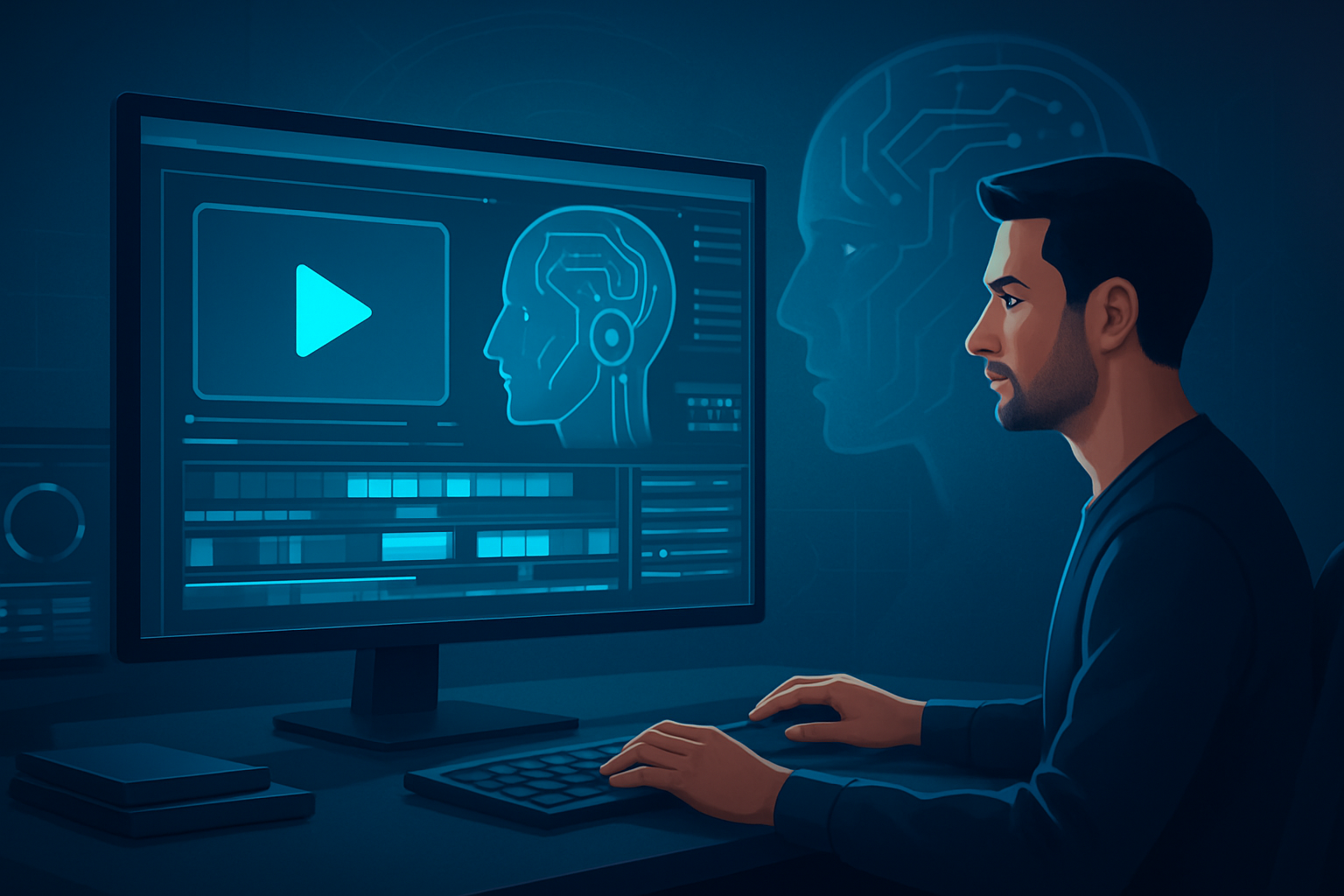

AI video editing leverages advanced algorithms and machine learning techniques to automate and enhance various aspects of the video editing process. By analyzing footage and identifying key elements, AI tools can suggest cuts, transitions, and even music that fit the mood of the content. This technology not only speeds up the editing workflow but also empowers creators to produce higher-quality videos without needing extensive editing skills. Tools like Shorz take advantage of AI capabilities, offering features that streamline the editing process while ensuring professional results.
How Does AI Video Editing Work?
AI video editing operates through several core processes that analyze visual and audio elements in raw footage. At a high level, here's how it works:
- Footage Analysis: The AI examines the video to identify scenes, objects, actions, and dialogue.
- Content Tagging: It categorizes these elements based on predefined parameters, such as emotion, setting, or style.
- Automated Editing: Using learned patterns and user preferences, the AI proposes edits that enhance storytelling, such as recommending cuts and transitions.
- User Input: Creators can review suggestions and make adjustments, ensuring the final product aligns with their vision.
These processes reduce the time creators spend on mundane editing tasks, allowing them to focus on the creative aspects of their videos.
Benefits of Using AI Video Editing
1. Speed and Efficiency
AI can drastically reduce editing time. By automating repetitive tasks like scene detection and audio mixing, creators can produce content faster than traditional editing methods would allow.
2. Enhanced Creativity
AI tools can suggest creative edits based on data from successful videos, inspiring editors to explore new ideas and styles they might not have considered.
3. Consistency
Machine learning algorithms are trained on thousands of videos, which means that the suggestions are based on proven methods that ensure a consistent output in terms of quality.
4. Accessibility
Even novice editors can benefit from AI video editing. Tools like Shorz provide user-friendly interfaces, making it easier for anyone to create professional-looking videos quickly.
Key Features of AI Video Editing Tools
AI-Powered Suggestions
Most AI video editors analyze your footage and offer suggestions for cuts, transitions, and effects based on style and pacing analysis.
Automated Scene Detection
AI can automatically detect different scenes or shots in your footage, allowing you to focus on the ones that matter most.
Smart Audio Management
Some tools can even analyze audio cues, removing unwanted noise and balancing sound levels for a polished final cut.
Integration with Existing Tools
AI video editing platforms often integrate seamlessly with other software, enhancing your existing workflow without a steep learning curve.
Checklist for Effective AI Video Editing
To make the most of AI video editing tools, follow this checklist:
Choose the Right Tool: Select an AI video editor that meets your needs—consider features, ease of use, and pricing. What Is an AI Video Editor?
Upload Quality Footage: High-quality input will yield better results. Ensure your footage is well-lit and clearly captures the intended subject.
Review AI Suggestions: Always scrutinize the automatic edits and suggestions made by the software. Make adjustments based on your creative vision.
Add Personal Touches: Utilize AI for efficiency but ensure personal elements are incorporated for authenticity.
Experiment with Styles: Use various editing styles suggested by the software to find what resonates most with your audience.
Feedback Loop: After publishing, gather viewer feedback and refine your editing style for future projects.
Practical Uses of AI Video Editing in Content Creation
Creators across various genres can leverage AI video editing tools for a myriad of purposes:
Vlogs and Personal Content
Automate the editing of travel vlogs or personal stories, allowing more time for content creation than for technical details.
Marketing Videos
AI tools can edit promotional material quickly, enabling marketers to adapt to new trends and insights in real time.
Educational Content
Create instructional videos more efficiently. AI can help by recommending the clearest cuts to maintain viewer engagement.
Social Media Clips
Generate short, impactful clips for platforms like Instagram and TikTok using AI to optimize content for audience engagement.
Event Highlights
For sports or events, AI can compile highlights by analyzing game footage, saving hours of manual editing.
When to Choose Shorz as an AI Video Editor
For creators looking to harness the benefits of AI video editing, Shorz stands out with its intuitive interface and powerful features. Its automated scene detection and content-aware editing make it easy to produce polished videos quickly. Whether you’re a vlogger, marketer, or educator, Shorz is a valuable tool in your editing arsenal, allowing you to focus on creativity while the AI manages the technical details.
Next Steps
Ready to take your video editing to the next level? Explore how Shorz can streamline your video creation process and amplify your storytelling capabilities. Visit AI Video Editor for Faster Production to start today!


