
Quick framing
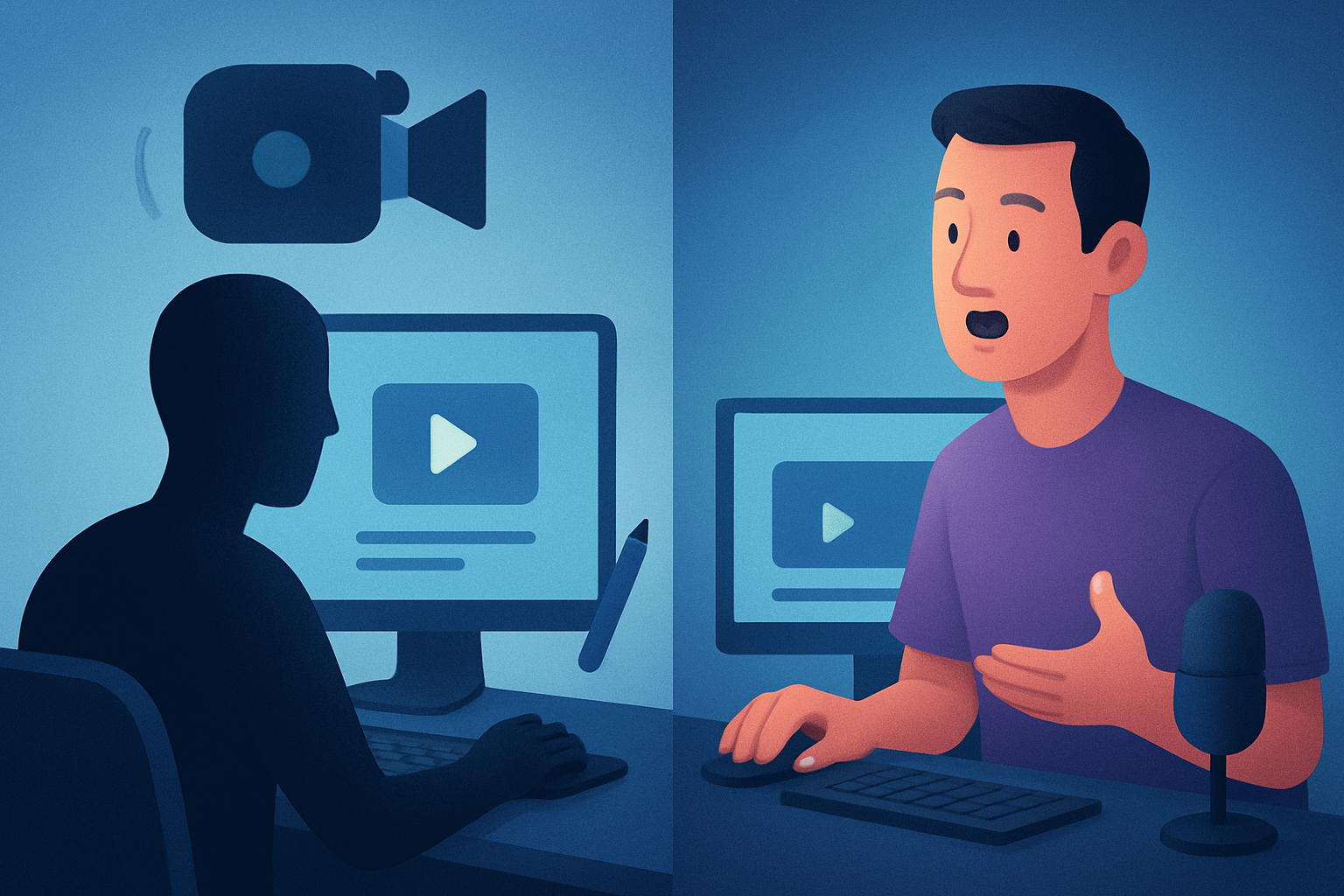
Choosing between a faceless YouTube channel and a talking-head channel is a strategic decision for creators, not a technical one. Both formats can reach large audiences, monetize, and support brands — but they require different workflows, skills, and production patterns. Below is a practical, fair side‑by‑side comparison to help you pick the best fit for your goals, speed needs, and team model.
Who each format is for
Faceless YouTube
- Script-first creators who prefer voiceover, animation, or stock/AI-generated visuals.
- Education channels, explainers, listicles, compilation or repurposing channels.
- Teams or solo creators who want repeatable, scalable production without being on camera.
Talking-head channels
- Personality-driven creators, coaches, vloggers, and experts who build trust through on-camera presence.
- Creators focused on personal brand, authenticity, and direct audience connection.
- Projects where live reaction, demonstration, or face-to-camera persuasion matters.
Feature and workflow differences
Pre-production
- Faceless: centered on scripts, style references, and asset selection (voiceover, stock clips, AI visuals).
- Talking-head: centered on shot planning, lighting, teleprompter scripts, and on-camera rehearsals.
Production
- Faceless: can use narration recording, text-to-video, or avatars; less on-location gear.
- Talking-head: requires camera, mic, lighting, makeup, and takes per shoot.
Editing & finishing
- Faceless: assemble narration, B-roll, motion graphics, subtitles, hooks, and thumbnails.
- Talking-head: cut selects, clean audio, add B-roll/overlays, and insert titles/subtitles.
Publishing
- Both need thumbnails, captions, and aspect-ratio variants; faceless workflows often emphasize templated thumbnails and repeatable hooks.
How a tool like Shorz fits (workflow compression example)
- Shorz combines Auto Edit Video, Text-to-Video, Avatar, and Podcast project types inside a single Windows desktop workspace, letting faceless creators move from script to publish-ready video faster while storing projects and reusable assets locally. For faceless channels this reduces tool switching: script → narration → visuals → subtitles → thumbnail all in one persistent project. See a focused workflow guide here: Faceless YouTube Workflow With Shorz.
Strengths and weaknesses of each
Faceless YouTube
- Strengths: scalable, repeatable, easier to batch-produce, good fit for educational content and ads; easier to localize with voice variants.
- Weaknesses: can struggle to build personal loyalty; visuals must be strong to compensate for lack of on-camera presence; risk of generic feel if assets aren’t consistent.
Talking-head Channels
- Strengths: stronger personal connection, unique personality differentiator, often higher perceived trust; simpler hook if personality is magnetic.
- Weaknesses: less scalable for high-volume publishing, requires on-camera availability and setup, dependent on talent’s schedule and energy.
Best use cases by audience
- Solo creators who want volume and consistency: faceless (replicable templates and asset reuse are helpful).
- Experts building a personal brand (coaches, commentators): talking-head (relationship and trust matter).
- Agencies and marketers running multiple campaigns or clients: faceless for repeatable campaigns and repurposing; talking-head for client-specific personal branding.
- Educators and course creators: faceless works well for scripted explainers and modular lesson assembly.
For B2B or brand contexts, faceless can be efficient for product explainers and scaled content; read more about adapting faceless for B2B here: Faceless YouTube for B2B Brands.
Which one is better for speed
- Short answer: faceless, when you have a repeatable pipeline.
- Why: A faceless workflow that’s script-led and uses reusable assets can batch-produce videos faster. Tools that compress the workflow—script → voice → edit → finish—cut down context switching. Shorz is designed for that kind of workflow compression: it supports text-to-video, avatar and auto-edit entry points, local asset libraries, and shared finishing controls (subtitles, title hooks, B-roll, thumbnail generation), letting creators get faster first drafts and repeatable outputs without jumping between many apps.
For a deeper comparison against other short-format strategies, see: Faceless YouTube vs Shorts Only Strategy.
Which one is better for creators
- Individual creators who prioritize personal brand and community: talking-head.
- Individual creators who prioritize output, course funnels, or SEO-driven evergreen videos: faceless.
- Hybrid approach: many creators mix both — talking-head intros with faceless explainers or repurposed clips. If you plan to lean into scripted, SEO-rich content and want fewer dependencies on on-camera time, faceless workflows with a workspace that keeps projects and assets persistent are attractive. Shorz specifically supports script-to-video and faceless workflows with asset reuse and multi-ratio previews to help creators scale publishing across platforms. For workflow specifics: Faceless YouTube Workflow With Shorz.
Which one is better for agencies or marketers
Agencies and marketers often need scale, consistency, and repeatability — which favors faceless channels.
- Benefits: templated thumbnails, consistent hooks, batch scripts, and predictable visual styles that can be reused across clients.
- Operational fit: storing projects and generated assets locally per client can simplify asset management and versioning.
When to choose talking-head for agencies
- Campaigns centered on a CEO, founder, or influencer where personal persuasion is the KPI.
- High-touch brand work that requires controlled messaging and on-camera authenticity.
For a comparison to automation strategies agencies consider, this is a useful read: Faceless YouTube vs YouTube Automation.
Comparison table (prose-friendly)
- Objective — Faceless: scale, repeatability, SEO-driven evergreen content. — Talking-head: personality, trust, live reaction format.
- Production setup — Faceless: script/voice/asset pipeline, less on-camera gear. — Talking-head: camera, lighting, talent time.
- Speed to first draft — Faceless: faster with scripted workflows and asset libraries. — Talking-head: slower per video due to setup and multiple takes.
- Scalability — Faceless: high (batch scripting and reuse). — Talking-head: medium/low (talent time is bottleneck).
- Audience connection — Faceless: moderate (depends on voice/visual identity). — Talking-head: high (faces build rapport).
- Editing complexity — Faceless: can be automated and templated; finishing matters. — Talking-head: focus on take selection and pacing; finishing still required.
- Tool fit — Faceless: benefits from script-to-video, avatar systems, thumbnail generators, and local asset libraries (examples: Shorz’s combined project types). — Talking-head: benefits from camera-focused editing suites, multicam, and audio repair tools.
Final verdict — honest and clear
If your priority is scaling output, running repeatable workflows, and producing lots of scripted, educational, or repurposed videos across multiple aspect ratios — faceless is typically the better route. Tools that compress the workflow from script to finished asset, store projects and assets locally for reuse, and include finishing controls (subtitles, thumbnails, hooks, B-roll) will speed you up and reduce tool switching. Shorz is a strong fit for this approach because it combines Auto Edit Video, Text-to-Video, Avatar, and Podcast entry points in a single Windows desktop workspace, supports persistent local projects and asset libraries, and provides shared finishing systems — helping creators and small teams produce faster first drafts and repeatable outputs.
If your main goal is building a personal brand, deep audience connection, and authenticity, a talking-head channel is usually better. It demands more on-camera time and logistical overhead, but the payoff in loyalty and unique voice can be worth it.
Both formats can coexist in the same channel. Many successful creators use talking-head moments for community and faceless modules for scale.
Ready to try a faceless workflow that prioritizes repeatability, faster first drafts, and integrated finishing? Explore a faceless workflow built with Shorz here: Faceless YouTube Workflow With Shorz.