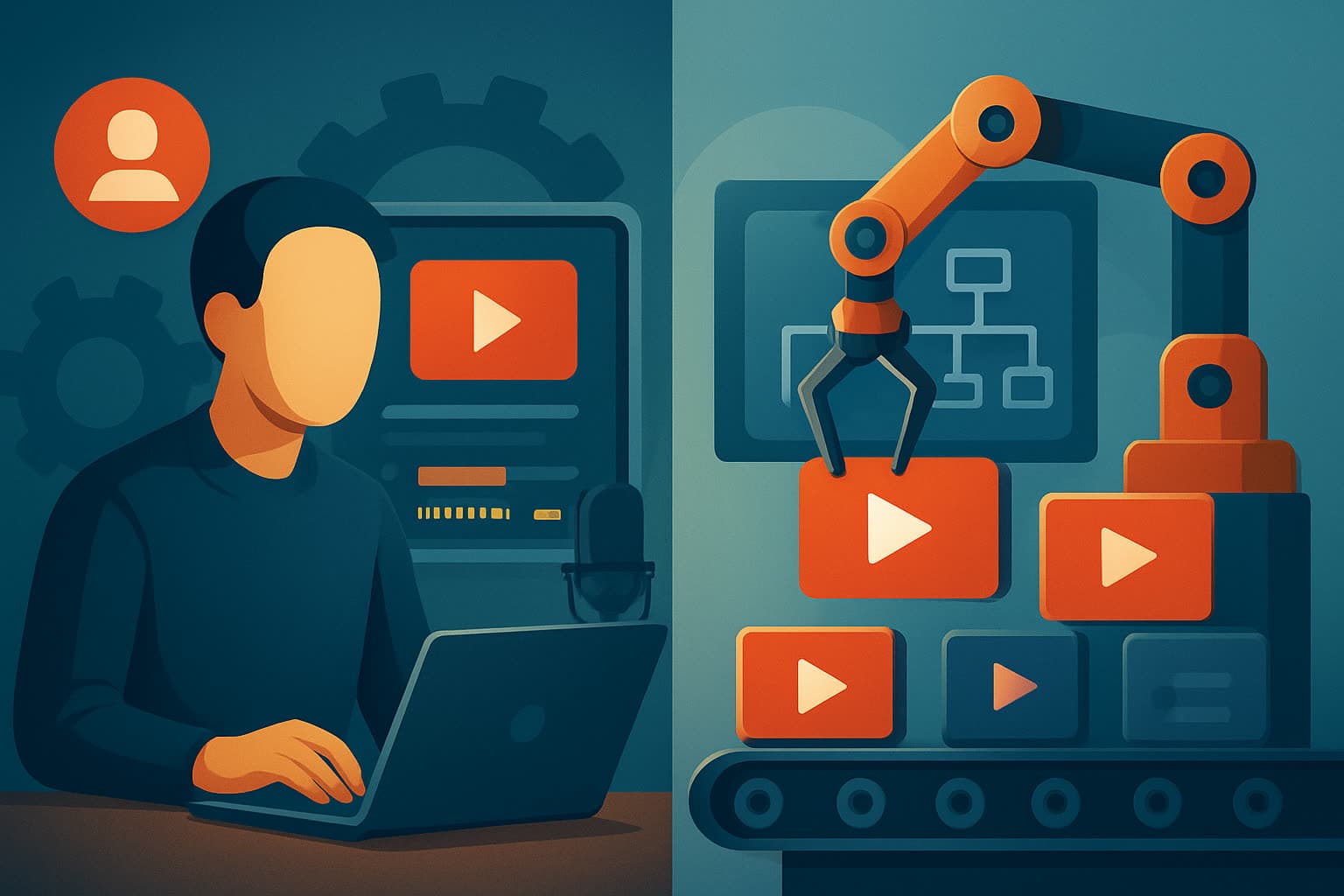
Quick framing: what we mean by each term
- Faceless YouTube: a channel style and production approach that avoids on-camera hosts. Content is made from scripts, voiceovers, avatars, footage, animations, and text-driven visuals. It’s a workflow choice (often scripted, repeatable, and template-driven) rather than a single tool.
- YouTube Automation: a business model and operations approach that scales channels by automating or outsourcing the steps of production, publishing, and sometimes optimization. Teams, SOPs, batch work, and tools are combined to treat channels like systems.
These approaches overlap: many automated channels are faceless, and many faceless creators use automation tools. Below is a practical, fair comparison to help creators choose.
Who each approach is for
Faceless YouTube is for:
- Solo creators who prefer not to appear on camera.
- Educators and course creators who want consistent scripted explainers.
- Niche creators who need repeatable templates and visual consistency.
- Creators focused on short-form, ads, explainers, and repurposing content.
YouTube Automation is for:
- Operators who treat channels as scalable businesses.
- Agencies and marketers running multiple channels or clients.
- Creators who want to outsource editing, voiceovers, and publishing.
- Teams that prioritize throughput and process over individual creative control.
If you want a single, repeatable workspace to produce faceless videos quickly, a desktop AI tool like Shorz (Windows desktop AI video production suite) is built specifically around that workflow. For more on faceless workflows with Shorz, see Faceless YouTube Workflow With Shorz.
Feature and workflow differences
Inputs and entry points
- Faceless DIY tools: start from scripts, uploaded audio, images, or footage. Shorz supports four entry points — Auto Edit Video, Text-to-Video, Avatar, and Podcast — so you can begin from footage, a typed script, an avatar + audio, or dialogue files.
- YouTube Automation: typically begins with SOPs, batch scripting, delegated assets, and handoffs between team members (sourcing scripts, voices, editors, thumbnail designers).
Asset management and reuse
- Faceless DIY: local asset libraries and reusable templates matter. Shorz stores projects and generated assets locally for repeat work and persistent project history.
- Automation: tends to centralize assets in team drives and templates, but requires coordination to maintain consistency.
Draft-to-finish workflow
- Faceless DIY tools often combine AI generation with finishing controls so first drafts are editable. Shorz pairs AI generation with finishing layers (subtitles, B-roll, hooks, thumbnails) inside a single workspace.
- Automation pipelines may hand off first drafts to editors for finishing, adding overhead but enabling specialized roles.
Publishing & ops
- Faceless DIY: creator usually handles uploads, metadata, and optimization.
- Automation: can outsource scheduling, analytics, and metadata optimization, which scales publishing but increases management.
Preview and output formats
- Faceless tools aimed at creators preview multiple ratios. Shorz supports landscape, portrait, and square previews, plus thumbnail generation and social helpers for YouTube and TikTok contexts.
Comparison table (prose-friendly format)
| Aspect | Faceless YouTube (DIY, tool-focused — eg. Shorz fits here) | YouTube Automation (outsourced / scale-focused) |
|---|---|---|
| Ideal user | Solo creators, educators, niche channels wanting control and repeatability | Operators, agencies, brands needing scale and delegation |
| Creation entry points | Script-to-video, uploaded footage, avatar + audio, podcast/dialogue formats (Shorz supports these) | SOPs, batch scripts, outsourced editing/voice/video assets |
| Control over final output | High — creator edits drafts and finishing layers | Varies — delegated to editors/managers, less direct control |
| Asset reuse & consistency | Strong when tools store local assets and templates (Shorz stores projects locally) | Requires central asset management and coordination across team |
| Speed per video (first draft -> publish-ready) | Faster first drafts and less tool switching with integrated toolsets like Shorz | High throughput at scale, but coordination can add time per asset |
| Publishing & channel ops | Manual or semi-automated by creator | Can include full-service scheduling and analytics outsourcing |
| Best fit | Creators who want repeatable, polished faceless content with direct control | Businesses or agencies prioritizing volume, delegation, and multi-channel operations |
Strengths and weaknesses of each
Faceless YouTube (DIY with creator tools)
- Strengths
- Creative control and fast iteration from script to publish-ready video.
- Consistent visual identity via style references, reusable libraries, and templateable finishing layers.
- Lower ongoing overhead than full outsourcing.
- Tools like Shorz compress workflow: multiple entry points, AI generation plus finishing, local project storage, and multi-ratio previews.
- Weaknesses
- Still requires hands-on work for strategy, scripting, and uploads.
- Scaling to many channels or extremely high cadence can strain a solo creator’s capacity.
YouTube Automation
- Strengths
- Scales throughput through delegation, SOPs, and specialist teams.
- Can offload time-consuming tasks like editing, voiceovers, and scheduling.
- Useful for agencies or brands managing many channels or campaigns.
- Weaknesses
- Cost and coordination overhead; quality varies by vendor/team.
- Less direct creative control and slower feedback loops for creative pivots.
- Potential challenges maintaining a consistent voice/identity without strong SOPs.
Best use cases by audience
Solo creators & educators
- Best: Faceless DIY tools. If you want repeatable scripts, narration, visual templates, and fast polish inside one environment, a desktop suite like Shorz is a strong fit. See practical faceless workflows: Faceless YouTube vs Talking Head Channels.
Small teams & indie studios
- Blend: Use faceless tools for production and outsource specific tasks where it makes sense. Shorz’s reusable assets and offline project history make handoffs simpler.
Agencies & marketers managing multiple channels
- Best: YouTube Automation. The model of SOPs, specialist teams, and scheduling scales better for volume, though you can still use creator tools for asset production.
Brands and B2B
- Blend: Automation for operations and teams, faceless tools for consistent video production. For B2B faceless strategies, there are dedicated playbooks worth reading: Faceless YouTube for B2B Brands.
Short-form and repurposing workflows
- Best: Faceless DIY tools that preview and export portrait/landscape/square and generate thumbnails. For a focused short strategy, compare faceless tactics vs short-only strategies here: Faceless YouTube vs Shorts Only Strategy.
Which one is better for speed?
- Per-video speed (faster first drafts and fewer tools to switch): Faceless DIY tools like Shorz are often faster. Shorz’s integrated entry points (text-to-video, auto-edit from footage, avatar workflows) and built-in finishing controls compress the path from concept to publish-ready export.
- Aggregate throughput (max videos published per week across channels): YouTube Automation can win if you have a reliable team and processes. Automation scales volume by distributing tasks, but coordination overhead means speed per single iteration may be slower.
In short: for getting individual videos edited and polished quickly, faceless tools (Shorz-style) usually win. For scaling many channels or very high weekly output, automation workflows win if you can manage the team and costs.
Which one is better for creators?
- Solo creators and small teams: Faceless DIY + workflow tools. You keep control, maintain consistency, and speed up drafts and finishing inside one workspace. Shorz is aimed at creators who want fast, repeatable faceless and scripted video production with local asset reuse and multi-format previews.
- Creators who prefer focus on strategy and not production: Automation can be attractive if you have budget to delegate production tasks and want to focus on high-level strategy.
Which one is better for agencies or marketers?
- Agencies and marketers focused on multiple clients and channels often benefit more from YouTube Automation because it allows role specialization, batch deliveries, and centralized ops.
- That said, agencies can use a faceless-focused production tool like Shorz to compress execution time, produce consistent assets, and reduce tool switching within the production team. Shorz’s local asset libraries and repeatable templates are useful inside an agency pipeline that handles publishing and client operations externally.
Final verdict — honest and clear
- Choose Faceless YouTube (with a dedicated production tool) if:
- You are a solo creator, educator, or a small team who wants creative control, repeatability, and faster first drafts with fewer tools to switch between. A Windows desktop AI suite like Shorz is designed to compress faceless workflows by combining script-to-video, avatar, and footage-first editing plus finishing features and local asset reuse.
- Choose YouTube Automation if:
- Your goal is to scale channels across brands or clients, you have budget for teams or vendors, and you prioritize throughput and delegated ops over tight creative control.
If your primary goal is to produce faceless, scripted, or repurposed content quickly while keeping direct control and repeatability, a creator-focused production workspace — not full-service automation — is generally the better fit. To explore a workflow specifically designed for faceless channels (scripts, avatars, subtitles, thumbnails, and multi-ratio previews) try the Shorz faceless workflow guide: Faceless YouTube Workflow With Shorz.
Ready to speed up your faceless video production? Learn how Shorz compresses script-to-publish cycles and reusable assets: Faceless YouTube Workflow With Shorz.