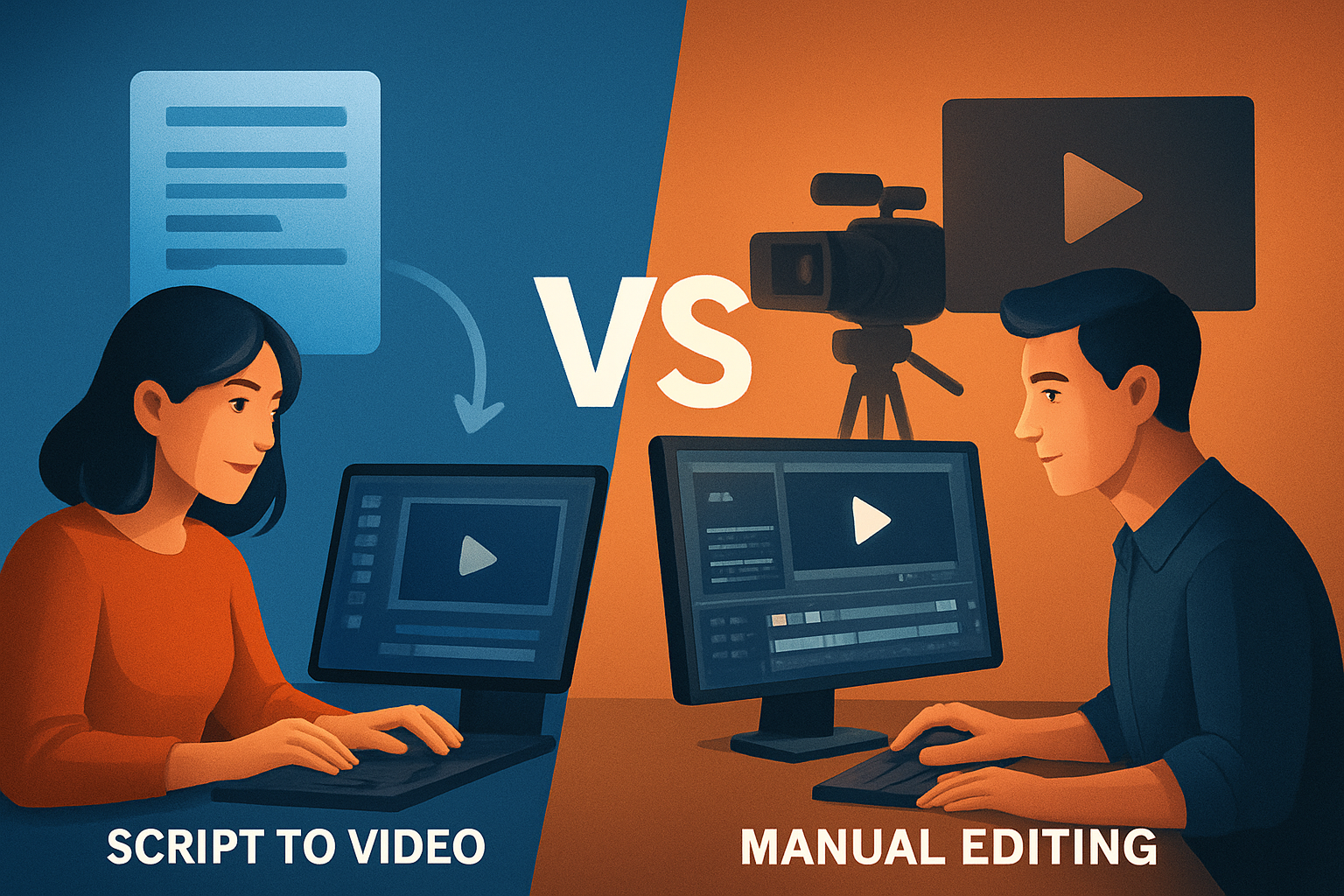

Quick intro: what this page compares
If you make short-form social videos, explainers, ads, or faceless educational content, you’re likely choosing between a scripted, AI-assisted "script to video" workflow and a traditional manual editing workflow. This comparison breaks down who each is for, how they differ in features and workflow, their strengths and weaknesses, and which fits creators, agencies, and speed-focused publishers best.
Who each tool is for
Script-to-Video
- Creators who publish frequently and need consistent, repeatable output (shorts, educational clips, ads).
- Teams that benefit from faster first drafts and a single workspace that handles script → narration → visuals → packaging.
- Faceless channels, educators, course creators, and repurposing workflows.
Manual Editing
- Creators with a signature visual style who need fine-grain control over every cut, grade, and transition.
- Projects that demand complex timeline work, multi-camera sync, or high-end brand polish.
- Editors and filmmakers who prefer traditional NLE tooling and hands-on finishing.
Feature and workflow differences
Script-to-Video workflow (what to expect)
- Start with a typed script or uploaded speech audio, choose voice and narration options, add style reference images, then generate scenes that map to script segments.
- Uses generated images or generated video plus imported assets to assemble a draft; integrated subtitle, title-hook, and thumbnail generation streamlines publish-ready outputs.
- Works inside a persistent desktop workspace that stores projects and generated assets locally for reuse and repeatability.
- Good finishing controls are available (subtitles, B-roll, overlays, auto zoom, face tracking, basic color controls, audio mix) so the workflow goes beyond a raw draft to a publish-ready file.
Manual editing workflow (what to expect)
- Import footage and assets into a timeline, trim and arrange clips by hand, craft transitions, color grade, and mix audio using traditional tools.
- Requires more tool switching for tasks like automated thumbnail generation or subtitle styling unless those features are built into the editor.
- Greater hands-on control over timing, pacing, and nuanced creative choices—often at the cost of time and iteration speed.
Strengths and weaknesses of each
Script-to-Video
- Strengths:
- Faster first drafts and workflow compression from script to publishable asset.
- Repeatable pipelines: saved assets, consistent style via reference images, and reusable project histories.
- Integrated finishing layers (subtitles, hooks, thumbnails, aspect-ratio previews) reduce context switching.
- Weaknesses:
- Generated scenes may still need manual tweaks to match a very specific creative voice.
- Less natural for projects that require deep timeline gymnastics or bespoke visual effects.
- Strengths:
Manual Editing
- Strengths:
- Maximum precision and creative control for nuanced edits, color grading, and bespoke storytelling.
- Better suited to complex multi-clip narratives or cinematographic work.
- Weaknesses:
- Slower iteration cycles; more time spent moving between tools and recreating assets.
- Repeatability and asset reuse often require manual setup and organization.
- Strengths:
Best use cases by audience
Solo creators and YouTubers
- Script-to-Video: Fast episodic content, faceless explainers, Shorts and repurposed clips. See a faceless workflow example Script to Video for Faceless YouTube Workflow.
- Manual Editing: Personality-driven vlogs, cinematic storytelling, high-touch series where every frame is handcrafted.
Course creators and educators
- Script-to-Video: Turn lesson scripts into consistent educational segments with subtitles, title hooks, and thumbnails in one workflow.
- Manual Editing: When lectures require multi-camera cutaways, whiteboard capture, or detailed chapter editing.
Agencies and marketers
- Script-to-Video: High-volume ad variants, short campaign clips, and rapid A/B testing where repeatability and speed matter most.
- Manual Editing: Premium brand spots, campaign hero assets, and projects that require agency-level review and bespoke animation.
Which one is better for speed
Script-to-Video is typically faster for producing first drafts and multiple variants. The automation of mapping script → narration → visuals plus integrated subtitle and thumbnail generation compresses the overall workflow and reduces tool switching. Manual editing is inherently slower for iteration but can be faster when small, precise adjustments are all that’s needed within a familiar editor.
Which one is better for creators
It depends on the creator’s goals:
- If you publish frequently, need repeatable formats (Shorts, explainers, faceless content), or want a single workspace that stores assets locally and reuses them, script-to-video is often the better fit.
- If your channel’s identity depends on highly personalized pacing, custom transitions, or cinematic grading, manual editing wins.
Shorz is positioned for creators looking to compress workflows: it’s a Windows desktop AI video production suite with Text-to-Video and Auto Edit workflows, local asset libraries, and finishing controls that move projects quickly from script to publish-ready video. For faceless and educational creators, see the deep-dive guide Script to Video: Complete Guide.
Which one is better for agencies or marketers
- For agency teams that need many variants, consistent brand frames, and fast turnaround, script-to-video workflows provide major productivity wins through repeatability and integrated packaging layers.
- For agencies delivering flagship brand films, bespoke animation, or complex deliverables tied to strict brand standards, manual editing still provides the control required.
If your agency prioritizes high-volume short-form campaigns with consistent styling and fast rework, a desktop script-to-video tool that stores projects locally and supports thumbnails, aspect-ratio previews, and reusable asset libraries typically offers the best balance.
Comparison table (prose-friendly)
Speed and iteration
- Script-to-Video: Fast first drafts, streamlined variant creation.
- Manual Editing: Slower iteration, faster for small hand-tweaks if already in a project.
Control and nuance
- Script-to-Video: Good finishing controls (subtitles, overlays, auto-zoom, basic color), but some generated scenes need polish.
- Manual Editing: Superior frame-by-frame control, advanced timing, and complex effects.
Repeatability and asset reuse
- Script-to-Video: Strong—persistent local projects and reusable libraries help scale consistent output.
- Manual Editing: Possible, but often requires more manual setup and template management.
Publishing packaging (thumbnails, ratios, subtitles)
- Script-to-Video: Often built-in—subtitle styles, thumbnail generation, and multi-ratio previews make social publishing easier.
- Manual Editing: May require external tools or plugins to complete the same packaging steps.
Best fit by project type
- Script-to-Video: Short-form ads, faceless explainers, course snippets, repurposing.
- Manual Editing: Cinematic pieces, multi-camera edits, bespoke brand films.
Honest final verdict
Both approaches are valid. Choose script-to-video when speed, repeatability, and integrated publish-ready packaging matter—especially for short-form, faceless, educational, or high-volume social campaigns. Choose manual editing when you need absolute control, cinematic polish, complex timelines, or bespoke brand work.
If your workflow is centered on frequent short-form outputs, faceless or educational videos, and you want a single, local desktop workspace that can move you from script to a finished asset with reusable libraries and integrated finishing controls, a script-to-video–focused desktop suite is a practical fit. For a closer look at how script-to-video compares with other editor styles, check these resources: Script to Video vs Short-Form Editors, Script to Video vs Templates, and the faceless workflow guide above Script to Video for Faceless YouTube Workflow.
Ready to try a script-to-video approach that keeps projects and assets local while compressing your workflow from script to publish-ready video? Learn more about Shorz’s script-to-video capabilities and see if it fits your process: Script to Video: Complete Guide.