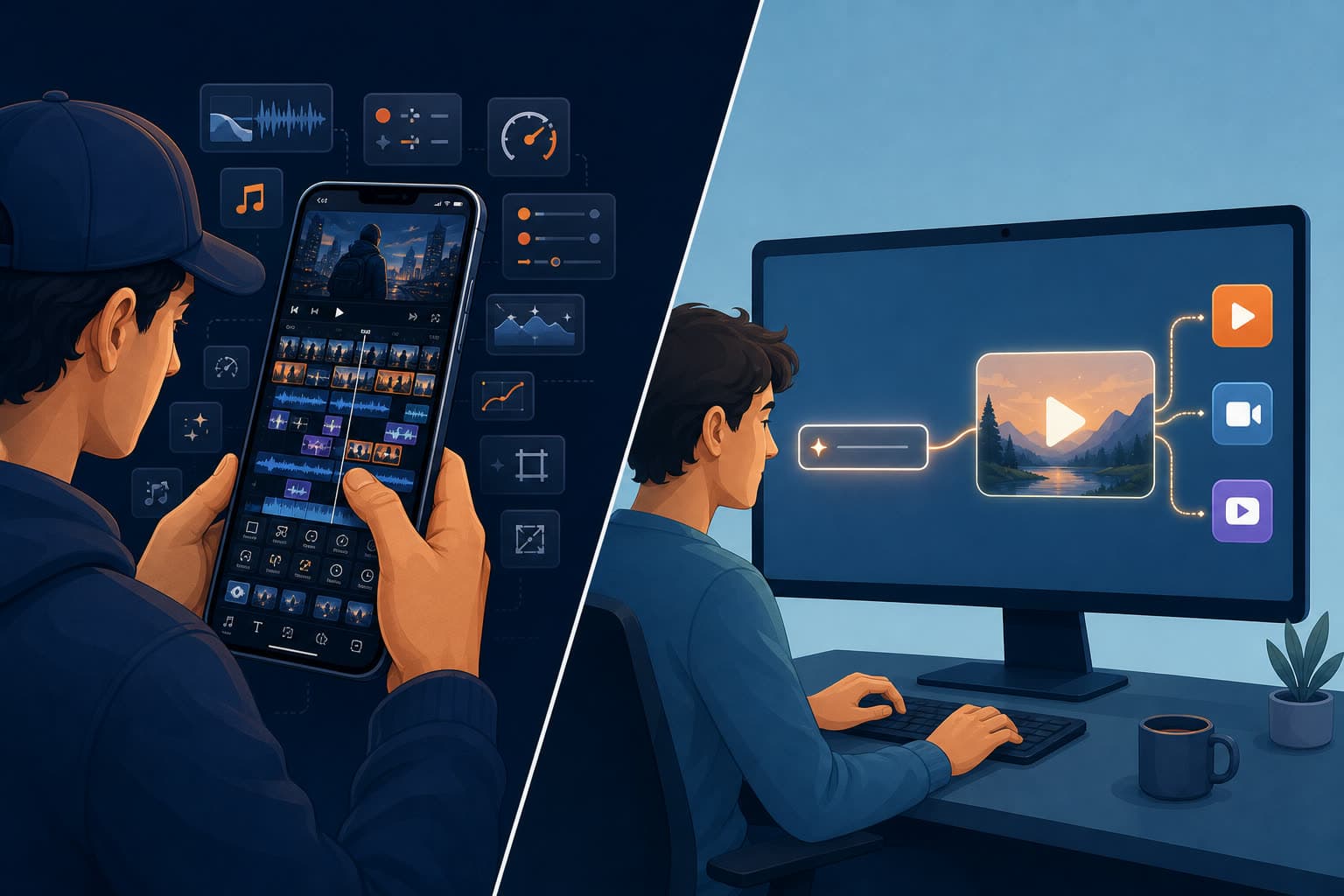

CapCut is the most-used video editor on earth, and for good reason. Shorz is not trying to out-CapCut CapCut. The difference is who makes the editing decisions: in CapCut, you do — clip by clip. In Shorz, you describe what you want and the app assembles it, then posts it.
That's the whole comparison. Everything below is the detail behind it.
CapCut details were checked in July 2026. CapCut does not publish prices on the open web — you have to be signed in — so prices below come from third-party reporting and CapCut's own help pages and may vary by region and platform.
The one-line version
- CapCut is a fast, enormously capable manual editor with a free tier, a huge template and effects library, and apps on every platform.
- Shorz is a desktop AI production suite: describe the edit in plain English, or start from a script, a photo, or one long video, and get a finished video published to eight platforms.
What CapCut is genuinely excellent at
- It's free to start. A genuinely usable free tier — with a watermark on exports and limits on the AI features, but free.
- Everywhere. iOS, Android, Windows, macOS and web, with projects syncing between them. Shorz runs on Windows and Apple Silicon Macs only.
- Templates and trends. A vast library of trending templates, effects, transitions, filters, stickers and sounds — and because it shares TikTok's cultural pipeline, the trending look tends to show up in CapCut first.
- Manual precision. A real multi-track timeline. Keyframes. Frame-accurate trims. If you know exactly what you want and want to place it yourself, this is a better instrument than any prompt.
- Cheap at the bottom. Around $9.99/mo for Standard (roughly 100GB cloud storage per CapCut's help docs), with Pro at about $19.99/mo or $179.99/yr (1TB cloud and 1,200 AI credits), and Teams commonly cited at $15–30 per seat per month billed annually.
If you enjoy editing and your volume is low, CapCut is hard to beat on price.
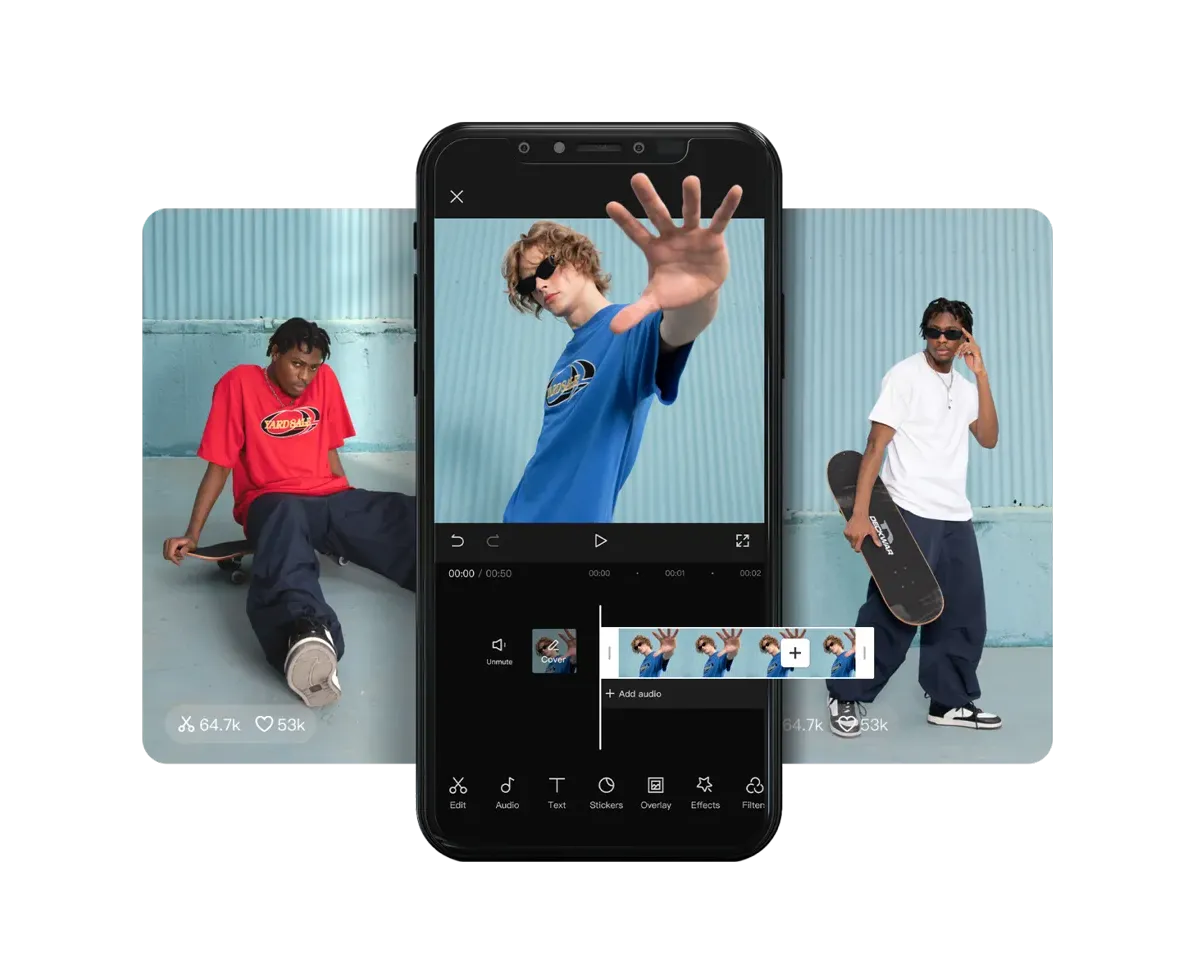 CapCut's editor — a real multi-track timeline you cut by hand, the manual-precision workflow CapCut is built around.
Where CapCut costs you
1. You still do the work. This is the real cost and it's not on any pricing page. Auto-captions and a background remover are automation of steps; choosing clips, ordering scenes, timing B-roll, picking music, sizing text and cutting to the beat is still a person at a timeline. That's fine for one video a week. It's the bottleneck at ten.
2. The 2025 terms-of-service change. On 12 June 2025 CapCut updated its terms, and legal commentators and creator press widely reported that the new language grants CapCut a perpetual, worldwide, royalty-free, irrevocable licence to use, edit, distribute and commercially exploit content uploaded to the service — including, per those analyses, biometric identifiers such as facial and voice patterns, with the licence surviving deletion of the video or the account. CapCut has publicly pushed back, saying the terms cover only the rights needed to run features like shareable templates and reposting. Read the current terms yourself and decide — but if you produce client work, or your own face is in the frame, it belongs on your checklist.
3. Ownership and regulatory noise. CapCut is a ByteDance product, and its availability and data practices have been a live regulatory question in the US. That's a planning risk for a tool your business depends on, not a knock on the software.
4. Subscription, not usage. You pay monthly whether you export forty videos or none.
5. No multi-platform publishing. You export, then open TikTok Studio or a third-party scheduler. There's no publish-and-schedule-everywhere step inside CapCut.
What Shorz does differently
Shorz's premise: you shouldn't have to make a hundred small editing decisions to get a good video.
- Six entry points. Auto Edit Video (drop in footage and describe the edit in plain language), Script to Video, Avatar, Podcast, Advertisement, Clipping.
- Clipping. One long video — local file or a YouTube, TikTok, Facebook or Instagram link — becomes up to 8 ready-to-post clips, captions and B-roll already applied. Leave the brief empty for fully automatic, or steer it ("only the product demo, 30s each").
- Nothing to film. Script to Video builds a narrated, storyboarded video from a script alone, with typed references — Style (0–3), named Characters (0–4, each with an auto-generated turnaround sheet) and Environments (0–4) — so the same character and look hold across every scene.
- Automation instead of templates. Auto-zoom synced to speech or to the music beat, with a 16-effect pool. Face tracking that keeps subjects centred when reframing 16:9 to 9:16. Five B-roll modes — your assets, auto-pulled web images, GIFs, emojis, or AI-generated stills and clips — each with separate in/out transition pools. Titles that can write themselves from your transcript.
- Subtitles and dubbing. Auto captions with deep styling, highlight-spoken-word mode and 16 word animations; one-toggle dubbing into ~108 languages.
- Thumbnails. A generator for 16:9 and 9:16, able to reference a YouTube link to reuse a thumbnail's look.
- It publishes. Render once, then publish or schedule to YouTube, TikTok, Instagram, Facebook, X, LinkedIn, Threads and Pinterest, up to 30 days ahead — and see each post's engagement back in the app.
- No subscription and no watermark, ever. Prepaid credits: 1 credit = €0.01, packs at €19.90 / €99.90 / €199.90 (1,990 / 9,990 / 19,990 credits), credits never expire, optional auto top-up, full commercial rights.
- Local by design. Projects and generated assets live on your machine in a reusable library, and the final render is GPU-accelerated locally rather than queued in someone's cloud.
- Agent-drivable. An MCP server lets Claude, Cursor, Codex or Gemini run whole Shorz workflows from plain English.
Side by side
| Shorz | CapCut | |
|---|---|---|
| Platforms | Windows and Apple Silicon Mac desktop | iOS, Android, Windows, macOS, web |
| Editing model | Describe the edit; AI assembles | You edit, manually, on a timeline |
| Free tier | 4 Auto Edit / Clipping videos a week — no watermark, no card | Yes, with watermark |
| Watermark | Never | On the free tier |
| Pricing | Prepaid credits, from €19.90, never expire | ~$9.99 Standard / ~$19.99 Pro per mo; Teams ~$15–30/seat |
| Prices visible pre-signup | Yes | No — sign-in required |
| Pay when idle | No — credits don't lapse | Yes — subscription |
| Templates & trend effects | Not template-driven | Huge library, its strongest card |
| Timeline precision / keyframes | No manual timeline | Yes |
| Script → narrated video | Yes, with character consistency | No |
| Talking avatars | Avatar + two-speaker Podcast types | Some AI avatar features on Pro |
| Long-video → shorts | Clipping, up to 8 clips, link or file | Manual |
| Dubbing | ~108 languages, one toggle | Limited |
| Thumbnails | 16:9 + 9:16 generator | No |
| Publish / schedule | 8 platforms, up to 30 days ahead | No |
| Content licence | You keep your content; full commercial rights | Broad licence per the 2025 terms — read them |
| Rendering | Local, GPU-accelerated | Device or cloud |
Which one fits your work
Choose CapCut if you edit for pleasure or precision, your volume is low, you work mainly on a phone, you're on an Intel Mac or Linux, your budget is near zero, or you want the trending template the week it trends.
Choose Shorz if you're running an output system rather than editing a video: a faceless channel, a client retainer, ad variants, podcast repurposing, a course series. You don't want to touch a timeline, you don't want a subscription running while you're on holiday, and you want the video posted, not exported.
Both is legitimate. Plenty of people let Shorz build and publish the weekly volume, and open CapCut when one specific video deserves hand-finishing.
Honest limits on the Shorz side
- Windows and Apple Silicon Macs only. On a phone, an Intel Mac or Linux, CapCut works and Shorz doesn't.
- CapCut's free tier is broader. Shorz's free videos cover Auto Edit and Clipping only, 4 a week (clean exports, no watermark); everything else runs on credits. CapCut lets you edit free indefinitely — with a watermark.
- No manual multi-track timeline or keyframes. You steer with plain-language briefs and panel settings. For frame-level control, CapCut is the better tool.
- No trend-template library. Different philosophy — automation rather than templates.
- Prepaid credits mean heavy AI generation costs more as you use more; a flat subscription can be cheaper at very high volume with light AI use.
Verdict
CapCut is the better editor. Shorz is the better producer. If your problem is "I want to make this one video exactly right," open CapCut. If your problem is "I need a good video every day and I'm the bottleneck," that's what Shorz was built to fix — no subscription, no watermark, full commercial rights, published to eight platforms: AI Video Editor for Faster Production
Still weighing options? See Best CapCut Alternatives.
Other comparisons
Weighing more than one option is the sensible way to buy. The same research applied to the rest of the field: