
Quick framing
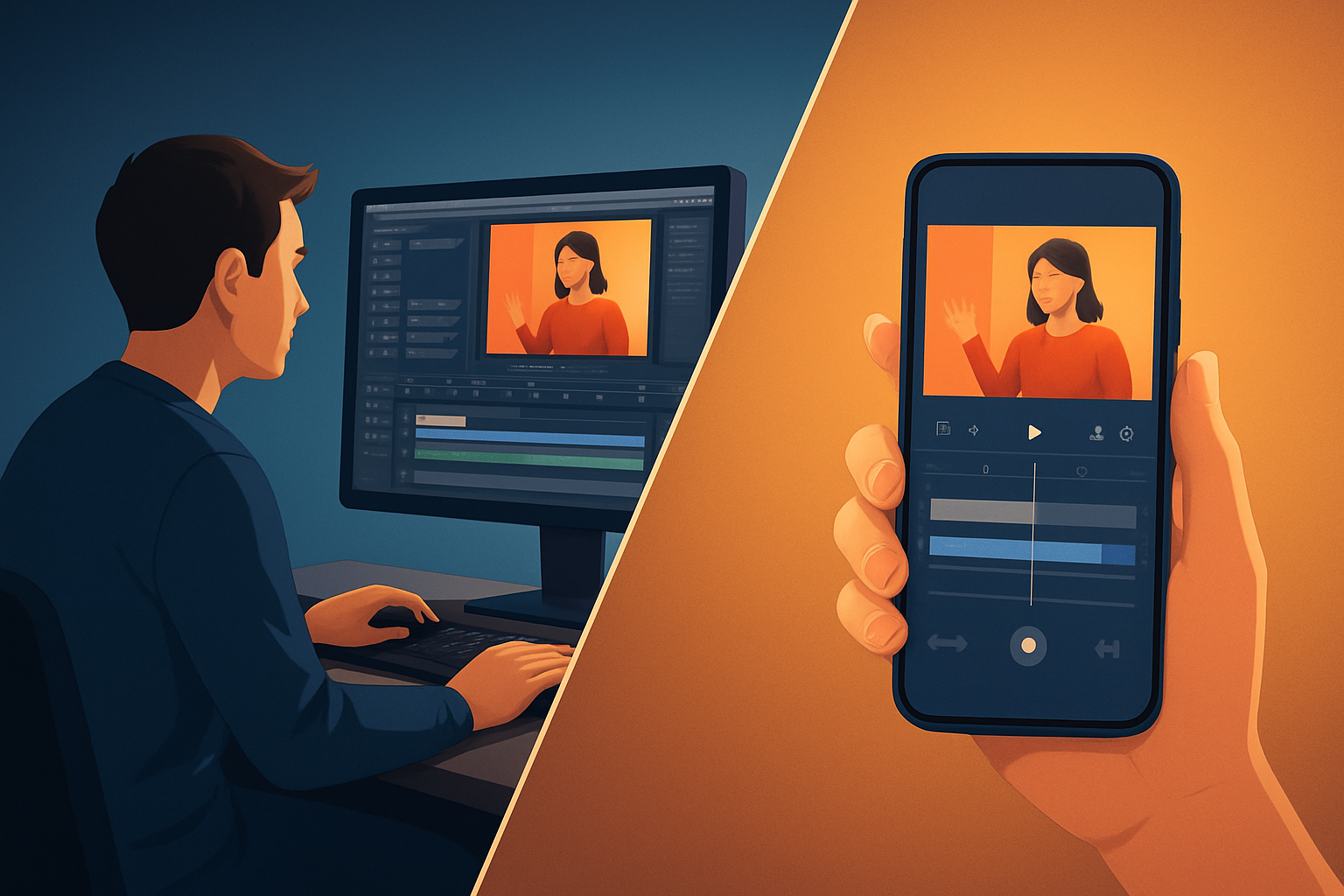
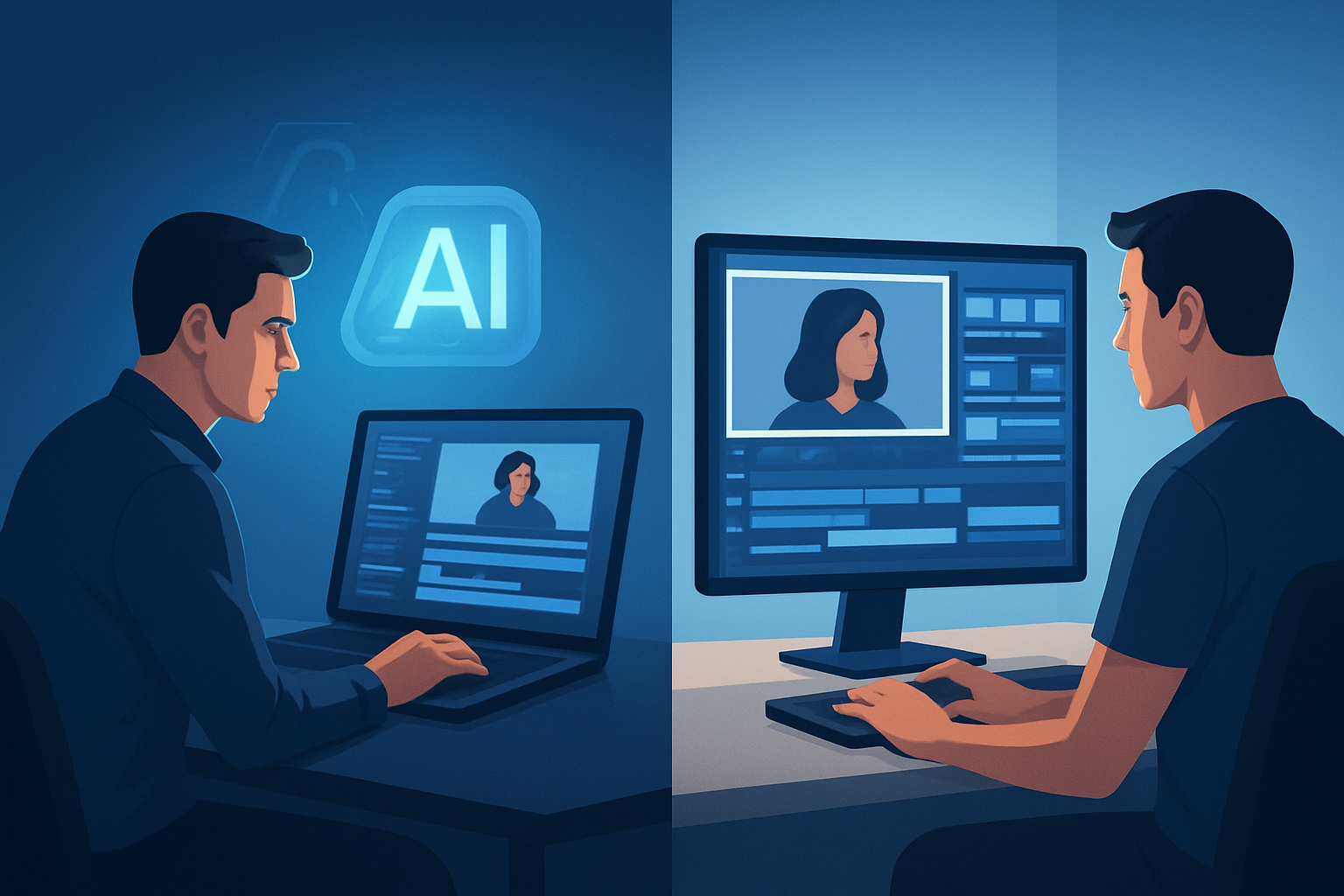
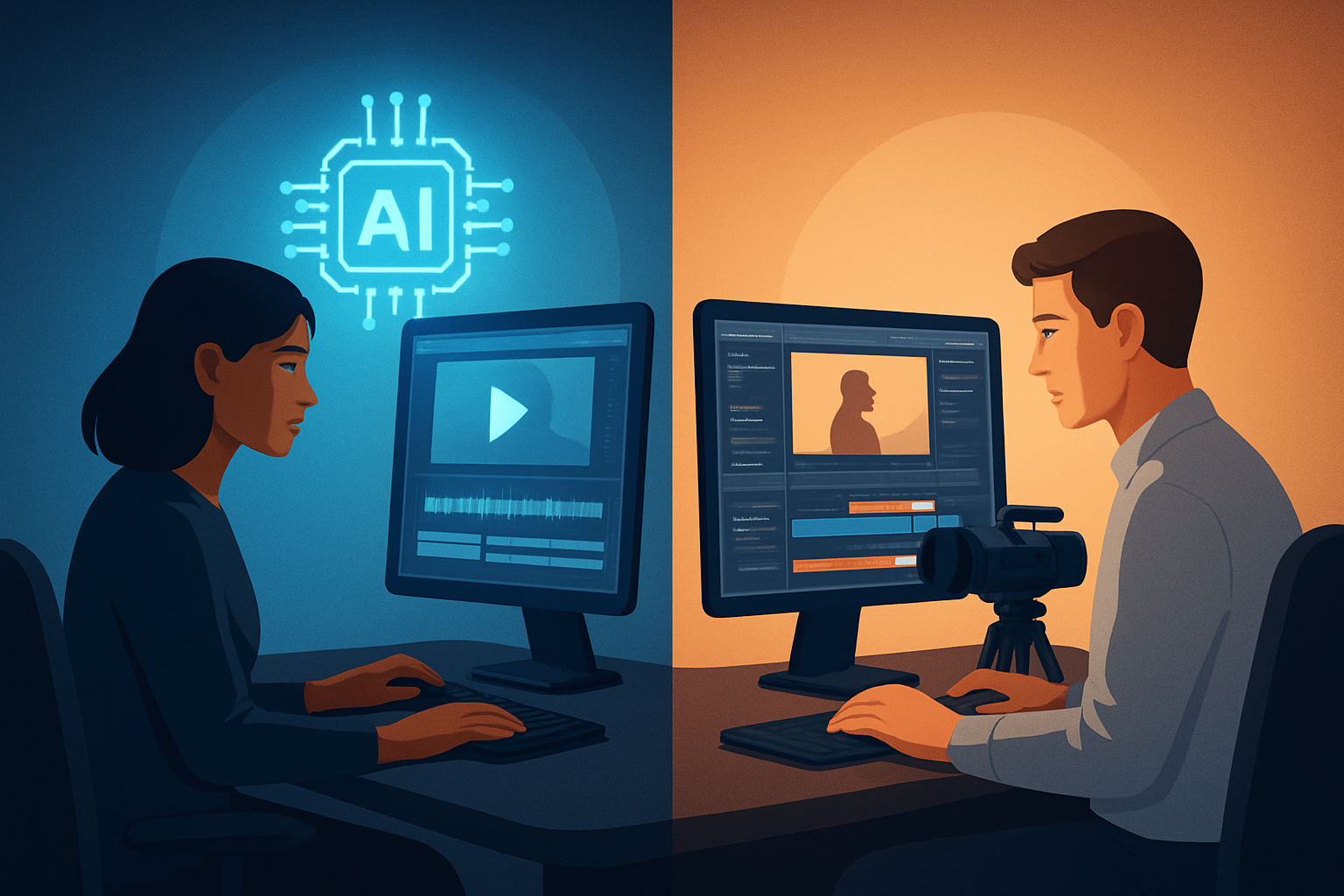
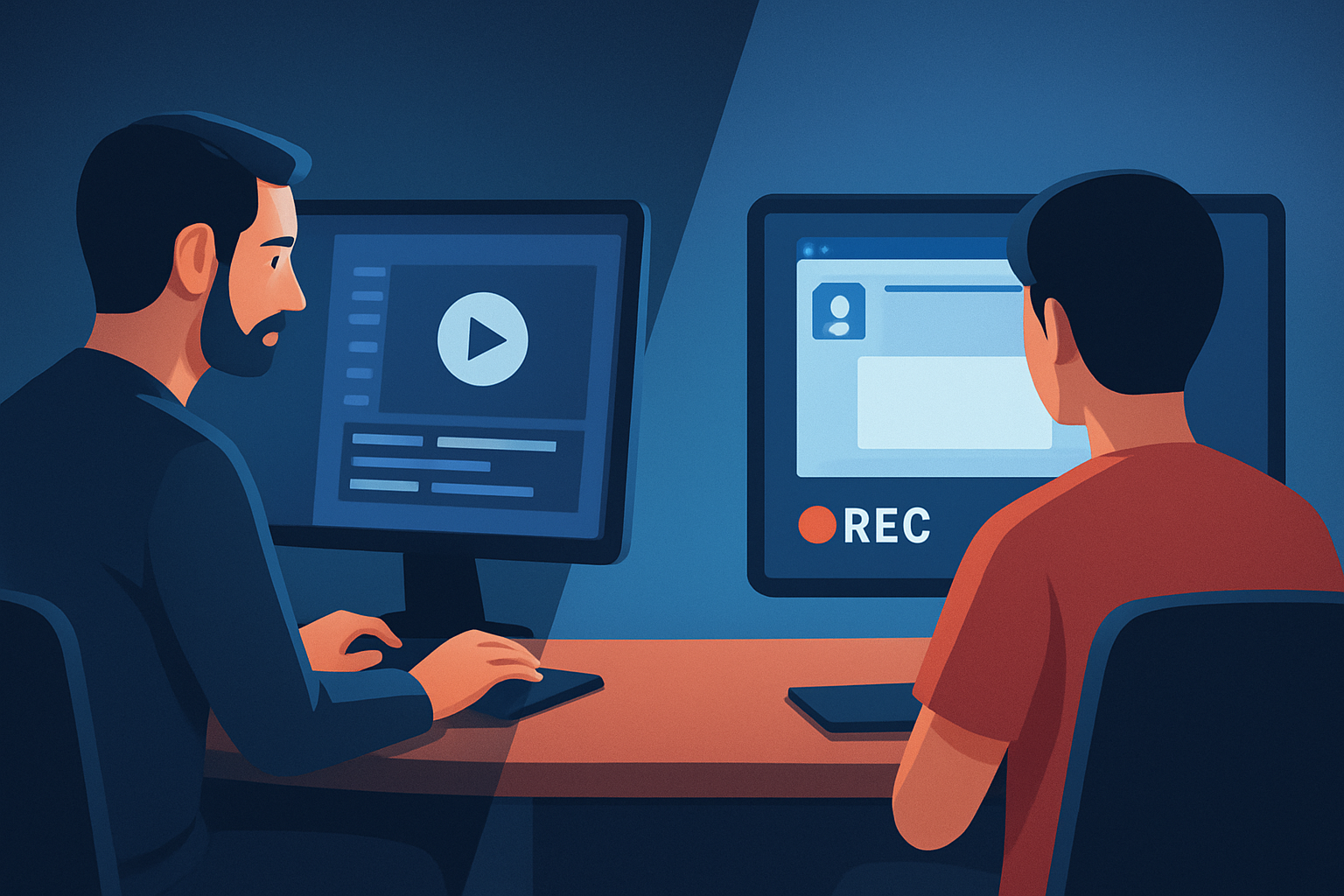
Creators choosing between Text-to-Video and Screen Recording are really choosing two different content strategies. Text-to-Video turns scripts into edited clips with generated or assembled visuals; screen recording captures actual on-screen action and a real-time performance. Both have strong places in a creator’s toolkit — the right choice depends on your format, speed needs, and how repeatable you want the process to be.
Who each tool is for
Text-to-Video
- Scripted creators who publish explainer videos, educational content, ads, faceless social clips, and repurposed blog or course material.
- Teams or solo creators who value repeatable formats, consistent visual identity, and faster first drafts from a script.
- Example workflow fit: scripted short-form series, course micro-lessons, ad copy turned into multiple aspect-ratio cuts.
Screen Recording
- Creators who teach software workflows, product demos, game streaming highlights, or any content that requires on-screen capture of real interactions.
- Professionals demonstrating UI, bugs, settings, or step-by-step tutorials where the screen itself is the primary asset.
- Example workflow fit: live walkthroughs, onboarding videos, quick how-tos that show the exact user interface.
Feature and workflow differences
Inputs
- Text-to-Video: starts from typed scripts, uploaded speech audio, avatar images, or style reference images. It can generate or assemble visuals around the script.
- Screen Recording: starts with a captured video of your screen (plus mic or system audio) and then moves to trimming and finishing.
Assembly and editing
- Text-to-Video: often involves script → voice selection/narration preview → scene generation/asset assembly → automatic first draft → polish (titles, subtitles, B-roll, overlays).
- Screen Recording: involves capture → select clips → annotate/trim → add titles, callouts, captions, and polish for distribution.
Finishing controls
- Text-to-Video tools (including Shorz’s Text-to-Video project type) pair AI generation with finishing controls: subtitles, title hooks, B-roll, overlays, border treatments, music, and export in multiple aspect ratios.
- Screen recordings generally need caption generation, callouts, and pacing fixes; they benefit from the same finishing layers but start from a raw capture.
Asset management and repeatability
- Text-to-Video workflows benefit from reusable scripts, style reference images, and generated assets to keep brand consistency across videos.
- Screen Recording benefits from reusable assets too (templates, intro/outro clips, standardized overlays), but each recording is inherently tied to the actions performed.
Where Shorz helps
- Shorz is a Windows desktop AI video suite that supports script-led Text-to-Video workflows, avatar and dialogue formats, and footage-first editing inside one persistent local workspace. It combines AI generation with finishing controls and stores projects and assets locally so you can reuse them for repeatable output with less tool switching.
Strengths and weaknesses of each
Text-to-Video
- Strengths:
- Fast first drafts from scripts and consistent visual identity when you use style reference images.
- Good for faceless videos, ads, explainers, and social sizes (landscape/portrait/square) without recording a live screen.
- Works well with reusable libraries and thumbnails in a persistent project environment.
- Weaknesses:
- May require more attention to make generated visuals match complex, specific user-interface details.
- Less suitable when the precise on-screen sequence or live interaction is the core message.
- Strengths:
Screen Recording
- Strengths:
- Accurate capture of on-screen actions, ideal for tutorials, demos, and bug repros.
- Natural authenticity — viewers see exactly what you saw and did.
- Weaknesses:
- Raw captures often require careful trimming, callouts, and captions to be publish-ready.
- Less repeatable for scripted series unless you standardize capture templates and editing steps.
- Strengths:
Best use cases by audience
Solo creators and YouTubers
- Text-to-Video: high-volume scripted shorts, faceless explainer channels, repurposing blog posts into short video sequences.
- Screen Recording: technical walkthroughs, software tutorials, and creator-first “how I did it” demos.
Educators and course creators
- Text-to-Video: bite-sized lessons, narrated explainer clips, or consistent lesson intros/outros.
- Screen Recording: in-depth software lessons, live grading demos, hands-on step-by-step modules.
Marketers and agencies
- Text-to-Video: quick ad variants, consistent brand messaging across channels, animated faceless ads for testing.
- Screen Recording: product demos, sales enablement videos, internal training captures.
Faceless channels and repurposers
- Text-to-Video is often a better fit thanks to script-led production, visual templates, and thumbnail generation within a single workflow.
Which one is better for speed?
Short answer: it depends on the task.
- Text-to-Video is typically faster when you have a script or repeatable format. Tools that convert scripts into a first draft reduce time-to-first-cut and make it easier to generate multiple aspect-ratio outputs quickly.
- Screen Recording is faster for ad-hoc demonstrations where capturing the screen once is quicker than building a scene, but it often needs extra finishing time to be distribution-ready.
How Shorz affects speed
- Shorz compresses workflows by keeping script-to-video, footage editing, and finishing layers in one persistent Windows desktop workspace. That reduces tool switching, speeds up first drafts, and makes repeatable formats faster to publish.
Which one is better for creators?
If you make scripted, repeatable short-form content or faceless explainers:
- Text-to-Video usually wins. You can iterate scripts, reuse style references and assets, and produce multiple cuts without recording every take.
If you teach software, do live demos, or need exact on-screen evidence:
- Screen Recording is the practical choice. The authenticity and precision of an actual capture are hard to replicate.
Hybrid approach
- Many creators use both: record screens for demos and use Text-to-Video for promotional cutdowns, summaries, or alternative versions. Shorz supports both patterns because it accepts imported footage (screen captures) and has Text-to-Video and finishing systems in the same local project environment.
Which one is better for agencies or marketers?
Agencies and marketers need speed, brand consistency, and scalable outputs.
- Text-to-Video is often the better fit for campaign variants, ad testing, and repeatable explainer content because scripts and style references produce consistent results faster.
- Screen Recording still matters for product demos, technical sales assets, and training materials.
Why Shorz appeals to agencies/marketers
- The combination of script-to-video, reusable asset libraries, multiple output ratios, and thumbnail generation helps agencies move from brief to publish-ready creatives faster while keeping assets persistent and repeatable.
Comparison at a glance (prose-friendly table)
Format focus:
- Text-to-Video — Scripted scenes, generated or assembled visuals, faceless/educational/ads.
- Screen Recording — Exact on-screen action, software demos, step-by-step tutorials.
Best starting input:
- Text-to-Video — Script, narration audio, style reference images.
- Screen Recording — Live capture of desktop or app + mic audio.
Speed to first draft:
- Text-to-Video — Faster for scripted series and repeatable formats.
- Screen Recording — Faster for one-off demonstrations but may require more finish time.
Repeatability and brand consistency:
- Text-to-Video — High (templates, style references, reusable assets).
- Screen Recording — Medium (requires templates and standardized editing).
Finish and polish needed:
- Text-to-Video — AI-assisted first drafts + finishing (titles, subtitles, B-roll).
- Screen Recording — Capture-focused then manual finishing (callouts, captions).
Best audiences:
- Text-to-Video — Faceless creators, educators, ad creators, social-first channels.
- Screen Recording — Software tutors, product teams, walkthrough creators.
Practical guidance for choosing
Choose Text-to-Video when:
- You work from a script, publish many short versions, or need consistent branding across episodes and platforms.
- You want a workflow that supports script → narration → visuals → subtitles → thumbnails inside one persistent workspace.
Choose Screen Recording when:
- The value is in showing exact UI interactions, live steps, or demonstrating software where generated visuals can’t substitute for the real thing.
Use both together when:
- You record a demo sequence, then create a scripted summary or promotional cutdown from the recording. That lets you combine authenticity with a repeatable social-sized asset.
Related reads and comparisons
- If you’re thinking about formats and alternatives, compare Text-to-Video vs Talking Head Videos for creator tradeoffs: Text to Video vs Talking Head Videos
- Want to decide between slides and generated scenes? See Text to Video vs Slide Decks: Text to Video vs Slide Decks
- Turning blog posts into video? Read Text to Video for Blog to Video Workflow: Text to Video for Blog to Video Workflow
Final verdict
There’s no single “better” tool for every creator. Text-to-Video excels when you need speed, repeatability, and consistent brand-ready outputs from scripts — ideal for faceless channels, ads, and educational snippets. Screen Recording wins when the screen itself is the story and you must show exact interactions.
If your priority is compressing the whole script-to-publish workflow on a desktop workstation — generating drafts from scripts, finishing with subtitles, title hooks, B-roll, and exporting for multiple social sizes while keeping reusable local assets — a Text-to-Video–capable desktop suite like Shorz is an excellent fit. Shorz bundles script-to-video, avatar and dialogue formats, footage import, and finishing layers in one persistent Windows app to help creators iterate faster with less tool switching.
Ready to move from script to publish-ready video? Explore practical script-to-video workflows and examples to see if this fits your process: Script to Video: Complete Guide