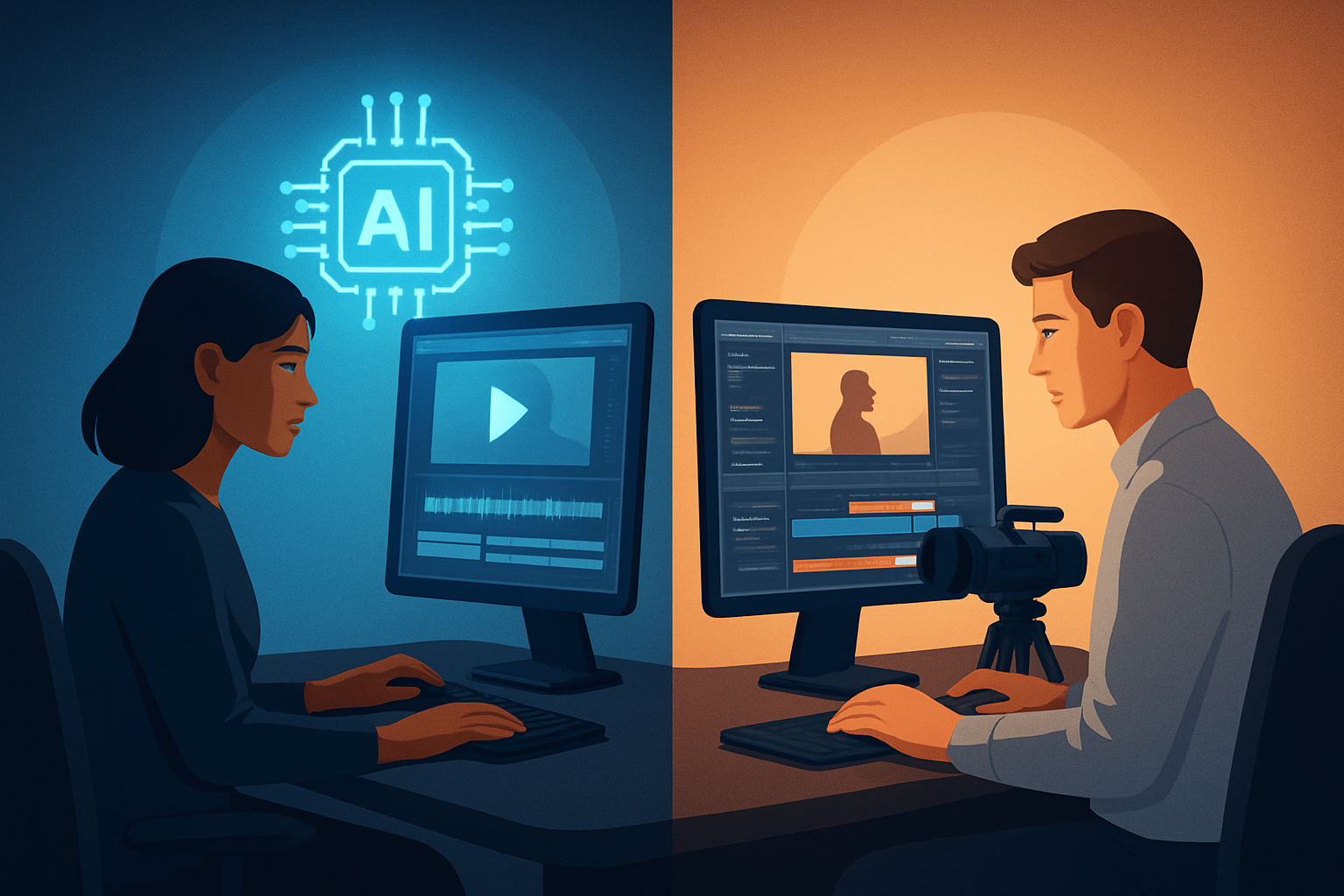

Intro This page helps creators choose between two closely related but different approaches: YouTube automation (systematized, outsourced, or scaled channel production) and faceless channels (content without a visible host, often script- or asset-driven). Both can scale views and revenue, but they require different workflows, teams, and tool fits. Below I compare them fairly and point out where a desktop AI editor like Shorz accelerates faceless, script-led workflows.
Who each approach is for
- YouTube automation
- For creators, small teams, or agencies focused on scaling multiple channels or series with predictable formats.
- Works well when you want repeatable production, delegated editing, and operations that treat videos like a repeatable product.
- Faceless channels
- For creators who prefer to avoid on-camera appearances or who want consistent, brandable output from scripts, voiceover, avatars, or repurposed footage.
- Good for educators, niche explainers, listicles, and shorts where visuals and pacing matter more than a personality.
Feature and workflow differences
- Source material and entry points
- YouTube automation: commonly footage-first or template-first workflows where editors stitch footage, motion graphics, stock, and voiceover to a channel template.
- Faceless channels: often script-to-video, text-to-voice, avatars, or narrated slides; the workflow may start from a written script rather than raw footage.
- Tooling and hand-offs
- YouTube automation: tends to use an editor, a template library, and a QA/publishing step. There’s often more reliance on multiple tools and human editors.
- Faceless channels: favor tools that handle script-to-video, subtitle generation, thumbnail creation, and batch exports in one place to keep brand consistency.
- Output and finishing
- YouTube automation: heavy on templates, lower reliance on AI image/video generation (depending on the operation), and more emphasis on scale operations.
- Faceless channels: emphasis on consistent style, subtitles, hooks, and repurposing for Shorts/verticals.
Strengths and weaknesses of each
- YouTube automation
- Strengths: scalable; process-driven; easier to delegate; templateable; good for portfolios of niche channels.
- Weaknesses: can require more coordination, more tool switching or oversight, and quality may vary by editor; initial ops setup can be time-consuming.
- Faceless channels
- Strengths: efficient for script-led production; repeatable creative identity; easier to maintain quality with fewer human dependencies; faster iteration on style and messaging.
- Weaknesses: may need investment in good voiceover or avatar assets; standalone channels still need distribution and growth tactics; some formats are less personal and can struggle with audience connection.
Prose-friendly comparison table (quick reference)
- Format and start point: YouTube Automation — template/footage-first, human handoff. Faceless Channels — script/text-first, AI or narrator-driven.
- Best output types: YouTube Automation — series, templated episodes, outsourced volume. Faceless Channels — explainers, educational shorts, narrated lists, avatar videos.
- Tool complexity: YouTube Automation — usually multiple tools + editors. Faceless Channels — benefits from an all-in-one script-to-finish tool.
- Repeatability: YouTube Automation — strong when processes and SOPs are mature. Faceless Channels — strong when templates, voice, and style references are baked into a workflow.
- Speed to first draft: YouTube Automation — dependent on available editors/ops. Faceless Channels — faster with script-to-video tooling.
- Branding/polish: YouTube Automation — polished if staffed; variable otherwise. Faceless Channels — consistent if using reusable assets and style references.
- Asset management: YouTube Automation — often dispersed across cloud or drives. Faceless Channels — benefits from a persistent local project and reusable library.
Best use cases by audience
- Solo creators
- Faceless channels excel: lower coordination, faster drafts, and repeatable templates let a single creator produce frequent content.
- Consider tools that support script-to-video, thumbnails, and ratio previews to reduce friction.
- Small teams and editors
- YouTube automation can work if you have clear SOPs and editors; it's good for running multiple niche channels.
- Tools that integrate with your handoff process and support reusable assets help maintain consistency.
- Agencies and marketers
- YouTube automation fits agency models that sell scale and series packages to clients.
- For branded explainer campaigns or repeatable social packages, faceless workflows with consistent assets can reduce per-video edit time.
Which one is better for speed
- Short answer: faceless channels are generally faster to get a first draft when you use script-to-video and asset-reuse workflows.
- Why: starting from scripts or typed narration enables faster AI-assisted assembly and fewer rounds of footage wrangling. If your workflow uses a single workspace that can handle script, voice, visuals, subtitles, hooks, and thumbnails, you avoid tool switching and handoff delays.
Which one is better for creators
- Faceless channels tend to be better for individual creators and small teams who want control over style and a fast publish cadence.
- They let creators iterate quickly, maintain brand voice via style references and reusable assets, and preview content for landscape/portrait/square to optimize for different platforms.
Which one is better for agencies or marketers
- YouTube automation can be better for agencies that package volume, manage multiple channels, and have processes to coordinate editors, writers, and publishers.
- Agencies that also need repeatable, brand-safe outputs can adopt faceless workflows too—especially when faceless production is combined with SOPs for voice and style.
Where Shorz fits (fair, practical positioning)
- Shorz is a Windows desktop AI video production suite built around workflow compression: it lets you move from source material or scripts to publish-ready videos faster inside one persistent workspace.
- For faceless channels, Shorz supports Text-to-Video, Avatar, Auto Edit Video, and Podcast project types, plus features for subtitles, title hooks, B-roll, overlays, thumbnails, and landscape/portrait/square previews.
- Because Shorz stores projects and assets locally and supports reusable libraries and style reference images, it’s well-suited to creators who want repeatability and faster first drafts without excessive tool switching.
- If you need a desktop-based, script-led, publish-ready faceless workflow that combines generation with finishing controls, Shorz is a practical fit. See a detailed workflow example in our Faceless YouTube guide: Faceless YouTube Workflow With Shorz.
When to prefer each approach in practice
- Prefer YouTube automation if:
- Your objective is to run many channels or episodes with standardized handoffs.
- You have a team of editors and Ops ready to manage quality across outputs.
- You monetize via scaled series, agency packages, or channel portfolios. (See considerations on profitability: Is YouTube Automation Still Profitable?.)
- Prefer faceless channels if:
- You want to move fast on scripts, iterate on hooks, and keep a tightly controlled visual identity.
- You want an environment that keeps your project history, assets, and templates in one place to minimize context switching.
- You’re building educational, explainer, or short-form content with repeatable structure. Check niche ideas here: Best Niches for YouTube Automation in 2026.
Practical notes for teams and hiring
- If outsourcing editors, document templates and naming conventions, and consider whether your editor workflow requires cloud sharing or local project files.
- For agency hiring or building an in-house editing team, balance process maturity and the toolchain. If you want fewer tools to train editors on, faceless workflows inside a single workspace reduce onboarding friction. For more on hiring editors in automation setups, read: How to Hire Editors for YouTube Automation.
Final verdict — honest and clear
- If your goal is pure scale across many channels with an operations team and you already have editors, YouTube automation is a logical model. It wins on volume and delegation when SOPs and quality control are mature.
- If your goal is fast iteration, consistent brand style, fewer handoffs, and a script-led faceless output (shorts, explainers, avatars, narrated lists), then faceless channels are often the better option — especially when paired with a workflow-focused tool that handles generation plus finishing.
- Shorz is not a cloud operations system or an outsourcing service. It is a Windows desktop production suite that compresses faceless and script-based workflows by combining Text-to-Video, Auto Edit, Avatar, and finishing controls in one local workspace. That makes it particularly useful for creators who want repeatable, publish-ready outputs with less tool switching and faster first drafts.
Call to action If you’re leaning toward faceless creation or want a script-to-finish workflow on Windows, see how Shorz maps to a faceless YouTube workflow: Faceless YouTube Workflow With Shorz.