
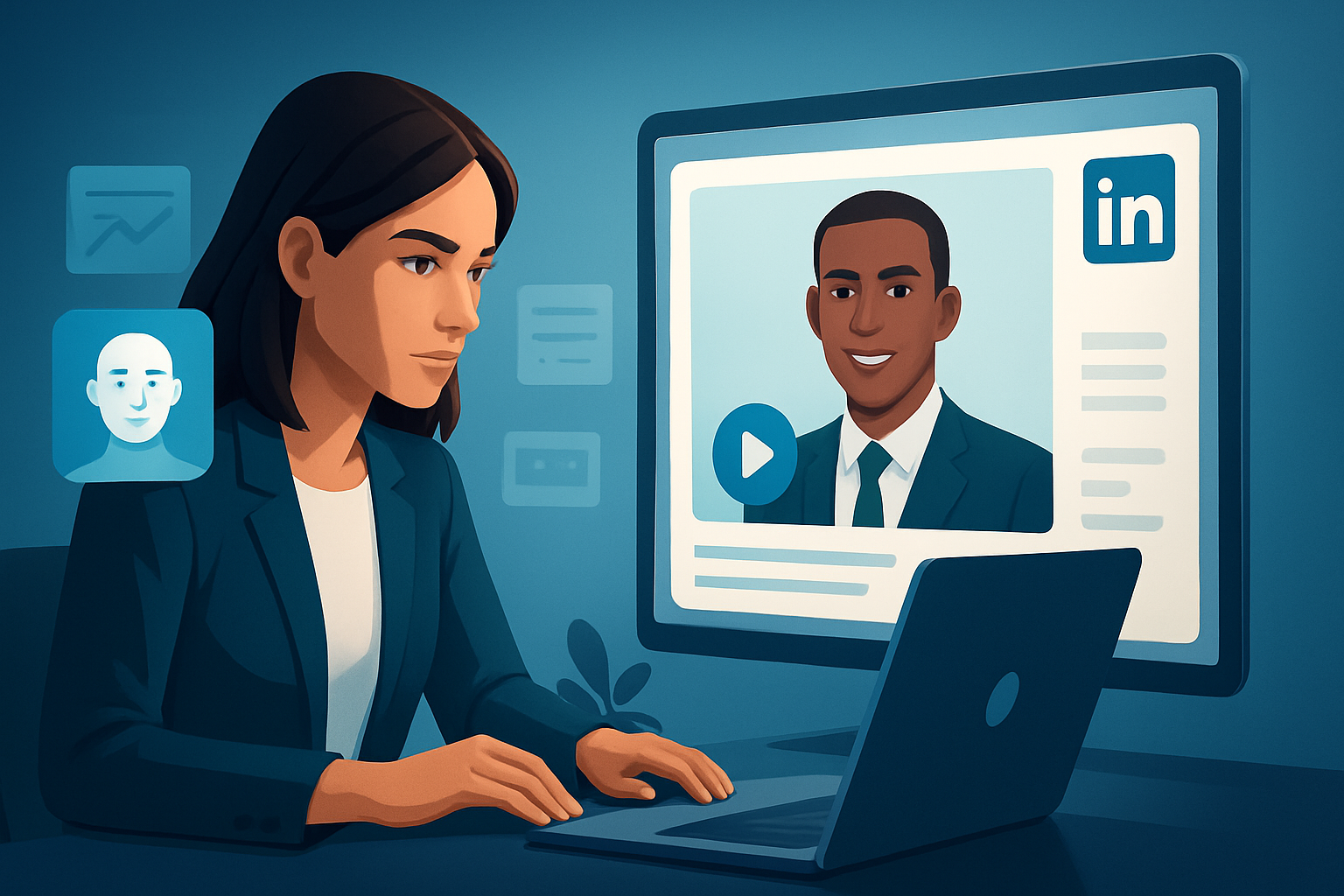

For advertisers who make video ads on LinkedIn (video creators, paid-social teams)
If you run LinkedIn ad programs and create videos, you need a workflow that turns one creative idea into dozens of tested variants fast. LinkedIn buyers expect professional, authoritative messaging — but you still want the speed and flexibility of creator-style ads. This guide shows how to use AI avatar ads to launch more LinkedIn ad variants faster, with practical steps you can implement this week.
Why this needs to happen now
- LinkedIn’s feed rewards signal and relevance: small message tweaks (hook, CTA, social proof) change performance.
- Producing many variants with traditional shoots is slow and expensive; testing suffers.
- Advertisers need on-brand, repeatable spokesperson formats for product demos, thought-leader snippets, and event promos.
- AI avatar workflows compress the loop between idea → draft → polished ad, so you can iterate quickly without reshoots.
LinkedIn-specific bottlenecks this fixes
- Professional tone + speed: you still need believable, on-brand spokespeople without booking talent for every take.
- Multiple placements: LinkedIn supports various aspect ratios and thumbnail expectations — you need fast previews in landscape and square.
- Localization and A/B testing: creating localized voiceovers and multiple hooks multiplies assets quickly.
- Asset management: variants become messy unless you store and reuse project assets and templates.
Practical workflow you can run this week (7 steps)
Each step maps to concrete Shorz capabilities so you compress production and finish inside one workspace.
Plan 3 hooks (day 1)
- Pick three distinct opening lines: problem, stat, or question.
- Keep each hook to 5–8 seconds — LinkedIn viewers decide fast.
Create or import a brand avatar (day 1)
- Use a high-quality image or brand face. In Shorz’s Avatar mode you can generate talking-avatar videos from an image plus script or audio.
- Save the avatar and a neutral background in your project library for reuse.
Produce 6 script variants from your 3 hooks (day 1–2)
- Write short 15–30 second scripts: hook + value + CTA.
- For each script, prepare two voice inputs: recorded mic take and a typed script to synthesize alternative pacing.
Batch-generate avatar takes (day 2)
- Use Shorz Avatar projects to generate each script as a separate take (typed script, uploaded audio, or recorded mic).
- Export local drafts and keep them inside the project so you can reuse audio or swap scripts later.
Finish inside Shorz (day 3)
- Add title hooks, subtitles, and branded overlays with Shorz’s shared finishing controls.
- Apply visual polish: auto zoom, face tracking, and freeze-frame moments for emphasis.
- Mix narrator, music, and sound effects with Shorz’s audio mix controls and noise cleanup.
Create platform variants (day 3–4)
- Preview and export each take in landscape and square using Shorz’s multi-aspect preview.
- Generate thumbnail options inside the app and store them with the project.
Localize and launch (day 4–5)
- Use Shorz’s dubbing and narration tools to create localized voice variants.
- Produce language-specific subtitle files and export separate video files for testing.
This week’s outcome: 6–12 finished LinkedIn-ready variants you can upload to campaigns, plus reusable avatar and title templates for the next round.
Best tool criteria for AI avatar ads on LinkedIn
When evaluating tools, demand these capabilities. Shorz meets these requirements:
- Avatar generation from image + script or audio, with options to import mic recordings and uploaded audio.
- A single persistent desktop workspace that stores projects and generated assets locally for repeatable output and reusable libraries.
- Built-in finishing controls (titles, subtitles, B-roll, overlays, music, SFX, volume mix) so AI output can be polished without jumping apps.
- Visual polish layers like auto zoom and face tracking to keep assets professional and LinkedIn-appropriate.
- Multi-aspect previews (landscape, portrait, square) and thumbnail generation to speed placement-ready exports.
- Audio and dubbing features for localization, plus noise cleanup and stylized sound presets to reduce dependency on external audio tools.
If you need a Windows desktop app that compresses the ad-creative loop and keeps assets reusable, Shorz fits that checklist.
Where Shorz fits in your ad stack
- Ideation & scripts: start in your usual doc or brief system, then move scripts into Shorz.
- Creative production: use Shorz as the production hub — avatar generation, finishing, and exports live in one workspace to avoid tool switching.
- Asset library: store avatars, title templates, thumbnails, and soundtracks locally so you can spin new variants without rebuilding.
- Ad ops & analytics: export final video files and thumbnails to your campaign manager. Repeat winners, then jump back into Shorz to produce localized or length-optimized variants.
- Localization loop: produce language dubs and subtitle files inside Shorz, then push localized files into the same campaign templates.
Shorz is not a campaign manager — it’s your faster production engine for avatar-based spokespeople and ad variants, designed to reduce friction between creative and launch.
FAQ — advertisers & LinkedIn-focused video creators
Q: Can avatar videos look professional for LinkedIn? A: Yes. Shorz combines avatar generation with finishing controls (titles, subtitles, auto-zoom, face tracking, color adjustments and sound mixing) so outputs are polished, not raw prototypes.
Q: How do I localize ads for multiple markets? A: Use Shorz’s dubbing and narration tools to create voice/localized takes and export language-specific subtitle files. Store reusable avatar templates to repeat the workflow quickly.
Q: Do I need source footage? A: No. Avatar mode accepts an image plus typed script or uploaded/recorded audio. Shorz also supports importing existing footage when you want mixed formats (live cutaways + avatar).
Q: What aspect ratios should I export for LinkedIn? A: Preview in landscape and square inside Shorz. Export both to test feed performance and thumbnail treatments. Use short intros and clear CTAs for best results.
Q: How many variants can I realistically launch per week? A: That depends on your team, but using avatar templates, reusable titles, and local asset libraries in Shorz usually compresses first-draft creation so you can produce several variants from one script set in days instead of weeks.
Q: Will avatars replace live spokespeople? A: No — avatars are a way to reduce filming friction and produce more creative variants faster. They’re great for repetitive messages, quick updates, and localization; human shoots still make sense for high-stakes, cinematic creative.
Ready to compress your LinkedIn ad pipeline?
Start converting one script into a library of test-ready ads this week. Build avatars, batch-generate takes, polish inside the same workspace, and export multiple aspect ratios and localized variants — all while keeping reusable assets locally.
Get started with avatar ad workflows: Avatar Video Ads and UGC-Style Creative Workflows
Further reading on platform-specific avatar ad workflows:


