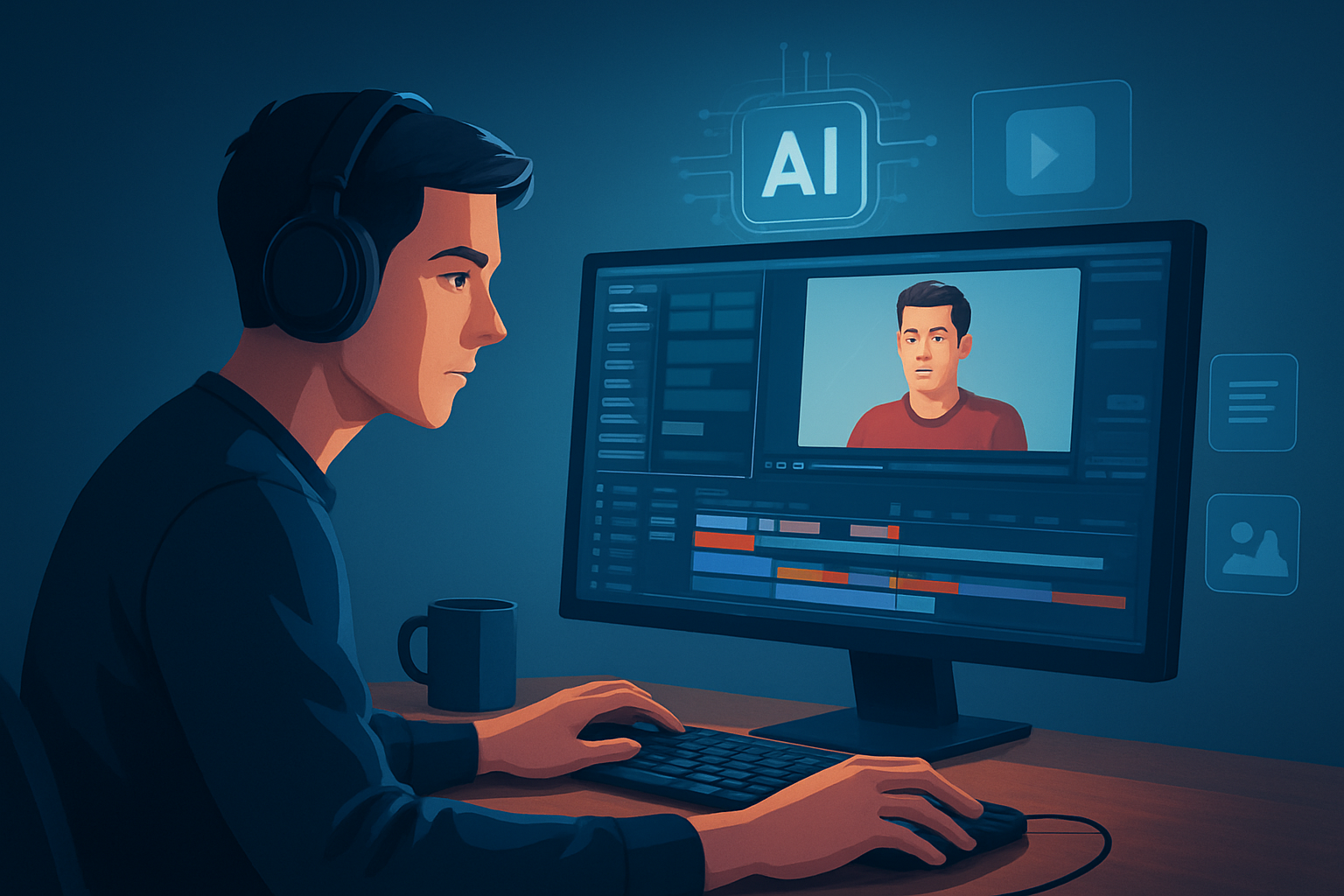
For TikTok advertisers who need finished videos faster
You’re an advertiser working with video creators to scale TikTok ad creative. You need more finished, publish-ready variants in less time — not raw AI drafts or another tool that offloads work to manual cleanup. TikTok’s format demands fast iteration, tight hooks, and multiple aspect ratios. That’s why a workflow that compresses drafting, finishing, and packaging into one persistent workspace matters now.
Shorz is a Windows desktop AI video production suite built for creator-style ads, UGC-style and faceless workflows. It speeds first drafts, stores reusable assets locally, and adds finishing controls so you get publish-ready outputs, not just a rough generator.
Why TikTok ad workflows need this today
- TikTok favors fresh, native-feeling creative. That means many short variants, fast turnarounds, and tight attention to hooks and captions.
- Ad fatigue requires rapid A/B testing of hooks, thumbnails, and sound. Waiting days for an editor to stitch each variant loses momentum.
- Platform bottlenecks: portrait-first delivery, subtitle-first viewing, and quick thumbnail/hook selection all happen before media ever reaches an ad manager.
You need a workflow that reduces tool switching, produces faster first drafts, and keeps a reusable library of hooks, overlays, and B-roll for repeat campaigns.
Practical workflow you can implement this week
- Define 3 creative templates (e.g., UGC testimonial, product demo, avatar spokesperson).
- Open Shorz on Windows and create a project per template. Choose the project type that fits: Auto Edit Video to start from footage, Avatar for image+script spokespersons, or Text-to-Video for quick script-first drafts.
- Ingest assets into Shorz’s local asset library: raw footage, product images, voiceovers, music, and URLs. The local library makes these assets reusable across campaigns.
- Generate a first draft using the AI-assisted mode. Use the built-in preview to check portrait (TikTok), square, and landscape outputs so you don’t re-cut later.
- Apply finishing layers inside the same workspace: add title hooks, subtitle styles, overlays, borders, B-roll inserts, music, and volume mix. Use auto zoom or face tracking where needed to keep attention on-screen.
- Produce 3–5 variants by swapping title hooks, thumbnail options, or music stems and exporting each aspect ratio. Since assets are stored locally, variants share the same branded elements instantly.
- Export thumbnails and final videos, then upload to your TikTok ad manager. Keep the Shorz project as the template for the next campaign iteration.
Do this once this week and you’ll have a repeatable template that compresses future production cycles.
Best-tool criteria for TikTok ad editors — and where Shorz shows up
- Fast first drafts plus finish-ready controls (not only rough generation).
- Shorz: combines AI generation with finishing controls like subtitles, title hooks, overlays, and volume mix.
- Built-in support for portrait workflows and multi-aspect previews.
- Shorz: preview and export in portrait, square, and landscape right in the project.
- Reusable local asset library and persistent project history to scale variants.
- Shorz: stores projects and assets locally for repeat work and reusable libraries.
- Ad-creative packaging: subtitles, thumbnail generation, hooks, and B-roll integration.
- Shorz: generates and stores thumbnails; includes subtitle design, hooks, B-roll, music, and SFX.
- Low fragmentation: fewer tools between script, edit, and publish.
- Shorz: Auto Edit Video, Text-to-Video, Avatar, and Podcast project types live in one desktop workspace to reduce tool switching.
If those criteria matter for your TikTok ad operations, Shorz meets them as a workflow-compression tool rather than a standalone gimmick.
Where Shorz fits in your ad stack
- Creative brief -> Shorz project: script, footage, or avatar image.
- Shorz workspace: draft → finish → variants. Use the same project to export portrait-ready cuts and thumbnails.
- Exported assets -> ad manager or DAM. Because Shorz stores assets locally, you keep a persistent repository of hooks, thumbnails, and branded overlays for rapid re-use.
In short: Shorz compresses the middle of your pipeline — drafting, finishing, and variant export — so your copywriters and media buyers spend less time waiting for deliverables.
Examples of TikTok-focused ad workflows Shorz accelerates
- UGC-style testimonial: Auto Edit Video to auto-assemble footage, apply subtitle styles, add a product overlay, swap hooks, export portrait variants.
- Spokesperson ad without a shoot: Avatar mode with an image + script to create talking-head promos, then layer hooks, SFX, and thumbnails.
- Repurposed long-form content: import clips, generate a short-form edit, use auto zoom and face tracking, and export multiple aspect ratios.
For more on creator-style workflows, see Best AI Video Editor for UGC-Style Content. If you sometimes serve long-form campaigns that need short-form spin-offs, consider the editorial differences explained in Best AI Video Editor for YouTube Ads.
FAQ — for advertisers running TikTok creative ops
Q: Can I produce many ad variants fast?
A: Yes. Shorz’s local asset library and template-style projects let you swap hooks, music, and thumbnails to export multiple variants quickly.
Q: Do I need to shoot new footage to use it?
A: No. Start from existing footage, uploaded images, audio, or use Avatar and Text-to-Video modes to reduce filming friction.
Q: Are assets stored in the cloud?
A: No — Shorz stores projects and generated assets locally on Windows. That persistence supports repeat work and reusable assets.
Q: Can I preview the exact aspect ratio for TikTok?
A: Yes. Shorz previews and exports portrait, square, and landscape so you can validate TikTok framing before export.
Q: Does Shorz generate subtitles and thumbnails?
A: Yes — subtitle design and thumbnail generation are part of the finishing workflow, so you get publish-ready packaging without extra apps.
Q: Is this suited for brand teams or only solo creators?
A: Shorz is designed around creator-style, ad, explainer, repurposing, and faceless workflows — useful for solo creators and advertiser teams focused on fast iteration and repeatable templates.
Next step
If your objective is finished, publish-ready TikTok ads with fewer handoffs and faster first drafts, try Shorz and build a template workflow this week. Learn more and get started here: What Is an AI Video Editor?. For related workflows and platform-focused comparisons, see Best AI Video Editor for YouTube Ads and Best AI Video Editor for UGC-Style Content.