
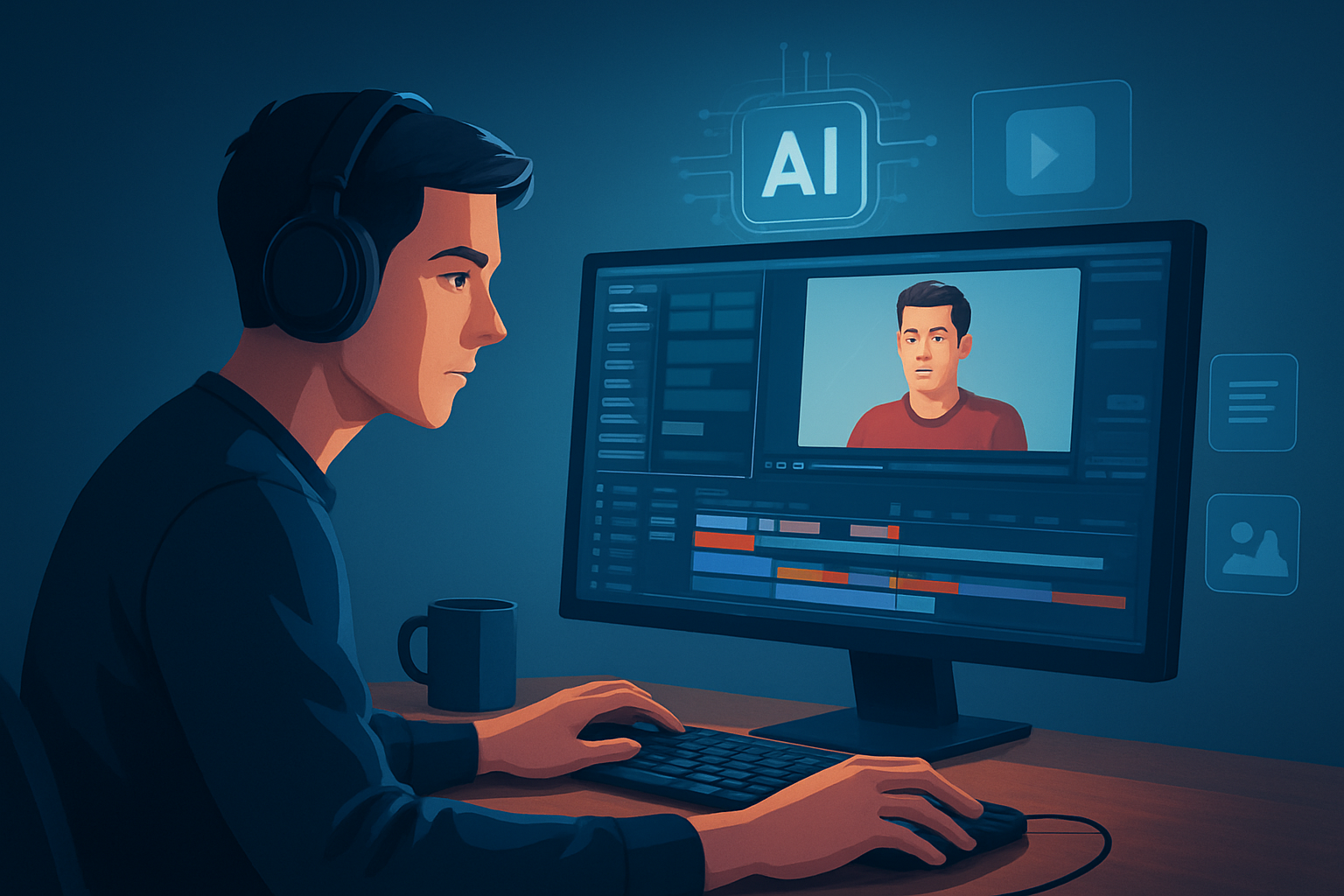

For creators making UGC-style YouTube content who need finished videos faster
If you make UGC-style content for YouTube — quick product demos, honest reviews, short explainers, or ad-style clips — your primary bottleneck is packaging: turning raw phone footage and a performance into publish-ready videos, thumbnails, subtitles, and multiple aspect ratios without juggling five apps. You need a repeatable, low-friction workflow that produces variants fast so you can test hooks, thumbnails, and formats on YouTube Shorts and long-form uploads.
Shorz is a Windows desktop AI video production suite built for exactly that: faster first drafts, reusable assets, and finish-ready exports from one persistent local workspace.
The specific pain points this page solves
- Slow turnaround from shoot to publish-ready asset (multiple tools, manual subtitle cleanup).
- Low ROI on filmed takes because creating variants (different hooks, aspect ratios, thumbnails) is time-consuming.
- Inconsistent branding across thumbnails, subtitles, and overlays.
- Friction when repurposing long-form content into Shorts or portrait assets for discovery.
- Paying for separate tools for avatar-based spokesperson videos, subtitles, B-roll, and thumbnail creation.
Why UGC-style YouTube creators need this workflow now
YouTube’s attention economy rewards rapid iteration and variant testing: thumbnails, hooks, captions, and short-form edits determine whether your clip gets traction. That means you need to produce more publish-ready versions of a single idea without increasing filming time. Shorz compresses the production steps—AI-assisted first drafts plus integrated finishing controls—so you can ship more variants from the same footage and test creative faster on YouTube.
If you’re also running paid social or repurposing content for TikTok, this workflow saves time creating the same asset in multiple aspect ratios and packaging layers.
Practical workflow you can implement this week
- Capture a shoot
- Film a 60–90 second UGC-style take on your phone. Keep extra reaction shots and close-ups.
- Import into Shorz
- Create a project and import footage, brand assets, and music into the local asset library so they’re reusable.
- Generate a first draft
- Use Auto Edit Video to produce an AI-assisted draft from your footage. This creates a fast starting point instead of editing from scratch.
- Apply finishing layers
- Add subtitle templates, title hooks, overlays, and a border style in the same workspace. Use the face tracking and auto-zoom where needed to keep attention on the speaker.
- Produce variant exports
- Preview and export landscape, portrait, and square versions. Use the built-in thumbnail generator and save multiple thumbnails to the project.
- Create an avatar variant (optional)
- If you want a spokesperson version without re-shooting, use Avatar mode with an image plus script or recorded audio to create an ad-style talking-head.
- Final polish and export
- Adjust volume mix and basic color controls, add SFX or music from your library, then export the publish-ready files and thumbnails.
- Upload and iterate
- Upload to YouTube Studio, test thumbnails and hooks, then reuse the project history and assets in Shorz to make quick follow-ups.
These steps compress the usual tool switching into one persistent desktop workspace and give you reusable assets for repeatable output.
Best-tool criteria for UGC-style YouTube creators — and how Shorz meets them
- Fast first drafts that are also editable: Shorz’s Auto Edit Video produces a starting edit that you can finish in the same app.
- Packaging and social-ready outputs: subtitles, hooks, overlays, borders, and thumbnail generation are built into the workflow.
- Multi-aspect export: preview and export landscape, portrait, and square mixes for YouTube, Shorts, and other platforms.
- Reusable local asset library: store footage, music, thumbnails, and generated assets locally for repeat work and consistent branding.
- Avatar-based variants without reshoots: Avatar mode converts an image + script or audio into a talking-avatar video for ad-style or spokesperson variants.
- Finishing controls, not just raw AI output: subtitle design, B-roll, face tracking, freeze frames, and volume mix controls let you polish inside the same project.
If these are your criteria, Shorz shows up clearly as the workflow compression layer between raw material and publish-ready assets.
Read more about the idea of an AI video editor and what to expect from these tools: What Is an AI Video Editor?. If you run short-form ad experiments on other platforms, the same approach applies and there are guides for TikTok and YouTube ad workflows: Best AI Video Editor for TikTok Ads and Best AI Video Editor for YouTube Ads.
Where Shorz fits in your stack
- Capture: phone or camera for footage; any mic for voice.
- Primary editor and packager: Shorz (Windows desktop) — import footage, generate drafts, design subtitles, create thumbnails, and export multi-aspect variants from one project.
- Upload and analytics: YouTube Studio (for publish and performance tracking).
- Reuse: keep all assets in Shorz’s local project library to make next videos faster.
That placement replaces a string of separate tools (subtitle editor, thumbnail tool, avatar generator, ratio croppers) with one persistent workspace optimized for creator-style and ad workflows.
FAQ — tailored to UGC creators on YouTube
Q: Can Shorz handle both short-form Shorts and longer YouTube uploads?
A: Yes. Shorz supports preview and export in landscape, portrait, and square ratios, and is designed around short-form, creator-style, ad, explainer, repurposing, and faceless workflows. Use the same project to create multiple variants.
Q: Do I need separate tools for thumbnails and subtitles?
A: No. Shorz includes thumbnail generation and subtitle design tools inside the project so you can package the video file and its publish-ready assets together.
Q: Can I produce avatar spokespeople without re-shooting?
A: Yes. Avatar mode creates talking-avatar videos from an image plus script or audio; you can start from typed scripts, uploaded audio, or recorded microphone input and combine the avatar output with title hooks, music, SFX, subtitles, and multiple aspect ratios.
Q: Are my files stored in the cloud?
A: Shorz stores projects and generated assets locally on your Windows machine, which supports reusable libraries and persistent project history.
Q: Will AI output be just rough drafts?
A: Shorz combines AI generation with finishing controls rather than stopping at a raw first draft—subtitles, B-roll, overlays, auto-zoom, face tracking, and color controls are available to polish the edit.
Q: I repurpose long-form content to Shorts. How does Shorz help?
A: Use Auto Edit Video and the asset library to pull highlights, apply subtitle and hook templates, and export portrait/square crops without rebuilding the project from scratch. For longer edits, see additional guidance: Best AI Video Editor for Long-Form Videos.
Ready to compress your UGC-to-YouTube workflow?
If your goal is faster first drafts, repeatable output, and fewer tools between shoot and publish-ready assets, try Shorz’s Windows desktop workflow. Start building reusable projects, generate thumbnails and aspect variants in the same place, and ship more tests on YouTube.
Get started with Shorz: What Is an AI Video Editor?


