

For Facebook advertisers running local service lead campaigns
If you buy leads for local services (HVAC, plumbing, roofing, pest control, locksmiths) on Facebook, you need more ad variants — fast. Facebook rewards fresh creative and local relevance, but production bottlenecks (casting, filming, editing, captions, aspect ratios) make scale expensive and slow. This page shows a practical, week-long workflow to launch avatar-based ad variants for local service offers, how to pick tools, and exactly where Shorz fits to compress the creative loop.
Why local service advertisers on Facebook need avatar ads now
- Ad fatigue in local campaigns is fast: audiences are small, frequency rises, and CTR drops. Rapid variant testing buys time and reduces CPA volatility.
- Local offers need clear, repeatable spokespeople and consistent messaging (price, availability, guarantee). Avatar ads let you spin controlled spokespeople without re-booking shoots.
- Facebook requires multiple aspect ratios and captions for placements. Producing those manually multiplies work. A single workspace that handles avatar creation plus finishing cuts that match platform contexts speeds launches.
Shorz compresses the loop from script to publish-ready files inside one persistent desktop workspace, so you can iterate creative and localize offers with fewer tool hops and reusable assets.
Practical workflow you can start this week
Day 1 — Prep and scripts
- Pull winning ad hooks from past campaigns and add localized versions (city name, promo, ETA).
- Create 5–10 short scripts (10–30 seconds) with different hooks: urgency, price, social proof, guarantee.
- Collect a headshot or logo you’ll use as the avatar image, plus any existing footage to repurpose.
Day 2 — First drafts in Shorz (Avatar mode)
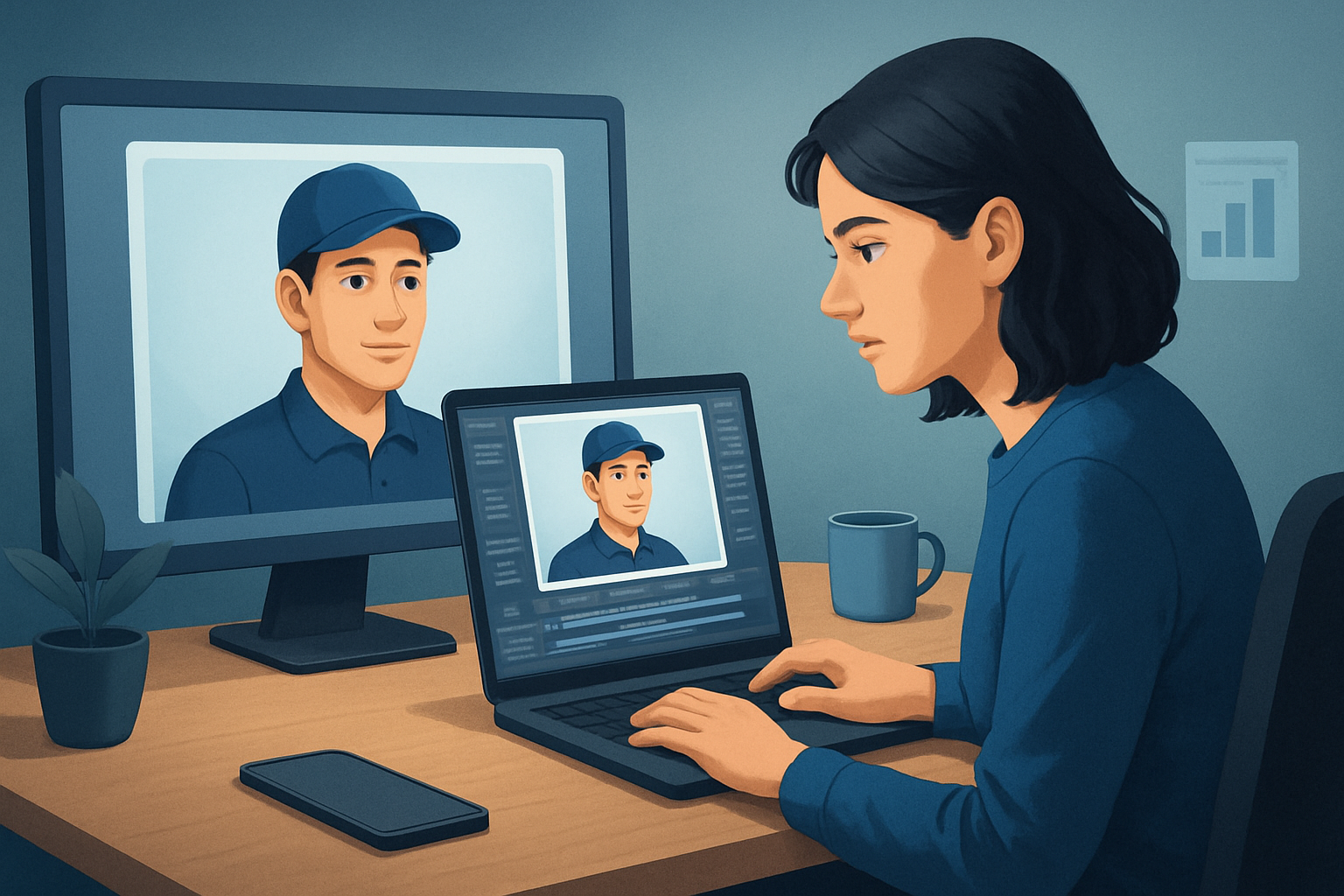
- Open Shorz and start Avatar mode: feed the avatar image and paste one script per take, or record/ upload voiceover audio.
- Generate talking-avatar takes for each script. Use the local asset library so each avatar, audio file, and script is stored for reuse.
Day 3 — Finish, variant, and polish
- Add title hooks, subtitles, and short B-roll overlays inside Shorz. Use auto zoom, face tracking, and freeze-frame effects for emphasis where needed.
- Preview each take in landscape, portrait, and square within Shorz and make small framing adjustments so the same core asset can run across Facebook placements.
Day 4 — Audio, captions, thumbnails
- Use Shorz’s audio mix controls to balance voice, music, and SFX; apply noise cleanup or stylized presets as needed.
- Generate subtitles and thumbnails inside Shorz and store them in the project’s asset library for repeated use.
Day 5 — Export and test
- Export variations (different hooks, CTAs, aspect ratios, and thumbnails) and upload to Facebook Ads Manager. Launch A/B tests by creative and audience slice.
- Use the Shorz project history and reusable assets to spin new variants quickly when a creative fatigues.
Repeat — scale by swapping scripts, city names, or offer copy and reusing the same avatar and assets to create new permutations in hours, not days.
Best-tool criteria for Facebook local lead creative (and where Shorz shows up)
- Fast first drafts and repeatable output: can produce spokesperson takes from scripts or audio without a film day. Shorz: Avatar mode + local asset library.
- Minimal tool switching: script → avatar take → captions → audio → aspect previews all in one workspace. Shorz: combines Avatar, Auto Edit, Text-to-Video, and finishing tools in one Windows desktop app.
- Multi-aspect previews and export: preview landscape, portrait, square and finish for each. Shorz: built-in aspect previews and export-ready outputs.
- Reusable asset library and persistent project history: keep city-specific hooks, thumbnails, and voice files for re-use. Shorz: stores projects and generated assets locally for repeat work.
- Built-in audio and captioning controls: voice mixing, dubbing/localization, subtitles, and music without leaving the editor. Shorz: audio mix, dubbing, noise cleanup, and subtitle systems.
- Visual finishing controls for paid-social polish: titles, B-roll, auto zoom, face tracking, and thumbnail generation. Shorz: shared finishing layers and thumbnail generation.
If your checklist includes these items, Shorz meets the core needs that compress the ad-creative loop for Facebook local lead campaigns.
Where Shorz fits in your ad stack
- Input layer: collect scripts, headshots, and phone footage (camera or phone uploads).
- Creative engine (Shorz): create avatar takes, finish with titles/subtitles/music, preview multiple aspect ratios, and export publish-ready files and thumbnails.
- Delivery layer: upload those MP4s and thumbnails to Facebook Ads Manager and iterate based on performance.
Because Shorz stores assets locally, it’s optimized for repeatable workflows where you want persistent project history and libraries for multiple neighborhoods, service types, or seasonal offers. It replaces multiple small tools (avatar generator + captioning tool + separate editor) and reduces tool switching, enabling faster first drafts and reusable assets.
For creative patterns and UGC-style workflows inspired by short-form ads, see Avatar Video Ads and UGC-Style Creative Workflows. For cross-industry ideas that map to local promos, check these examples: AI Avatar Ads for SaaS Trials and AI Avatar Ads for Ecommerce Launches.
FAQ — tailored for Facebook local-service advertisers
Q: Will avatar ads feel too synthetic for local audiences? A: When you combine concise local scripts, natural audio, subtitles, and contextual B-roll, avatars perform like controlled spokespeople. Use testimonials, local references, and genuine offer details to maintain authenticity. Shorz’s finishing controls help make avatar output read as natural, not robotic.
Q: Can I localize variants for different ZIP codes or languages? A: Yes — create copies of scripts with local placeholders (city, zip, promo) and reuse the same avatar and thumbnail. Shorz supports dubbing and narration workflows and stores generated audio and subtitles in the asset library for easy reuse.
Q: Do avatar ads replace live shoots? A: No — avatars reduce filming friction for rapid testing and scale. Keep a small library of live-shot hero creatives for top-performing offers and use avatars to iterate quickly and fill the variant pipeline.
Q: How fast can I produce test-ready variants? A: Using the outlined workflow, you can produce multiple 10–30 second avatar variants in a single week and spin new permutations in hours once the asset library is established. Shorz speeds first drafts and enables reusable assets to compress future cycles.
Q: What about captions and placement requirements for Facebook? A: Create subtitles and title hooks inside Shorz, preview different aspect ratios, and export platform-ready files and thumbnails. This reduces manual rework per placement.
Q: Do I need to be a video editor to use this? A: No. Shorz combines AI generation with finishing controls so advertisers can generate fast first drafts and then apply simple polish (titles, audio mix, aspect adjustments) without deep editing skills.
Ready to launch more Facebook ad variants for local leads?
Compress your ad-creative loop, generate repeatable avatar spokespersons, and push more variants into Facebook Ads Manager faster. Start building avatar-based local lead ads now: Avatar Video Ads and UGC-Style Creative Workflows.


