
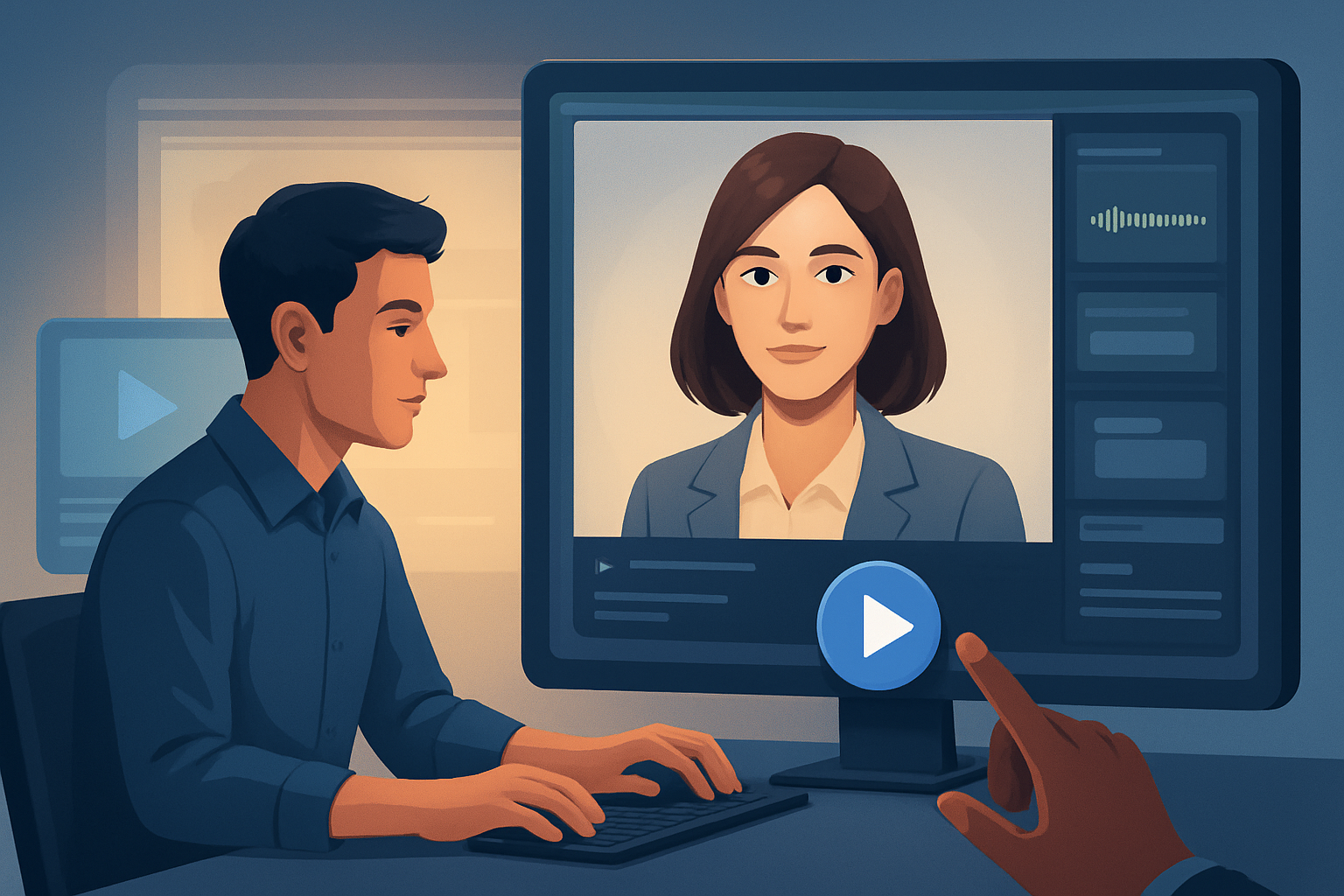

For advertisers who make video for webinars — stop losing time to filming and launch more ad variants faster
You run webinar promotion campaigns. You’re a video creator tasked with driving registrations and conversions for live and on-demand webinars. The platform is webinars: long-form content that needs dozens of short, high-conversion ads across channels and markets. Your bottlenecks are speaker availability, editing multiple variants, localization, and juggling tools for audio, subtitles, and aspect ratios.
AI avatar ads for webinars compress that workflow: they let you generate spokesperson-style and UGC-style ad variants without rebooking presenters or reshooting every take. If your goal is to launch more ad variants faster and iterate on what converts, a repeatable avatar-based pipeline built around a single desktop workspace will change how you scale webinar promotion.
Why this needs to happen now
- Webinar competition is higher — more promos, shorter attention spans, and lower marginal returns on each creative. You need to iterate quickly to find a winner.
- Speakers are busy. Reshoots for simple copy swaps are costly and slow.
- Ads must be localized and formatted for multiple placements (landscape, square, vertical). Doing that by hand multiplies work.
- Winning webinar creatives are short-form by nature: clear hook, relevance to the landing page, and a direct CTA. Avatars let you test many hooks and CTAs in parallel.
Concrete, implementable workflow you can run this week
Day 1 — Prep
- Draft 6–10 short ad scripts (10–30 seconds) that mirror webinar hooks: urgency, pain, result, and objection handling.
- Pull speaker headshots or brand-friendly images and any short webinar clips you’ll repurpose.
- Prepare landing-page CTAs and tracking specs.
Day 2 — Build avatars and first drafts (using Shorz)
- In Shorz Avatar mode, create talking-avatar videos from saved image(s) plus each script or uploaded audio. Use typed scripts or recorded mic input for voice when you want a natural tone.
- Use the reusable asset library to import your logo, webinar stills, and short B-roll clips to reuse across variants.
- Generate 6–10 first-draft videos quickly — these are faster first drafts you can polish without leaving the app.
Day 3 — Polish, format, and variant generation
- Apply title hooks, subtitles, and branded overlays inside Shorz. Use the subtitle and title hook controls to test different opening lines and CTAs.
- Preview and export each draft in landscape, square, and portrait to match ad placements. Use Shorz’s aspect-ratio previews to catch framing issues early.
- Tweak audio levels with Shorz’s narrator/music/source-volume mix controls and apply noise cleanup or stylized sound presets as needed.
Day 4 — Localize and finalize
- Create dubbed or localized versions using Shorz’s dubbing and narration features. Swap the script text or upload localized audio to produce market-specific variants.
- Export thumbnails and creative assets from Shorz for ad platforms.
- Upload to your ad manager and start A/B tests.
This four-day loop gives you repeatable assets and reusable libraries so subsequent webinar campaigns compress down to days, not weeks.
A quick recipe for 5 high-test ad variants (20–30 minutes each in Shorz)
- Variant A: Clear problem + webinar promise (10s). Hook titles + subtitles.
- Variant B: Social proof snippet (20s). Add webinar clip B-roll + avatar intro.
- Variant C: Scarcity + CTA (15s). Strong title hook and bold overlay.
- Variant D: Localized language (15–20s). Use dubbing and local subtitles.
- Variant E: Platform-specific cut (6s bumpers for stories). Auto-crop and rapid subtitle tweaks.
Use Shorz to batch-create these by swapping scripts, reusing assets from the library, and exporting multiple aspect ratios.
Best tool criteria for webinar ad creative — and why Shorz fits
Choose tools that let you:
- Produce talking-spokesperson or UGC-style spots without reshoots (avatar from image + script/audio). Shorz Avatar mode supports image-based avatar generation from typed scripts or uploaded audio.
- Keep project history and reusable assets local to speed repeats. Shorz stores projects and generated assets locally and maintains persistent project history.
- Finish drafts inside the same workspace: titles, subtitles, B-roll, overlays, thumbnails, music, SFX, and export in multiple aspect ratios. Shorz combines AI generation with finishing controls and supports subtitles, title hooks, B-roll, overlays, borders, music, sound effects, and volume mixing.
- Preview for ad placements and create export-ready variants quickly. Shorz previews landscape, portrait, and square ratios and generates/reuses thumbnails and project assets.
- Localize without bouncing between apps. Shorz includes dubbing, narration, audio mix, noise cleanup, and stylized sound presets to create market variants.
If your criteria emphasize faster first drafts, repeatable output, reusable assets, and less tool switching, Shorz checks the boxes for webinar ad pipelines.
Where Shorz sits in your stack and workflow
- Pre-production: Script drafting and asset gathering (your docs, brand kit).
- Production: Shorz Avatar or Text-to-Video for spokesperson/UGC-style ads; import webinar clips for repurposing.
- Editing & Finishing: Title hooks, subtitles, B-roll insertion, visual polish (auto zoom, face tracking, freeze frames), audio mix and music inside Shorz.
- Output & Distribution: Multi-aspect exports, thumbnails, and localized variants ready for your ad manager.
Shorz is a Windows desktop app that compresses the chain from source material to publish-ready creative inside one persistent workspace, minimizing tool switching and supporting repeatable campaigns.
Related workflows and examples
- For lead-gen-focused webinar promos and list-building creatives, see AI Avatar Ads for Lead Generation
- If your webinar CTA pushes to sales calls, use variant scripts and follow-up dial-ins described in AI Avatar Ads for Sales Calls
- For product- or demo-driven webinars, adapt avatar demos and feature highlights from AI Avatar Ads for Product Demos
FAQ — focused on advertisers promoting webinars
Q: How realistic will the avatar feel for webinar ads? A: Avatars in Shorz are optimized for UGC- and spokesperson-style ads. They’re best used where talking-head clarity, consistent delivery, and quick iteration matter more than cinematic realism. Combine avatars with real webinar clips or branded overlays for higher trust.
Q: How many variants can I realistically produce per week? A: With a scripted pipeline and reusable asset library in Shorz, teams typically move from script to export for multiple variants in days rather than weeks. The limiting factors become script creation and testing cadence, not rendering or format conversion.
Q: Can I reuse webinar footage with avatars? A: Yes. Import webinar clips into Shorz’s asset library, combine them with avatar segments, and apply unified finishing (titles, subtitles, music) for cohesive ads.
Q: Is localization supported? A: Shorz includes dubbing and narration features and subtitle workflows, which lets you create language variants and localized audio inside the app without leaving your workspace.
Q: Where are projects and assets stored? A: Projects and generated assets are stored locally in Shorz, supporting persistent project history and reusable libraries for repeat campaigns.
Q: What deliverables can I export for ad platforms? A: Shorz supports export-ready video in different aspect ratios, thumbnails, and finalized audio mixes — all produced inside the same project workspace.
Ready to launch more webinar ad variants?
Speed up first drafts, reuse assets across campaigns, and get publish-ready avatar ads without reshoots. Start building repeatable webinar ad pipelines today: Avatar Video Ads and UGC-Style Creative Workflows


