

For advertisers who make YouTube ads (video creators on YouTube)
If you run paid YouTube campaigns and produce ads in-house, this page is for you. You need to launch more ad variants faster without exploding your production budget or your editing queue. The specific constraints of YouTube—multiple aspect ratios for discovery vs. skippable ads, strict thumbnail and hook requirements, and the need to test messaging quickly—demand a repeatable, local-first workflow that compresses creative cycles. Shorz is a Windows desktop AI video production suite built to do exactly that: faster first drafts, repeatable output, reusable assets, and less tool switching.
Why YouTube needs avatar-based ad workflows right now
- YouTube’s auction rewards frequent iteration. More variants = faster signal.
- Spokesperson and UGC-style creative perform well but are expensive to film at scale.
- Localization and A/B copy tests mean you need dozens of small edits, not one long shoot.
- Thumbnails, aspect ratios (landscape for TrueView, square/portrait for discovery and re-use), and strong opening hooks are all required at deliverable stage.
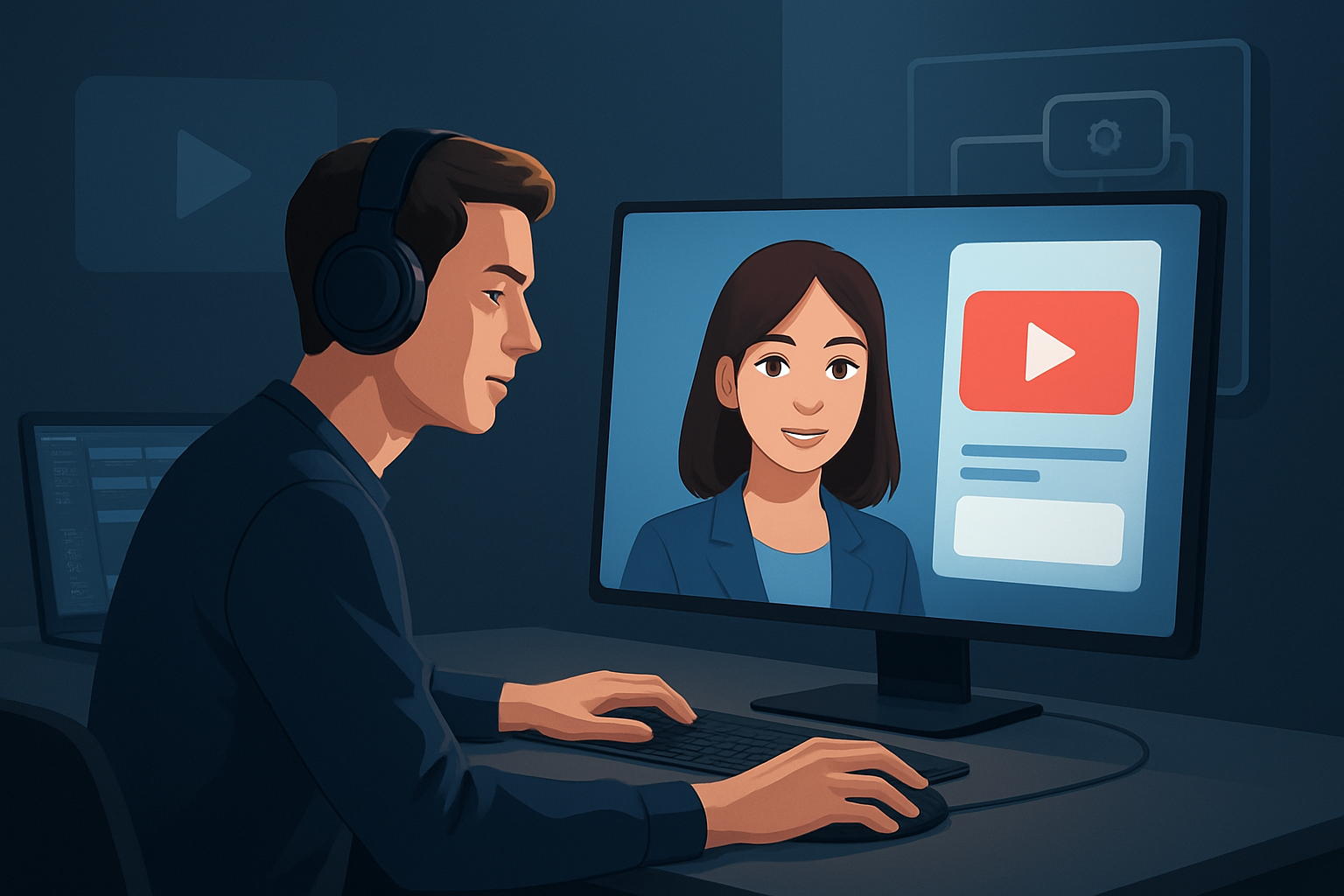
Avatar-driven ads remove filming friction: you can generate spokesperson clips from an image plus script or audio, combine those with hooks, subtitles, and localized dubs, then preview and export multiple aspect ratios — all from one persistent project workspace.
Common YouTube bottlenecks advertisers face
- Bottleneck: shooting new takes for every copy test. Result: slow variant creation.
- Bottleneck: bouncing between tools for captions, audio mix, and thumbnail design. Result: lost creative context and version confusion.
- Bottleneck: recreating assets per market. Result: wasted time on repetitive tasks.
Shorz addresses these by storing projects and generated assets locally, enabling repeatable libraries and one-place finishing controls for captions, hooks, music, and exports.
Practical workflow you can run this week (launch more variants in days, not weeks)
Prepare assets (1–2 hours)
- Collect your product image(s) for avatars, brand logo, short scripts for 3–5 variants (10–20s hooks + 10–20s body), and any existing music stems.
- Keep one reference thumbnail or title hook you like.
Start a Shorz Avatar project (30–60 minutes)
- Create an Avatar project using an image plus a typed script or uploaded audio. Shorz will generate the talking-avatar footage for each script variant.
- Produce 3–5 short avatar takes (UGC/spokesperson style) replacing the need to re-shoot talent for each script.
Add finishing and hooks (30–60 minutes)
- Layer title hooks, animated subtitles, and B-roll from your asset library. Use Shorz’s shared finishing systems (subtitles, title hooks, overlays, borders).
- Apply auto zoom, face tracking, or freeze-frame effects where needed to emphasize product shots.
Localize and create variants (1–2 hours)
- Use Shorz’s dubbing/narration and audio controls to create localized voice or dubbed audio tracks. Generate alternative voice tracks for A/B tests.
- Export versions in landscape, square, and portrait preview modes to validate framing for TrueView, discovery placements, and biddable inventory.
Polish audio and thumbnails (30–60 minutes)
- Run noise cleanup and apply stylized sound presets, balance narrator/music/sfx in the audio mix controls.
- Generate and store multiple thumbnails in the project so each variant has a matching thumbnail.
Export and iterate (30 minutes)
- Export 5–10 variants quickly from one project. Use stored assets to swap scripts, music, or subtitles and re-export repeatable variants without rebuilding the timeline.
These are repeatable steps that convert one core idea into a matrix of creative variants in a single workspace.
Best-tool criteria for AI avatar ads on YouTube — and where Shorz shows up
When evaluating tools for avatar-based YouTube ads, prioritize:
- Workflow compression: ability to go from script/asset to publish-ready video in one workspace.
- Reusable asset library: store and reuse logos, B-roll, voice tracks, and thumbnails locally.
- Finishing controls: subtitles, title hooks, music/SFX mixing, and visual polish after AI generation.
- Multi-aspect previews: ensure framing for landscape and repurposing to other placements.
- Localization support: dubbing and multiple narration tracks in the same project.
- Local project persistence: projects and assets stored locally for repeat campaigns.
Shorz meets these criteria as a Windows desktop studio that combines Avatar mode (image + script/audio) with finishing systems, multi-aspect previews, dubbing and audio mix controls, and a reusable, local asset library — reducing tool switching and speeding repeatable output.
Where Shorz fits in your YouTube ad stack
- Pre-production: script variants and images are prepared outside Shorz.
- Production without a camera: Avatar mode replaces some live shoots for spokesperson/UGC-style ads.
- Editing & finishing: Shorz handles AI generation + finishing controls (subtitles, title hooks, B-roll, auto zoom, face tracking, color basics) inside one persistent workspace.
- Localization & audio: do dubbing, narration, noise cleanup, and music/SFX mixing inside the app to avoid external audio tools.
- Deliverables: export landscape/portrait/square variants and stored thumbnails ready for YouTube uploads.
Use Shorz as the central creative engine that compresses the loop between “idea” and “running variant” while keeping your source assets and history locally accessible for future reuse.
FAQ — Advertisers on YouTube
Q: Can I create multiple short ad variants quickly? A: Yes. Avatar projects plus reusable title hooks and subtitles let you turn a single script into several variants without reshooting.
Q: Will avatars replace my live talent? A: No — avatars compress spokesperson-style production for certain ad formats (UGC, explainers, promos). They’re best used to increase test velocity and reduce friction, not as a substitute for all branded production.
Q: How do I handle localization? A: Shorz includes dubbing and narration controls and stores multiple audio tracks per project so you can create localized versions and export them with matching subtitles and thumbnails.
Q: Can I preview ads for different YouTube placements? A: Yes. Preview content in landscape, portrait, and square ratios from the same project to validate framing and hooks for different placements.
Q: Where are projects stored? A: Projects and generated assets are stored locally on your Windows machine, enabling reusable libraries and persistent project history.
Q: Do I still need other tools for final deliverables? A: For most short-form ad needs — avatars, subtitles, hooks, audio mix, thumbnails, and multi-aspect exports — you can complete the work inside Shorz. Use external tools only when you require advanced color grading or VFX beyond Shorz’s finishing systems.
Related reads
- Cross-platform repurposing tips for short-form ads: AI Avatar Ads for TikTok
- How avatar ads translate to Instagram placements: AI Avatar Ads for Instagram
- Facebook ad variants and avatar workflows: AI Avatar Ads for Facebook
Ready to move from one script to dozens of YouTube ad variants?
Start compressing your ad-creative loop and ship more testable variants this week. Explore Shorz’s avatar ad workflows and see how it fits your YouTube stack: Avatar Video Ads and UGC-Style Creative Workflows


