

For advertisers: local businesses on Facebook who need more ad variants, faster
If you run creative for local businesses and buy Facebook ads, your brief is simple and brutal: make more variants that hit different neighborhoods, offers, and placements without blowing the production budget. You need repeatable, low-friction creative that looks local, converts in-feed and in Stories, and can be produced on a weekly cadence.
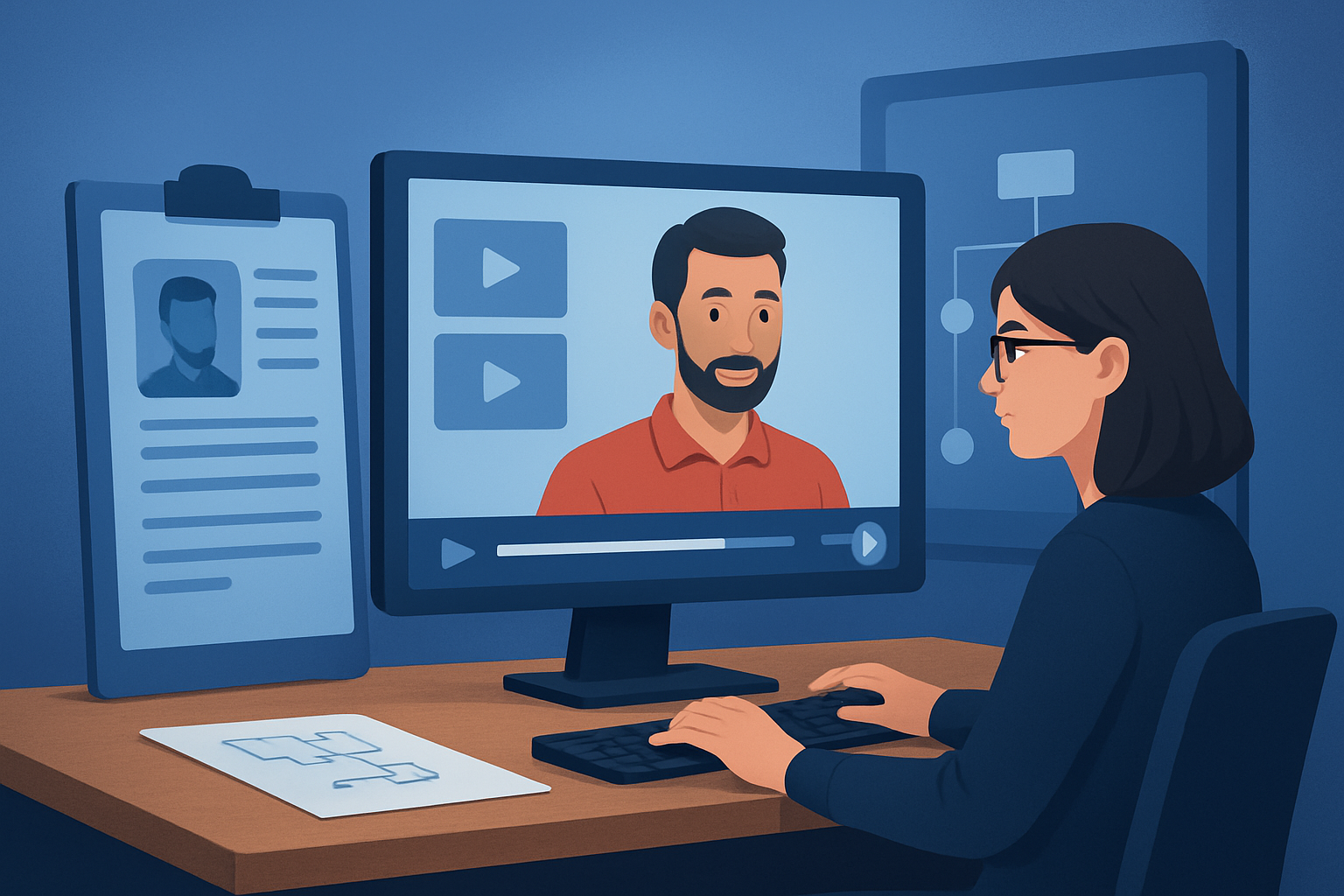
Avatar videos—talking-spokesperson clips generated from images, scripts, or uploaded audio—solve the core bottleneck: filming and talent logistics. But to make this predictable at scale you need a workflow that compresses first drafts, keeps reusable assets, and finishes output for every Facebook placement inside one workspace.
Shorz is a Windows desktop AI video production suite that compresses ad-creative and spokesperson workflows. It helps you spin up Facebook-ready avatar ad variants faster by keeping scripts, avatars, audio, and finishing controls in one persistent local project.
Why local businesses on Facebook need this now
- Facebook ad performance favors frequent creative refreshes. Local offers (seasonal promos, limited-time services, neighborhood-specific deals) require many small variants, not one hero spot.
- Local teams rarely have a repeatable on-camera spokesperson or budget to film daily. Avatar videos reduce filming friction while keeping a human-facing format advertisers trust.
- Facebook placements demand multiple aspect ratios and quick thumbnail swaps. Producing variants manually slows testing and increases CPCs through stale assets.
Shorz addresses these by producing faster first drafts, reusable asset libraries, and integrated finishing—so you can publish more ad variants from the same source materials.
Practical workflow you can run this week
Collect your source assets (day 1)
- Grab a high-quality headshot or storefront photo, the local business logo, a 10–20 second offer script, and a voice note if you want a custom read.
- Create a simple spreadsheet of variants: two offers × three CTAs × two neighborhoods = 12 variants.
Boot a Shorz Avatar project (day 1–2)
- Start Avatar mode with the chosen image and paste or upload each script. You can also record or upload audio as the input for lip-sync.
- Generate the talking avatar for one script to create a template.
Batch-generate variants (day 2)
- Duplicate the project template inside Shorz and swap in the different scripts, CTAs, or neighborhood mentions. Use the app’s local asset library to reuse logos, overlays, and music.
- Produce outputs in the three common Facebook aspect ratios (landscape for feed, square for cross-feed, portrait for Stories/reels) using Shorz’s preview controls.
Add finishing and localization (day 2–3)
- Apply title hooks, subtitles, and a local-first thumbnail generated and stored alongside the project.
- Use built-in audio tools for narration balance, noise cleanup, music, and sound effects. For language variants, use in-app dubbing and narration features to create localized reads without re-shooting.
Export, label, and upload (day 3)
- Export named files per variant and place in your ad folder (e.g., “ClinicA_SepOffer_NE_15s_1to1.mp4”).
- Upload to Facebook Ads Manager and set up rapid A/B tests by neighborhood or CTA.
Repeat the loop weekly using the stored templates and asset library—this is where the time savings compound.
Best-tool criteria for Facebook-focused local advertisers
When choosing a tool for avatar ad production, prioritize:
- Faster first drafts and repeatable output so you can iterate many variants.
- Reusable local asset libraries (logos, address overlays, thumbnails) stored with projects.
- Avatar creation from image + script or audio to avoid constant filming.
- In-app audio and dubbing capabilities for quick localization.
- Finishing controls (subtitles, title hooks, music, sound effects, auto-zoom/face tracking) so a draft becomes publish-ready without moving files between apps.
- Previewing in landscape, square, and portrait to check delivery for all Facebook placements.
- Local project storage so your assets and history stay reusable across campaigns.
Shorz meets these criteria: it creates avatar videos from images plus script or audio, stores projects and generated assets locally, includes audio/dubbing and finishing controls, and previews multiple aspect ratios—reducing tool switching and accelerating variant creation.
Where Shorz fits in your ad production stack
- Ideation & scripts: Draft variants in Google Docs or your ad-brief doc.
- Asset capture: Phone photos of storefront, logos, and short voice notes.
- Production: Shorz (Avatar mode) — generate avatars, add hooks, subtitles, music, and export multi-ratio outputs from one persistent project.
- Ad ops: Label exports and upload to Facebook Ads Manager for targeting and split tests.
Because Shorz keeps assets locally and in persistent projects, your weekly “spin-up” time is focused on swapping scripts and CTAs—not rebuilding a project from scratch.
Related reads: AI Avatar Videos for Ecommerce Brands AI Avatar Videos for SaaS Brands AI Avatar Videos for Course Creators
FAQs advertisers ask — answered for local Facebook campaigns
Q: Will an avatar video feel local and authentic for neighborhood ads? A: Yes—use a real storefront or employee headshot as the avatar image, mention the neighborhood and local landmark in the script, and add localized overlays (address, hours, promo codes). Subtitles and thumbnail tweaks in Shorz help match the look-and-feel of your other local creatives.
Q: How fast can I spin multiple variants? A: Shorz compresses the production loop—faster first drafts, reusable templates, and local asset libraries mean you can realistically generate many variants in a single afternoon. Actual throughput depends on your scripts and review process, not the app’s capabilities.
Q: Do I need to record voiceovers externally? A: No. Shorz accepts typed scripts, uploaded audio, or recorded microphone input for Avatar mode. It also includes narration, dubbing, music, and in-app audio-mix tools so you can finish audio without leaving the workspace.
Q: Can I produce placements for Stories, Feed, and Reels? A: Yes. Shorz lets you preview and export in landscape, portrait, and square ratios so one project can produce the placements Facebook requires.
Q: Where are projects and assets stored? A: Projects and generated assets are stored locally on your Windows device, enabling persistent project history and reusable libraries for recurring local campaigns.
Q: Does Shorz replace full production shoots? A: Shorz reduces the need for frequent on-camera shoots by compressing ad-creative and spokesperson workflows. It’s ideal for rapid variants and testing, but complex brand films or high-end production still benefit from traditional shoots.
Ready to launch more Facebook ad variants this week?
If you need to scale local ad variants—neighborhood promos, seasonal offers, or multi-CTA tests—start a Shorz Avatar project and turn one set of assets into a library of Facebook-ready creatives. Route your next campaign setup to learn more and get started: Avatar Video Ads and UGC-Style Creative Workflows


