
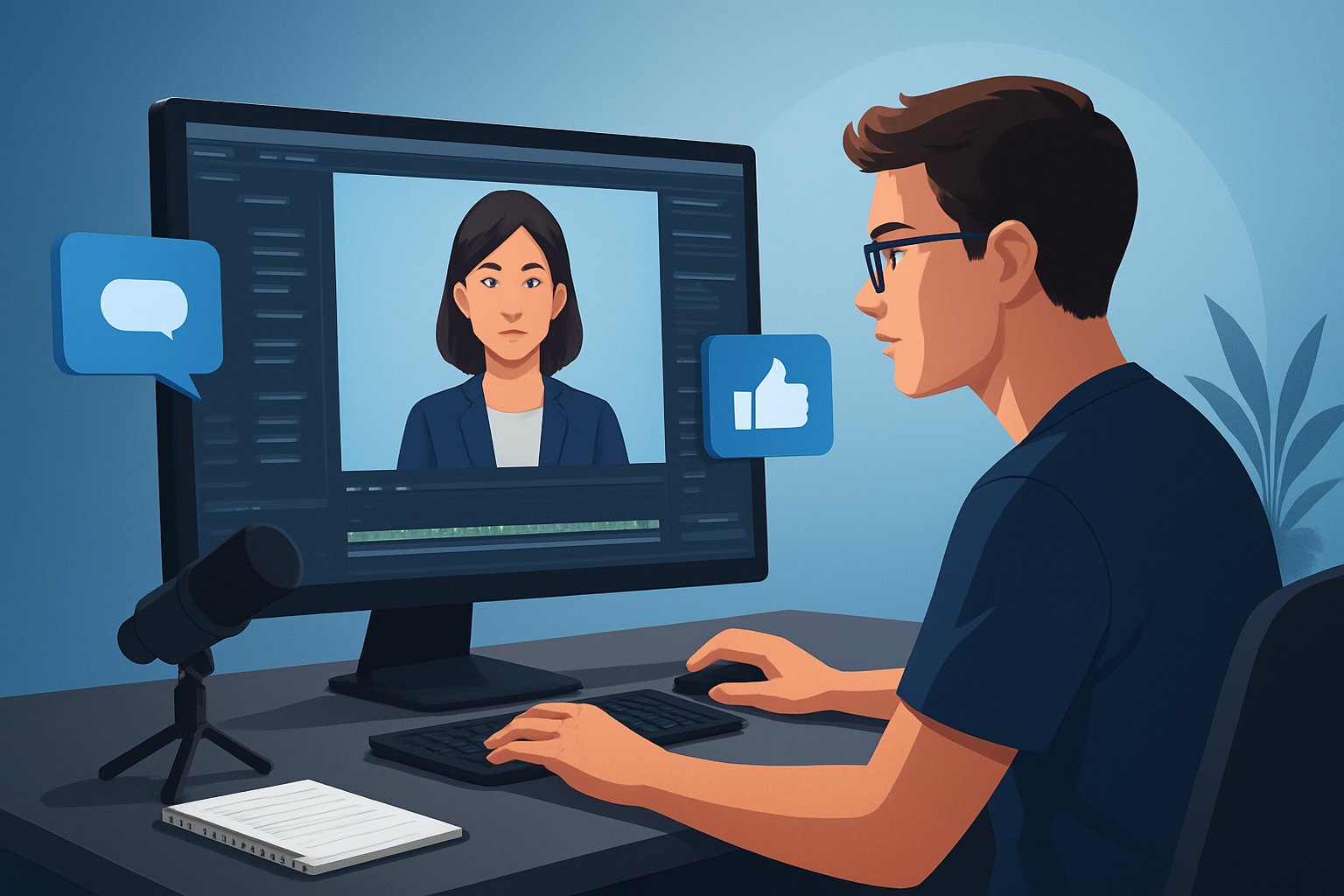

The core bottleneck for advertisers using AI avatars in retargeting
Retargeting ads live or die by speed and iteration. The most common bottleneck is not creativity — it’s the time cost of turning a single winning message into many platform-ready variants (voice, language, aspect ratio, thumbnail) while keeping consistent messaging and quality. Teams waste cycles switching between a script doc, a TTS tool, an editor, and a separate audio mixer. That slows tests, reduces variant count, and makes personalized retargeting expensive.
This workflow compresses that loop: a repeatable system to produce avatar-based retargeting ads fast, test them, and scale winning variants without recreating the wheel each time.
Step-by-step workflow: AI avatar retargeting ads
Define the retargeting segment and the single best offer
- Pick the audience slice (cart abandoners, page viewers) and the specific CTA or discount.
- Decide the key message: one benefit and one clear CTA.
Write a short, testable script
- Keep it 10–20 seconds for social retargeting. Hook in the first 2–3 seconds.
- Create 2–3 alternate hooks to A/B test (question, quick stat, or direct address).
Prepare avatar assets
- Choose or create a headshot or avatar image that matches your brand tone.
- If you need multiple identities, prepare 2–4 avatar images for quick persona tests.
Generate the avatar video
- Use an avatar system to feed the image + script (or recorded audio) and create the talking-avatar clip.
- Produce a few voice variants (tone, pace) and language/dub versions as needed.
Finish for platform and creative variants
- Add a title hook, subtitles, music bed, sound effects, and a clear end-frame CTA.
- Export or preview in portrait, square, and landscape ratios. Create thumbnails.
Build ad variants and package
- Combine hooks, voice tones, and aspect ratios to produce 8–12 variants from the base asset.
- Label and store each variant with metadata (audience, CTA, hook).
Launch and measure
- Run small tests across retargeting segments.
- Measure CTR, CVR, CPAs, and engagement to identify winners.
Iterate and scale
- Promote winners with more budget. Localize or create persona-specific variants from the same base using your asset library.
Tools you’ll need
- A desktop AI video workstation for avatar creation and finishing (Shorz is a practical option here — desktop app, local projects, asset library).
- Script & brief docs (Notion, Google Docs, or your existing creative brief system).
- Lightweight image editor for avatar images (crop, background fixing).
- Analytics/ad platforms for segmentation and measurement (your ad manager, analytics suite).
- A place to store winning assets and metadata (local drive or your DAM; Shorz’s My Assets can act as the local asset cache).
Shorz is useful because it brings avatar creation, text-to-video, audio dubbing, and finishing controls into one Windows desktop workspace, reducing tool switching and producing faster first drafts and reusable outputs.
Common mistakes to avoid
- Skipping the hook test: If your first 2–3 seconds don’t grab attention, none of the rest matters.
- Single-variant thinking: Running one avatar and one ratio will limit learnings and ramp time.
- Poor audio balance: Loud music or weak speech kills retention. Balance narration, music, and SFX before export.
- Ignoring subtitles and aspect ratios: Many viewers watch on mute or in portrait feeds. Always produce subtitles and multi-ratio exports.
- Recreating assets every time: Not using a reusable asset library forces repeated setup work and inconsistent creative.
Practical optimization tips
- Make 3 hooks per offer and pair each with 2 voice tones for 6 clear variants.
- Use subtitles as separate text assets so you can quickly swap language or tweak copy without re-rendering the core avatar.
- Preview in all target ratios before export; adjust auto-zoom or face-tracking to keep eyes and gestures centered.
- Standardize overlays and brand elements (title bars, end cards) so you can swap scripts without redesign work.
- Build a thumbnail playbook (3 thumbnail styles) and store generated thumbnails alongside videos for quick A/B tests.
For avatar-specific creative ideas and UGC-style patterns, see AI Avatar Workflow for UGC-Style Ads. For multi-language approaches, see AI Avatar Workflow for Multi-Language Ads. If you run B2B retargeting, adapt tone and CTA timing — read more at AI Avatar Workflow for B2B Ads.
How to scale this workflow
- Template projects: Create a project template with branded overlays, subtitle styles, and export presets. Clone for each campaign.
- Asset library reuse: Keep avatar images, music beds, hooks, and thumbnails in a library so variants are assembly-line productions.
- Batch script generation: Create script templates with variable slots (name, offer, urgency) and batch-produce variants.
- Batch export by ratio: Export winners in all aspect ratios and with multiple language dubs in one pass.
- Measurement loop: Standardize naming and metadata so you can tie creative variants back to ad performance quickly.
Shorz’s persistent local projects and My Assets system let teams cache and reuse generated assets and thumbnails instead of rebuilding each time — that’s where you get operational leverage.
Where Shorz reduces friction in this system
- Single workspace: Avatar creation, text-to-video generation, audio dubbing, and finishing controls sit inside the same Windows desktop app, reducing tool switching.
- Faster first drafts and repeatable output: Generate an avatar from an image + script/audio and apply finishing (titles, subtitles, music) without moving files across apps.
- Reusable asset library: Store and recall thumbnails, audio, music, overlays, and generated clips locally for repeated campaigns.
- Multi-ratio preview and exports: Build and preview portrait, square, and landscape versions from the same project to speed platform-specific exports.
- Built-in audio and dubbing: Voice, narration, dubbing, and basic audio cleanup/mix controls live in-app so you can localize and balance without external DAWs.
- Finish beyond a raw draft: Shared controls for subtitles, title hooks, B-roll overlays, auto-zoom and face tracking let you polish outputs quickly and consistently.
Shorz is not a replacement for all live production needs, but it compresses the scripting-to-publish loop so teams can ship more variants and iterate faster.
FAQ
Q: Can I create localized avatar variants for multiple markets? A: Yes. Use avatar mode with localized scripts or uploaded dubbed audio, then leverage the app’s dubbing and audio-mix tools to produce language variants and export in multiple ratios.
Q: Do I have to record my own voice? A: No. You can start from typed scripts, uploaded audio, or recorded microphone input. Shorz supports voice and narration workflows inside the app.
Q: Will this replace real actors and shoots? A: Not always. Avatars are excellent for rapid testing, scalable personalization, and persona variants. For high-end brand films, you’ll still want live production. The point is faster first drafts and repeatable outputs to accelerate learning.
Q: How do I keep track of winning variants? A: Standardize your naming, store generated files and thumbnails in your asset library, and record metadata (audience, hook, voice, ratio) in your campaign spreadsheet or DAM. Shorz’s persistent project files and My Assets make cache-and-reuse straightforward.
Q: Is this suitable for agencies? A: Yes — especially for agencies that need repeatable templates and faster first drafts. The local project workspace and reusable asset libraries cut tool sprawl and throughput friction.
Next step / CTA
If you want a practical system to move from script to publish-ready avatar retargeting ads faster — with built-in dubbing, multi-ratio previews, and a reusable asset library — explore how avatar workflows map to ad creative and operations: Avatar Video Ads and UGC-Style Creative Workflows.


