

The core bottleneck: turning concept into repeatable UGC ads fast
Advertisers trying to scale UGC-style ads face a common choke point: creative iteration speed. You can ideate dozens of script variants, hooks, and localizations, but production friction — camera setups, talent booking, editing across tools — kills throughput. The result is too few variants tested, slow learning loops, and wasted ad spend.
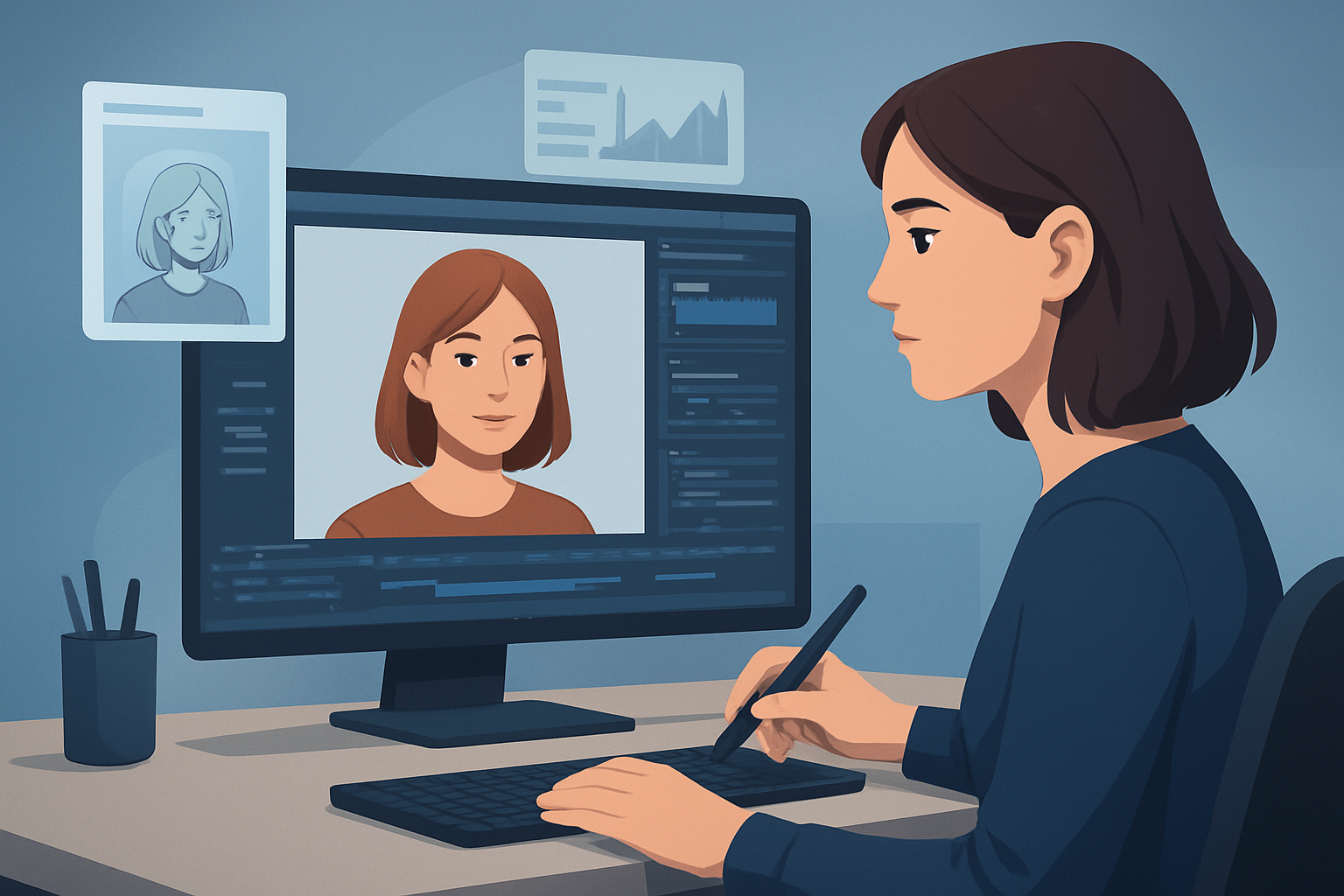
An AI avatar workflow compresses that loop: generate spokesperson takes from images + script or audio, polish inside one workspace, and ship multiple aspect ratios and localizations without re-shooting. Below is a step-by-step system to run high-velocity, repeatable UGC-style ad production that agencies and in-house teams can adopt immediately.
Step-by-step workflow: AI avatar workflow for UGC-style ads
Define the test matrix
- Pick 3-5 hooks (problem, surprise, social proof).
- Choose 2 CTAs and 2 emotional tones (direct, playful).
- Target 1–3 audience segments and languages for initial testing.
Write short script templates
- Keep lines 10–20 seconds per creative; open with the hook in the first 3 seconds.
- Use modular copy blocks: hook, proof, product benefit, CTA. This lets you swap blocks programmatically.
Create or select avatar inputs
- Use a clean, high-resolution headshot for realistic avatar output.
- Prepare either recorded audio for the exact performance you want, upload a script for text-to-speech, or record a quick mic track to guide pacing.
Generate avatar takes
- For each script variant, produce an avatar video from the image + script or uploaded audio.
- Make 2–3 tonal variants (pace, emphasis) per script to test delivery.
Add finishing layers
- Apply title hooks, subtitles, and on-screen captions.
- Insert B-roll or product shots for proof moments.
- Add branded overlays, borders, and music with proper volume mix.
Preview and format
- Create landscape, portrait, and square previews to ensure framing and captions work across platforms.
- Tweak auto-zoom or face-tracking to keep the avatar centered in each ratio.
Export and tag variants
- Export publish-ready variants and tag them by hook, CTA, tone, language, and aspect ratio for easy A/B analysis.
Test, analyze, iterate
- Run short A/B tests, capture learnings, update the script matrix, and batch-produce the next set using successful patterns.
Tools needed
- An AI-capable video editor that supports avatar generation, subtitles, and aspect-ratio previews (Shorz is one example).
- Headshots or avatar images and short recorded audio or scripts.
- A simple spreadsheet or an ad-ops tool to manage variants and test matrix.
- Lightweight audio recorder or smartphone for reference takes.
- Asset library for B-roll, product photos, logos, and music tracks.
- Analytics platform for creative testing and variant performance.
Shorz compresses the handoffs by combining avatar creation with editing, subtitles, audio mixing, and aspect-ratio previews inside one Windows desktop workspace. It stores projects and reusable assets locally so you can repeat templates without rebuilding them from scratch.
Common mistakes to avoid
- Ignoring the first 3 seconds: If the hook isn’t explicit and visible immediately, retention drops fast.
- One-size-fits-all framing: Captions, safe zones, and auto zoom differ across portrait and landscape — preview each ratio.
- Overproducing the delivery: UGC works because it feels authentic; don’t over-polish a natural-sounding read.
- Skipping captions: Many viewers watch ads muted; missing subtitles reduce conversions.
- Recreating assets every time: Not reusing templates and libraries creates unnecessary work and inconsistent creative.
Optimization tips that actually move the KPI needle
- Use modular scripts so you can programmatically mix-and-match hooks and CTAs.
- Batch-generate several tonal variants per winner to find the best delivery quickly.
- Localize smart: translate and dub using the same avatar image and subtitle layers to keep visual consistency across markets.
- Test thumbnail variations generated from the same project to improve click rates without creating new videos.
- Lock audio levels and apply consistent music stems so creative tests only vary the intended variable (hook, CTA, tone).
How to scale this workflow
- Build a template library: save caption styles, title hooks, music stems, and B-roll packs that map to each campaign type.
- Batch-create scripts via spreadsheet import and generate avatar takes in bulk.
- Use the local asset library to reuse thumbnails, overlays, and voice assets across campaigns.
- Standardize naming and tagging for exported variants so ad-ops can route winners into retargeting and lookalike flows.
- Turn winning short-form ads into elongated explainers or vertical stories by adding blocks rather than recreating from scratch.
Shorz supports scaling through persistent local projects and a “My Assets” system that stores videos, thumbnails, audio, and images for repeatable production patterns.
Where Shorz reduces friction in this pipeline
- Avatar generation from an image plus script or audio eliminates reshoots when you need variants fast.
- Combining avatar output with subtitles, title hooks, music, SFX, and aspect-ratio previews compresses edits into a single workspace instead of bouncing between tools.
- Local asset storage and reusable libraries let you apply the same overlays, B-roll, or audio mixes across dozens of variants without rebuilding assets.
- Audio capabilities (dubbing, narration, noise cleanup, and volume balancing) keep localization and polish inside the app — fewer external audio steps.
- Visual polish layers like auto zoom, face tracking, freeze frame effects, and basic color controls let you finish ads without exporting to a separate compositor.
- Thumbnail generation and storage alongside video outputs speed up testing creative across platforms.
These elements reduce tool switching, produce faster first drafts and repeatable outputs, and keep project history and assets accessible for rapid iteration.
Mistakes specific to avatar ads
- Treating avatar output like final copy: audition multiple voices and pacing, then polish—don’t go straight from first-gen to live.
- Ignoring lip-sync or timing mismatches when dubbing — run a quick preview across all aspect ratios.
- Using avatars as a crutch for weak creative: an avatar is a tool to scale delivery, not a replacement for a compelling hook or offer.
FAQ
Can I use my own photo to make an avatar?
Yes. Avatar mode creates talking-avatar videos from an image plus script or audio input.Can I localize ads into other languages?
Yes. The app supports dubbing, narration, and audio-mix controls that fit localization workflows and help you produce international variants without re-shooting.Will avatars replace filming?
No. Avatars reduce filming friction and let you scale spokesperson-style creative, but they’re best used alongside real-footage assets and B-roll for proof and product detail.Where are projects and assets stored?
Projects and generated assets are stored locally, which supports reusable libraries, persistent project history, and batch work.How do I preview different aspect ratios?
You can preview content in landscape, portrait, and square ratios inside the same project to validate framing, captions, and overlays before export.
Further reading and adjacent workflows
- For multi-language implementations, follow a similar template with centralized scripts and dubbing: AI Avatar Workflow for Multi-Language Ads
- If you run B2B campaigns with longer proof segments, adapt the modular script blocks and finishing stack: AI Avatar Workflow for B2B Ads
- Use this avatar workflow to populate retargeting pools with personalized hooks and CTAs: AI Avatar Workflow for Retargeting Ads
Ready to move from slow shoots to scalable UGC-style ad production? Use avatar templates, reusable assets, and in-app finishing to cut the loop between idea and live test. Learn how to integrate avatar video ads into your campaigns: Avatar Video Ads and UGC-Style Creative Workflows


