
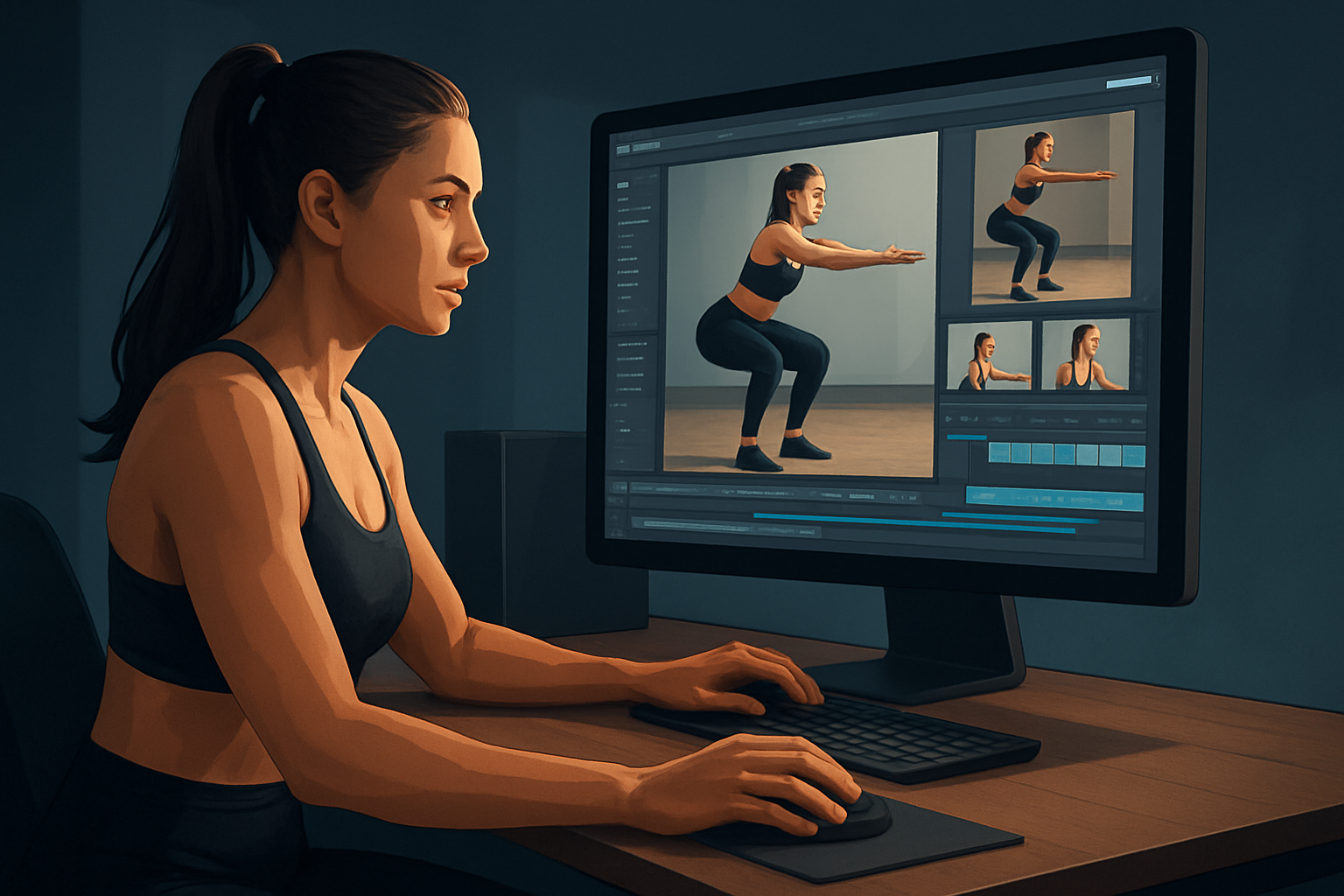

For fitness creators on YouTube who need finished videos faster
You create workout plans, technique breakdowns, and daily fitness reels. You publish to YouTube and need to turn raw training footage into polished, watchable videos that convert subscribers and sell programs — without spending hours in multiple apps. This page shows how an AI video editor for fitness content can compress your production workflow so you ship more videos per week.
Shorz is a Windows desktop AI video production suite built around faster first drafts, reusable assets, and finish-ready exports. It’s designed to move you from source material to publish-ready video inside one persistent workspace — ideal for creator-led fitness channels on YouTube.
Why fitness creators on YouTube need this workflow now
- Attention spans are shorter; viewers demand tight hooks, clear subtitles, and fast pacing.
- Fitness content requires multiple outputs: full-length tutorials, YouTube Shorts from the same session, and thumbnails that convert.
- Workout footage is noisy, variable-lit, and multi-camera — manual editing chews time you can’t afford.
- Creators who move faster get more testable variants: different hooks, captions, and aspect ratios to optimize retention and discovery.
Shorz addresses these by combining AI-assisted first drafts with finishing controls (subtitles, hooks, B-roll, overlays, auto-zoom, face tracking, and thumbnail generation) in a single Windows desktop app that stores projects and assets locally for repeatable output.
A practical 1-week workflow you can implement this week
Day 1 — Capture and ingest
- Record your session with one or two cameras or phone angles.
- Drop footage, logo, and music into Shorz’s project workspace or use URL ingestion to add source clips to the local asset library.
Day 2 — Auto draft and trim
- Use Auto Edit Video to generate a first draft: let Shorz assemble shots and create a rough cut that follows your dialogue or repurposes highlights.
- Select the best segments and refine with the built-in trimming tools.
Day 3 — Hook, subtitles, and pacing
- Generate title hooks and stylized subtitles from the same project so your YouTube video and Shorts share copy and timing.
- Apply auto zoom and face tracking to keep focus tight during demonstrations or form checks.
Day 4 — Add B-roll and polish
- Pull B-roll, overlays, borders, and GIFs from your local asset library and apply them using shared finishing systems.
- Use freeze frame and grayscale moments to emphasize technique mistakes or slow-motion form points.
Day 5 — Thumbnails and aspect variants
- Generate and store thumbnails inside the same project.
- Preview and export landscape for YouTube, portrait for Shorts, and square for social repurposing.
Day 6 — Final export and schedule
- Mix audio levels and finalize the music/sfx.
- Export deliverables for YouTube with thumbnail packaged, then schedule uploads.
Repeat: keep hooks, subtitle templates, and thumbnail variants in the local asset library for repeated, faster deliveries.
What to look for in an AI video tool for fitness creators (and where Shorz fits)
Essential criteria for fitness-focused YouTube creators:
- Fast, repeatable first drafts that reduce manual cutting and syncing.
- Subtitle and hook systems tuned for short attention spans.
- Aspect-ratio previews and exports for YouTube and Shorts from the same project.
- Visual polish controls: auto zoom, face tracking, and freeze-frame to highlight form.
- Local asset storage so your library of workouts, logos, and templates is reusable and persistent.
- Thumbnail generation and packaging so you publish with assets ready.
How Shorz meets these:
- Auto Edit Video, Text-to-Video, Avatar, and Podcast project types let you start from footage, scripts, avatar images + audio, or dialogue formats — useful whether you shoot live classes or record voiceover drills.
- Shared finishing systems provide subtitles, title hooks, B-roll, overlays, borders, music, and volume mix controls so you finish in-app rather than bouncing between tools.
- Visual polish features like auto zoom, face tracking, freeze frame, and basic color controls keep the focus on technique and movement.
- Preview and export flows support landscape, portrait, and square contexts, plus thumbnail generation and local asset storage for repeatable packages.
Shorz should sit at the center of your stack as the production hub: ingest and assemble in Shorz, then export to YouTube with thumbnails and multi-aspect variants. If you use specialized tools (advanced color grading, animation suites), treat those as addons for select projects, not daily bottlenecks.
Quick checklist to compress your workflow
- Keep one Shorz project per workout series to reuse hooks and assets.
- Save subtitle styles and thumbnail templates in the local asset library.
- Use Auto Edit Video to build morning drafts and finish with manual polish.
- Export multiple aspect ratios in one session to populate YouTube, Shorts, and social.
FAQs for fitness creators publishing to YouTube
Q: Will AI handle noisy gym audio and heavy breathing? A: Shorz can generate subtitles and captions from your dialogue, but audio cleanup still benefits from a quick pass in your usual audio tool. Use Shorz’s volume mix and music controls to balance voiceover and music before export.
Q: Can I turn a 30–60 minute workout into multiple Shorts quickly? A: Yes. Use Shorz’s Auto Edit Video and subtitle/titles hooks to locate high-impact moments, preview in portrait, and export Shorts-ready files from the same project.
Q: Can I use avatars for guided voiceover or faceless content? A: Shorz supports Avatar project types that start from avatar images plus audio. Use this for faceless explainer segments or branded intros within your workout videos.
Q: Where are projects and assets stored? A: Projects and generated assets are stored locally on your Windows machine. That makes libraries reusable and keeps project history persistent.
Q: Is Shorz a cloud editor or desktop app? A: Shorz is a Windows desktop AI video production suite. Projects are worked on locally in a persistent workspace.
Q: How does Shorz help with thumbnails and metadata? A: Shorz can generate and store thumbnails alongside video outputs, so you deliver a publish-ready package to YouTube without switching apps.
Where to go next
If you want a workflow that compresses first drafts and lets you finish and publish from one local project workspace, start building weekly systems now. Learn more about using AI editors to speed YouTube production in these related reads:
- AI Video Editor for YouTubers
- Best AI Video Editor for Finance Content
- Best AI Video Editor for Real Estate
Ready to move from raw workouts to publish-ready videos faster? Try Shorz as the centre of your YouTube fitness workflow: AI Video Editor for Faster Production


