









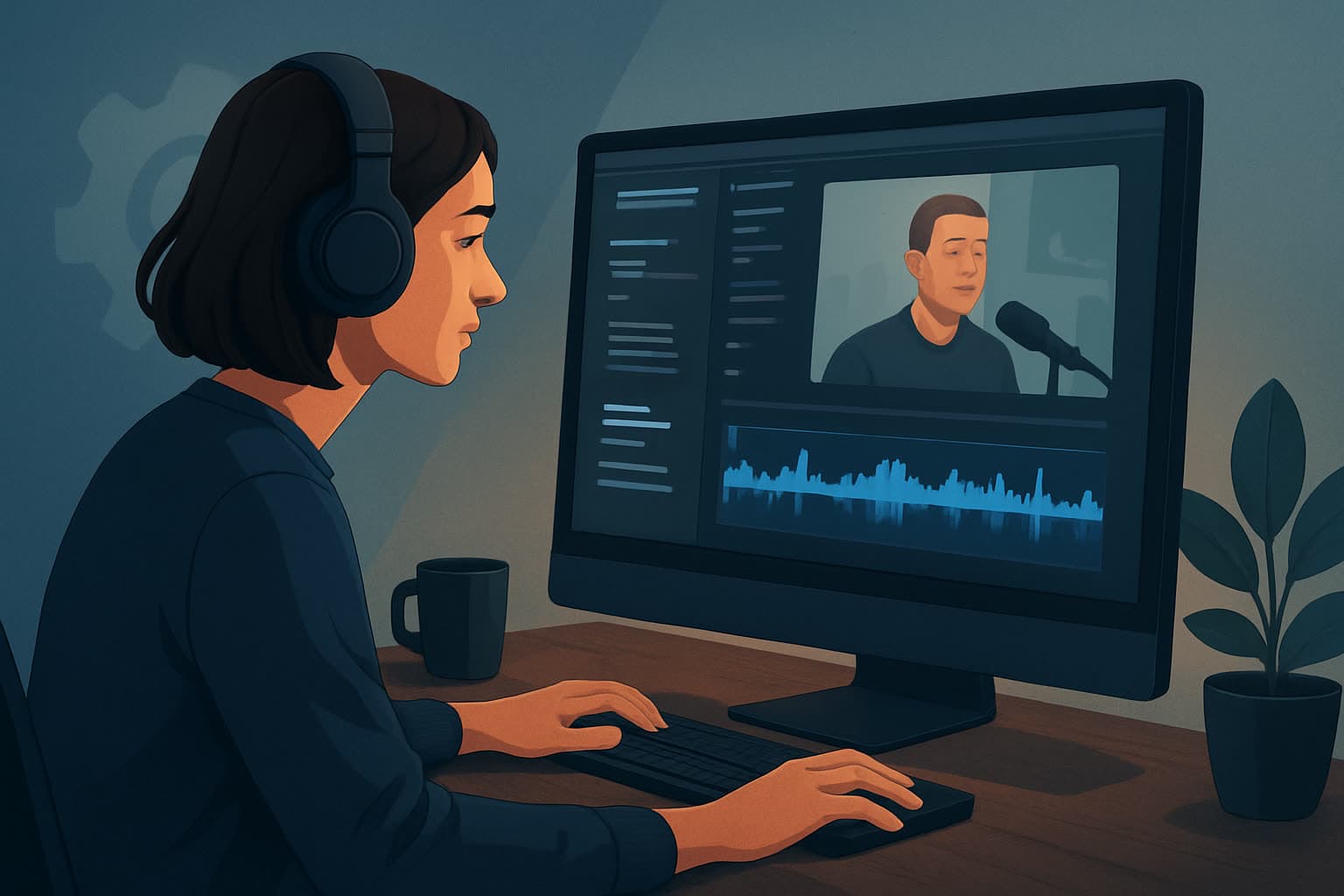

One long recording, many clips
Podcasts and webinars present the same problem: an hour of material containing perhaps six minutes worth publishing, and no cheap way to find which six. The editing is not the hard part — the selection is.
Everything below applies to both formats. Where webinars differ, they differ in structure rather than in workflow, and that is called out at the end.
Finding the moments worth clipping
Do this before opening an editor. Working from a transcript is far faster than scrubbing a timeline.
- Mark complete thoughts, not good lines. A clip has to stand alone for someone with no context. A brilliant sentence that depends on the previous ten minutes is not a clip.
- Look for the question, not just the answer. Frequently the best opening is the host's question, because it tells a cold viewer what the clip is about in one line.
- Prefer disagreement and specificity. Concrete numbers, a strong opinion, a correction of something commonly believed. Agreement is pleasant and unclippable.
- Aim for 30–90 seconds. Shorter rarely carries an idea; longer needs a reason.
- Expect a low hit rate. Six to ten usable clips from an hour is normal and healthy. Trying to extract twenty produces filler that trains people to scroll past you.
The batch workflow
Batch by stage, not by clip. Doing all of one step across ten clips is far faster than doing ten steps once.
- Transcript first, with timestamps, and mark candidates in the text.
- Pull every clip's in and out point in one pass before editing anything.
- Set up one template — captions, framing, intro card, lower-third — and apply it to all of them.
- Fix the audio once, globally. Podcast audio usually needs levelling more than it needs effects.
- Reframe for vertical deliberately. Two-person podcast footage does not crop to vertical by itself; decide whether you are cutting between speakers or stacking them.
- Write the hook text per clip. This is the only genuinely per-clip creative step, which is why it goes last and gets real attention.
- Export the set together, named so you can identify them later without opening them.
Making the clips work as clips
- Caption everything. Most of this viewing is muted, and dialogue without captions is dead on arrival.
- Cut the first two seconds. Long recordings almost always open with a breath, a filler word or a half-thought. The clip starts at the first real word.
- Do not include the intro music. It is context for the show, and dead air for a clip.
- Name the speaker on screen when they say something attributable — a claim with no visible source is weaker.
- Let it end abruptly rather than trailing into the next topic. An abrupt stop loops better than a fade.
Webinar recordings specifically
Webinars share the workflow but differ in three ways worth planning for.
The structure is predictable, which helps: an intro, a teaching section, a demo, and Q&A. The Q&A is usually the densest clip source, because someone has asked the question your audience actually has.
Slides are on screen, so clips are often a split of speaker and slide rather than a talking head. Decide whether the slide or the speaker carries the vertical crop — trying to keep both usually shrinks each beyond legibility.
The recording has a promotional job to do. Webinar clips frequently feed registration for the next one, which means the CTA matters more than it does for podcast clips, and the clip should end pointing somewhere.
FAQ
Q: How many clips should one recording produce? A: Six to ten from an hour is a realistic target. Quality of selection beats volume; filler clips cost you future views.
Q: Vertical, square or landscape? A: Vertical for short-form feeds, landscape if the clip is going on the channel alongside the full episode. Produce both from the same project rather than as separate jobs.
Q: Do I need the video, or can I clip audio-only podcasts? A: Audio-only works with waveform, captions and static or generated visuals. Captions do most of the work; expect to lean harder on the hook text.
Q: How long does a batch take? A: The transcript and selection pass is the bulk of it. Once the in and out points exist, the production is mostly template application.
Q: Should clips go out before or after the full episode? A: Usually after, so the clip has somewhere to send interested viewers, unless the clip itself is the promotion for a live event.
Related in this cluster
- Best AI video editor for beginners — choosing a tool for this work
- What makes a good AI video editor — the criteria that matter for clipping
- Platform workflows: Instagram · TikTok
- How to keep brand consistency with AI editors — keeping a clip series recognisable
- How to choose an AI video editor — the decision, end to end
- Can AI replace manual editing — where the limits are
- AI video editor vs human editor pricing — the cost comparison
Free tools for this
Audio Extractor · Silence Remover · Auto Subtitle Generator · Video Cropper
Try it: Shorz AI video editor