
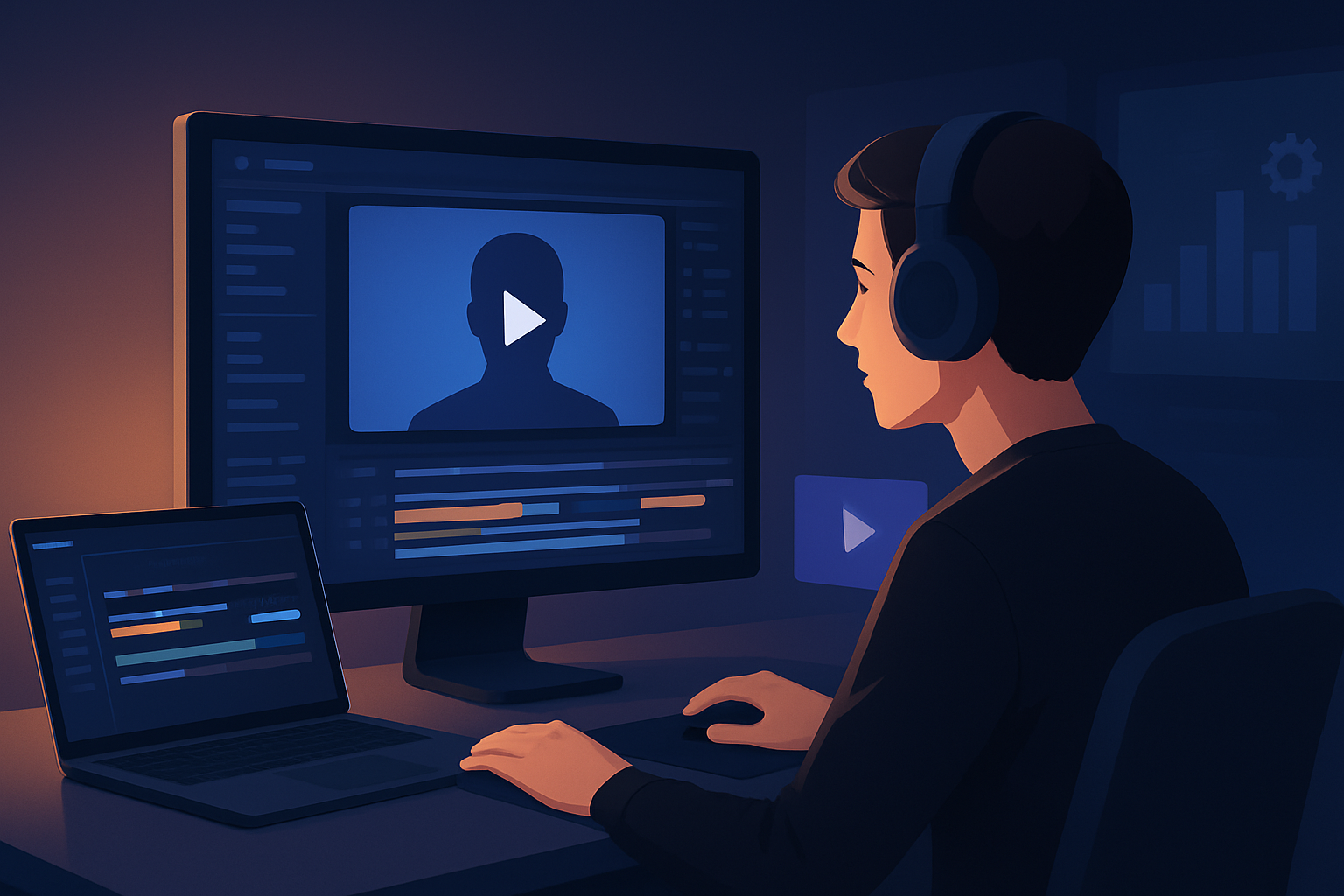

For creators making faceless YouTube content who need finished videos faster
If you run a faceless YouTube channel—explainers, tutorials, course clips, or scripted Shorts—you’re judged by clarity, hooks, thumbnails, and publish cadence, not on on-camera personality. That means your bottlenecks are sourcing consistent visuals, turning scripts into watchable timelines, and generating platform-ready assets (subtitles, hooks, thumbnails, vertical cuts) without bouncing between five apps. This page shows a concrete, repeatable way to compress that workflow on Windows so you publish more finished videos per week.
Why faceless YouTube needs this workflow now
YouTube’s algorithm favors rapid experimentation: fast iterations on hooks, thumbnails, and formats. Faceless creators especially need:
- Repeatable visual identity without a presenter on camera.
- Fast script → narration → visuals cycles so you can test hooks and topics.
- Easy repurposing from long to short (and different aspect ratios) to expand reach. Doing those steps in isolated tools creates friction. The right AI-enabled desktop editor reduces tool switching, preserves a reusable asset library, and moves you from concept to publish-ready files faster.
For an overview of how AI tools help YouTubers specifically, see AI Video Editor for YouTubers.
Quick faceless YouTube workflow you can implement this week
Day 1: Prepare scripts and style references
- Write 3–5 short scripts (30–90s each) and pick 1–2 style reference images that define your visual identity (color, pacing, composition).
- Collect or record narration drafts, or plan to use voice options inside the editor.
Day 2: Centralize assets in one workspace
- Import your style images, stock B-roll, logos, and any recorded audio into a local asset library so they’re reusable across projects.
- Use URL-based ingestion for web images and reference clips to save time.
Day 3: Generate first drafts with Text-to-Video and Auto Edit
- Use Text-to-Video to map scripts to scenes, applying your style references and chosen voice or uploaded audio.
- For repurposing recorded clips, use Auto Edit Video to assemble footage into a base cut automatically.
Day 4: Finish and package for YouTube
- Add title hooks, subtitles, and consistent overlay styles. Preview in landscape and portrait and make quick adjustments.
- Generate a thumbnail from the project and export both full-length and short variants.
Day 5: Iterate and repeat
- Reuse the same asset library and style images to produce the next batch faster. Keep templates for subtitle design and title hooks.
These steps shorten the loop from concept to publish-ready file and create repeatable outputs you can refine over time.
What to look for in the best AI video editor for faceless content
If you want a tool that actually speeds up production (not just creates rough drafts), prioritize:
- Script-to-video + narration support that allows typed scripts, uploaded speech, voice choices, and narration preview.
- One persistent workspace with a reusable local asset library so assets and project history are available for repeat projects.
- Shared finishing controls: subtitles, hooks, B-roll, overlays, music, SFX, and volume mixing inside the same app.
- Multi-aspect previews (landscape, portrait, square) to repurpose for Shorts and other platforms without rebuilding edits.
- Thumbnail generation and export packaging so you don’t finish a video and then leave to another tool for thumbnails.
Shorz matches these criteria by combining Text-to-Video, Auto Edit Video, Avatar, and Podcast project types in a single Windows desktop app, plus local asset storage and integrated finishing controls. For a workflow-focused take on Shorz and faceless creators, see Faceless YouTube Workflow With Shorz.
Where Shorz fits into your stack and workflow
Use Shorz as the central production hub—the place you:
- Store and reuse assets locally (logos, B-roll, style images).
- Turn scripts and uploaded audio into scene-based drafts using Text-to-Video and Avatar projects.
- Auto-assemble footage with Auto Edit Video for quick first cuts.
- Apply finishing systems (subtitles, title hooks, overlays, borders, music, and SFX) and fine-tune visual polish (auto zoom, face tracking, freeze frames, grayscale, basic color controls).
- Preview and export in multiple aspect ratios and generate thumbnails alongside video outputs.
Shorz compresses steps most faceless creators currently do across separate apps: draft generation, asset management, finishing, and export. That reduces context switching, helps produce faster first drafts, and creates reusable templates for consistent branding. For comparisons with other niche uses, check one of our other guides like Best AI Video Editor for Real Estate or Best AI Video Editor for Finance Content.
FAQs for faceless YouTube creators
Q: Can I keep everything local for privacy and repeatability? A: Yes — Shorz stores projects and generated assets locally, which supports reusable libraries and persistent project history.
Q: I don’t want a talking head—can I still make full explainers? A: Yes — Text-to-Video supports typed scripts, uploaded speech audio, voice selection, and Avatar projects (avatar images + audio). Use style reference images to stabilize the visual identity across scenes.
Q: Will I still need other tools for thumbnails and subtitles? A: Shorz generates and stores thumbnails and has integrated subtitle design and title hooks, so you can package publishing assets without switching apps.
Q: How do I repurpose a long video into Shorts or clips? A: Use the same project workspace to preview and export in portrait, square, and landscape ratios. Apply consistent overlays and hooks, then export short-form cuts from the same timeline.
Q: Is the first draft usable or just a rough AI output? A: Shorz is designed to combine AI generation with finishing controls. Drafts are intended to be refined inside the same environment using the app’s polish layers (auto zoom, freeze frames, mix controls).
Q: What helps maintain visual consistency across many videos? A: Keep and reuse style reference images, overlay templates, subtitle styles, and thumbnail presets in the local asset library to enforce repeatable visual identity.
Ready to compress your faceless YouTube workflow?
If you’re publishing regularly and need predictable, repeatable outputs—faster first drafts, reusable assets, and fewer tools—Shorz acts as your production hub on Windows. Start turning scripts into publish-ready videos with integrated finishing and multi-ratio exports.
Get started with a workflow guide and hands-on templates at Faceless YouTube Workflow With Shorz.


