
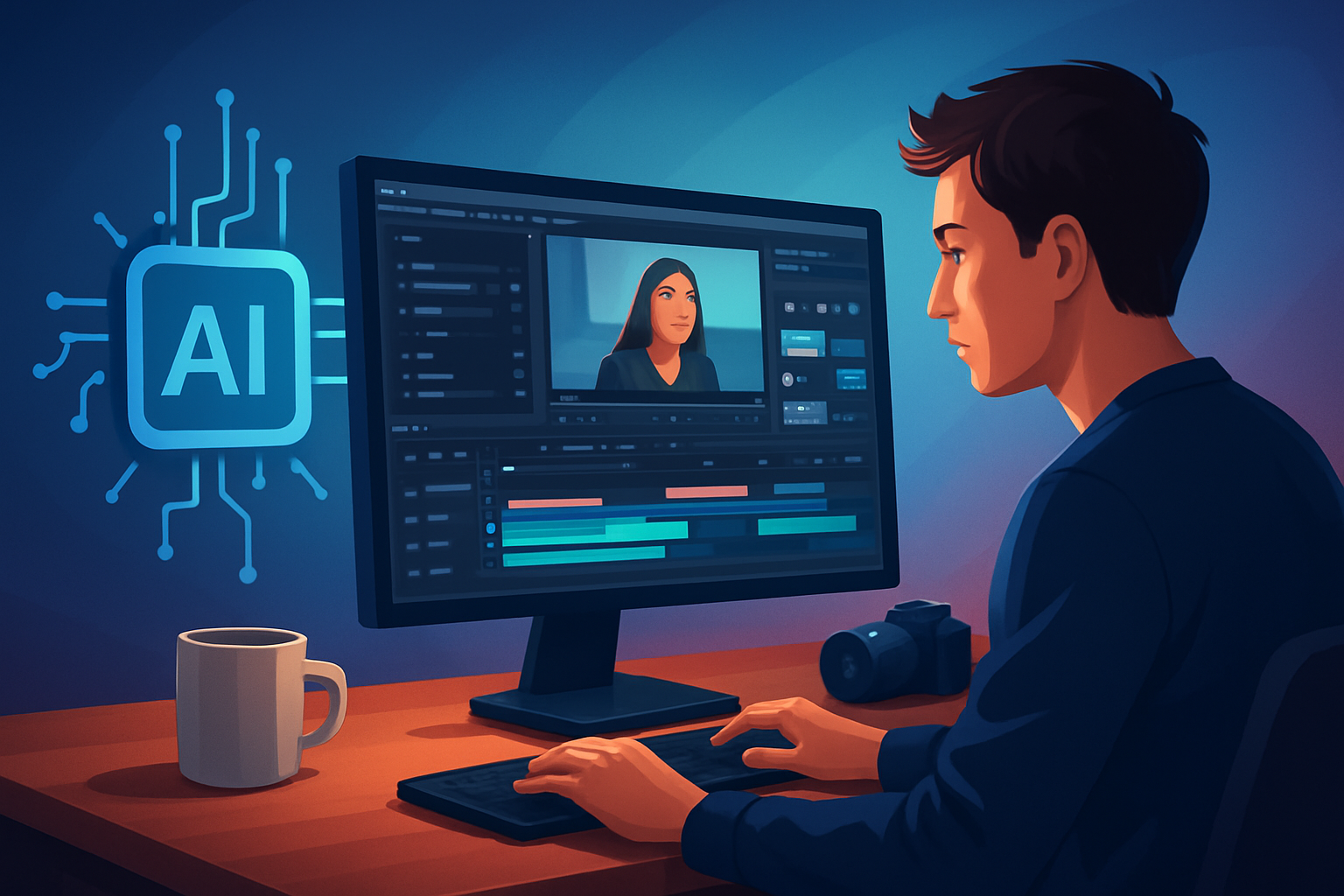

For YouTube creators and video makers who need finished videos faster
You’re a creator making YouTube content—talking-heads, explainers, shorts, or long-form with repurposed clips. Your pain: a calendar full of publishing deadlines, platforms demanding multiple aspect ratios, and the grind of swapping between caption tools, thumbnail editors, and a timeline. You need a desktop workflow that compresses drafting, finishing, and packaging into one predictable process so you can publish more without more tools.
This page shows how a Windows desktop AI video editor designed for creators shortens that path from source to publish-ready video.
Why YouTube creators need this workflow now
- Shorts and long-form live side-by-side: publishers expect the same message across landscape uploads and portrait shorts. That means more edits, not fewer.
- Thumbnails and hooks decide click-through rate: the video file is only half the job — packaging matters.
- Repurposing long-form into bite-sized clips is high leverage, but it’s repetitive and time-consuming.
- Rapid iteration matters: audience feedback and trends move fast; you need draft-to-finish cycles you can repeat.
You need a workflow that produces faster first drafts, reusable assets, and consistent packaging — without jumping through five separate apps.
What the best desktop AI video editor for creators must do
Checklist for picking a tool that actually saves you time:
- Produce usable first drafts from footage or scripts (not just raw AI output).
- Keep projects and generated assets locally so you can version and reuse.
- Combine AI generation with finishing controls (subtitles, hooks, B-roll, color, mix).
- Preview and output for landscape, portrait, and square without rebuilding the project.
- Generate thumbnails and package social-ready assets as part of the project.
- Ingest source material quickly (file import and URL-based ingestion into an asset library).
Shorz maps directly to this checklist as a Windows desktop app that compresses the editing-to-publish loop.
Where Shorz fits in your stack and workflow
- Replace tool-hopping: Shorz combines Auto Edit Video, Text-to-Video, Avatar, and Podcast project types in one persistent workspace so you don’t bounce between a captioner, thumbnail tool, and a separate repurposing app.
- Keep and reuse assets locally: your footage, b-roll, thumbnails, and generated assets live in a local library for repeatable output and faster follow-ups.
- Finish, don’t just draft: AI-assisted generation is paired with shared finishing controls — subtitles, title hooks, overlays, borders, music and SFX, plus a volume mixer.
- Multi-aspect export: preview and export for landscape, portrait, and square from the same project so YouTube uploads and Shorts edits don’t need separate timelines.
- Packaging beyond the file: thumbnail generation and creator-style layers (hooks, overlays, emojis, GIFs) let you deliver publish-ready assets along with the video.
If you use a DAW, color suite, or an advanced NLE for very large projects, use Shorz as your fast compositing and repurposing hub before final polish.
See how creators and teams approach similar workflows:
- Best Desktop AI Video Editor for Editors
- Best Desktop AI Video Editor for Agencies
- Desktop AI Video Editor for Low-End Machines
Practical workflow you can implement this week (7 steps)
- Plan one video and two repurposes. Script a short hook and mark 2–3 clip timestamps for Shorts.
- Ingest assets into Shorz. Drag footage, upload images/audio, or use URL-based ingestion to pull web clips into the local asset library.
- Choose a project type. Use Auto Edit Video for footage-first work, Text-to-Video for script-driven drafts, or Avatar for faceless content.
- Generate a first draft. Let Shorz create a usable timeline — this is your starting point, not the finish line.
- Apply finishing layers: auto subtitles, title hooks, B-roll overlays, borders, emojis, and music. Use face tracking and auto-zoom for talking-head polish.
- Preview in the three aspect ratios. Tweak framing, freeze frames, or grayscale moments where needed so the same project works for YouTube and Shorts.
- Generate thumbnail(s) inside the project, export the package (video + thumbnails + subtitles), and save the project so assets are reusable for the next video.
Do this once and reuse the project template and asset library to accelerate the next video.
Best tool criteria — and where Shorz stands out
- Faster first drafts: Shorz’s Auto Edit Video and Text-to-Video project types get you usable timelines quickly.
- Repeatable output: Local project storage and a reusable asset library let you clone and remaster successful formats.
- Finish-ready AI: AI generation plus finishing systems (subtitles, title hooks, overlays, B-roll, music, SFX, volume mix) reduces back-and-forth editing.
- Multi-aspect publishing: landscape, portrait, and square preview/export keep your YouTube uploads and Shorts aligned.
- Packaging included: thumbnail generation and social helpers mean you export more than just a video file. Shorz is built around workflow compression and persistent local projects designed for creator-style output.
FAQ for YouTube creators
Q: Can I start from a script or just from footage? A: Both. Shorz supports starting from existing footage, scripts (Text-to-Video), avatar images plus audio, or dialogue-based formats.
Q: Will it help repurpose long-form into Shorts? A: Yes. Use the same project to preview and export in portrait formats; you can mark timestamps and apply repurposing edits without rebuilding the timeline.
Q: How are assets stored and reused? A: Projects and generated assets are stored locally in a reusable asset library so you can repeat formats, pull the same B-roll, and reuse thumbnails across videos.
Q: Does Shorz handle subtitles and title hooks? A: Yes. Shared finishing systems include subtitle design, title hooks, and creator-style overlays so captions and hooks are part of the finishing pass.
Q: Can I preview what will look good on YouTube and TikTok? A: Shorz includes landscape, portrait, and square previews plus YouTube and TikTok helpers to align your exports to platform contexts.
Q: Is this a cloud app or desktop-only? A: Shorz is a Windows desktop AI video production suite that stores projects locally.
Clear next step
Ready to compress your YouTube workflow and ship finished videos faster? Download Shorz for Windows and start a repeatable, publish-ready workflow today: Download Shorz for Windows


