
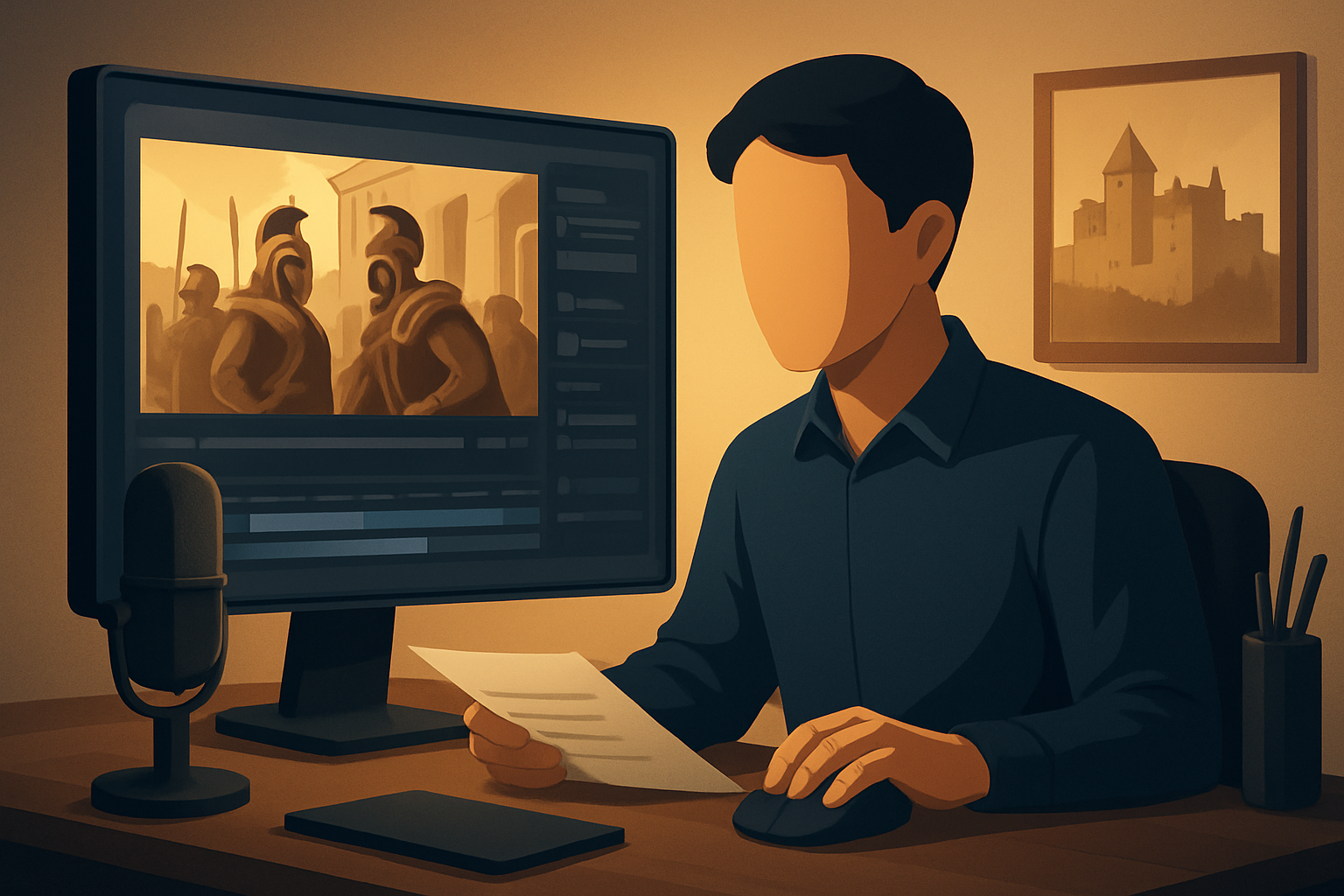

For history creators on YouTube who want to publish more faceless content, fast
You’re a history creator building a YouTube channel — long-form explainers, Shorts, or episodic mini-docs — but you don’t want to be on camera. Your goals: produce consistent, research-rich episodes, keep a tight publishing cadence, and turn each script into multiple assets (long episodes, Shorts, thumbnails) without burning hours in a dozen apps.
This page shows faceless history niches that scale, why they work on YouTube now, and a practical week-one workflow you can run inside a single Windows desktop AI video suite to compress drafting, editing, and packaging.
Why history needs faceless workflows on YouTube today
- Audience appetite for snackable, authoritative history is rising. Short, well-hooked videos get surfaced as Shorts and in suggested feeds.
- Sourcing archival assets and building credible narratives is time-consuming; creators lose momentum when editing becomes the bottleneck.
- YouTube rewards frequent uploads and strong thumbnails/hooks — both repetitive tasks that benefit from templates and reuse.
- Repurposing long-form explainers into Shorts and teasers is essential to reach new viewers, but it multiplies finishing work.
A repeatable faceless workflow answers all of the above: faster first drafts, reusable visual identities, and fewer tool handoffs.
Faceless history niches that scale (high-publish frequency)
- Micro-Timelines: 60–90s linear timelines (“The 5-minute fall of Rome in 90 seconds”). Low production: maps + dates + voice.
- Artifact Deep Dives: Single-object stories (weapons, coins, manuscripts) with close images and narration.
- Battle Breakdowns: Key moves, maps, quick aftermaths — ideal for animated overlays and map B-roll.
- Daily History Facts / “On This Day”: Short, repeatable episodes that build a subscription habit.
- Biographical Micro-Docs: 2–6 minute life arcs focused on a single figure with portrait images and quotes.
- Historical Mysteries & Conspiracies: Hook-driven intros and source excerpts for high engagement.
- Then vs Now: Geo-comparisons using archival photos and modern maps—great for thumbnails and Shorts.
- Primary Source Reads: Faceless narration over scanned letters and documents with highlighted extracts.
Each of these niches relies on images, maps, captions, and tight narration rather than presenter footage — perfect for faceless workflows.
Practical workflow you can implement this week
- Pick a niche theme you can repeat (e.g., “Daily History Facts”).
- Batch-research 7–10 episodes (archive images, dates, quotes). Save assets to a local folder.
- Write short scripts (30–90s) and create a 3-line title hook for each video.
- Open Shorz (Windows desktop AI video suite). Create a Text-to-Video or Auto Edit project and import your script and assets into Shorz’s local asset library.
- Use Shorz’s Text-to-Video with a chosen voice (or upload speech audio) and style reference images to generate scene drafts. Preview narration and adjust pacing.
- Apply finishing controls inside Shorz: subtitles, title hooks, B-roll overlays, map zooms, and a consistent color/overlay pack. Use the thumbnail generator to create clickable covers tied to the episode hook.
- Export multi-ratio outputs (landscape for YouTube, portrait for Shorts) and schedule uploads. Reuse the project as a template for the next batch.
In one week you can set up a repeatable pipeline that converts research into publish-ready episodes and Shorts without leaving the same persistent workspace.
Best tool criteria for faceless history creators (and why Shorz fits)
Look for:
- Script-to-video support with narration options and scene-level control — so you don’t stop at a raw draft.
- Local, reusable asset libraries to store archives, maps, fonts, and templates for consistency.
- Built-in subtitle and thumbnail generation to reduce finishing work and increase click-through.
- Multi-ratio preview and export to turn one script into a long video and Shorts.
- Visual polish controls (auto zoom, face tracking for portrait elements, freeze frames, basic color) to make archival material feel cinematic.
- Workflow persistence so projects and generated assets are immediately reusable for episodes.
Shorz meets these criteria: it’s a Windows desktop AI video production suite that combines Text-to-Video, Auto Edit, Avatar, and Podcast project types in one persistent workspace. It stores generated assets locally, supports voice selection or uploaded speech audio, accepts style reference images to stabilize visual identity, and provides built-in finishing systems — subtitles, B-roll, hooks, and thumbnail generation — so you compress the path from source material to publish-ready video.
Where Shorz fits in your stack
- Research & Script: Your notes, Google Scholar/library resources, and a doc editor.
- Shorz (central hub): Import scripts, assets, and audio into a persistent local project. Use Text-to-Video for scripted episodes; use Auto Edit when you have recorded audio or clips. Finish with subtitles, hooks, B-roll, thumbnail generation, and multi-ratio previews in the same workspace.
- Upload & Repurpose: Export landscape + portrait + square outputs. Use YouTube’s studio for scheduling and analytics.
The advantage: far less tool switching, faster first drafts, and reusable templates that keep your channel visually consistent.
Quick tips for production speed and credibility
- Use style reference images in every project to keep episodes visually cohesive.
- Store source citation snapshots in the project notes so every episode has an easy reference and a link in the description.
- Batch voiceovers (record or generate) and process a week’s worth of thumbnails in one sitting.
- Reuse title-hook templates and subtitle styles across episodes to decrease decision fatigue.
For adjacent inspiration on niching and crossovers, see related niche roundups: Best Faceless YouTube Niches in 2026 and how science-adjacent formats can cross over with history episodes: Best Faceless YouTube Niches for Science. For the workflow focused on faceless creation with Shorz, read this deep-dive: Faceless YouTube Workflow With Shorz.
FAQ — focused on history creators
Q: Can I keep episodes accurate when using AI tools? A: Yes. Use Shorz to assemble narration and visuals, but keep your research and citations external. Import scanned primary sources and citation screenshots into the local asset library so every episode has verifiable materials stored in the project.
Q: Do I need to record my own voice? A: Not necessarily. Shorz supports uploaded speech audio and voice selection inside Text-to-Video. You can upload recorded narration or use a chosen voice, then preview and fine-tune pacing before finishing.
Q: How do I create consistent visual identity across episodes? A: Save style reference images, overlays, subtitle templates, and thumbnail presets in Shorz’s reusable asset library. Each new project can reuse those assets to maintain consistency.
Q: Can I turn a long explainer into Shorts? A: Yes. Shorz previews and exports landscape, portrait, and square ratios. Export clips or reformat a generated project into a Short without rebuilding the entire edit.
Q: Are generated scenes editable? A: Shorz combines AI generation with finishing controls instead of stopping at a raw output. After generation you can adjust subtitles, B-roll, hooks, auto-zooms, and basic color to polish the episode.
Q: How fast can I publish my first faceless episode? A: With a focused script and assets ready, you can produce and export a 60–90s faceless history video within a single session using Shorz’s Text-to-Video or Auto Edit workflows.
Ready to scale faceless history episodes?
If you want to move from research to repeatable, publish-ready videos faster, centralize drafting and finishing, and ship more episodes without wearing yourself thin, start the faceless workflow built for creators: Faceless YouTube Workflow With Shorz.


