
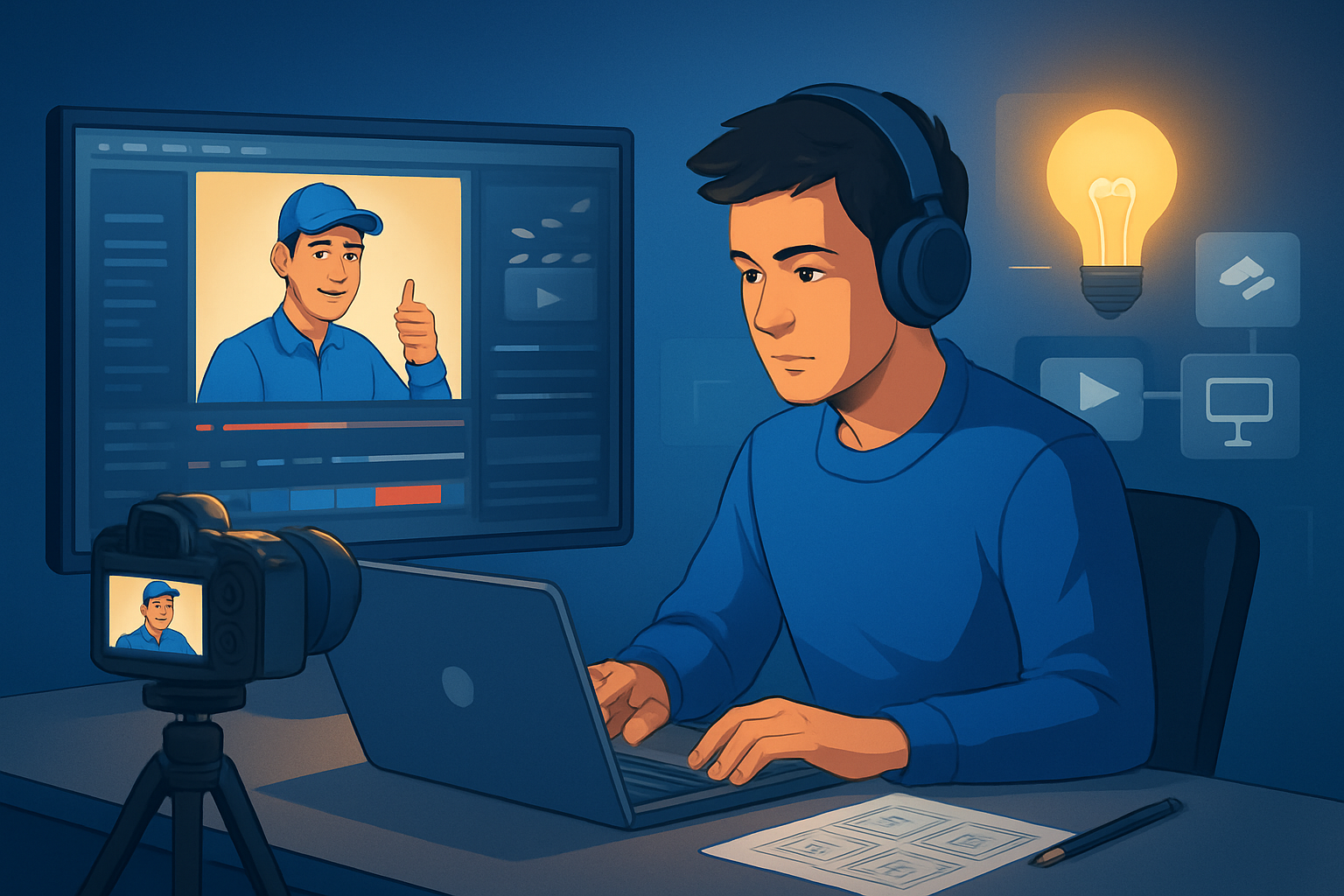

For Facebook advertisers running Local Services: launch more ad variants faster
You run local services ads on Facebook — plumbing, HVAC, dental, landscaping, or home services — and you need repeatable, trustworthy creative that converts in a budget-conscious way. Facebook’s feed and story placements reward rapid iteration: multiple hooks, aspect ratios, and language variants. This page shows a practical, implementable workflow that gets you from assets to 10–20 test-ready ad variants in a single week, with clear places where Shorz compresses production time.
Why local services on Facebook needs this workflow now
- Local services depend on trust signals (spokesperson, reviews, offers) and quick relevance (city, price, emergency). Facebook’s auction favors relevance and fresh creative.
- Small teams or single-location businesses can’t afford big shoots every time a new offer or seasonal push appears.
- Facebook requires multiple aspect ratios and thumbnail tests for optimal delivery; doing those manually slows you down.
- The solution: fast first drafts, repeatable templates, and localized variants you can produce without re-shooting.
If you want examples for other verticals, see how similar workflows apply to ecommerce, SaaS, or B2B creative testing: Best Video Ad Generator Workflows for Ecommerce, Best Video Ad Generator Workflows for SaaS, Best Video Ad Generator Workflows for B2B.
Quick workflow you can implement this week (7 steps)
Inventory raw materials (1 day)
- Collect logos, a storefront or team photo, one short customer testimonial video (phone), price list, and your primary offer CTA.
- Save all files into one folder for fast import.
Create 3 base scripts (1 day)
- Script A: Offer-forward (special, price, CTA).
- Script B: Problem-solution (pain → fix → CTA).
- Script C: Social proof (testimonial + trust elements).
- Keep scripts to 15–30 seconds for Facebook feed and stories.
Generate talking-head variants with avatars (1 day)
- Use avatar mode to create spokesperson videos from a headshot + script or uploaded audio. This reduces filming friction and produces UGC-style spokesperson creative fast.
- Produce one formal and one informal read per script for tone testing.
Auto-edit footage into short cuts (1 day)
- Import phone-shot testimonial or job-site clips into Auto Edit Video to get fast, edited drafts. Apply auto zoom and face tracking to emphasize subject and keep motion tight.
Add finishing layers and multi-aspect previews (1 day)
- Apply title hooks, subtitles, music, SFX, and borders. Preview outputs in landscape, square, and portrait so each variant is publish-ready for different Facebook placements.
Batch export variants and thumbnails (half day)
- Export multiple aspect ratios and generate thumbnails alongside video outputs so you’re ready to upload and iterate in Ads Manager.
Localize/dub top 2 winners (half day)
- Use built-in narration and dubbing tools to create a second-language variant for adjacent neighborhoods or language groups.
You’ll have 9–18 variants in different ratios and tones by the end of the week, ready for A/B testing.
Best tool criteria for local-services Facebook ad workflows — and where Shorz shows up
When evaluating tools, prioritize these capabilities:
- Faster first drafts and repeatable output: must produce clean first-pass edits from footage or scripts without heavy manual assembly. Shorz accelerates first drafts with Auto Edit Video, Text-to-Video, and Avatar modes.
- Reusable asset library and persistent projects: you need a place to store local logos, music, and captions to reuse across campaigns. Shorz imports assets into a local asset library and keeps projects and history on your machine for repeat work.
- Built-in finishing (not raw AI only): title hooks, subtitles, music, SFX, and audio mixing so variants don’t need an external DAW for polish. Shorz includes subtitles, title hooks, music, SFX, and volume controls inside the app.
- Multi-aspect previews and thumbnail generation: Facebook requires landscape, square, and portrait — plus clickable thumbnails. Shorz previews projects in multiple aspect ratios and can generate thumbnails alongside video outputs.
- Avatar or spokesperson alternatives: for teams that can’t film often, avatar-based talking-heads from an image plus script/audio reduce production friction. Shorz’s Avatar mode creates talking-avatar videos and combines them with title hooks, music, subtitles, and aspect variants.
- Audio, dubbing, and localization support: being able to dub or revoice winners for nearby markets without leaving the editor reduces turnaround. Shorz includes voice, narration, dubbing, music, and audio-mix capabilities.
Shorz checks these boxes as a Windows desktop suite built around short-form ad and creator workflows, so it sits squarely where speed and repeatability matter most.
Where Shorz fits into your ad stack and handoffs
- Creative ideation → script bank (outside): write concise scripts for offers and testimonials.
- Shorz: import assets, create avatars, auto-edit raw clips, apply finishing, generate multi-aspect exports and thumbnails.
- Exported videos/files → Facebook Ads Manager: upload variants, set up creative splits and geo-targeting.
- Data back to creative: pull winners from Ads Manager and re-open the winning project in Shorz to iterate or localize.
This keeps most creative work in one persistent workspace, reduces tool switching, and makes variant creation repeatable.
Facebook-specific tips for local services
- Lead with a local hook in first 3 seconds: city name, emergency availability, or price.
- Use subtitles by default — many users watch muted.
- Test the same creative in portrait, square, and landscape; use Shorz’s multi-aspect preview to confirm framing.
- Thumbnail test: pick a close-up face or clear offer text for higher CTR.
- For scaling, keep a single master project per campaign so asset reuse and history speed new variants.
FAQ — targeted to Local Services advertisers on Facebook
Q: How quickly can I produce multiple variants? A: With the steps above and Shorz’s Auto Edit and Avatar modes, you can get 9–18 variants (3 scripts × 2 tones × 3 aspect ratios) in a week, depending on asset readiness.
Q: Do avatars replace real human shoots? A: No — avatars reduce filming friction and let you produce spokesperson-style ads faster. For high-touch branding or complex product demos, combine avatar output with real footage in Shorz.
Q: Can I localize winners for neighboring markets? A: Yes. Shorz supports dubbing and narration inside the app, enabling quick language or localized voice variants without moving to external tools.
Q: Are assets stored centrally so I can reuse them? A: Shorz stores projects and generated assets locally in a persistent workspace and asset library, which supports reusable templates and repeat campaigns.
Q: Will these creatives work across Facebook placements? A: Use multi-aspect exports (portrait, square, landscape) and captions. Shorz previews and exports for each ratio, simplifying placement readiness.
Q: Can I iterate quickly on a winning ad? A: Open the same project, tweak titles, swap audio, or generate a new avatar read and re-export — the persistent project history in Shorz makes iteration fast.
Ready to compress your Facebook local-service ad workflow?
If your goal is faster first drafts, repeatable output, and more creative variants without more filming, start by testing avatar and auto-edit workflows this week. Explore how avatar-driven spokesperson ads speed creative testing: Avatar Video Ads and UGC-Style Creative Workflows.
For reference on adapting these patterns to other verticals, see:


