
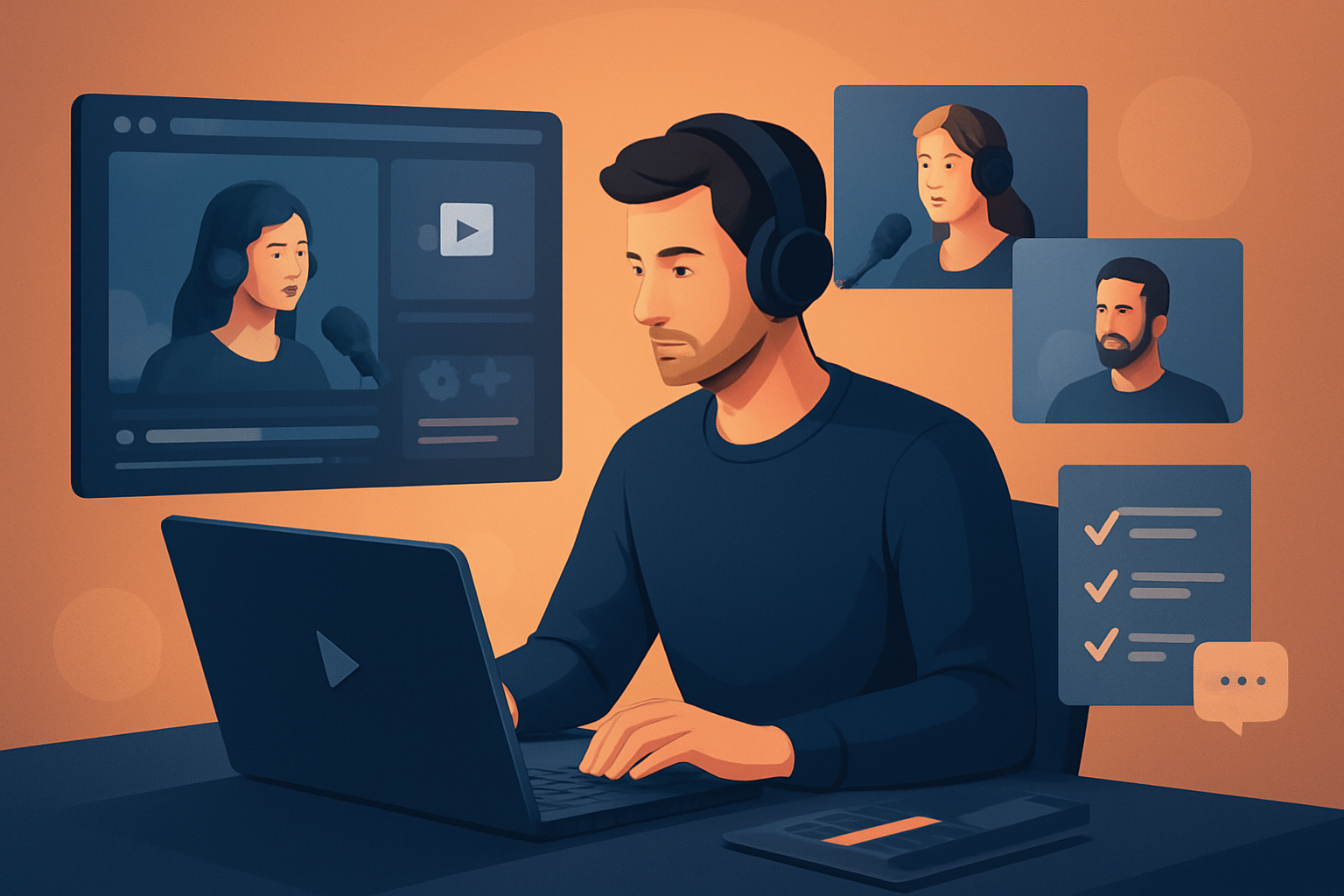

For repurposers: video creators turning podcast episodes into multiple assets
If you run a podcast and your goal is to squeeze more reach from each long-form recording, this page is for repurposers who make video content. Podcasts produce an evergreen inventory of interviews, monologues, and conversations — but podcast recordings are long, raw, and formatted for audio-first listening, not attention-grabbing short-form clips. You need workflows that turn one episode into episode promos, short social clips, audiograms, YouTube highlights, and thumbnail assets without repeating tedious manual work.
Why now: short-form platforms and search reward consistent output. Sponsors, listeners, and algorithmic discovery demand more frequent, platform-optimized clips from the same episode. If your bottleneck is time spent hunting for moments, adding captions, reformatting aspect ratios, and recreating thumbnails, an optimized repurposing workflow will multiply output with predictable quality.
Video Repurposing: Complete Guide
Pain points specific to podcast repurposers
- Episodes are long (30–120 minutes) so finding the 60–90 second hooks is slow.
- Manual captioning and clipping for each platform is repetitive and error-prone.
- Audio-first recordings often lack visual polish or B-roll for social video.
- Brand consistency (titles, subtitle style, thumbnails) is hard to maintain across dozens of clips.
- Tool switching: separate transcribers, editors, thumbnail apps, and converters add friction.
These are the workflow bottlenecks the steps below address.
Practical repurposing workflow you can implement this week
Follow these steps and move from raw podcast file to a bundle of publish-ready assets in a single session.
Capture and organize
- Record your podcast as usual (single camera, multi-cam, or audio-only).
- Consolidate files into a single folder per episode so imports are clean.
Import into a single workspace
- Use a desktop AI editor that stores projects locally and keeps a reusable asset library.
- Import footage and audio, plus existing brand assets (logos, fonts, music beds).
Transcribe and analyze
- Generate a transcript or let the app analyze dialogue to surface timestamps and speaker boundaries.
- Scan the transcript for hook phrases and strong soundbites.
Auto-generate an edit sequence
- Use an auto-edit feature that builds a first draft based on the transcript and detected highlights.
- Let AI propose 3–8 candidate clips (30–90s) focused on hooks and quotable lines.
Apply platform finishes
- Add subtitles with consistent styling, title hooks, and end cards.
- Apply auto-zoom and face tracking so the clip reads well in vertical and square formats.
- Layer B-roll, borders, or freeze-frame moments where appropriate.
Produce multiple ratios and thumbnails
- Preview and export landscape (YouTube), portrait (Reels/TikTok), and square (Instagram) from the same project.
- Generate thumbnails and store them with the project for reuse.
Export batch assets and assemble a publishing calendar
- Render the master clip and scaled derivatives in one pass.
- Save thumbnail variations and captions for scheduling.
Because projects and assets are stored locally, you can reuse branding and thumbnails across future episodes without rebuilding them each time.
Best Video Repurposing Workflows for Creators
Best-tool criteria for podcast repurposing (and where Shorz shows up)
When evaluating tools for this use case, prioritize:
- Workflow compression: can the tool take you from raw file to publish-ready clip without bouncing between five apps?
- Repeatable output: does it store templates, subtitles, thumbnails, and brand assets for reuse across episodes?
- Strong auto-edit foundations: does it generate a useful first draft that’s easy to refine, not just a rough clip?
- Platform readiness: can it preview and export landscape, portrait, and square without manual re-layout?
- Local asset control: does it keep your projects and generated assets locally for repeat work and persistent history?
Shorz maps directly to these criteria. It’s a Windows desktop AI video production suite focused on workflow compression: multiple core project types (Auto Edit Video and Podcast are directly relevant), local asset libraries, and a combined AI + finishing approach so you get faster first drafts plus fine-grained finishing controls. Shorz also supports downloading source content from YouTube or TikTok URLs into the local library — useful when you want to repurpose previously published video alongside your podcast episode.
Best Video Repurposing Workflows for Webinars
Where Shorz fits in your repurposing stack
- Source stage: import raw audio/video and any existing creative assets into Shorz’s local project workspace.
- Auto Edit stage: use Shorz’s Auto Edit Video workflow to transcribe and automatically generate clip candidates from long-form podcast recordings.
- Finish stage: apply subtitles, title hooks, B-roll, auto zoom/face tracking, overlays, and generate thumbnails inside the same project.
- Output stage: preview and export in multiple aspect ratios and save reusable assets to the local library for the next episode.
This reduces tool switching, produces faster first drafts, and creates a persistent asset history you can reuse across episodes.
Quick checklist to run this in 1 afternoon
- Record episode and collect assets.
- Launch Shorz, create a Podcast or Auto Edit Video project, and import media.
- Run transcription/analysis and let Auto Edit propose clips.
- Pick the top 5 clips, apply subtitles and brand templates.
- Export portrait, square, and landscape versions plus thumbnails.
- Schedule posts for the week.
FAQ — targeted to podcast repurposers
Q: Can I repurpose audio-only episodes into video with this workflow? A: Yes. Use the Podcast or Avatar project types to pair audio with visual assets (avatar frames, overlays, B-roll) and produce video clips suitable for social platforms.
Q: Will I have to rebuild captions and thumbnails every episode? A: No. Shorz stores projects and generated assets locally, so you can reuse subtitle styles, thumbnail templates, and brand overlays across episodes.
Q: Can I preview how a clip will look on different platforms? A: Yes. Shorz provides previews in landscape, portrait, and square ratios so you can check framing and subject focus before export.
Q: Can I pull previously published clips into the project for remixing? A: Yes. Shorz supports downloading source material from YouTube and TikTok URLs into the local asset library for repurposing alongside your episode.
Q: Is this a cloud-based editor I can access from anywhere? A: Shorz is a Windows desktop application that stores projects and assets locally. It’s designed for persistent local workflows rather than cloud project sharing.
Final outcome: more consistent, reusable assets with less friction
The goal is predictable volume and consistent quality: 1 episode → multiple platform-ready clips, captions, thumbnails, and a reusable project that reduces work for the next episode. That’s workflow compression: faster first drafts, reusable assets, and less tool switching.
Ready to turn a single podcast recording into a consistent stream of clips and thumbnails? Visit /video-repurposing to get started with repurposing-focused workflows and examples.


