
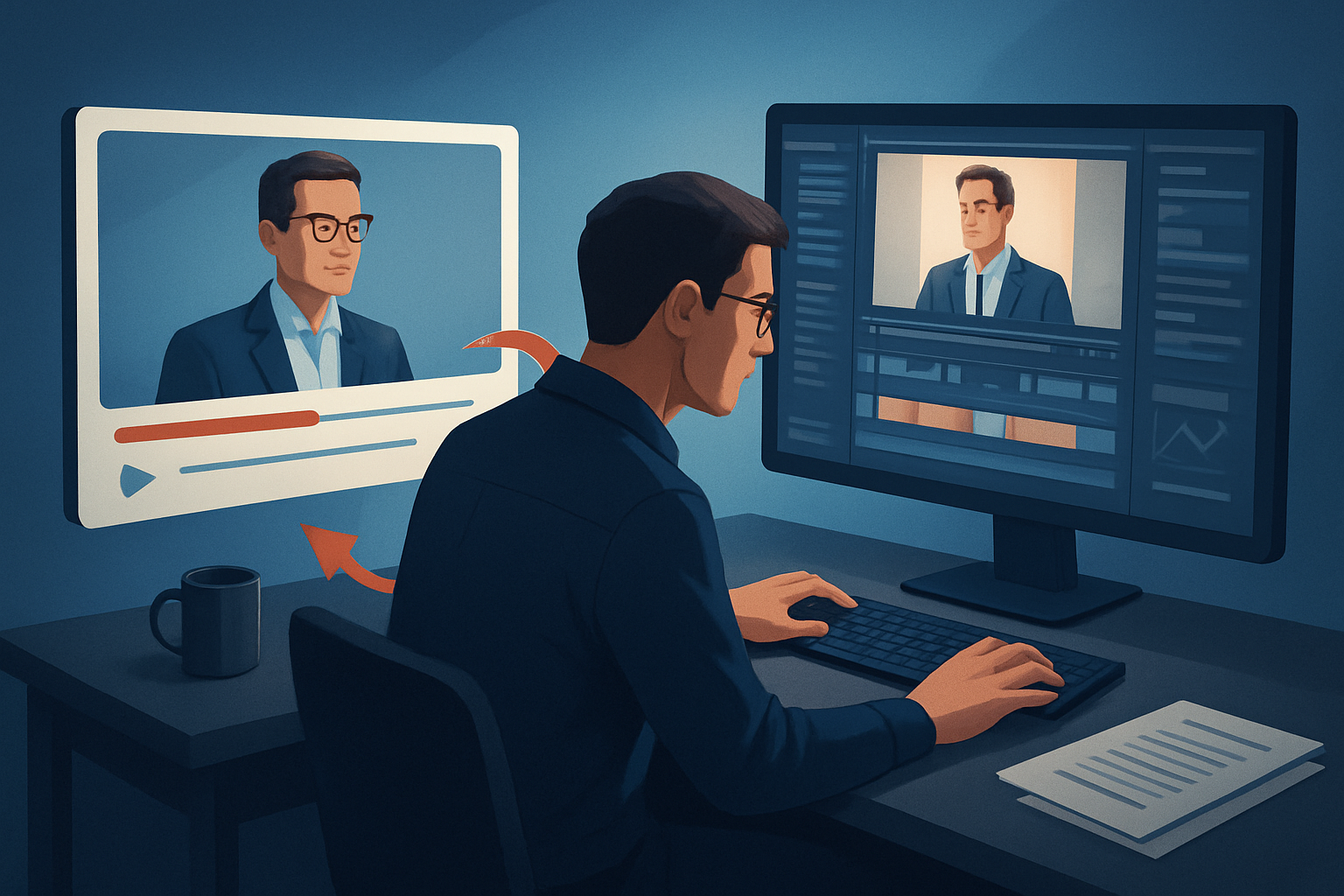

For SaaS operators repurposing long-form YouTube recordings
You run content operations for a SaaS product: webinars, demo recordings, customer interviews, and founder-postmortems live on YouTube. Your job is to turn those long recordings into attention-grabbing short videos that drive leads, product adoption, and demo bookings — without hiring a full editing team. This page shows practical, repeatable workflows for YouTube-first repurposing that you can implement this week to get more assets from every recording.
This guidance targets operators (content ops, growth ops, and ops-adjacent PMs) at SaaS companies publishing primarily on YouTube. It addresses your production bottlenecks: slow first drafts, fractured toolchains, inconsistent finishing, and the need to produce multiple aspect ratios and thumbnails fast.
Why SaaS on YouTube needs this now
- SaaS content is inherently long: product walkthroughs, webinars, and customer stories are deep but low in short-form-ready moments.
- YouTube is both your archive and your pipeline: long-form content lives there, but you need short, platform-optimized clips for discovery and funnel acceleration.
- Ops teams are lean: you need predictable, repeatable outputs from the same recording without sacrificing brand polish.
You want workflow compression: fewer tools, faster first drafts, reusable assets, and predictable publishing-ready outputs. That’s the operational problem this page solves.
Implementable workflow you can run this week
Follow these steps to turn one YouTube recording into multiple publish-ready assets in 48–72 hours.
Collect and centralize
- Pull your full-length YouTube recording into a single working folder.
- Download the YouTube URL into your local asset library so everything is local and reusable.
Import and analyze (Day 0–1)
- Import the footage into a desktop editor that supports footage-first repurposing and local asset libraries.
- Transcribe or auto-analyze the recording to surface talking points, timestamps, and possible hooks.
Auto-generate first drafts (Day 1)
- Use an Auto Edit Video workflow: feed the recording, let the editor generate cut suggestions based on dialogue and highlights, and produce a first-pass short-form sequence.
- Produce multiple aspect ratios (landscape for main channel, portrait for Shorts) and let the system preview each ratio.
Apply finishing layers (Day 1–2)
- Add subtitles, title hooks, B-roll, overlays, and branding borders from the local asset library.
- Use face tracking and auto-zoom for tighter framing on speaker moments; apply freeze frames or grayscale for emphasis on quotes.
- Select music and tune the volume mix and sound effects.
Create supporting assets (Day 2)
- Generate thumbnails and store them alongside the video outputs.
- Save the edit sequence, subtitle files, and B-roll elements into a reusable project template.
Batch export and schedule (Day 2–3)
- Export platform-specific cuts (YouTube, Shorts, social square) in one pass.
- Upload or hand off assets with clear names and timestamps for republishing.
These are practical, immediate steps — no new hires, no months of tooling work required.
Best-tool criteria for SaaS YouTube repurposing
When choosing the tool that sits at the center of this workflow, prioritize:
- Footage-first repurposing: it must turn a long recording into short edits automatically (Auto Edit Video).
- Local, persistent project storage: projects and assets stored locally to build reusable libraries and project history.
- AI generation plus finishing control: the tool should create fast first drafts but also provide finishing controls (subtitles, B-roll, hooks, overlays).
- Multi-ratio preview and export: preview and render landscape, portrait, and square versions without separate projects.
- Asset reuse and thumbnail generation: save and reuse thumbnails, audio beds, and overlays across projects.
- Ability to ingest published links: directly download YouTube or TikTok URLs into the library for repurposing.
Shorz aligns to these criteria: it’s a Windows desktop AI video suite built around Auto Edit Video (footage-first), stores projects and assets locally for reusable libraries, combines AI generation with finishing controls (subtitles, B-roll, title hooks, overlays, face tracking, auto zoom, and more), previews multiple ratios, and can download source material from YouTube or TikTok URLs into the local asset library. For operators who need repeatable outputs from YouTube recordings, that combination compresses the workflow from source to publish-ready faster with less tool switching. For more context on repurposing patterns, see Video Repurposing: Complete Guide.
Where Shorz fits in your stack
- Ingest and edit stage: Shorz is the primary editor for converting long-form YouTube recordings into short-form assets.
- Asset library and templates: use Shorz’s local library to store intros, lower thirds, logo overlays, music stems, and thumbnail templates for reuse.
- Handoff: export polished outputs and asset bundles for scheduling tools or CMSes; Shorz reduces the number of manual finishing steps required before publishing.
- For agencies or teams scaling similar workflows, compare platform patterns here: Best Video Repurposing Workflows for Agencies.
Shorz is not a cloud collaboration platform — it’s designed to compress the edit and finishing loop on Windows desktops while keeping project histories and reusable assets local and persistent.
Practical checklist — what to save into your reusable library this week
- Branded intro/outro clips
- Subtitle style presets
- Hook templates (title + on-screen lower third)
- B-roll packs for demos and screenshots
- Music beds with volume mix presets
- Thumbnail templates exported per project
Reusing these assets reduces per-clip touch time and improves brand consistency.
FAQ for SaaS operators repurposing YouTube recordings
Q: Can this workflow handle long webinars and create multiple shorts automatically? A: Yes — the footage-first Auto Edit Video pattern analyzes transcribed recordings, proposes editing instructions, and builds short-form edit sequences you can finish and export.
Q: Can I download content directly from YouTube into the editor? A: Yes — you can import published YouTube (and TikTok) URLs into the local asset library to repurpose existing uploads.
Q: Will I still need other tools for finishing? A: Expect fewer tools. Shorz combines AI generation with finishing controls (subtitles, B-roll, overlays, auto zoom, face tracking, color controls, thumbnail generation). You may still use dedicated motion-graphics software for advanced VFX, but most SaaS repurposing needs live within Shorz.
Q: Is Shorz cloud-based or collaborative? A: Shorz is a Windows desktop application that stores projects and assets locally. It’s designed for fast iterations and reusable libraries rather than cloud-based project sharing.
Q: How soon can we ship more assets from one recording? A: With the steps above, you can produce platform-specific cuts, thumbnails, and repurposing templates within 48–72 hours of a recording.
For deeper strategy on turning a single recording into a content engine, see this practical guide: Video Repurposing: Complete Guide.
Ready to compress your repurposing workflow?
Turn one YouTube recording into publish-ready shorts, thumbnails, and reusable assets without rebuilding your stack. Start implementing the Auto Edit Video footage-first pattern and centralize your assets for repeatable production.
Get started: Video Repurposing: Complete Guide or explore agency patterns here: Best Video Repurposing Workflows for Agencies.


