
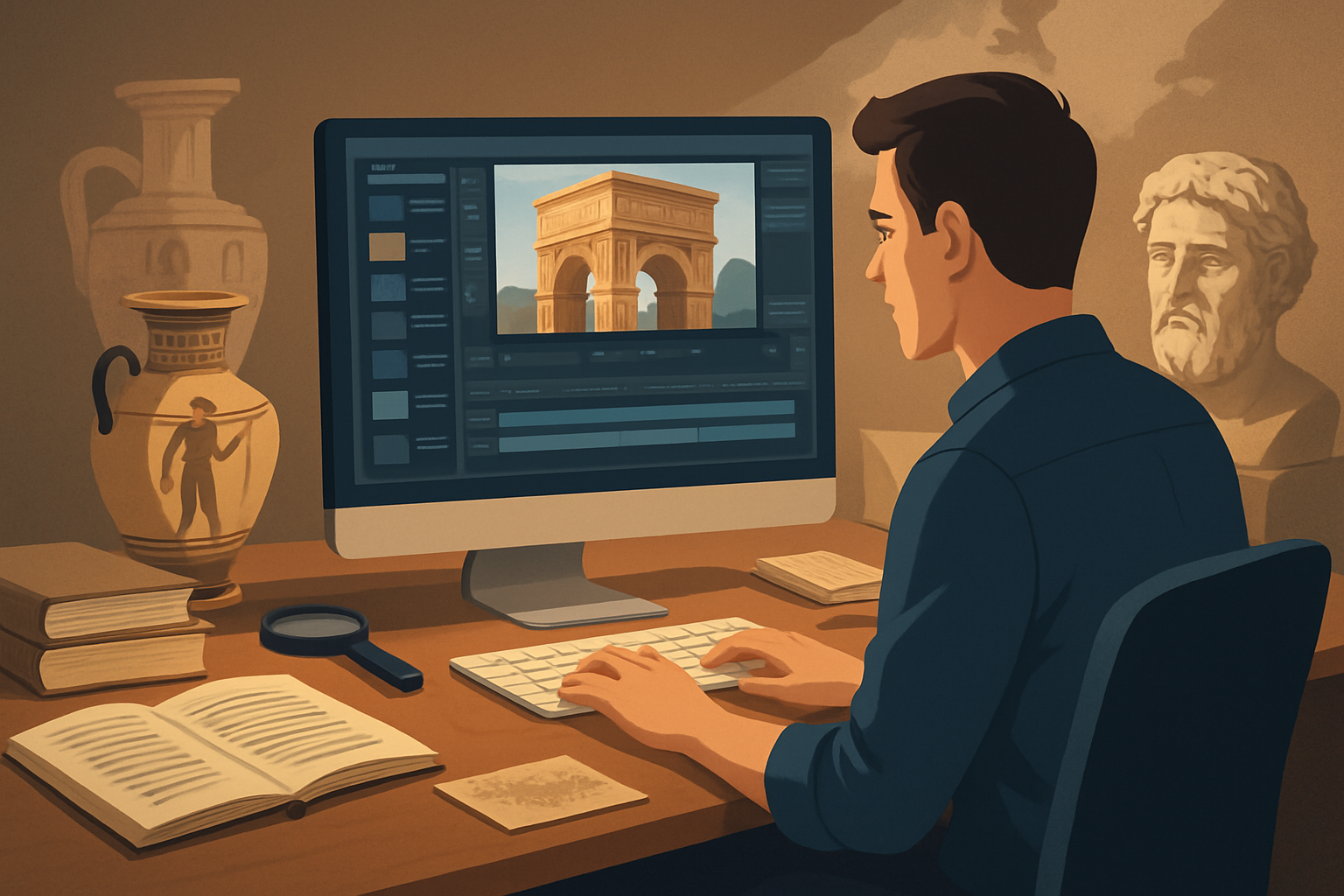

For history creators on YouTube who want to publish more faceless content — read this
You’re a creator focused on history on YouTube. You want to publish more faceless videos (explainers, timelines, deep-dives, Shorts) without trading accuracy for speed. This page gives an actionable, non-generic workflow that addresses history-specific pain points—sourcing archival visuals, keeping facts traceable, turning long research into repeatable short scripts—and shows where Shorz compresses the work so you can ship more consistently.
Why history on YouTube needs a faceless, repeatable workflow now
- Interest in bite-sized and long-form history is rising, and platforms reward consistent output. You need a workflow that scales.
- History videos require reliable sourcing, visual context (maps, timelines, archival photos), and clear narration—so sloppy automation fails you.
- Faceless content removes the on-camera bottleneck (lighting, weeks of filming) but introduces others: templating narration, maintaining visual identity, and repurposing long episodes into Shorts quickly.
A workflow that produces reliable first drafts, safely stores assets, and finishes (subtitles, thumbnails, ratios) inside one workspace reduces risk and increases output frequency.
Common pain points for history creators
- Research-heavy scripts take hours to condense into watchable 6–12 minute videos or 30–60 second Shorts.
- Finding and reusing archival images and B-roll across episodes is tedious.
- Repurposing a long video to multiple aspect ratios (landscape for YouTube, portrait for Shorts) causes repetitive editing.
- Maintaining consistent visual style across a series (maps, color palette, lower-thirds) requires manual reapplication.
- Thumbnails, subtitles, and title hooks slow publishing.
A practical workflow you can implement this week
Follow these steps to go from research to publish-ready faceless episodes in 1–2 days per video.
Research & outline (Day 1 morning)
- Collect primary sources, notes, and citations. Save a short bibliography file per episode.
- Draft a tight script: 6–10 minutes for long-form, and pull 3–5 hookable 30–60 second segments for Shorts.
Build a reusable asset set (Day 1 afternoon)
- Gather archival images, maps, and any short clips. Import them into your local asset library so they’re reusable across episodes.
- Add style reference images (map color, title card examples) to lock a consistent identity for generated scenes.
Script-to-video first draft (Day 1 evening)
- Use Shorz’s Text-to-Video workflow to turn your script into a first draft using the imported assets, generated images, or generated video. Choose voice options and preview narration to match pacing.
- Include style references so visuals remain consistent episode-to-episode.
Finish and polish (Day 2 morning)
- Apply subtitles, title hooks, overlays, and B-roll inside the same project. Use Shorz’s shared finishing controls (auto zoom, face tracking for avatar inserts, freeze frames) to add polish.
- Generate a thumbnail inside Shorz and reuse assets from the project.
Repurpose & export (Day 2 afternoon)
- Preview and export landscape for YouTube and portrait/square for Shorts. Use Shorz’s YouTube and TikTok helpers to adapt the same project for different platforms quickly.
- Store the project locally for future re-edits, reuse, and series consistency.
Repeat the process: once a library of style references and reusable assets exists, turnaround drops significantly.
Best-tool criteria for history YouTube automation (and where Shorz fits)
When choosing tools for a faceless history channel, prioritize:
- Repeatability: ability to store and reuse assets, templates, and project histories for consistent series output. Shorz stores projects and generated assets locally, enabling reusable libraries and persistent history.
- Script-to-video fidelity: supports typed scripts, uploaded audio, voice selection, narration preview, and style references so generated scenes match your visual identity. Shorz’s Text-to-Video and avatar tools support these exact needs.
- Finish controls, not raw first drafts: you must be able to adjust subtitles, title hooks, overlays, B-roll, and basic color and motion for polish. Shorz combines AI generation with finishing controls (subtitles, overlays, auto zoom, freeze frames).
- Multi-ratio publishing: preview and export in landscape, portrait, and square without rebuilding projects. Shorz previews content across ratios and includes YouTube/TikTok helpers.
- Thumbnail and asset handling: generating thumbnails and storing them with the project reduces separate design steps. Shorz can generate and reuse thumbnails alongside video outputs.
- Local ownership: you should keep a local asset library and project history for sensitive or copyrighted archival work. Shorz stores everything locally.
If your priority is faster first drafts, repeatable output, and fewer tool switches, Shorz meets those criteria.
Where Shorz sits in your stack
- Research & script (your notes, citation files) → import to Shorz.
- Asset management (archival images, maps, B-roll) → local reusable asset library in Shorz.
- Production (script-to-video, avatar, Auto Edit Video) → Shorz generates scenes from scripts, voice audio, or uploaded footage.
- Finishing (subtitles, title hooks, overlays, color tweaks, thumbnails) → all handled inside Shorz’s finishing systems.
- Export & repurpose (landscape + portrait + square) → preview and export for YouTube and Shorts using Shorz’s ratio previews and publishing helpers.
This compresses tool switching—research, generation, finishing, and thumbnailing happen inside one persistent workspace.
Example weekly schedule for scaling faceless history content
- Monday: Research + script several episodes; gather assets into a Shorz project.
- Tuesday: Generate first-draft videos using Text-to-Video; save as draft projects.
- Wednesday: Finish 1–2 episodes (subtitles, titles, thumbnails) and export landscape.
- Thursday: Create Shorts and portrait exports; batch-thumbnail and schedule uploads.
- Friday: Review analytics, tweak style references, and add new assets to the library for next week.
FAQs — specific to history creators doing faceless YouTube
Q: Can I keep visual identity consistent across episodes? A: Yes. Use style reference images and the local asset library in Shorz to stabilize visuals and reuse title hooks, overlays, and thumbnail templates.
Q: How do I handle archival images and citations? A: Import archival images and citation files into your local project. Keep a bibliography file with every Shorz project so you can display citations on-screen or in the video description.
Q: Can I make both long explainers and Shorts from the same project? A: Yes. Shorz previews and exports in landscape, portrait, and square, so you can adapt the same project to YouTube long-form and Shorts without rebuilding.
Q: Will I be stuck with raw AI outputs? A: No. Shorz combines AI generation with finishing controls—subtitles, overlays, auto zoom, freeze frames, and basic color controls—so you can refine AI drafts into publish-ready videos.
Q: Is this workflow suitable for educational or course content? A: Absolutely. Shorz supports repeatable script, narration, visuals, subtitles, and thumbnail generation that fit explainers and course modules.
Next step
If your goal is to publish more faceless history content on YouTube with repeatable, publish-ready drafts and fewer tool handoffs, start compressing your workflow now. Learn a practical faceless workflow tailored to YouTube and start building a reusable asset library this week.
Faceless YouTube Workflow With Shorz Best YouTube Automation Niches in 2026 Best YouTube Automation Niches for Science


