
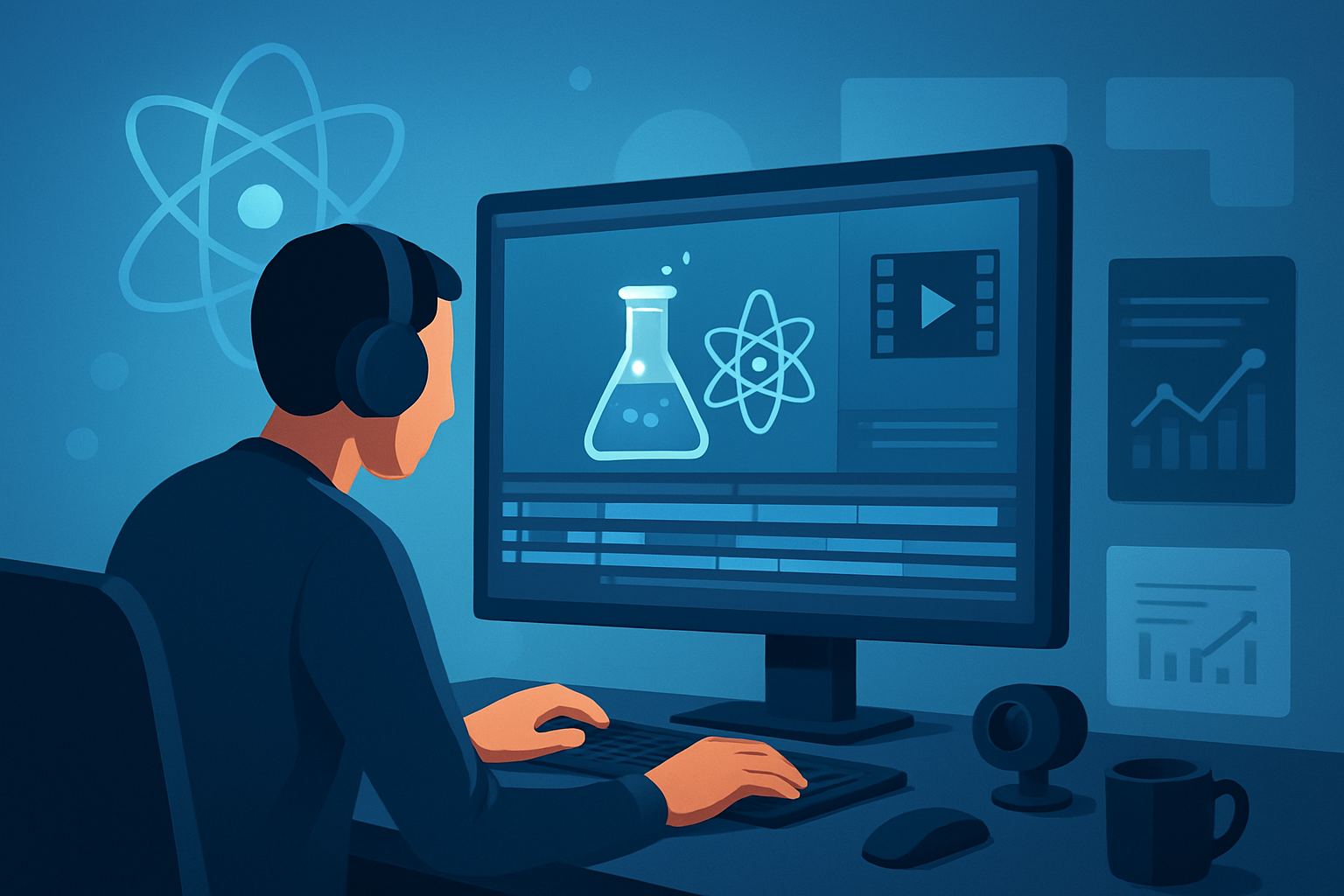

For science creators on YouTube who want more faceless videos — fast, repeatable, and publish-ready
If you’re a science creator building YouTube channels without showing your face, you need workflows that handle dense scripts, accurate visuals, and multiple aspect ratios — while keeping cadence high. This guide shows niche ideas and a practical, week-ready workflow that moves research -> script -> publish-ready video with less tool switching and repeatable output. It uses a Windows desktop AI video production suite (Shorz) as the production hub so you can scale faceless uploads reliably.
Why this niche and platform need this workflow now
- YouTube rewards consistency and multiple formats (long-form explainers plus Shorts). Science topics win attention when delivery is clear, visual, and consistent.
- Science creators face extra friction: diagram and chart generation, citation-aware scripts, and careful narration. Those friction points kill upload cadence.
- Faceless content is the scalable answer — but only if you compress production steps (script, visuals, narration, subtitles, thumbnails) into a single repeatable loop. That’s the workflow gap to close this year.
For broader context on automation niches and adjacent opportunities, see these reads: Best YouTube Automation Niches in 2026, Best YouTube Automation Niches for History, Best YouTube Automation Niches for Finance.
Top science automation niches that scale for faceless YouTube
- Quick explainer series (1–4 minute concept explainers)
- Myth-busting / common misconceptions in science
- Paper breakdowns / “one paper, one minute” summaries
- Tools & Methods (how lab techniques work, conceptual demos)
- Timeline / discovery series (history of a scientific idea, faceless narrative) Each niche maps well to scripted, asset-driven faceless formats where you can reuse visuals, hooks, and narration templates.
A practical week-one workflow (doable in 3–7 days)
- Choose a micro-niche and three topic headlines.
- Create a script template: hook (5–8s), core explanation (60–120s), takeaway + CTA. Save as your project template.
- Collect or link assets: PDFs, images, datasets, and reference images. Ingest URLs and files into your local asset library.
- Draft narration and either upload recorded speech or use Shorz’s text-to-video path with voice selection and narration preview to generate voiceover drafts.
- Build the first video in Shorz:
- Start with Text-to-Video or Auto Edit Video depending on whether you’re script-first or footage-first.
- Use style reference images to stabilize the visual identity (colors, diagram treatments).
- Add subtitles, title hooks, overlays, and B-roll from the asset library.
- Preview in landscape and portrait/square to prepare both full videos and Shorts.
- Use Shorz’s thumbnail generation and compose a channel-styled thumbnail. Store it in the project.
- Export multiple ratio outputs and schedule uploads. Copy the project to create the next video using the saved template and assets for fast iterations.
Doable in a week: you’ll produce a reusable script template, a visual style, and two publish-ready videos (long + Short).
Best-tool criteria for science-focused faceless channels — and where Shorz shows up
- Script-to-video with finishing controls: you need more than raw first drafts. Shorz combines AI generation with finishing controls (subtitles, hooks, B-roll, overlays).
- Local, persistent asset libraries: diagrams, GIFs, and thumbnails must be reusable across episodes. Shorz stores projects and generated assets locally for repeat work and project history.
- Multiple project entry points: sometimes you start with footage, sometimes with a script or an avatar image. Shorz supports Auto Edit Video, Text-to-Video, Avatar, and Podcast project types to match your inputs.
- Visual identity stability: the ability to use style reference images to keep diagrams and visuals consistent across episodes. Shorz supports style references in its Text-to-Video flow.
- Publish-ready packaging: subtitle design, thumbnail generation, title hooks, and export presets for landscape/portrait/square. Shorz previews content across ratios and includes thumbnail generation.
- Less tool switching: one desktop app where first drafts move to finished output in the same workspace (workflow compression). Shorz is a Windows desktop AI video suite built for that end-to-end loop.
If your checklist looks like the bullets above, Shorz fits where you need repeatable outputs, faster first drafts, and persistent project assets.
Where Shorz fits in your tech stack
- Research & writing: do topic research and write scripts in your preferred tools.
- Production hub (Shorz on Windows desktop): import scripts, assets, and narration; generate video drafts; apply subtitles, B-roll, title hooks, and thumbnails; preview all aspect ratios; store everything locally for reuse.
- Distribution & scheduling: export multi-ratio files and thumbnails, then upload to YouTube and Shorts. Use your scheduling tool of choice.
Shorz cuts editing friction by keeping generation and finishing in one persistent workspace, so you spend less time swapping apps and more time iterating on ideas.
FAQ — short, specific answers for science creators
Q: Can I produce faceless explainers without recording my voice? A: Yes. Use Shorz’s Text-to-Video flow with uploaded speech audio or voice selection and narration preview to create voiceovers without on-camera performance.
Q: How do I keep visual identity consistent across episodes? A: Save style reference images and asset library components in Shorz. The app reuses these assets across projects so diagrams, borders, and subtitle styles remain stable.
Q: Can I repurpose a 6–8 minute explainer into Shorts? A: Yes. Preview and export in portrait and square ratios inside Shorz, then cut or repack segments with subtitle hooks for Shorts.
Q: Will Shorz store my project history and assets? A: Shorz stores projects and generated assets locally, enabling repeat work and persistent project history.
Q: Is Shorz suitable for data-heavy visuals (charts, diagrams)? A: Use your chart exports as assets and import them into Shorz’s asset library. Combine them with B-roll, overlays, and subtitle layers for polished, faceless explainers.
Q: What platform does Shorz run on? A: Shorz is a Windows desktop AI video production suite.
Next step (clear CTA)
Ready to stop bottlenecking on editing and publish faceless science videos faster? Get the workflow blueprint and start compressing your production loop today: Faceless YouTube Workflow With Shorz.
Further reading on automation niches if you want adjacent ideas: Best YouTube Automation Niches in 2026, Best YouTube Automation Niches for History, Best YouTube Automation Niches for Finance.


