









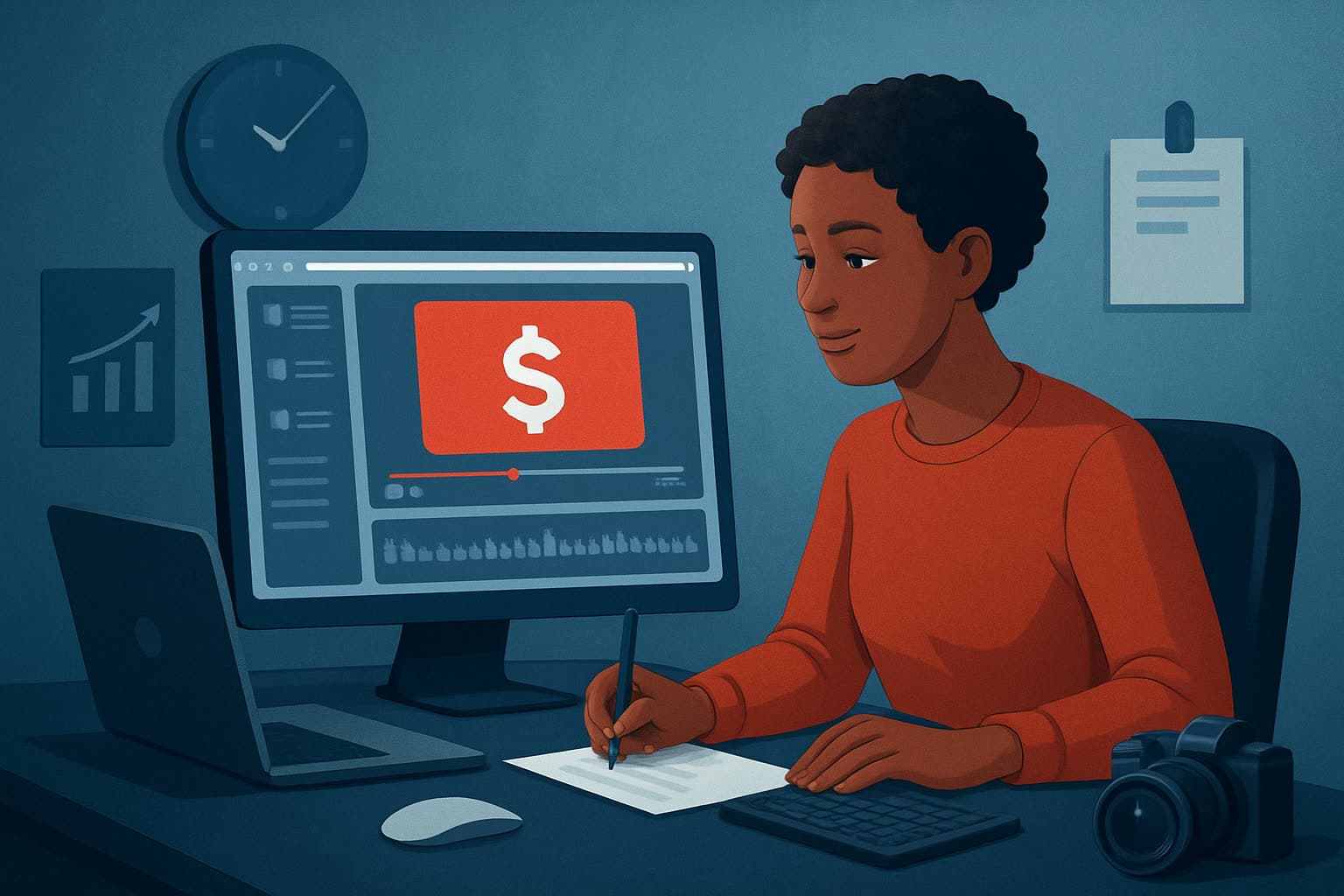

The bottleneck: turning financial content into snackable Shorts that convert
Creators in finance hit the same bottleneck: you can write a tight idea or script, but turning that into a 30–60 second, polished Short that’s on-brand, compliant, and upload-ready takes too many tools and too much time. The usual workflow—script, record, edit, subtitles, thumbnail, export—forces tool switching and manual repeating. You need a repeatable system that produces attention-grabbing hooks, clean edits, captions, and thumbnails without rebuilding from scratch every time.
This guide gives a step-by-step workflow to create YouTube Shorts for finance, tools you’ll need, mistakes to avoid, optimization tips, and how to scale. It also highlights where Shorz compresses the workflow so you ship faster first drafts, reuse assets, and reduce tool switching.
Step-by-step workflow (30–90 minute Short)
Define one tight idea and a single CTA
- Pick one measurable outcome: drive newsletter signups, push a course lead magnet, or promote a quick tip video.
- Write one-line hook (first 1–3 seconds) and one-sentence takeaway. In finance, avoid overpromising returns—frame as “how to” or “what to know.”
Script the Short in micro-blocks
- Flesh out 3–5 micro-sentences (hook, problem, quick solution, CTA).
- Time each block to ~5–12 seconds. Keep language conversational and specific.
Capture or source footage
- Record a tight talking-head or screen-record a demo chart. Capture extra cutaway B-roll: chart zooms, app screens, or royalty-free finance imagery.
- Record clear audio; a short lavalier or USB mic beats phone audio for clarity.
Assemble first draft fast
- Import footage and assets into your editor and assemble in order: hook → body → CTA.
- Trim to rhythm, remove ums/pauses, and tighten pacing to 30–60 seconds.
Add polish and clarity layers
- Add subtitles, short title hooks at top, b-roll overlays for credibility (charts, screenshots), and simple visual effects like auto-zoom or freeze-frame to emphasize points.
Generate thumbnail and export variants
- Create a portrait export for Shorts and a square or landscape crop for cross-posting.
- Export a high-contrast thumbnail that reinforces the hook and includes a simple numeric or declarative headline.
Upload, caption, and publish
- Add SEO-friendly description and hashtags (see optimization tips).
- Schedule or publish at a time aligned to your audience.
Tools needed
- Script editor (Google Docs, Notion, or plain TXT)
- Camera (phone or DSLR) + mic (lavalier or USB)
- Screen-recording app (for demos or charts)
- Video editor that supports short-form workflows and reusable assets — Shorz is one option that compresses many of these steps into a single desktop workspace
- Royalty-free music and SFX library
- Analytics and scheduling tool (YouTube Studio, Buffer, or similar)
How Shorz fits into this stack
- Start from footage, scripts, avatar images, or dialogue-based formats with Shorz’s Auto Edit Video, Text-to-Video, Avatar, and Podcast project types.
- Store source files and generated assets locally in My Assets for reuse and repeatable output.
- Move from first draft to publish-ready faster using built-in finishing controls: subtitles, title hooks, B-roll, overlays, borders, music, and volume mixing.
- Preview and export in portrait (Shorts), square, and landscape without switching apps.
- Generate and reuse thumbnails alongside video outputs to keep packaging consistent across releases.
(See also example workflows in other verticals—How to Create YouTube Shorts for Real Estate, How to Create YouTube Shorts for Local Businesses, How to Create YouTube Shorts for SaaS.)
Common mistakes to avoid
- Trying to compress multiple ideas into one Short. Keep one idea per Short.
- Long intros. If your hook doesn't land in 1–3 seconds, retention tanks.
- Skipping captions. Many viewers watch with sound off.
- Overcomplicated visuals. Finance Shorts benefit from clarity—clean overlays, a single chart focus, and readable text.
- Recreating settings each time. Failing to use a template or asset library wastes time.
Optimization tips that actually move metrics
- Hook-first editing: place your strongest line in the first 1–3 seconds, then cut to the value exchange immediately.
- Use numeric or time-bound language in the title and thumbnail (“3 ways to cut fees”, “60-sec IRA hack”).
- Add a simple end-screen CTA: subscribe, click link in description, or visit a landing page.
- Include searchable keywords in the first 50 characters of the description and as tags.
- Test thumbnails and hooks in batches: run 5–10 shorts with variations to learn what headlines perform.
- Cross-post optimized crops: export portrait for Shorts and square for Instagram/TikTok with platform-specific captions.
How to scale this workflow
- Build a template library: hooks, subtitle styles, thumbnail frames, and color overlays that match your brand.
- Batch recording days: record 6–12 Shorts in one session—change shirt or background for visual variety.
- Reuse assets from a persistent local library so you’re not reimporting the same graph or logo each time.
- Automate exports: export portrait + square in one pass and store both in the same project.
- Delegate finishing controls to an editor who uses a shared project template—then you only approve final versions.
Shorz supports scaling by letting teams and creators keep a persistent local workspace and reusable My Assets library to speed up repeat work and preserve project history.
Where Shorz reduces friction (workflow-compression examples)
- Fewer apps: import footage, edit, add subtitles, create thumbnails, and export multiple ratios inside one desktop workspace—less switching.
- Faster first drafts: Auto Edit Video and Text-to-Video project types let you get a structured draft quickly, then finish with precise controls.
- Reusable assets: store generated thumbnails, audio, and image assets locally for instant reuse.
- Publish-ready preview: preview the same cut in portrait, square, and landscape to ensure cross-platform fit before export.
- Consistent packaging: built-in title hooks, overlays, and subtitle styles keep output consistent across dozens of Shorts.
FAQ
Q: How long should a finance Short be? A: Aim 30–60 seconds. Under 30s can work for a single quick tip; up to 60s for a mini-explain. Test for audience retention.
Q: Should I show my face or go faceless with charts? A: Both work. Talking head builds trust; faceless explainer with clear visuals scales well. Mix formats to keep the feed varied.
Q: Can I repurpose long-form videos into Shorts? A: Yes. Cut the highest-value 30–60 second segment, add an attention-grabbing hook and subtitles, and export in portrait. Tools that preview multiple aspect ratios help speed this conversion.
Q: How do I handle compliance and claims in finance? A: Use conservative language, avoid guaranteed outcomes, and include short disclaimers as captions or overlays when necessary.
Q: Where can I get a faster, repeatable workflow for producing Shorts? A: For a desktop workflow that stores projects and assets locally, supports auto-edits and thumbnail generation, and reduces tool switching, consider a purpose-built AI video editor. Learn more here: AI Video Editor for Faster Production
CTA
If you want a workflow that combines faster first drafts, reusable assets, and publish-ready packaging for Shorts, explore an AI video editor built for short-form creators and agencies: AI Video Editor for Faster Production