










The bottleneck operators hit turning one talk into a content system
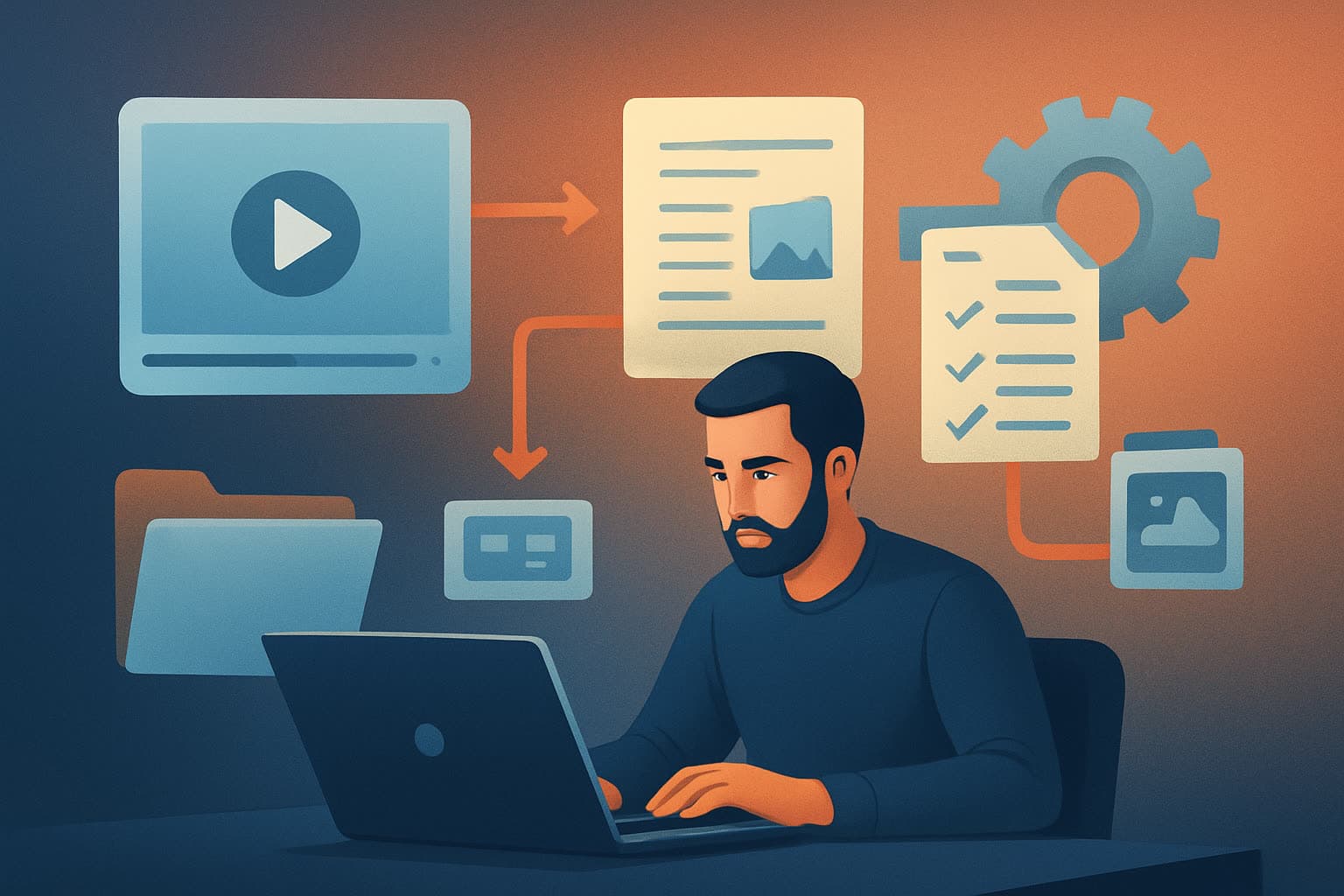
You have one long talk — a keynote, a webinar, a founder AMA — and you need steady output: short clips, social posts, thumbnails, newsletters, and show notes. The usual bottlenecks are inconsistent framing of repurposing goals, tool sprawl (different apps for transcripts, editing, thumbnails), and losing reusable assets across projects. That makes each talk feel like rebuild rather than scale.
A repeatable system removes decisions and minimizes tool switching so operators can produce reliable batches fast. The workflow below is built for that: predictable inputs, automated first drafts, finishing controls, and a local library you can reuse.
Step-by-step workflow: one talk → persistent content system
Capture and collect
- Gather the master recording(s) — webinar video, livestream archive, or raw talk files.
- Pull any supplemental assets: slides, bios, guest assets, and brand overlays.
Centralize and back up
- Store everything in a single folder and create a project in your desktop editor; keep a backup copy in cloud storage if you require offsite redundancy.
Transcribe and timestamp
- Generate a full transcript with timestamps (auto-transcription tools or Shorz’s analysis step if using footage-first workflows).
- Mark the key moments: hooks, insight moments, questions, and action items.
Define the content pillars
- Decide formats you need: short social clips (15–60s), 3–5 minute explainers, audiograms, quote images, and long-form export.
- Create a simple brief or template for each pillar (length, ratio, primary hook, CTA).
Batch clip selection
- Extract 8–20 candidate moments from the transcript that match pillar briefs. Prioritize high-value moments (novel insight, emotional peak, practical steps).
Auto-edit first drafts
- Import footage and selected timestamps into a single desktop AI editor that supports an Auto Edit Video workflow: analyze/transcribe, generate editing instructions, build an edit sequence, then produce outputs.
- Review and apply finishing controls: subtitles, title hooks, B-roll, auto-zoom/face tracking, audio mix.
Create platform variants and assets
- Output landscape, portrait, and square crops. Generate thumbnails and stylized quote graphics from the same project.
- Store all generated thumbnails and assets in your local asset library for reuse.
QA and schedule
- Quick quality pass: check hooks, subtitles, and audio levels.
- Schedule posts and upload variants with platform-appropriate captions and metadata.
Archive templates and lessons
- Save the project as a template with stored assets and a recipe of applied finishing rules so the next talk is faster.
Tools needed
- Desktop AI video editor with Auto Edit Video and persistent local projects (example: Shorz on Windows for workflow compression and reusable asset libraries).
- A reliable transcription tool (or the editor’s built-in analysis/transcription step).
- Simple image editor for thumbnails (optional — many editors can generate thumbnails).
- Cloud storage for backups and cross-machine transfer if needed.
- Scheduling/publishing tool (native platform schedulers or a social scheduler).
- A lightweight project tracker (sheet or kanban) to coordinate batches and SLAs.
If you’re iterating on audio-first shows, include podcast export tools. For script-first repurposing, use a Text-to-Video or Avatar workflow where you start from scripts or generated audio.
Common mistakes to avoid
- Treating each clip like a one-off: don’t rebuild formats or overlays every time.
- Skipping a clear pillar brief: without format rules, editing choices become inconsistent.
- Ignoring platform ratios: publish-ready clips must be previewed and adjusted per ratio.
- Over-editing the first draft: use AI-generated drafts as a base and finish efficiently.
- Losing generated assets: if thumbnails and B-roll aren’t catalogued, you’ll re-create them repeatedly.
- Forgetting metadata: titles, descriptions, and timestamps matter for discoverability.
Optimization tips for operators
- Standardize hooks: keep a 3–5 word visual title style that’s applied automatically.
- Batch decisions: choose clips, apply a single template, then render variants in bulk.
- Use subtitles and title overlays by default — they increase view-through on social.
- Keep a short checklist for QA: loudness, captions, first 3 seconds, thumbnail legibility.
- A/B test thumbnails and CTAs across a small sample before scaling the whole batch.
- Reuse B-roll and overlays stored in your asset library to maintain brand consistency.
How to scale the workflow
- Create template projects that include overlays, subtitle styles, and export presets.
- Build a My Assets library with reusable clips, logos, thumbnail templates, and music beds.
- Set SLAs and microtasks: clip selection, first-draft review, final polish, and scheduling.
- Automate transcription and candidate-clip extraction where possible.
- Train junior operators on the template-first process so quality scales without micromanaging.
- Track performance per pillar to prioritize content types that drive the best engagement.
Where Shorz reduces friction in this system
- Auto Edit Video workflow: import footage, analyze/transcribe, generate editing instructions, and build an edit sequence inside one persistent desktop workspace — reducing tool switching and producing faster first drafts.
- My Assets library: import footage, images, audio, and generated thumbnails into a reusable local asset library so you can reuse styles, overlays, and B-roll across projects.
- Multi-format previews: preview and export landscape, portrait, and square ratios from the same project to create platform-specific variants quickly.
- Finishing controls beyond first drafts: subtitles, title hooks, B-roll, overlays, borders, music and SFX, volume mix controls, auto zoom, face tracking, freeze frames, and basic color controls help move from AI-generated draft to publish-ready output inside the same app.
- Persistent local projects and cached assets: project history and stored outputs speed repeat work and make templating practical across campaigns.
- Support for derived downloads: download source material from YouTube or TikTok URLs into your local library to strengthen repurposing workflows and expand your content inventory from existing recordings.
- Multiple entry points: start from footage (Auto Edit Video), from scripts (Text-to-Video), avatar images + audio (Avatar), or dialogue-based formats (Podcast), letting ops pick the fastest route for each source type.
These capabilities compress the workflow: fewer apps, faster first drafts, and reusable assets that scale.
FAQ
Q: How much time does it take to turn one 60–90 minute talk into a batch of short clips? A: Once you have a template and asset library, operators typically complete candidate selection, first-pass auto-edits, and basic finishing in a few hours for an initial batch; time decreases with templates and reuse.
Q: Can I repurpose webinars, podcasts, and livestreams with this system? A: Yes — footage-first Auto Edit Video workflows and podcast/dialogue project types handle webinars, podcasts, and livestream archives. For detailed playbooks see How to Turn One Webinar Into 20 Assets, How to Turn One Podcast Into 20 Clips, and How to Turn One Livestream Into Evergreen Clips.
Q: Do teams lose work if projects are local? A: Shorz stores projects and assets locally which supports fast repeat work and offline finishing. For team handoffs, use shared drives or a cloud backup strategy to move project folders between machines — the persistent project files and asset libraries make handoffs consistent.
Q: Is the AI output final? A: Treat AI editing as the starting point. Shorz combines generation with finishing controls so operators can polish drafts to publish-ready quality inside the same workspace.
Ready to turn your talks into an engine of consistent content?
If you want an operations-first approach to repurposing that reduces tool switching and creates reusable assets and templates, explore a documented repurposing workflow next: Video Repurposing Workflow for More Output.