
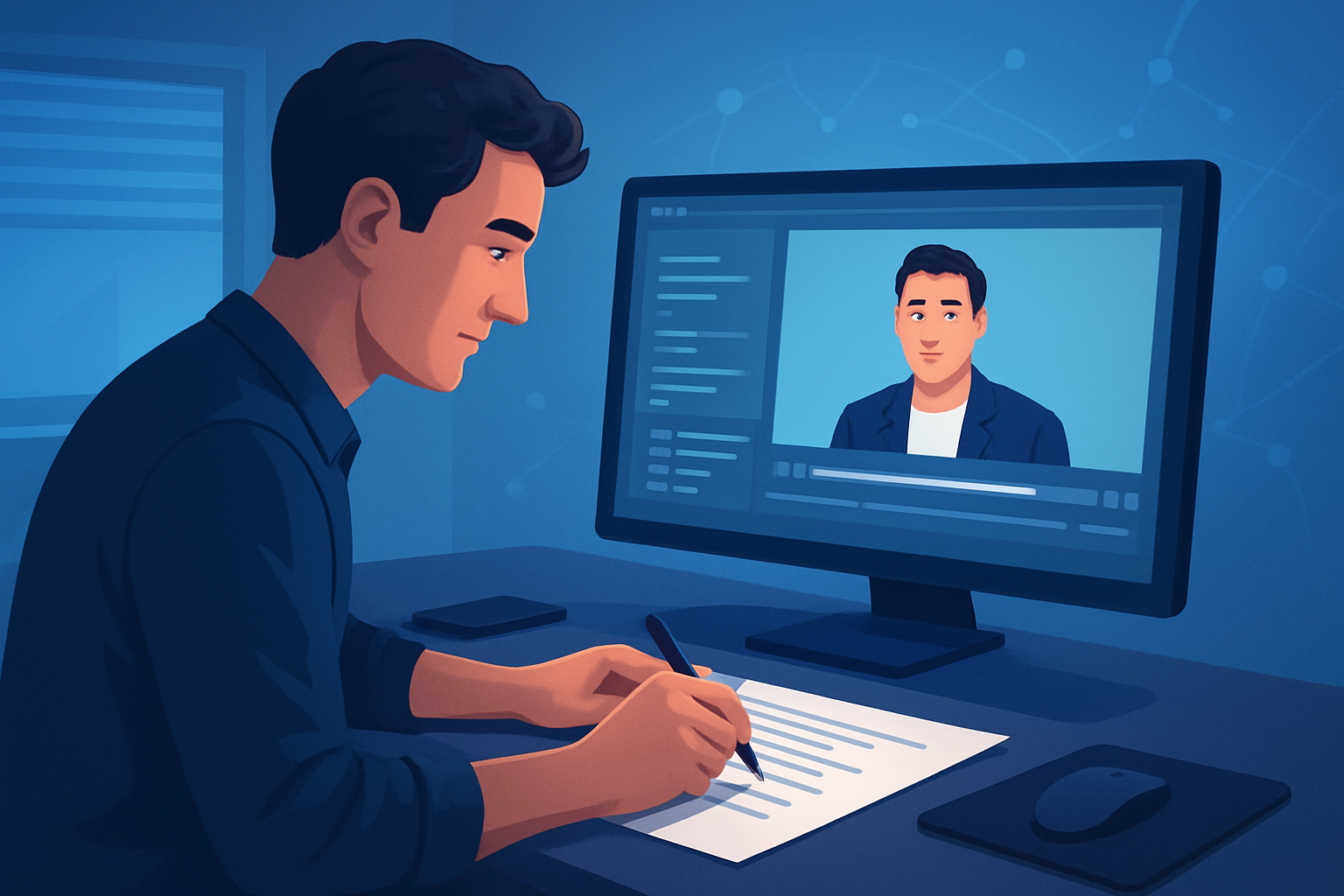

For LinkedIn creators who write scripts and need finished videos faster
If you publish long-form thought leadership, explainers, or repurposed webinar clips on LinkedIn, this page is for you. You’re a creator making professional, script-led videos for LinkedIn’s audience — you need crisp hooks, captions, brand consistency, and versions for feed and story placements. Your goal: move from script to publish-ready video with minimal tool switching so you can ship more episodes and generate leads.
Shorz is a Windows desktop AI video production suite built around that exact problem: compressing the script-to-video workflow inside one persistent workspace so you get faster first drafts, reusable assets, and repeatable output.
Why LinkedIn creators need a script-to-video workflow now
- Attention on LinkedIn is professional and short: people scroll muted, so captions and hooks must land in the first 3 seconds.
- You’re juggling multiple formats: a landscape post, a square for ads, and short clips for repurposing — that multiplies export and finishing work.
- Consistency matters: your personal or company brand must look the same across posts and over time.
- Manual stitching (voiceovers + slides + captions + thumbnails) eats days per post. You need to publish more frequently without hiring editors.
Shorz tackles these pain points by keeping assets and project history locally and letting you run script-led production from typed text or uploaded audio into publish-ready video faster.
Practical script-to-LinkedIn workflow you can implement this week
- Draft a 60–180 second script (30–45 minutes)
- Focus on a single idea, one hook line, three supporting points, and a CTA.
- Create a new Text-to-Video project in Shorz (15 minutes)
- Paste your script or upload narration. Choose a voice or upload your own speech audio for accuracy.
- Add style reference images to lock in consistent visual identity across scenes.
- Populate your local asset library (30 minutes)
- Import logos, headshots, slide images, B-roll clips, and a branded lower-third. Shorz stores these assets in the project for reuse.
- Generate the first draft (10–20 minutes)
- Let Text-to-Video build scenes aligned to your script. Use narration preview and transition options to speed alignment.
- Finish inside Shorz (30–60 minutes)
- Add subtitles, title hooks, B-roll, overlays, and borders. Use auto zoom, face tracking, or freeze-frame effects for visual polish.
- Balance audio with music and sound effects using the volume mix controls.
- Preview and repurpose (10 minutes)
- Check landscape and square previews for LinkedIn feed and sponsored posts. Export the primary file and a cutdown clip for LinkedIn stories or ads.
- Generate thumbnail and reuse (10 minutes)
- Produce a thumbnail from the same project, store it locally, and reuse the project’s asset library for the next episode.
Total expected time for a first publish-ready LinkedIn video this week: 2–4 hours, with faster iterations afterward thanks to reusable assets and persistent project history.
For shorter formats or platform-specific spins, see guides for repurposing to TikTok and Instagram: Script to Video for TikTok Creators, Script to Video for Instagram Creators. If you work from podcast audio, this workflow maps directly to clip creation: Script to Video for Podcast Clips.
Best tool criteria for LinkedIn script-to-video — and how Shorz measures up
- Single workspace for script → draft → finish: Shorz combines Text-to-Video plus finishing layers in one Windows desktop app, reducing tool switching.
- Local project persistence and reusable assets: Shorz stores projects and assets locally so brand elements and thumbnails are available for repeatable series.
- Script-first generation with narration control: Text-to-Video supports typed scripts, uploaded speech audio, voice selection, and narration preview.
- Strong finishing controls: subtitles, title hooks, overlays, B-roll, borders, music, sound effects, volume mix, and basic color controls are built in.
- Multiple aspect previews: Preview and export landscape, portrait, and square versions to match LinkedIn feed and repurposing needs.
- Visual polish that matters: auto zoom, face tracking, freeze frame, and other polish layers keep videos feeling professional without long manual edits. Shorz’s combination of those features makes it a practical fit for creators focused on repeatability and faster publish cycles.
Where Shorz fits into your creator stack
- Replace: separate captioning tools, standalone thumbnail makers, and basic AI-first generators that stop at a raw draft.
- Complement: your script editor and analytics platform. Write scripts in your preferred doc tool, then import into Shorz. Export finished video and post natively on LinkedIn.
- Centralize: store brand assets, hooks, and past projects locally in one workspace so each new piece starts faster.
In short: Shorz compresses the workflow so your stack becomes script doc → Shorz → LinkedIn publish, with less back-and-forth and quicker first drafts.
FAQ for LinkedIn creators
Q: Can I use my own recorded voice as narration? A: Yes — Shorz supports uploaded speech audio in Text-to-Video projects so you can use your own narration for authenticity.
Q: I need captions for muted autoplay. Is subtitling built in? A: Yes — subtitles and subtitle design are part of Shorz’s finishing systems and can be applied before export.
Q: Do I have to be online to use it? A: Shorz is a Windows desktop application that stores projects and generated assets locally on your machine.
Q: Can I make faceless or educational explainer videos? A: Yes — Shorz is built for faceless workflows and scripted educational content, supporting generated visuals, imported assets, and reusable templates.
Q: How do I make versions for feed and ads? A: Use Shorz’s preview and export flows to create landscape, portrait, and square versions from the same project, then export the specific files you need.
Q: Will this help me publish faster? A: Shorz is designed around workflow compression — faster first drafts, reusable assets, and fewer tools between script and finished video — which reduces time-to-publish.
Q: Can I use brand style images for consistency? A: Absolutely — including style reference images stabilizes visual identity across generated scenes.
Ready to turn scripts into finished LinkedIn videos faster?
Start compressing your script-to-video workflow now and ship more consistent, publish-ready content with less tool switching. Explore the full Script-to-Video workflow and guide here: Script to Video: Complete Guide.


