
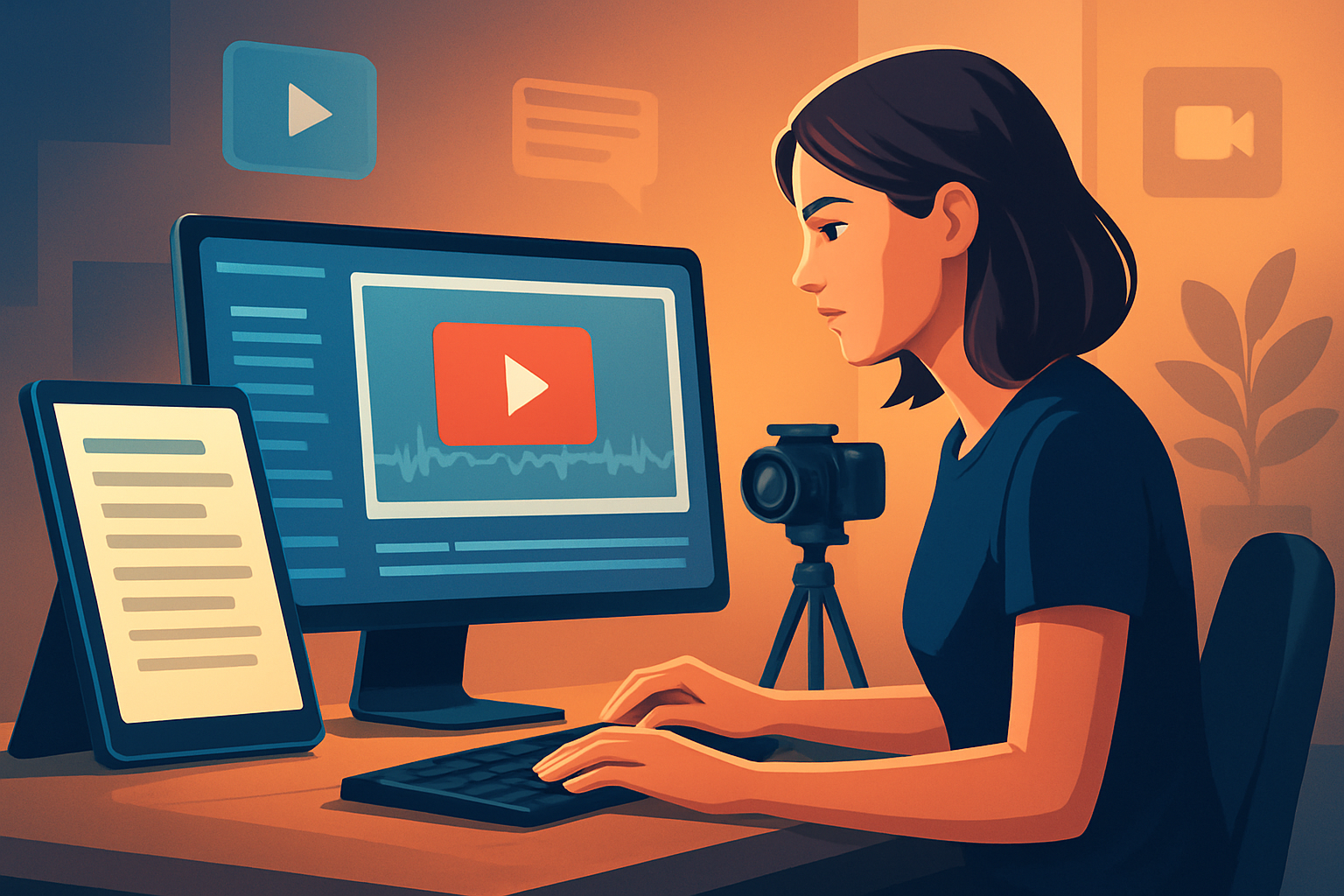

For TikTok creators who make short-form videos, fast
You make TikTok-first content — hooks, quick explainers, faceless series, and repurposed clips — and you need finished videos faster without losing polish. This page is for creators in the short-form niche who publish to TikTok and want a repeatable script-to-publish workflow that reduces tool switching and speeds up first drafts into publish-ready posts.
Why TikTok creators need text-to-video workflows now
- TikTok rewards velocity and iteration: more ideas tested quickly means more hits.
- Hooks and subtitles are table stakes: viewers swipe in seconds, and captions drive watch time and accessibility.
- Repurposing is mandatory: the same idea must be re-cut for portrait, square, and landscape for other platforms.
- Faceless and scripted formats scale differently: you must stabilize visuals, narration, and thumbnails to keep a consistent channel identity.
A text-to-video workflow compresses those steps. Instead of juggling separate generators, editors, subtitle tools, and thumbnail makers, you move from script to a finished clip inside one persistent workspace and reusable asset library.
Typical TikTok pain points (and how a focused workflow helps)
- Hook-first edits that still need a visual match — solve with quick scene generation tied to your script.
- Subtitle style and timing — solve with integrated subtitle systems and export-ready presets.
- Portrait framing and safe zones — solve with live portrait previews before export.
- Reusing the same brand elements across dozens of posts — solve with local, reusable asset libraries and stored projects.
- Faceless explainers that need consistent visuals — solve with style reference images to stabilize generated scenes.
A practical week-one workflow you can implement this week
Day 1 — Script and hook
- Write 6–10 15–60 second scripts (hook, body, CTA).
- Tag each line for pacing (e.g., “0–3s hook,” “3–15s explain”).
- Save scripts as plain text files to import.
Day 2 — Collect style references and assets
- Pick 2–3 style reference images that reflect your visual identity (colors, framing, mood).
- Import any B-roll, logos, and brand overlays into your local asset library.
Day 3 — Generate a first draft in Shorz
- Open Text-to-Video in Shorz, paste your script, and attach the style reference images.
- Choose narration: upload your recorded audio or select a voice option and preview narration.
- Let the AI lay out scenes, then use the shared finishing controls (title hooks, subtitles, B-roll, overlays).
Day 4 — Polish and format for portrait
- Apply visual polish: auto zoom for tighter framing, face tracking if present, freeze-frame emphasis where needed.
- Design subtitles and title hooks inside the same project so they match the branding.
- Preview in portrait (9:16) and make final framing tweaks for TikTok safe zones.
Day 5 — Export and package
- Generate the final 9:16 export plus a thumbnail (Shorz stores thumbnails alongside projects).
- Save a reusable project template for the format and subtitle style you tested.
- Upload to TikTok and start testing titles and first comments.
Do the same cycle weekly and you’ll burn through more ideas, keep branding consistent, and iterate faster.
Best-tool checklist for TikTok text-to-video (and where Shorz fits)
Look for tools that check these boxes:
- Script-to-video with finishing controls — not just a raw generator. Shorz combines AI generation with finishing systems (subtitles, title hooks, B-roll, overlays) so drafts can be polished without leaving the app.
- Local, reusable asset library — stores brand elements and past projects locally so you can repeat successful formats. Shorz stores projects and generated assets on your machine for persistent history and repeat work.
- Portrait-first previews and export flows — essential for TikTok. Shorz previews and exports portrait, landscape, and square formats.
- Thumbnail and packaging support — thumbnails, hooks, overlays, and subtitle design all in one place. Shorz can generate and store thumbnails alongside video outputs.
- Quick repurposing between ratios — preview and adjust in each ratio without rebuilding the whole project. Shorz supports this in its preview system.
- Faceless and script-driven workflows — must support style references, narration uploads, and consistent visuals. Shorz’s Text-to-Video supports scripts, uploaded speech audio, voice selection, narration preview, and style references.
Shorz shows up clearly on this checklist: it’s a Windows desktop AI production suite built around text-to-video, Auto Edit, Avatar, and Podcast project types, designed to compress the workflow from source material to publish-ready video inside one persistent workspace.
Where Shorz sits in your creator stack
- Capture: phone camera or external recorder.
- Script & notes: your writing app (export scripts).
- Shorz: central editor, generator, and finisher — import scripts, assets, and narration; generate scenes; apply subtitles, hooks, B-roll, and visual polish; preview in 9:16.
- Publish tools & analytics: TikTok app or scheduler, analytics platform.
- Reuse loop: pull assets and thumbnails from Shorz’s local library for future projects.
That centralization reduces tool switching: draft, finish, and package inside one desktop app while keeping a local, reusable asset history.
Quick tips for TikTok-specific formats
- Start with a 2–3 second hook line and mark it in the script so the generator places a title hook there.
- Use style reference images for faceless videos — they stabilize generated scenes and maintain a consistent channel look.
- Always preview the subtitle layout in 9:16, not just the landscape preview.
- Save a template with your subtitle style, hook placement, and thumbnail rules for rapid repetition.
FAQ for TikTok creators
Q: Can I make 9:16 videos and check framing before export? A: Yes — Shorz previews content in portrait, landscape, and square ratios so you can adjust safe zones and framing for TikTok.
Q: I do faceless explainers. Can Shorz generate consistent visuals from scripts? A: Yes — Text-to-Video supports style reference images and generated visuals, plus you can import or generate B-roll and overlays for consistency.
Q: Can I use my own voice recordings? A: Yes — Shorz supports uploaded speech audio and narration preview alongside voice selection options.
Q: Are subtitles and title hooks adjustable? A: Yes — Shorz offers shared finishing systems for subtitles, title hooks, overlays, and other creator-style packaging layers so you can fine-tune presentation without leaving the project.
Q: Will projects and assets be available for reuse? A: Yes — Shorz stores projects and generated assets locally, enabling repeatable workflows and reusable libraries.
Q: Is Shorz only for raw generation? A: No — Shorz combines AI generation with finishing controls so outputs are publish-ready, not just rough first drafts.
Related reads
- For adapting this method to Instagram formats, see Text to Video for Instagram Creators.
- If you repurpose podcast highlights for Shorts, see Text to Video for Podcast Clips.
- For a more professional audience on LinkedIn, check Text to Video for LinkedIn Creators.
Ready to move from script to TikTok-ready videos?
Start compressing your workflow: use a script-to-video approach that keeps scripts, narration, visuals, subtitles, hooks, and thumbnails inside one persistent workspace. Learn the full script-to-video process and get a step-by-step guide at Script to Video: Complete Guide.


