
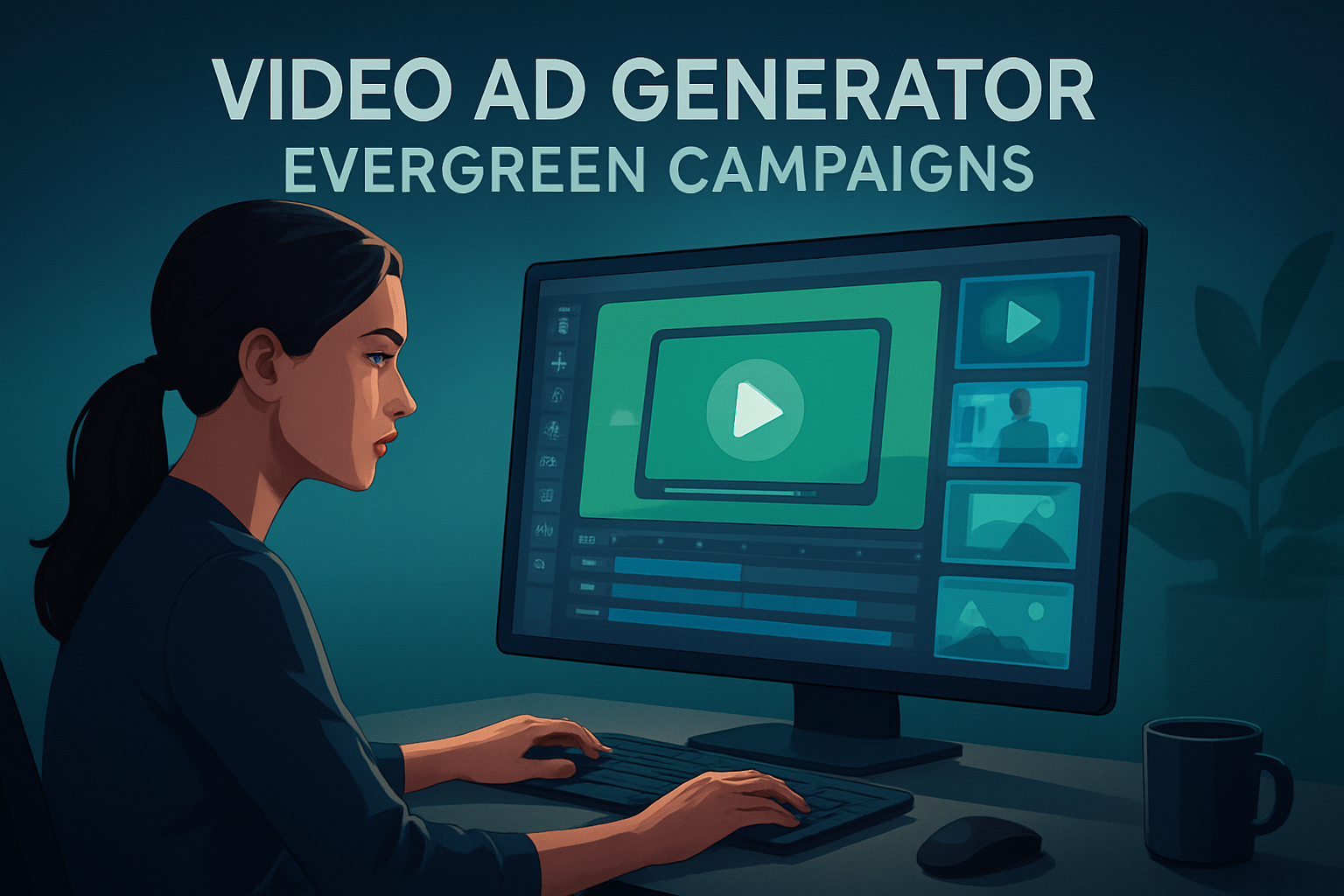

For Facebook advertisers running Evergreen Campaigns
If you run evergreen Facebook campaigns and your KPI is consistent scale over months, your bottleneck is creative throughput — not strategy. Advertisers in this niche need many fresh ad variants that preserve a consistent offer and message, conform to Facebook placement requirements (feed, stories, reels), and can be localized or repurposed on demand. This page shows a concrete workflow to launch more ad variants faster using a Windows desktop AI video production suite built for repeatable ad work: Shorz.
Why evergreen Facebook needs a generator workflow now
- Facebook favors continuous testing across placements and formats. Evergreen campaigns don’t get a one-off creative — they need rotating variants to avoid fatigue.
- Each placement expects different aspect ratios, thumbnails, captions, and runtimes. Manual repackaging is slow and error-prone.
- Localizing winning creatives (language, voice, captions) multiplies the asset count.
- Small creative teams can’t sustain constant shoots. Reducing filming friction and producing repeatable variants is the fastest path to scale.
Shorz is positioned for these exact constraints: a Windows desktop app that compresses the path from source material or script to publish-ready video inside one persistent, local workspace.
Practical 7-day workflow to produce dozens of variants this week
Day 1 — Audit and source
- Pull your top-performing ad(s) and list 3 hooks or value propositions that outperform.
- Gather footage, product images, scripts, and any voiceovers you already own.
- Create a “Campaign” project folder in Shorz and import these assets into its local reusable asset library.
Day 2 — Fast first drafts
- Use Shorz Auto Edit Video to generate quick first-draft cuts from existing footage. Auto Edit produces a draft you can finish rather than a raw, unusable file.
- For ads that need a spokesperson or UGC-style read, use Avatar mode: provide an avatar image plus a short script or uploaded audio to create talking-head variants without an additional shoot.
Day 3 — Variant multiplication
- Create 3 hooks × 3 lengths (6s, 15s, 30s) × 3 aspect ratios (portrait, square, landscape) inside Shorz. The app previews all ratios so you can tweak framing and titles for each placement.
- Duplicate the project and swap the avatar script or voiceover for alternative CTAs or offers to produce multiple messaging variants quickly.
Day 4 — Polish and localization
- Add subtitles, title hooks, B-roll, music, and sound effects using Shorz finishing controls. Apply auto-zoom or face tracking where needed to keep energy high in short formats.
- For international markets, use Shorz dubbing and narration controls to generate localized audio tracks, then rebalance music and source volumes.
Day 5 — Thumbnails & final assets
- Generate and store thumbnails inside the same project alongside exported videos so each variant ships with a tailored thumbnail and caption-ready subtitles.
Day 6 — QA and export
- Use Shorz previews to check each variant across ratios. Export final files and thumbnails, then upload them to Facebook Ads Manager in organized naming conventions.
Day 7 — Launch and iterate
- Launch a test matrix in Facebook. After 7–14 days, re-import winners into Shorz, create new variants by swapping hooks, music, or avatar voice, and relaunch.
This workflow compresses creative cycles: faster first drafts, fewer tool handoffs, reusable assets, and repeatable output.
Best-tool criteria for a Facebook evergreen video ad generator
When selecting a tool for Facebook evergreen campaigns, prioritize:
- Local, persistent project history and reusable asset libraries to avoid recreating variants. (Shorz stores projects and generated assets locally and supports reusable asset libraries.)
- Multiple project types that map to real ad inputs: edit from footage, text-to-video, avatar (image+script/audio), and dialogue/podcast formats. (Shorz combines Auto Edit Video, Text-to-Video, Avatar, and Podcast.)
- Built-in finishing controls (subtitles, titles, B-roll, music, sound effects, volume mix) so edits don’t stop at a raw AI draft. (Shorz includes shared finishing systems.)
- Easy switching between aspect ratios and previewing for Facebook placements. (Shorz previews landscape, portrait, and square.)
- Audio tools for narration, dubbing, and localization without leaving the editor. (Shorz has voice, dubbing, sound-effect, music, and audio mix capabilities.)
- Ability to generate and reuse thumbnails and other publishing assets. (Shorz creates, stores, and reuses thumbnails.)
Shorz meets these criteria and fits into the exact creative problems Facebook advertisers face: producing many polished variants quickly, and keeping assets organized and reusable.
Where Shorz fits in your ad stack
- Creative ideation: Scripts, hooks, and briefs still originate from your team or creative briefs.
- Production + rapid variant creation: Shorz handles quick cuts from footage (Auto Edit), avatar-based spoken ads (Avatar), and text-to-video generation — all inside one persistent Windows desktop workspace.
- Finishing and localization: Add subtitles, music, dubbing, and visual polish inside Shorz so outputs are ad-ready for Facebook placements.
- Delivery + analytics: Export organized files and thumbnails to Facebook Ads Manager and feed performance data back to your analytics or creative-testing platform for iteration.
Use Shorz to compress the creative loop and reduce tool switching; pair it with your ad analytics and campaign automation for full-scale evergreen delivery.
FAQ — Evergreen Facebook advertisers
Q: Can Shorz create multiple aspect ratios for the same ad? A: Yes. Shorz previews and lets you adjust content for landscape, portrait, and square so you can export placement-specific variants without rebuilding from scratch.
Q: Will Avatar videos replace live shoots? A: No — avatars reduce filming friction and let you scale spokesperson-style variants quickly. For high-production ads you may still film, but Avatar mode speeds up UGC-style and spokesperson workflows and makes more variants possible with less shooting.
Q: Can we localize winners for other markets? A: Yes. Shorz includes dubbing, narration, and audio mix features that support localization workflows, letting you add language variants and balance audio inside the same project.
Q: Where are projects and assets stored? A: Shorz stores projects and generated assets locally on Windows, enabling persistent project history and reusable libraries for repeat campaigns.
Q: How fast can the team start producing variants? A: With an organized asset import and the step-by-step workflow above, teams can produce initial variant batches in a week and iterate thereafter.
Related reads and workflow examples
- For testing new hooks and long-funnel plays, see Video Ad Generator for Cold Traffic.
- For converting winners into layered retargeting creatives, see Video Ad Generator for Warm Retargeting.
- For product or subscription funnels that need add-on messaging, see Video Ad Generator for Upsell Campaigns.
Ready to scale your Facebook evergreen ads?
If your goal is more ad variants, faster turnaround, and repeatable creative stacks for Facebook placements, put Shorz at the center of your production workflow. Start by exploring avatar-driven variants and UGC-style creative templates to reduce shoot time and multiply winners. Learn more and get hands-on with avatar workflows here: Avatar Video Ads and UGC-Style Creative Workflows.


