
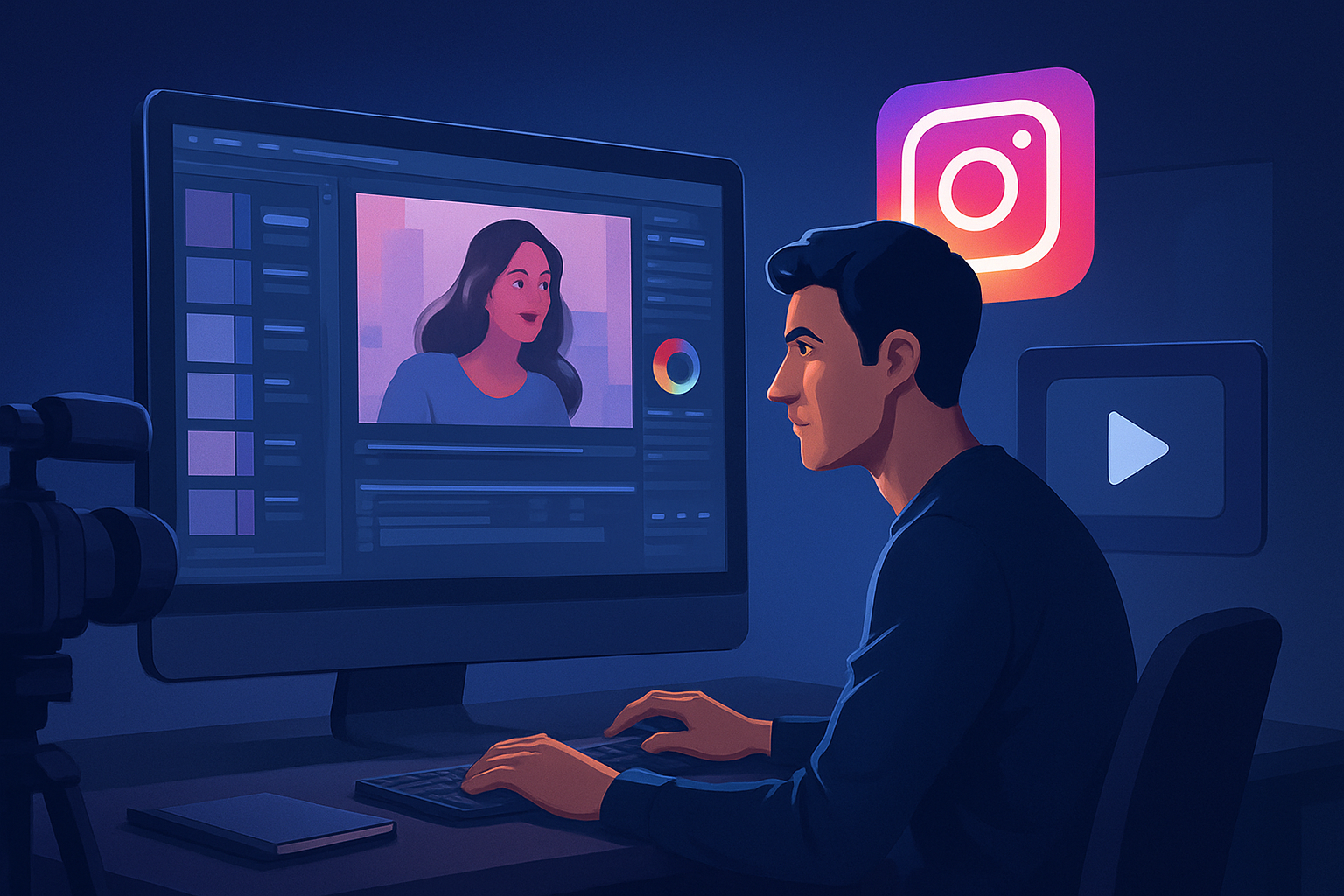

For advertisers making Instagram ads — faster, repeatable ad variants for creators
If you run paid campaigns or manage creative for brands on Instagram, you need more ad variants, faster. As an advertiser working with video creators, you face short timelines, muted autoplay, vertical-first placements (Reels, Stories, Feed), and the constant pressure to test hooks, CTAs, and localization. This guide shows how to compress that workflow into repeatable weekly cycles using a Windows desktop AI video production suite built for creator-style ads: Shorz.
Why Instagram advertising needs this workflow now
- Instagram favors short-form, mobile-first creative. That means multiple aspect ratios (portrait, square), captioned edits, and tight hooks — all for every creative variant.
- Users increasingly watch on mute. Ads must work without sound, which raises the cost of producing subtitle-first assets.
- Performance optimization demands rapid A/B tests: swap hooks, swap music, swap CTAs, and push localized audio. Slow production kills learnings.
- Shooting schedules and budgets are tighter; you need a way to create spokesperson-style and faceless UGC ads without rebooking talent for every variant.
Shorz compresses this exact workflow by generating faster first drafts, housing reusable assets locally, and letting teams finish multiple variants inside one persistent workspace.
Practical workflow you can implement this week
Collect source materials (1–2 hours)
- Gather raw footage, product photos, logo, and any existing voice tracks or scripts.
- If you want spokesperson-style ads without reshoots, prepare a short script per variant (15–30 words for a hook + 10–20 words for CTA).
Start a project in Shorz (30–60 minutes)
- Create an Auto Edit Video from footage or use Avatar mode to generate talking-avatar videos from an image plus your script or recorded mic.
- Import your assets into Shorz’s reusable asset library so they’re available across variants.
Generate first drafts quickly (1–2 hours)
- Use Auto Edit Video for quick cuts and pacing, or Text-to-Video to turn copy into rough visual sequences.
- For spokesperson or UGC-style ads, use Avatar mode with typed script or uploaded audio to avoid reshoots.
Apply ad-ready finishing (1–2 hours)
- Add title hooks, subtitles, B-roll, overlays, and borders using shared finishing systems.
- Use visual polish like auto zoom, face tracking, freeze frames, and basic color tweaks to increase attention.
Produce multi-aspect exports (30–60 minutes)
- Preview and adjust outputs in portrait, square, and landscape ratios inside Shorz to match Feed, Reels, and Stories.
- Generate thumbnails and export them alongside videos for A/B tests.
Variant generation and localization (1–2 hours)
- Duplicate the project, change the hook, swap music or SFX, and export a new variant.
- For international markets, use Shorz’s dubbing and narration tools to create localized audio tracks and balance them with music using built-in audio-mix controls.
Upload to Ads Manager and iterate
- Push the most promising variants to your Instagram ad groups. Use performance data to seed the next round of variants inside Shorz using your persistent asset library and project history.
These steps let you move from source materials to publish-ready ad variants in days rather than weeks, and they scale to dozens of variants per campaign.
What to look for in a video-ad generator for Instagram (and why Shorz stands out)
- Multi-aspect preview and export (portrait, square, landscape): essential for Reels, Feed, and Stories. Shorz supports all three previews.
- Speed from first draft to finish: choose tools that combine AI generation with finishing controls so you’re not stuck with raw outputs. Shorz merges AI generation and finishing inside one workspace.
- Reusable local asset libraries and persistent project history: makes repeatable output and creative templates possible. Shorz stores projects and assets locally for repeat work.
- Avatar and UGC-style options without reshoots: avatar mode creates talking-avatar videos from an image plus script or audio, cutting filming friction.
- In-app audio and localization: built-in voice, dubbing, music, and audio-mix controls speed up localization and polish.
- Subtitle and hook systems built in: captions, title hooks, and thumbnail generation are part of the workflow in Shorz.
When those criteria matter, Shorz helps compress the stack and reduce tool switching.
Where Shorz fits in your creative stack
- Use Shorz as the core creative production workspace: draft, finish, and export ad-ready videos without hopping between a dozen apps.
- Replace the “generate first draft in one tool, finish in another” loop by keeping AI generation, subtitles, audio mixing, and aspect conversions inside Shorz.
- Keep assets and templates locally so creative leads and editors can rebuild and variantize quickly for new campaigns and markets.
- If you also run ads on other platforms, adapt the same project into platform-specific formats — see related workflows for TikTok, YouTube, and Facebook for format-specific tips:
Video Ad Generator for TikTok
Video Ad Generator for YouTube
Video Ad Generator for Facebook
For advertiser teams focused on avatar-driven, spokesperson, or UGC-style creative, Shorz is the production hub that compresses your turnaround time and increases variant throughput. For a deeper look at avatar workflows, see Avatar Video Ads and UGC-Style Creative Workflows.
FAQ for advertisers creating Instagram video ads
Q: Can I make multiple aspect-ratio versions without re-editing from scratch?
A: Yes. Shorz previews content in landscape, portrait, and square, and lets you adjust framing and export in each ratio from the same project.
Q: How do I produce caption-first ads for muted viewers?
A: Use Shorz’s subtitle and title-hook systems. You can combine subtitles with attention-grabbing title overlays and thumbnails generated inside the project.
Q: Can I create spokesperson-style ads without new shoots?
A: Use Avatar mode: create talking-avatar videos from an image plus typed script or uploaded/recorded audio to simulate spokesperson content without reshoots.
Q: Is localization and dubbing supported?
A: Shorz includes narration, dubbing, and audio-mix controls. You can upload translated scripts or voice tracks, balance them with music/SFX, and export localized variants.
Q: Will I lose creative control with AI outputs?
A: Shorz combines AI generation with finishing controls—auto drafts are intended to be starting points you can tweak with face tracking, auto zoom, color, and audio mix tools.
Q: Where are project assets stored?
A: Projects and generated assets are stored locally in Shorz, supporting reusable libraries and persistent project history.
Ready to produce more Instagram ad variants this week?
Compress your creative loop: generate, finish, and export repeatable Instagram ad variants with avatar and auto-edit workflows in a single Windows desktop suite. Try avatar-driven campaigns and UGC-style ads now — learn how on the Avatar workflow page: Avatar Video Ads and UGC-Style Creative Workflows.
Start building week-one ad variants today: Avatar Video Ads and UGC-Style Creative Workflows


