
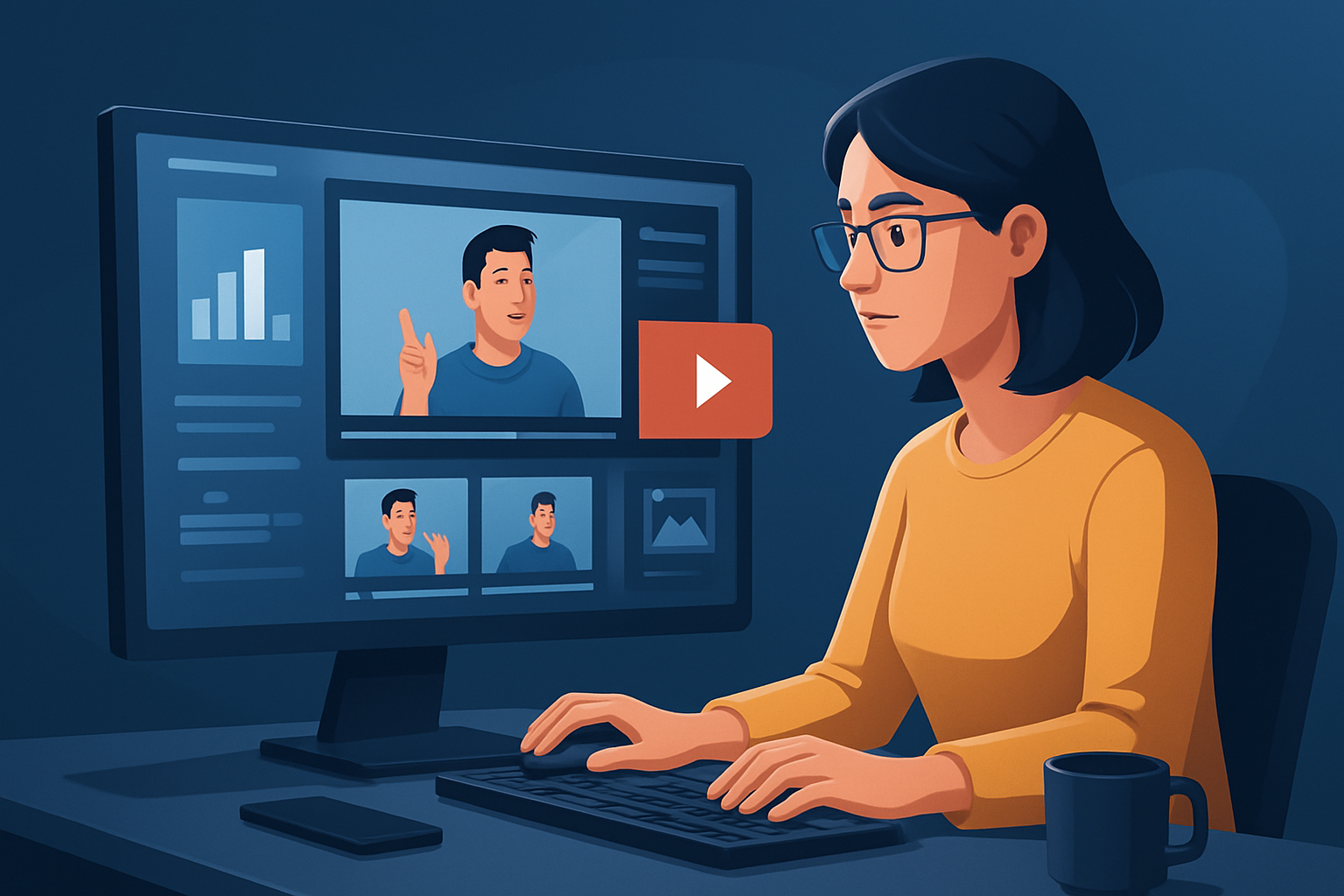

For Facebook advertisers running upsell campaigns — launch more ad variants, faster
If you run Facebook upsell campaigns, you know the specific pressure points: your post-purchase audiences need short, persuasive follow-ups; creative fatigue sets in fast; and Facebook placement rules demand multiple aspect ratios and caption-ready edits. This page shows how to compress the creative workflow—produce more tested ad variants in less time—using a single desktop production tool built for ad-style, creator-style, and avatar workflows.
Why upsell on Facebook needs a sped-up video workflow now
- Upsell audiences respond to many micro-variants: different hooks, CTAs, offers, and price framing. More variants = more learnings.
- Facebook placements require square, portrait, and landscape cuts plus captioning and thumbnail polish for autoplay and sound-off viewing.
- Post-purchase audiences are time-sensitive: the faster you iterate after a sale, the higher your incremental conversion. Shorz lets you move from source material to publish-ready variants faster inside one persistent Windows desktop workspace, so you can scale test-and-learn without swapping tools.
Practical 1-week workflow to ship more Facebook upsell variants These steps assume a single Windows machine and assets (product clips, logo, copy):
Day 1 — Audit + organize (60–90 minutes)
- Pull your last 3–5 winning upsell creatives and identify top hooks (price drop, scarcity, quick benefit).
- Collect product shots, screenshots, and voice lines into one folder.
- Open Shorz and import those files to the local asset library so they’re reusable for every variant.
Day 2 — Rapid variant generation (90–180 minutes)
- Use Auto Edit Video to create base drafts from your footage. Let the AI produce a fast first draft you can finish.
- Spin Text-to-Video or Avatar projects for quick spokesperson-style variants: type a hook and CTA, or upload a short audio file and avatar image for UGC-style messages.
- Produce 3 hooks × 2 CTAs × 3 aspect ratios = 18 initial variants in this pass.
Day 3 — Polish and localize (90 minutes)
- Apply finishing controls: subtitles, title hooks, overlays, B-roll, and music within Shorz.
- Preview each cut in landscape, portrait, and square. Adjust framing with auto zoom and face tracking where needed.
- Generate thumbnails and store them with the project for A/B testing in the ad set.
Day 4 — Export and queue (60 minutes)
- Export the finalized files optimized for Facebook placements and upload to Ads Manager.
- Duplicate the best-performing variant and use Avatar or dubbing workflows for 2–3 language variants or voice styles.
Repeat this loop weekly. Because projects and assets live locally in Shorz, each repetition compresses time further: faster first drafts, repeatable outputs, and reusable libraries.
Platform-specific bottlenecks Shorz addresses
- Multiple placements: preview and produce landscape, portrait, and square from the same project to avoid re-cutting in another tool.
- Sound-off viewing: built-in subtitle and title-hook controls ensure your message lands without audio.
- Creative fatigue: Avatar and Text-to-Video reduce filming friction so you can test more script and persona variations quickly.
- Localization and scaling: internal dubbing and audio controls help you adapt winning creatives into other languages without leaving the app.
Best tool criteria for Facebook upsell creatives — and where Shorz shows up When choosing a video ad generator for upsell campaigns on Facebook, look for:
- Workflow compression: can the tool take you from assets and scripts to publish-ready variants with finishing controls? Shorz combines Auto Edit Video, Text-to-Video, Avatar, and Podcast project types in one desktop workspace.
- Reusable asset management: does it store and reuse footage, images, and audio? Shorz imports and keeps assets locally for repeat work.
- Built-in finishing: subtitles, title hooks, B-roll, overlays, music, SFX, and audio mix controls reduce tool switching. Shorz offers all of these.
- Multiple aspect preview: the tool should let you preview and polish for portrait, square, and landscape without duplicative exports. Shorz supports multi-ratio previewing in the same project.
- Fast iterations on spokesperson content: avatar or text-to-speech workflows that cut filming needs. Shorz’s Avatar mode creates talking-avatar videos from an image plus script or audio, ideal for UGC-style upsell messages.
- Local persistence and project history: storing projects locally enables repeatable output and a persistent creative library. Shorz stores projects and assets locally to support that repeatability.
Where Shorz fits into your ad stack and workflow
- Pre-production and scalable message testing: Use Shorz to produce dozens of script variants, avatar spokespeople, and auto-edited product cuts.
- One-stop finishing: Instead of moving between editors, subtitle tools, music libraries, and thumbnail makers, finalize creative inside Shorz and export ready assets for Ads Manager.
- Post-export: Upload exported MP4s and thumbnails into Facebook Ads Manager or your ad ops tool of choice for split tests and audience targeting. Because Shorz is a Windows desktop app that keeps assets locally, it’s ideal for teams that want faster first drafts, reusable assets, and fewer tool handoffs.
FAQ — Facebook upsell advertisers
Q: Can I make one script and output it to all Facebook placements? A: Yes. Shorz lets you produce and preview the same project in landscape, portrait, and square so you can export placement-specific cuts without rebuilding projects.
Q: How quickly can I generate dozens of variants? A: The goal is faster first drafts and repeatable outputs. Using Auto Edit Video plus Avatar or Text-to-Video, many advertisers create initial batches (10–30 variants) in a few hours, then polish the highest-priority winners.
Q: Will avatar ads feel robotic or replace filmed spokespeople? A: Avatars reduce filming friction and speed message testing. They’re best for UGC-style, explanatory, or quick promo messages. They don’t need to replace higher-end filmed spots for key campaigns—use avatars to scale and find winners fast.
Q: Can I localize or dub upsell creatives for other markets? A: Yes. Shorz includes narration, dubbing, and audio-mix capabilities so you can generate localized voice variants and reuse the same visual assets.
Q: Where are projects and assets stored? A: Projects and generated assets are stored locally on your Windows machine, supporting persistent project history and reusable libraries.
Q: Do I still need other tools? A: You’ll still upload exports to Facebook Ads Manager. But Shorz reduces the number of production tools you need for scripting, first-draft generation, finishing, subtitles, audio, and thumbnail creation.
Related formats and next steps
- Need cold-start creative for prospecting? See Video Ad Generator for Cold Traffic
- Running warm retargeting ads as part of an upsell funnel? Check Video Ad Generator for Warm Retargeting
- If you run cross-sell bundles alongside upsells, see Video Ad Generator for Cross-Sell Campaigns
Ready to compress your Facebook upsell creative loop? Produce more ad variants faster with avatar-ready scripts, auto-edits, multi-ratio previews, subtitles, and local asset reuse—built for Windows desktop workflows. Start creating spokesperson-style and UGC-style upsell variants now: Avatar Video Ads and UGC-Style Creative Workflows


