
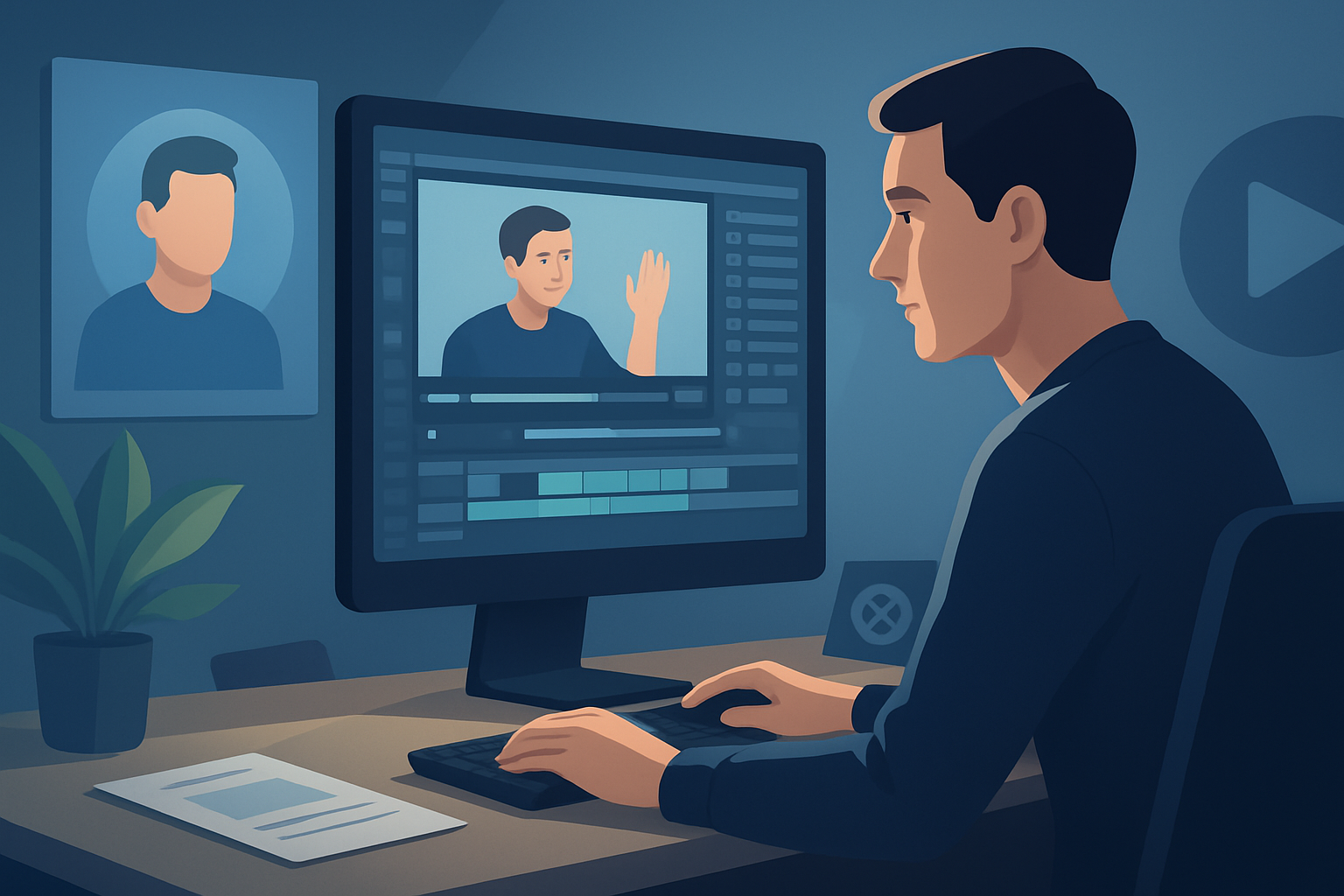

For advertisers making YouTube ad creative — faster, repeatable, platform-ready
If you’re an advertiser working with video creators to launch more YouTube ad variants faster, this page is for you. YouTube-specific constraints — multiple ad lengths, thumbnail tests, skippable/non-skippable formats, and strict creative performance signals — make it essential to iterate creatively and quickly. The niche (creator-style ads and UGC) needs a workflow that delivers many tightly targeted variants without sending teams back to the shoot every time.
Shorz runs on Windows as a desktop AI video production suite that compresses ad-creative workflows: start from footage, scripts, avatar images + audio, or dialogue, generate first drafts fast, then finish to publish-ready outputs in one persistent workspace.
Why YouTube ad creators need this workflow now
- YouTube’s auction rewards rapid testing: you need more variants to find hooks that lower CPV/CPM.
- Creators and advertisers face bottlenecks: filming, editing pass-backs, and platform-specific formatting slow iteration.
- Localization and dubbing are table stakes for scaling campaigns into multiple markets.
- Creative fatigue and rising production costs mean teams must produce high-volume variants without proportional budget increases.
Shorz focuses on workflow compression for short-form, creator-style ads, spokespeople, explainers, and faceless workflows — so you iterate faster without trading off finishing quality.
Practical workflow you can implement this week
- Inventory and decide variants (4–8 per campaign)
- Pick 2 opener hooks, 2 CTAs, and 2 creative tones (straight demo, UGC/spokesperson).
- Ingest assets into a single project
- Import footage, product images, existing voiceovers, and music into Shorz’s local asset library.
- Generate base variants
- Use Auto Edit Video for footage-based drafts.
- Use Avatar mode to create spokesperson variants from an image + script or microphone input (useful when reshoots are impossible).
- Use Text-to-Video to try quick concept variations when no footage exists.
- Apply finishing passes inside the same workspace
- Add title hooks, subtitles, b-roll, auto-zoom/face tracking, and basic color controls.
- Preview each variant in landscape, portrait, and square for cross-posting.
- Localize and dub for high-priority markets
- Use Shorz’s narration and dubbing features to create language variants, then balance narrator/music/sfx in the audio mixer.
- Export and test
- Generate thumbnails inside the project and export multiple aspect ratios.
- Upload top variants to YouTube campaigns and turn winners into additional variants.
These steps remove tool switching and cut the time between idea and a publishable ad — you can complete the first round of drafts in days, not weeks.
Best-tool criteria for a YouTube video ad generator (and how Shorz fits)
When evaluating tools, prioritize these criteria — and note where Shorz appears:
- Workflow compression: can you go from assets or script to finished draft without a dozen apps?
- Shorz compresses source-to-finish in one persistent Windows workspace.
- Multiple entry points: start from footage, script, audio, or avatar image.
- Shorz supports Auto Edit Video, Text-to-Video, Avatar, and Podcast project types.
- Reusable assets and project history: do projects keep assets locally for repeat campaigns?
- Shorz stores projects and generated assets locally for fast reuse and repeat work.
- Serious finishing controls: AI-first drafts are fine, but can you polish within the same tool?
- Shorz pairs AI generation with finishing systems: subtitles, title hooks, B-roll, overlays, auto zoom, face tracking, freeze frames, and audio mixing.
- Multi-aspect previews: easy checks for YouTube, Shorts, and repurposing.
- Shorz previews landscape, portrait, and square within the app.
- Built-in audio and localization: is dubbing and mix control integrated?
- Shorz includes narration, dubbing, music generation, sound effects, and audio-mix controls.
- Asset generation for thumbnails and other creative elements.
- Shorz can generate and store thumbnails alongside video outputs.
If these criteria matter, Shorz is explicitly designed to reduce filming friction, speed first drafts, and create repeatable ad variants.
Where Shorz fits into an ad-creator stack
- Ingest: Replace scattered folders with a single Shorz project that stores footage, images, voice files, and music locally.
- Rapid prototyping: Use Text-to-Video or Avatar to produce UGC-style and spokesperson drafts without scheduling shoots.
- Iterate & finish: Apply subtitles, hooks, B-roll, auto-zoom, and sound mixes inside one app rather than exporting to another editor.
- Localize: Produce dubs and language variants in-app, then export language-specific files.
- Repurpose: Export the same source into multiple aspect ratios and thumbnail options for YouTube and other platforms like TikTok, Instagram, and Facebook. For platform-specific repurposing approaches, see guides for TikTok, Instagram, and Facebook: Video Ad Generator for TikTok, Video Ad Generator for Instagram, Video Ad Generator for Facebook.
The net result: fewer handoffs, reusable asset libraries, and faster first drafts that you can polish for launch.
FAQ — advertisers and YouTube creators
- Q: Will avatars look realistic enough for performance ads?
- A: Avatar mode creates talking-avatar videos from an image plus script or audio, tailored for UGC-style ads and spokesperson content. Avatars reduce the need for reshoots and let you test messaging quickly; they’re best used as part of a mix (not the only creative style).
- Q: Can I produce multiple aspect ratios for the same ad without rebuilding?
- A: Yes — preview and export landscape, portrait, and square within Shorz to repurpose winners for Shorts and companion platforms.
- Q: How does localization/dubbing work?
- A: Shorz includes voice, narration, dubbing, music, sound-effect, and audio-mix controls so you can create language variants and balance audio inside the app.
- Q: Do I lose asset history when I close the project?
- A: No — Shorz stores projects and generated assets locally, supporting persistent project history and reusable libraries.
- Q: How does this integrate with existing editors or campaign workflows?
- A: Use Shorz to generate and finish variants, export mastered files, and hand off final assets to your campaign upload tools or ad servers. The goal is fewer exports during iteration.
- Q: Is Shorz a cloud service or a browser tool?
- A: Shorz is a Windows desktop AI video production suite — projects and assets are stored locally for repeatable work.
Quick checklist to launch more YouTube ad variants this week
- Gather 3–5 top-performing hooks from past campaigns.
- Create 2 scripts for each hook (short and long).
- Import footage and images into Shorz and try one Auto Edit Video and one Avatar variant per script.
- Apply subtitles, title hooks, and audio mixes, preview in all aspect ratios.
- Export thumbnails and language dubs for top two winners, then run A/B tests.
Ready to compress your YouTube ad workflow?
If your goal is more creative variants, faster drafts, and reusable ad assets — start exploring avatar-driven and footage-driven ad workflows in Shorz. Learn how Avatar mode and the rest of the app speed spokesperson and UGC-style creative production: Avatar Video Ads and UGC-Style Creative Workflows. Want platform-specific repurposing tactics? See guides for TikTok, Instagram, and Facebook: Video Ad Generator for TikTok, Video Ad Generator for Instagram, Video Ad Generator for Facebook.


