
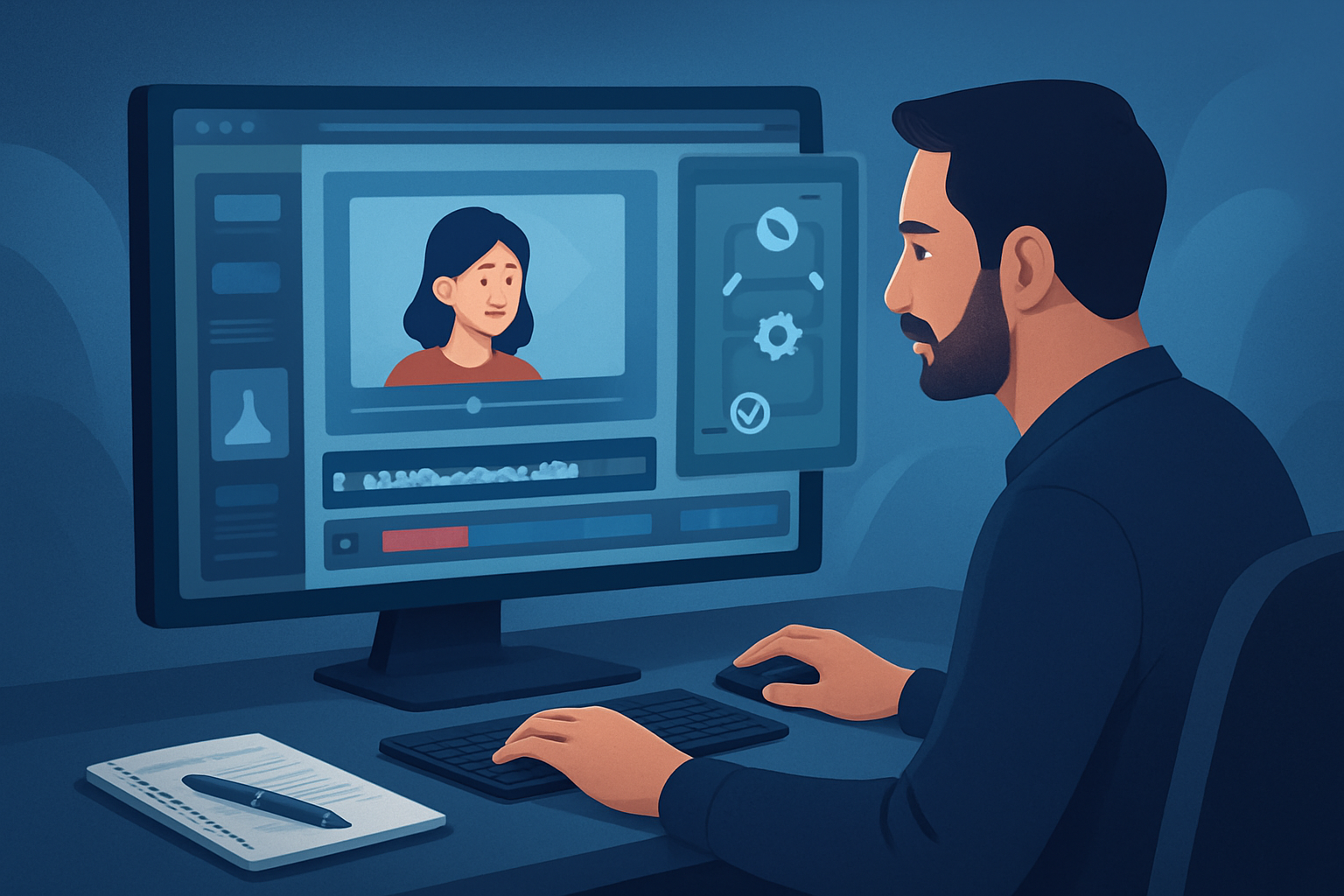

The bottleneck: fast, repeatable retargeting creative
Retargeting campaigns live and die on speed and repeatability. The typical bottlenecks advertisers hit are: slow hand-built edits, tool switching between script, avatar, audio and finishing, and poor reuse of winning elements across variants. That creates noisy workflows: a good idea takes too long to become a test, and winning hooks don’t scale into the next round.
This article gives a step-by-step video ad generator workflow for retargeting you can run as an operator. It focuses on compressing the loop from insight → variant → publish, with practical checks, common mistakes, and where Shorz reduces friction.
Step-by-step workflow
Define audience and hypothesis
- Segment your retargeting pools (e.g., visited cart, viewed product, video viewers 50%).
- For each segment, create a single hypothesis: “A testimonial hook improves purchase rate for cart abandoners.” Keep it tight—one hypothesis per variant batch.
Audit winning assets and build a seed library
- Pull top-performing hooks, thumbnails, and lines from past creatives.
- Gather product B-roll, logos, screenshots, and any user UGC you own.
Draft 3–5 short scripts per hypothesis
- Write micro-variations: change opening hook, CTA phrasing, or social proof line.
- Prioritize 6–15 second and 15–30 second formats for paid-social.
Batch-produce variants in a single workspace
- Use Shorz to create initial drafts: Auto Edit Video for footage-based edits, Avatar for spokesperson-style clips from an image plus script or audio, or Text-to-Video where footage is missing.
- For each script, generate the avatar version (if relevant) and a footage-based edit. Export portrait, landscape, and square previews to check platform fit.
Add finishing and polish inside the same project
- Apply title hooks, subtitles, B-roll, overlays, and music using Shorz’s finishing controls. Balance narrator, music, and SFX with in-app mix controls.
- Generate and store thumbnails alongside outputs.
Local QA and export presets
- Check lip-sync/voice, caption accuracy, aspect previews, and audio levels. Use Shorz’s subtitle and audio mix tools to finalise.
- Export using platform-specific presets or consistent naming conventions for tracking.
Tag, upload, and measure
- Upload variants to your ad platforms, tag with hypothesis and audience, and run short tests (48–72 hours) to collect signals.
Iterate on winners
- Reuse the project in Shorz to spin new variations off winners—change hook, swap music, or localize—then redeploy.
Tools you need
- Analytics and ad platform (for audience segments and measurement).
- Asset storage (your DAM or local folder for raw files).
- Script/ideation tool (simple doc/sheet for variants).
- Shorz (Windows desktop AI video production suite) for:
- Auto Edit Video, Text-to-Video, Avatar, and Podcast project types;
- local persistent project workspace and asset library;
- subtitle, audio mix, B-roll, overlays, thumbnail generation, and multi-aspect preview.
- Lightweight task tracker (for tagging experiments and responsibilities).
Shorz handles audio generation, dubbing, voice/narration, and basic audio cleanup internally, reducing the need to leave the editor for sound or voice assets.
Common mistakes to avoid
- Testing random noise instead of hypotheses. Every variant should test a single variable.
- Over-producing single variants. Don’t spend an hour perfecting one cut—create a batch of lean variants first.
- Ignoring aspect ratios and captions. Most paid-social environments need portrait/square and clean subtitles.
- Re-inventing assets each time. Not reusing proven overlays, hooks, or thumbnails wastes time.
- Leaving audio polish until the end. Balance narrator and music early with in-app mix controls to prevent last-minute reworks.
Optimization tips (operator-focused)
- Start with a 3:1 ratio of short (6–15s) to medium (15–30s) variants—short creatives move faster in the feed.
- Use thumbnails and title hooks aligned to the user intent of each retargeting segment. Shorz can generate and store thumbnails alongside videos for consistent reuse.
- Localize smartly: repurpose winning hooks and use Shorz’s dubbing/narration workflows to create language variants faster.
- Freeze-frame and auto-zoom on product moments to emphasize CTAs without re-shoots.
- Export a “winner pack”: all aspect ratios, thumbnail, and a caption file for immediate deployment when a variant proves successful.
How to scale the workflow
- Build template projects in Shorz per audience segment (e.g., cart abandoner template, product viewer template). Save overlay styles, subtitle presets, and audio mixes in each template.
- Maintain a persistent “My Assets” library of logos, B-roll, music stems, and thumbnails so each new project starts from the same reusable pool.
- Batch-generate avatar variants by looping script lines through Avatar mode and swapping backgrounds or hooks—this keeps output consistent while expanding creative volume.
- Use naming conventions and export presets so your ops team can drop files into ad platform pipelines without manual rework.
These practices turn ad creative from bespoke edits into repeatable, scalable production.
Where Shorz reduces friction
- Consolidated workspace: Shorz combines Auto Edit Video, Text-to-Video, Avatar, and Podcast project types in one Windows desktop app so you avoid bouncing between tools.
- Faster first drafts: AI generation plus finishing controls mean you can move from script to publish-ready drafts quickly and then refine, instead of getting stuck at raw outputs.
- Reusable assets and local persistence: projects and generated assets are stored locally, enabling repeat work, cached project history, and quicker spin-ups for new variants.
- In-app audio and localization: voice, dubbing, music, and audio mix controls reduce the need for external audio tools.
- Aspect previews and thumbnail generation: preview and produce landscape, portrait, and square outputs and accompanying thumbnails without extra steps.
Framing Shorz as a workflow compression tool—faster first drafts, repeatable output, and less tool switching—keeps operations lean.
FAQ
How many variants should I produce per hypothesis?
Start with 3–5 rapid variants. Enough to spot a signal quickly without overcommitting resources.Can I create spokesperson ads without new filming?
Yes—Shorz’s Avatar mode creates talking-avatar videos from an image plus script or audio, which speeds up spokesperson-style retargeting variants.How do I handle localization at scale?
Generate dubbing or narration inside Shorz, reuse the same visual edits, and swap audio tracks for each market to keep creative parity.Do I need external audio tools?
Not always. Shorz includes voice, narration, dubbing, music, and audio-mix controls, plus basic noise cleanup, so many audio needs are met in-app.How do I keep track of which variant won?
Use consistent naming and metadata when exporting (hypothesis_segment_variant) and link those names to your analytics tags on the ad platform.
Further reading and templates
For alternative scaling and testing recipes, see:
- Video Ad Generator Workflow for High-Volume Testing
- Video Ad Generator Workflow for Creative Iteration
- Video Ad Generator Workflow for Budget Scaling
Ready to compress your retargeting loop and ship more creative variants without more filming? Explore avatar-driven ad workflows and how to spin spokesperson-style variants quickly: Avatar Video Ads and UGC-Style Creative Workflows.


