









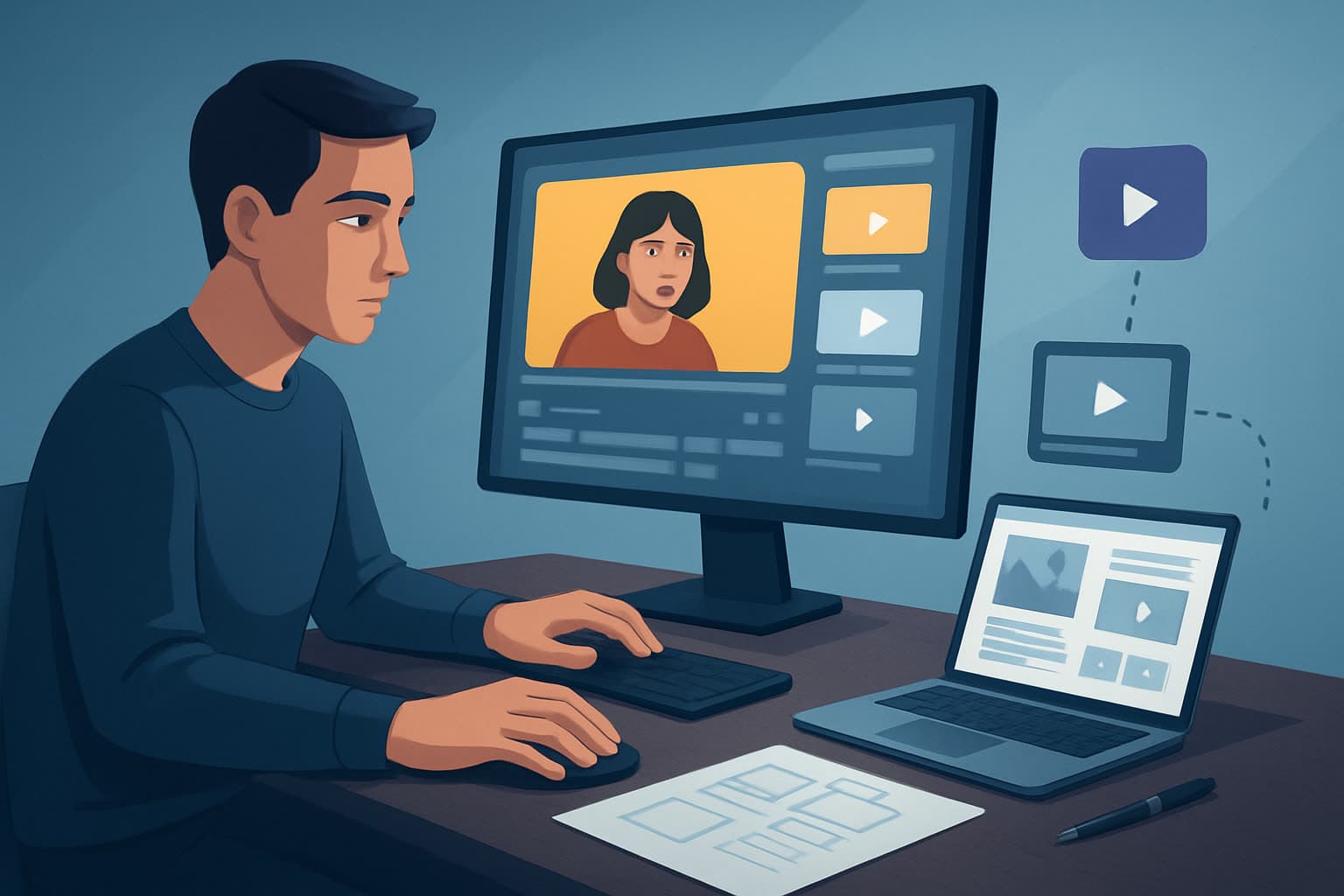

Selection is the work
An hour of recorded material usually contains six to ten minutes worth publishing. Repurposing is the job of finding which six, and almost everyone treats it as an editing job instead. That is why it feels slow.
Get the selection right and the editing is template application. Get it wrong and no amount of polish saves clips nobody watches.
The loop
- Transcribe first. Reading is faster than scrubbing, by a wide margin.
- Mark complete thoughts, not good lines. A clip must stand alone for someone with no context. A brilliant sentence that depends on the previous ten minutes is not a clip.
- Look for the question, not only the answer. Frequently the best opening is the interviewer's question, because it tells a cold viewer what this is about in one line.
- Prefer specificity and disagreement. A number, a strong opinion, a correction of something commonly believed. Agreement is pleasant and unclippable.
- Pull every in and out point in one pass before opening an editor.
- Apply one template across the batch — captions, framing, intro, lower-third.
- Write the hook text per clip. The only genuinely per-clip creative work, which is why it goes last.
- Export together, named so you can identify a clip without opening it.
Expect a low hit rate and treat it as healthy. Six to ten clips from an hour is normal; chasing twenty produces filler that teaches your audience to scroll past you.
By source material
Podcasts — audio-led, so captions and hook text do the heavy lifting. Cut the first two seconds: long recordings open with a breath or a filler word, and the clip starts at the first real word.
Webinars — predictable structure, which helps. The Q&A is usually the densest clip source, because someone has asked the question your audience actually has. Slides are on screen, so decide whether the slide or the speaker carries the vertical crop; keeping both usually shrinks each beyond legibility.
Long-form video — the easiest case, since the visuals already exist. Extract while the project is open rather than returning weeks later to reload context you have lost.
Livestreams and talks — highest volume, lowest density. Selection matters most here, and a transcript is not optional.
By destination
YouTube Shorts — vertical, captioned, and ideally pointing back at the long-form it came from. The Shorts workflow covers cadence.
Instagram Reels — same cut, different packaging. Safe areas are tighter than they look; check text placement rather than assuming.
TikTok — native framing and pacing. Never upload a file carrying another platform's watermark; export clean masters and vary the hook text per destination.
LinkedIn — muted, professional, in-feed. Lead with the claim rather than the personality, and caption legibility beats any visual effect.
Facebook — broad placements from one master; plan the ratios up front.
By who is doing it
Solo creators — batching is the whole game. Do selection for a month in one sitting; switching between selecting and editing is the hidden cost.
In-house teams — the bottleneck is usually approval, not production. Get the clip list approved as a list before anyone edits, so review happens on text rather than on finished cuts.
Agencies — throughput across clients. Template per format, keep per-client asset sets, and sequence roles (selector, editor, reviewer) rather than parallelising on copies.
SaaS founders and subject experts — your recorded material is the asset and your time is the constraint. Record once with repurposing in mind: pause between thoughts, restate the question, and avoid references that date.
Running it as a service or a system
If this is an offer or a standing internal process, four things make it hold:
- An SOP for selection, because it is the step most likely to vary by person. Write down what qualifies as a clip.
- A calendar rather than a queue — a fixed number of clips per recording, per week.
- A named asset set per client or channel: captions styling, intro, safe-area preset, lower-third.
- A review step on the clip list, not on finished exports. It is the cheapest place to disagree.
Mistakes
- Editing before selecting. Polishing a clip you later cut is pure waste, and it is the most common failure.
- Clips that need context. This will be someone's first exposure to you.
- Leaving the intro music in. Context for the show, dead air for a clip.
- Auto-captions unedited, in exactly the clips where a name or term carries the point.
- One ratio. The vertical cut is where discovery happens.
- Chasing volume. Twenty mediocre clips perform worse than six good ones, because the weak ones train the scroll.
FAQ
Q: How many clips should one hour produce? A: Six to ten. Quality of selection beats volume, and filler costs future views.
Q: Do I need the video, or is audio enough? A: Audio works with waveform, captions and static or generated visuals. Expect the hook text to work harder.
Q: How long should a clip be? A: Thirty to ninety seconds for most platforms. Shorter rarely carries an idea; longer needs a reason.
Q: Should clips publish before or after the full episode? A: Usually after, so the clip has somewhere to send interested viewers.
Q: What is the fastest way to speed this up? A: Batch the selection step. It is the one people do per clip and should do per recording.
Related
- Best video repurposing tools — choosing a tool
- How to repurpose long videos into Shorts — the specific long-form to short-form case
- The YouTube Shorts workflow — publishing the output at cadence
- Podcast and webinar clips — the editing side
- Content batching — the wider production system
Free tools for this
Video Cropper · Video Trimmer · Auto Subtitle Generator · Video Resizer
Try it: Shorz clipping