
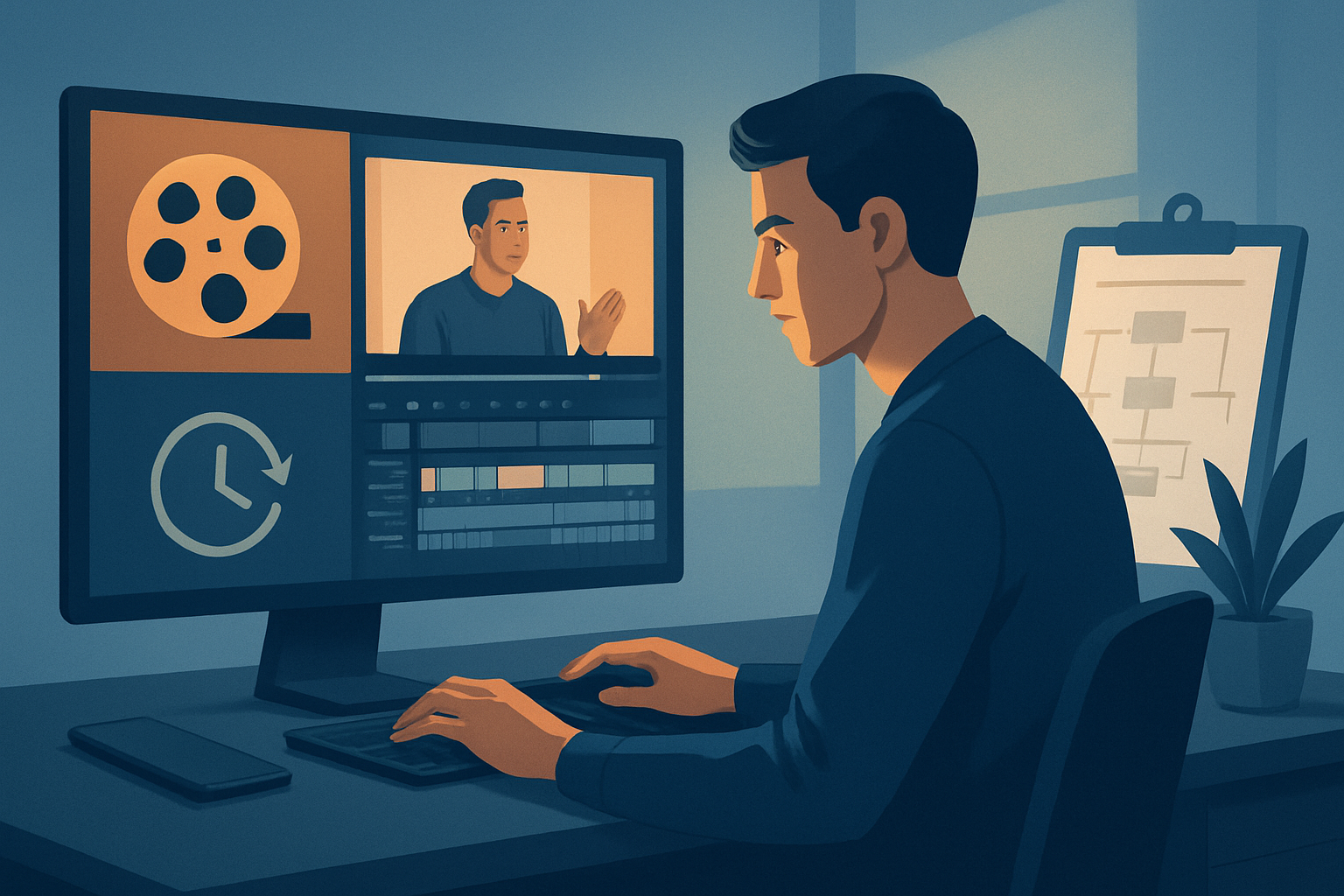

For agencies that make videos for YouTube: turn one recording into an asset engine
Agencies that produce video for YouTube face the same brief every week: convert long client recordings—webinars, interviews, tutorials, founder updates—into a steady stream of publish-ready assets. You need faster first drafts, predictable brand-safe outputs, and fewer tools between rough cut and deliverable. This page explains how to stop treating every recording like a one-off and start treating it like a content factory you can scale this week.
Why YouTube-focused video creators need repurposing now
- YouTube’s algorithm rewards consistent uploads and varied asset formats (long-form + Shorts). Agencies must deliver both without doubling production time.
- Clients expect measurable ROI: more views, more conversions, fewer revisions. That requires repeatable outputs from the same source material.
- The market has shifted to short-form snippets, thumbnails, and cross-postable cuts. Extracting these from a single recording is the highest-leverage activity an agency can optimize.
If you’re an agency producing creator-style, ad, explainer, or faceless content for YouTube, repurposing is no longer optional — it’s your production backbone.
Agency pain points and YouTube workflow bottlenecks
- Scale: dozens of client recordings per month, each needing multiple formats and thumbnails.
- Turnaround: clients want edits, hooks, and thumbnails within 24–72 hours.
- Consistency: brand elements and captions must be identical across formats.
- Tool switching: transcribe, edit, subtitle, create thumbnails, then crop into ratios — each step often uses a separate app.
- Platform friction: Shorts need portrait crops and punchy hooks; long-form needs timestamps and chapter-ready structure; thumbnails must be tested.
These pain points map directly to where workflow compression is most valuable.
Practical repurposing workflow you can implement this week
Follow these steps to convert a single YouTube recording into multiple assets within a few days.
- Ingest and centralize the source
- Download the long-form YouTube recording into a local project library. Storing source files locally speeds repeated edits and keeps a persistent project history.
- Transcribe and analyze
- Run a transcript to identify talk tracks, timestamps, and quotable soundbites. Use the transcript to mark candidate segments for clips and Shorts.
- Auto-generate first drafts
- Use an Auto Edit workflow to build short-form edits from the marked clips. Accept the AI-generated cut as a first draft to speed reviewer cycles.
- Apply finishing layers
- Add subtitles, title hooks, B-roll, overlays, and auto-zoom/face tracking where needed. Apply basic color and volume mix controls to match client brand standards.
- Produce ratios and thumbnails
- Preview and output landscape, portrait, and square edits for YouTube, Shorts, and cross-posting. Generate and store multiple thumbnail variants alongside video outputs.
- QA and rapid iteration
- Review the first drafts, adjust title hooks, tweak subtitles, and reuse the same asset library to re-render without rebuilding the core edit.
- Deliver and document
- Deliver final files with a short edit summary and a list of timestamps for chapters or promotional clips. Save the project as a repeatable template for future episodes.
These steps compress common agency chores: faster first drafts, reusable assets, and fewer app switches.
Best tool criteria — and where Shorz shows up
When choosing a repurposing tool for agencies focused on YouTube, demand these capabilities:
- Footage-first workflows that convert recordings into edits quickly.
- Local asset libraries and persistent project history so client assets and templates are reusable.
- Combined AI generation + finishing controls (subtitles, hooks, B-roll, overlays, zoom, face tracking).
- Multi-ratio preview and export for landscape, portrait, and square outputs.
- Thumbnail generation and storage alongside video outputs.
- The ability to pull source files directly from YouTube for local repurposing.
Shorz meets these criteria as a Windows desktop AI video production suite built around workflow compression. Its Auto Edit Video workflow turns footage-first inputs into publishable short-form outputs, and its asset library supports repeatable templates and faster follow-up edits. Use Shorz to reduce tool switching, produce faster first drafts, and keep all generated assets in a persistent local workspace.
Where Shorz fits into an agency stack
- Primary editor for repurposing: Use Shorz as the central workspace to import client recordings, generate first drafts, and finalize short-form cuts.
- Complement to creative strategy: Leave creative briefs and distribution plans in your project-management system; run the execution inside Shorz to compress turnaround.
- Pre-upload step before platform tools: Export final videos, thumbnails, and timestamps for YouTube Studio or ad platforms.
- Asset library for repeat clients: Keep brand overlays, title hooks, music, and thumbnails locally for consistent reuse across episodes.
Shorz is especially useful when your agency must move from source material to publish-ready outputs quickly and consistently, without bouncing between multiple apps.
FAQ — agencies focused on YouTube
Q: Can we import YouTube recordings directly? A: Yes — Shorz supports downloading source material from YouTube URLs into a local asset library so you can repurpose channel content faster.
Q: Will Shorz produce both Shorts and long-form outputs from one project? A: Yes — preview and render content in landscape, portrait, and square ratios from the same project, and reuse subtitles and title hooks across outputs.
Q: How does Shorz help with brand consistency and templates? A: Projects and generated assets are stored locally in an asset library. That persistent history lets you reuse overlays, hooks, and thumbnails to keep client outputs consistent.
Q: Can multiple editors work on the same project simultaneously? A: Shorz is a Windows desktop application that stores projects locally. It’s designed around persistent workspaces rather than real-time cloud collaboration. Agencies commonly use it to speed single-editor drafts and hand off files for review or finishing.
Q: Is it only for face-forward content? A: Shorz supports creator-style, ad, explainer, and faceless workflows. Auto Edit Video is optimized for podcasts, interviews, tutorials, and customer stories you commonly repurpose for YouTube.
Q: Where can I learn workflow variations for specific content types? A: See targeted guides to adapt this approach for other creators: Video Repurposing for Podcasts, Video Repurposing for SaaS Founders, Video Repurposing for Course Creators.
Start turning recordings into predictable deliverables
If your agency wants fewer tool handoffs, faster first drafts, and a repeatable repurposing pipeline for YouTube, move the work into a workflow-compression tool that handles footage-first edits, multi-ratio outputs, subtitles, and thumbnail storage in a single local workspace. Learn how to compress your repurposing pipeline and get a repeatable process your clients can rely on: Video Repurposing Workflow for More Output.


