
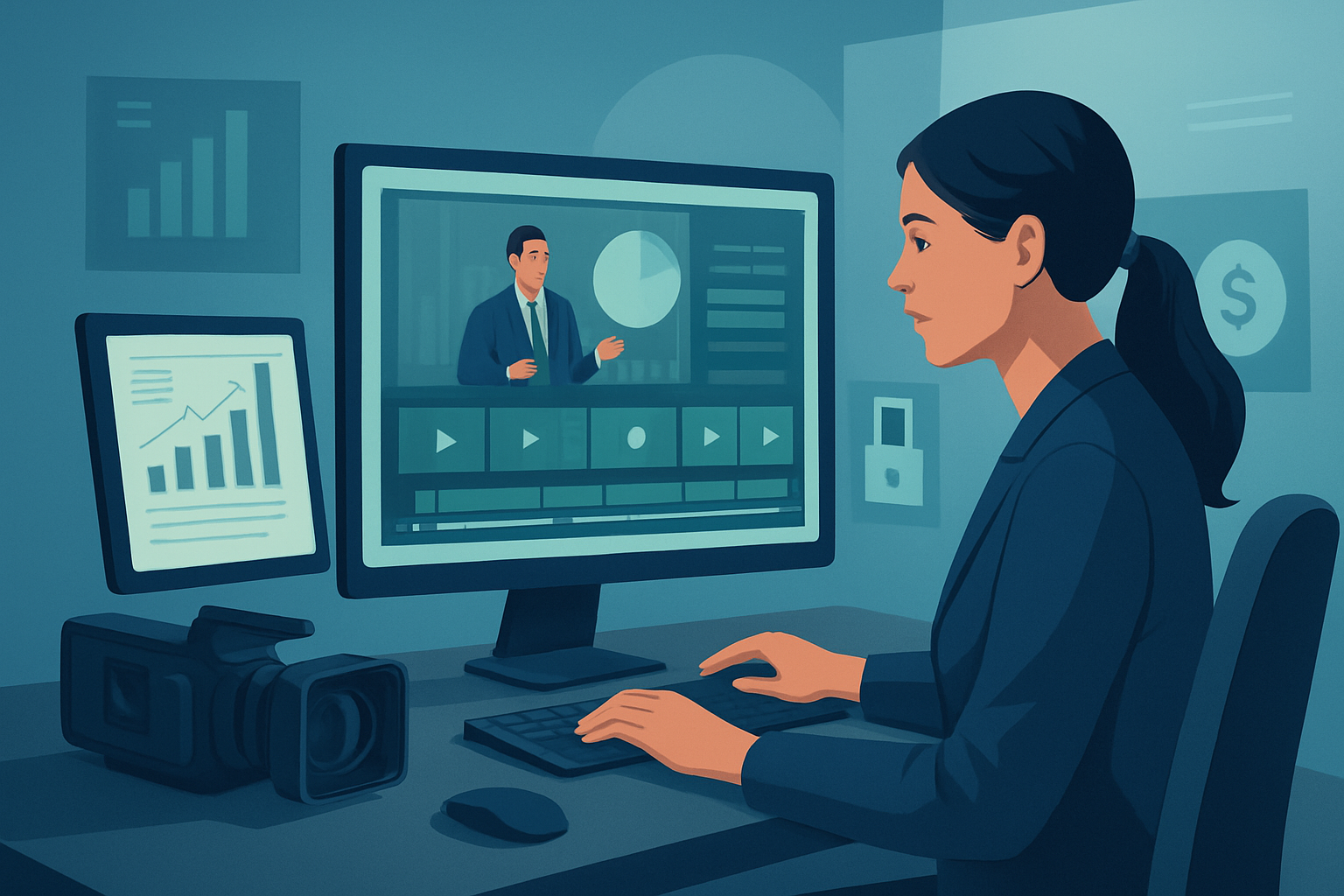

For advertisers at finance brands on YouTube — turn one recording into a full asset stack
If you run advertising for a finance brand and your platform is YouTube, you need more than a single long-form recording: you need 6–12 publish-ready assets that cover discovery, mid-funnel trust, and short-form ad tests. The problem is familiar — compliance windows, tight creative cycles, and YouTube’s multiple formats (long ads, shorts, thumbnails, captions) create bottlenecks that slow campaigns and waste shelf inventory.
This page shows a repeatable, week-ready workflow to turn one webinar, founder interview, or earnings call into a YouTube-ready ad stack. It’s written for advertisers at finance brands who must balance accuracy and approvals with volume and speed.
Why finance brands on YouTube need this now
- Competition for ad attention is higher; YouTube favors consistent, frequent uploads and short-form variants.
- Finance content demands precision: numbers, disclosures, and trust cues must be preserved across every asset.
- Legal and compliance reviews make late-stage edits costly — the fewer tools and handoffs, the fewer mistakes.
- Many campaigns fail to convert because a single long video never becomes a short, hook-driven ad that performs on YouTube.
You can’t afford ad hoc edits across five apps. You need a single repurposing engine that preserves source fidelity, creates compliant short-form assets, and stores reusable pieces for future campaigns.
Quick, practical workflow you can execute this week
- Pick one source recording (webinar, interview, earnings call).
- Import the master file into your local project workspace.
- If the source is already on YouTube, download it into the asset library first.
- Run a footage-first Auto Edit Video pass to generate short clips focused on key moments.
- Let the system transcribe and propose edit points, then review rather than rebuild from scratch.
- Apply finance-specific finishing:
- Add subtitles and mandatory disclosures as overlays that remain visible for required durations.
- Insert title hooks and trust badges (advisor credentials, SEC disclaimers) using overlay controls.
- Use face tracking and auto zoom to emphasize the speaker when they deliver key numbers.
- Produce platform variants:
- Landscape long-form (3–10 minutes) with chapters and thumbnails for organic and mid-funnel ads.
- Square and portrait 15–60s cuts for Shorts and in-feed ad tests.
- Generate thumbnails and export a bundle of assets (video variants, thumbnails, subtitles, and sound stems).
- Archive the project and generated assets locally so the same clips and thumbnails can be reused in future campaigns.
These steps compress a multi-tool handoff into a single workspace so you can produce repeatable outputs this week without redoing approvals each time.
Best-tool criteria for finance advertisers — and where Shorz shows up
When evaluating tools for a finance YouTube repurposing stack, use these criteria:
- Footage-first repurposing engine that builds usable edits from long recordings.
- Persistent, local asset library for reusable clips, thumbnails, and mandatory disclosure assets.
- Subtitle, overlay, and finishing controls that let compliance text be enforced consistently across formats.
- Native support for multiple aspect ratios and quick previews to validate hooks on YouTube Short vs. long-form.
- Ability to combine AI generation with manual finishing — not just a rough draft but a polished output.
- Support for downloading your existing YouTube assets into the editing workspace.
Shorz meets these criteria: it’s a Windows desktop AI video production suite centered on Auto Edit Video (footage-first), Text-to-Video, Avatar, and Podcast project types. It stores projects and assets locally, offers subtitles, title hooks, overlays, face tracking, auto-zoom, multiple aspect previews, and built-in thumbnail generation. That makes it a strong fit for finance advertisers who want repeatable, compliant output with less tool switching.
How Shorz fits into your stack and approvals workflow
- Source & capture: Record webinars, interviews, or earnings calls with your usual capture tool.
- Ingest into Shorz: Download YouTube masters or import raw files into Shorz’s local asset library.
- Repurpose & finish: Use Auto Edit Video to create short-form edits; apply subtitles, disclosure overlays, B-roll, and visual polish.
- Variant production: Preview and export landscape, square, and portrait outputs plus thumbnails — all from the same project.
- Distribution & analytics: Export asset bundles for upload to your YouTube channel and ad platforms; keep the project locally for future edits and audits.
Shorz becomes the single place creatives and campaign owners return to when a change is needed — fewer exports, fewer mistakes, and a reusable project history that speeds up later iterations.
Practical example: webinar → paid ad funnel (one afternoon)
- 0:00–0:30 — Import and transcribe.
- 0:30–1:30 — Run Auto Edit Video to surface top quotes and explainers.
- 1:30–2:30 — Apply subtitles, overlay the mandatory disclosure as a locked element.
- 2:30–3:30 — Generate 30s and 15s cuts, preview in portrait and landscape.
- 3:30–4:30 — Export video variants and thumbnails, save as a project template for future webinars.
This creates a tested set of ad creatives, thumbnail options, and caption files you can route to media buying the same day.
Cross-industry case reference links
- If you want a similar repurposing pattern for different verticals, see related workflows: Video Repurposing for SaaS Brands, Video Repurposing for Local Services, and for a full methodology, Video Repurposing: Complete Guide.
FAQ (advertisers at finance brands using YouTube)
Q: Can I make sure compliance text and disclaimers appear on every variant? A: Yes. Use overlay and subtitle controls to lock disclosures into the timeline so they render across all aspect ratios and exports.
Q: My approval process requires archiveable history. Where are project files stored? A: Shorz stores projects and generated assets locally, so you have a persistent project history and reusable asset library for audits.
Q: Can I repurpose existing YouTube videos I already published? A: Yes. Shorz supports downloading source material from YouTube URLs into the local asset library for repurposing.
Q: How do I produce both faceless ads and speaker-driven ads from the same recording? A: Use Auto Edit Video to extract quotes and b-roll-ready moments for faceless edits; combine Text-to-Video or Avatar project types for faceless narrative variants when needed.
Q: Will I still need other tools? A: Shorz compresses a lot of the editing and finishing work into one workspace, but you’ll still use your LRS/compliance tracker, analytics platform, and YouTube for distribution.
Ready to scale YouTube ad output from what you already own?
If your finance brand needs to turn one recording into a predictable stack of YouTube assets — compliant, platform-ready, and reusable — start the workflow today and keep the output consistent across campaigns. Learn the complete repurposing playbook and get templates you can reuse: Video Repurposing: Complete Guide.


