
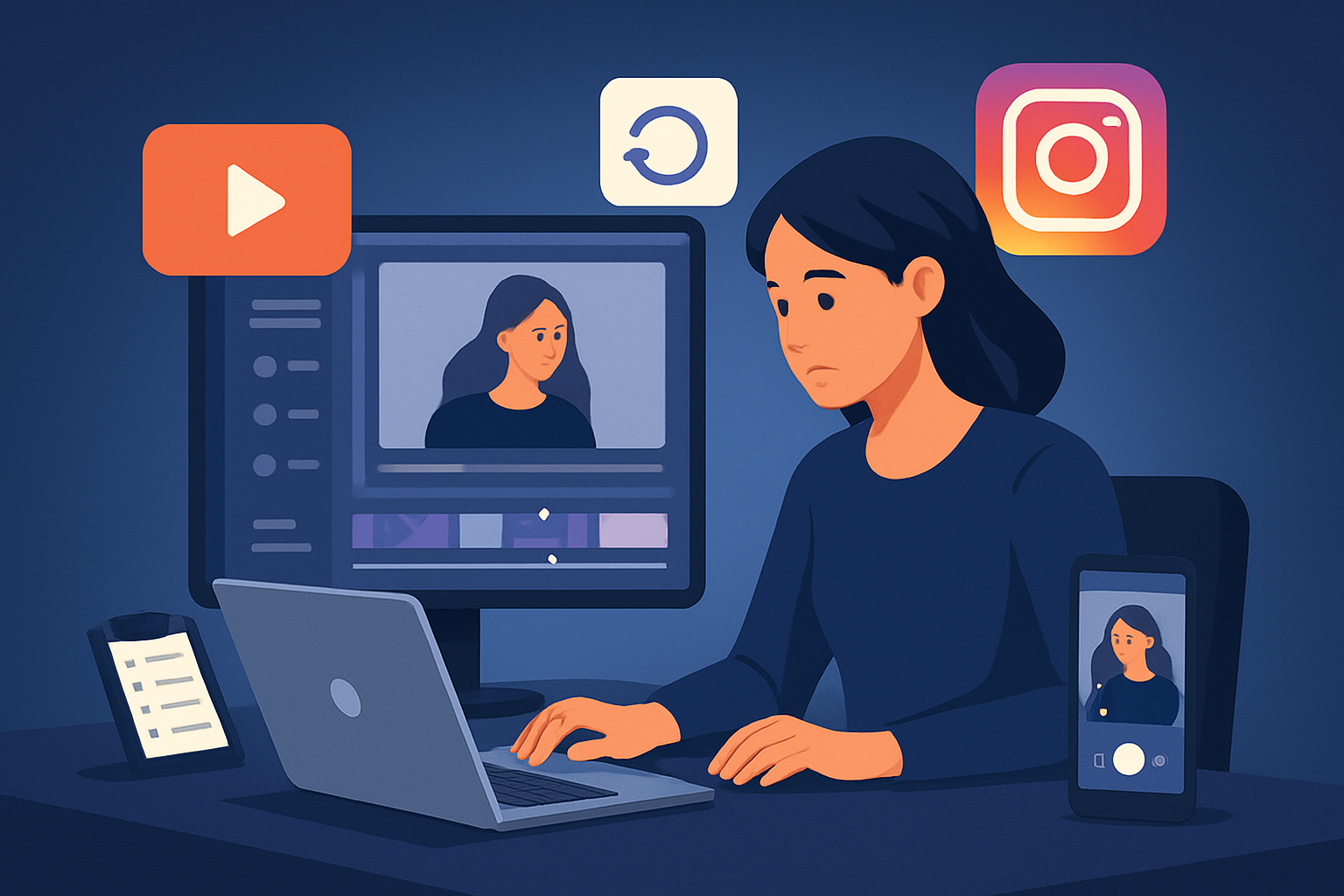

For repurposers — video creators — focused on Instagram Reels
You want to turn one long recording into a week’s worth of Reels without juggling six apps. This page is for repurposers who create podcasts, interviews, tutorials, founder clips, or customer stories and need repeatable, publish-ready Reels fast. We’ll show a concrete workflow you can run this week, the bottlenecks you’ll solve, and the exact place Shorz — a Windows desktop AI video production suite — sits in that stack.
Why Instagram Reels demands a repurposing-first workflow now
Reels reward attention-grabbing hooks, on-screen clarity (many viewers watch muted), and vertical polish. That means every long recording must be transformed into short, captioned, topic-focused moments with strong thumbnails. Repurposers face three platform-specific bottlenecks:
- Time: trimming long interviews into multiple short clips is repetitive.
- Format: you need vertical versions plus thumbnails and captions for each clip.
- Consistency: repeated assets (subtitle style, hooks, overlays) must match across clips to scale.
A workflow that compresses these steps into one persistent workspace reduces tool switching and turns existing content inventory into steady Instagram output.
Practical workflow you can implement this week (3 Reels from one recording)
- Prepare one source recording (30–90 minutes).
- Import into your desktop workspace.
- Bring footage, images, and audio into a reusable local asset library.
- Optionally download a related YouTube or TikTok URL into the same library for cross-platform clips.
- Auto-analyze and transcribe.
- Let the editor transcribe and detect spoken segments to identify clipable moments.
- Generate Auto Edits.
- Use the footage-first Auto Edit Video flow to build initial short-form sequences from the highlights (webinars, interviews, tutorials).
- Apply finishing layers.
- Add subtitle design, title hooks, automated zoom/face tracking, and a B-roll overlay where needed.
- Set portrait (9:16) preview and adjust framing for Reels.
- Create thumbnails and export variants.
- Generate and store thumbnails alongside video outputs.
- Export 3 portrait-optimized Reels (different hooks or hook text) plus one square version for cross-posting.
- Save the project as a template in your local project library for repeatable reuse.
Do this in a single day and you’ll have three publish-ready Reels with matching thumbnail and subtitles — repeatable for every new recording.
Best-tool checklist for Instagram Reels repurposing
Choose tools that meet these criteria — and where Shorz shows up clearly:
- Footage-first editing that can auto-generate edits from long recordings.
- Shorz’s Auto Edit Video workflow is built for this pattern.
- Local project history and reusable asset libraries so clips, subtitles, and thumbnails are repeatable.
- Shorz stores projects and generated assets locally for persistent reuse.
- Finishing controls beyond a raw draft: subtitles, hooks, B-roll, overlays, and mix controls.
- Shorz combines AI generation with finishing controls (subtitles, title hooks, B-roll, overlays, borders, music, SFX, volume mix).
- Vertical preview + export.
- Shorz previews and exports portrait, landscape, and square ratios so you can craft a Reel confidently.
- Quick thumbnail generation and packaging for social.
- Shorz generates and stores thumbnails alongside video outputs.
If your toolchain lacks one of these, you’ll reintroduce manual work. Shorz is designed around workflow compression: faster first drafts, reusable assets, and less tool switching.
Where Shorz fits into your stack and workflow
Use Shorz as the central desktop workspace for repurposing long footage into social-ready assets:
- Ingest: Import local footage or download YouTube/TikTok source URLs into Shorz’s local asset library.
- Auto-edit: Run the Auto Edit Video workflow to get fast, editable drafts.
- Polish: Add subtitles, title hooks, auto zoom/face tracking, B-roll, overlays, and thumbnail generation inside the same project.
- Export: Produce portrait-ready Reels, plus square/landscape variants for cross-posting.
After export, hand files off to your scheduling/publishing tool or social team. Because everything lives locally and projects persist, you’ll build a library of reusable assets and templates for faster future repurposing.
For platform-specific repurposing techniques beyond Reels, see more guides: Video Repurposing for LinkedIn, Video Repurposing for Facebook, and the broader playbook at Video Repurposing: Complete Guide.
Repeatable templates and scale
- Save subtitle and hook presets in the project so every clip uses the same brand treatment.
- Keep B-roll and overlay assets in the reusable library for fast swaps across episodes.
- Use the Auto Edit Video flow to create first drafts quickly, then apply the same finish layer stack to multiple clips — faster first drafts and repeatable output.
Because Shorz stores assets and project history locally, these templates become persistent time-savers rather than one-off hacks.
FAQ — for repurposers making Reels
Q: Can I turn one long interview into multiple Reels without re-editing from scratch? A: Yes. Use the Auto Edit Video workflow to generate clipable moments, then apply the same finishing stack (subtitles, hooks, auto zoom, B-roll) to each clip. Save the project to reuse the settings.
Q: Do subtitles and thumbnails live with the project? A: Yes. Shorz generates and stores subtitles and thumbnails alongside video outputs in the local project, so you can reuse or tweak them later.
Q: Can I grab source material from YouTube or TikTok for repurposing? A: You can download source material from YouTube or TikTok URLs into Shorz’s local asset library to include in your repurposing projects.
Q: How do I ensure Reels look good without constant manual reframing? A: Shorz offers portrait preview and visual polish layers like auto zoom and face tracking to automate framing for vertical crops, then you can fine-tune before export.
Q: Will I need other tools after using Shorz? A: Shorz is designed to compress editing and finishing workflows. You’ll still use a scheduler or social platform to publish, but you should see less need for multiple editing apps because Shorz handles editing, captioning, thumbnail creation, and export ratios.
Q: Is this workflow suitable for faceless content? A: Yes. Shorz supports faceless workflows (text-to-video, Avatar, podcast workflows) as well as footage-first editing, letting you produce Reels without on-camera presence.
Start compressing your repurposing workflow
If your goal is to turn one recording into multiple high-quality Reels with consistent subtitles, hooks, and thumbnails — faster and with reusable assets — start with the Auto Edit Video workflow inside Shorz and build a project template today.
Get started: /video-repurposing


