

Intro — For repurposers serving Local Services on YouTube
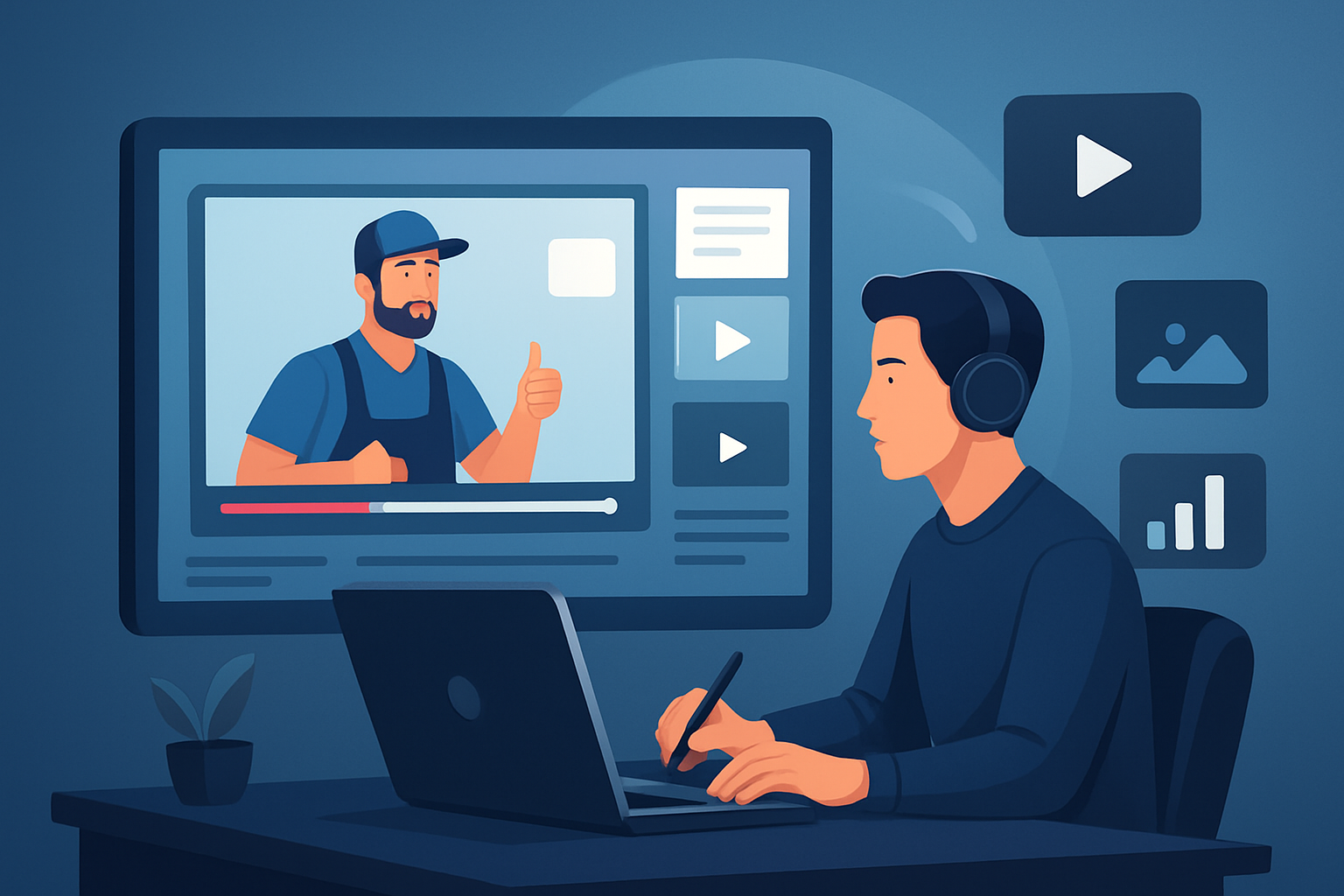
You capture a half-day of on-site work — a customer testimonial, a roof inspection, a how-to repair — and you need a steady stream of short clips, thumbnails, and social ads from that single recording. This guide is for repurposers who create content for Local Services (plumbers, HVAC, landscapers, electricians, cleaners) and publish primarily on YouTube. It shows how to turn one long recording into multiple publish-ready assets in a repeatable week-by-week workflow.
Why Local Services on YouTube needs a repurposing workflow now
Local services compete on trust and visibility. One long-form video (a job walkthrough, customer interview, or FAQ session) contains more lead-driving moments than a single upload can capture. YouTube favors continual output: uploads, Shorts, and discoverable long-form content all feed channel growth. The problem isn’t ideas — it’s the grind: transcribing, cutting, captioning, creating platform-specific thumbnails and aspect ratios, and preserving branding for multiple runs. A focused repurposing workflow turns the inertia of one recording into an asset pipeline that feeds YouTube uploads, Shorts, paid creatives, and local landing pages.
Pain points you’ll eliminate
- Manual scrubbing and clip hunting across hour-long job recordings.
- Re-making subtitles, thumbnails, and hooks for each platform ratio.
- Bouncing between tools for edit, captions, and simple motion polish.
- Losing local branding and repeatable templates for recurring services.
- Slow first drafts that delay publishing and ad testing.
Practical workflow you can implement this week
Capture one representative recording
- Record a full service call, a customer testimonial, or a 20–40 minute how-to.
- Aim for one long take that includes intro, problem, solution, and CTA.
Import into your editing hub (day 1, 30–60 minutes)
- Bring the raw file into a Windows desktop editor that supports footage-first repurposing.
- If the source is already on YouTube, download it into your local asset library first.
Auto-generate a first draft edit (day 1, 15–30 minutes)
- Run an Auto Edit process: transcribe, identify key moments, and assemble an edit sequence.
- Let the AI create candidate short clips focused on quotes, demos, or repair reveals.
Apply finishing controls (day 1–2, 30–90 minutes)
- Add subtitles, title hooks, and a local-service CTA.
- Layer B-roll or “before/after” freeze frames, use auto zoom and face tracking on talking heads.
- Balance audio with a simple volume mix and add a short, rights-cleared music bed.
Produce platform variants (day 2, 10–20 minutes per variant)
- Preview and export in landscape for full YouTube uploads, portrait for Shorts, and square for social promos.
- Generate and store thumbnails for each variant.
Reuse and scale (day 3 onward)
- Save the edit as a template in your local asset library so the next job follows the same structure.
- Re-run the Auto Edit flow on other recordings to keep a steady upload cadence.
These steps compress the first-draft work so you can produce multiple assets from one recording inside a single toolchain in a single week.
Best tool criteria for Local Services repurposing
When you evaluate editors, prioritize tools that:
- Are footage-first and speed up first drafts so you can iterate quickly.
- Store projects and assets locally for reuse and persistent project history.
- Combine AI generation with finishing controls (subtitles, hooks, B-roll, auto zoom) so you don’t stop at a raw draft.
- Preview and export in multiple ratios without rebuilding the edit from scratch.
- Can import existing YouTube/TikTok URLs into a local library to strengthen repurposing.
- Produce and store thumbnails and reusable assets alongside video outputs.
Shorz fits these criteria as a Windows desktop AI video production suite built around Auto Edit Video and a reusable asset library — reducing tool switching and giving repeatable output for service-based creators.
Where Shorz fits in your stack and workflow
- Capture → Shorz → Publish
- Capture on-site footage or upload downloaded YouTube source.
- Import into Shorz’s Auto Edit Video workflow to transcribe, build an edit sequence, and apply finishing controls.
- Use Shorz to preview and export landscape, portrait, and square versions; generate thumbnails; and store reusable clips and titles locally.
Shorz becomes the one persistent workspace that turns one recording into publish-ready assets faster: repeatable templates, saved B-roll, subtitles, hooks, and project history all live locally so you can re-run the process on every job without recreating assets. After export, use your existing scheduling or publishing tools to push to YouTube, Shorts, or paid channels.
Quick template examples for local services
- Testimonial Clip Template: hook (5s) → customer quote (10–20s) → before/after freeze frame → CTA overlay with local phone and landing page.
- How-to Tip Template: problem intro (8s) → step demo (30s) → safety/guarantee overlay → subscribe + local CTA.
- Service Reveal Template: job overview (10s) → dramatic reveal (15s) with grayscale-to-color transition → contact CTA and thumbnail with local map pin.
Save these as templates in your asset library so each new recording produces multiple, consistent outputs.
FAQ — for repurposers serving Local Services on YouTube
Q: Can I pull an old YouTube upload into my project and repurpose it? A: Yes. You can download source material from YouTube or TikTok URLs into a local asset library and run the Auto Edit Video workflow against it.
Q: Will I still need other tools for subtitles and thumbnails? A: Shorz includes subtitle, title hook, and thumbnail generation and stores these assets alongside videos so you can finish inside one workspace instead of switching tools.
Q: How do I handle noisy on-site audio from service calls? A: Use the transcription and finishing controls to identify clean sound bites; layer music and volume mix controls to balance weaker audio. You can also choose clips where the speaker is closest to the mic and emphasize text overlays to compensate.
Q: Can I export different aspect ratios without rebuilding edits? A: Yes. Preview in landscape, portrait, and square, and export each variant from the same project so you don’t reconstruct cuts per platform.
Q: How fast can I get assets from one recording? A: With a focused session and templates, expect a usable first draft of multiple short clips and thumbnails within a few hours; polished exports for different ratios can be completed the same week.
Next steps — start converting one recording into a pipeline
If your goal is more local leads, consistent YouTube output, and repeatable creative assets from every job, adopt a footage-first repurposing workflow that compresses first drafts, keeps assets reusable, and minimizes tool switching. Learn the complete playbook and see examples across industries to adapt templates for your service niche.
Explore detailed guides and cross-industry examples: Video Repurposing: Complete Guide, Video Repurposing for Real Estate Brands, Video Repurposing for SaaS Brands, Video Repurposing for Finance Brands
Ready to turn one recording into a week’s worth of publish-ready assets? Start your workflow walkthrough and examples here: Video Repurposing: Complete Guide


