
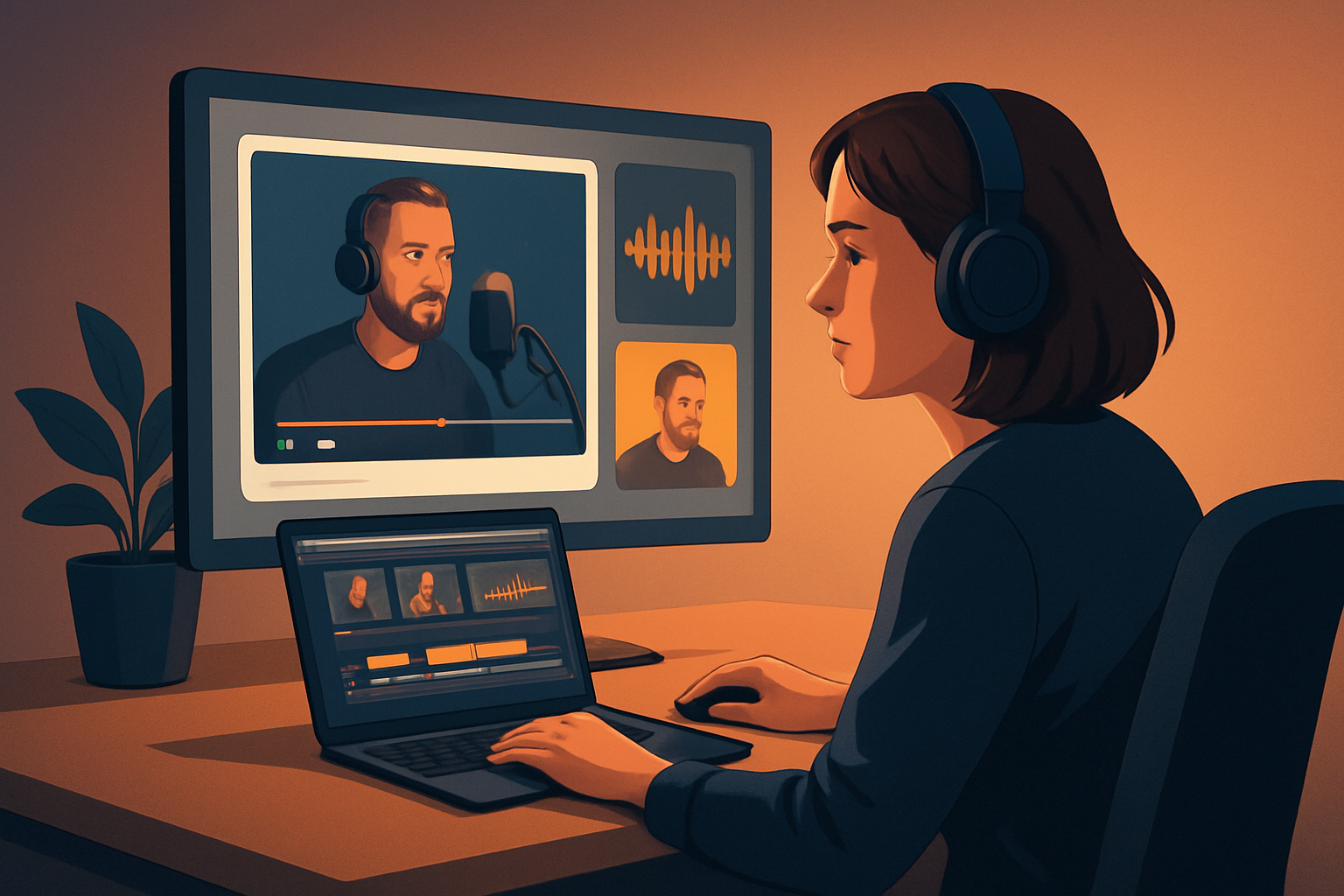

For repurposers, video creators, and podcasters who want more assets from one recording
If you publish podcasts and call yourself a repurposer, this page is for you. Podcast episodes are long, information-dense, and expensive to produce — yet most creators only publish the full audio and a handful of social clips. You need a repeatable way to turn one recording into consistent short-form video, audiograms, thumbnails, and social-ready cuts without spending hours bouncing between tools.
Shorz is a Windows desktop AI video production suite built around that exact problem: compressing the path from source recording to publish-ready assets inside one persistent workspace. It’s designed for short-form, creator-style and repurposing workflows and stores projects and generated assets locally so your clips, templates, and thumbnails are reusable.
Why podcasts need this workflow now
- Attention spans and platforms demand bite-sized visual clips, not just a long audio file. Publishers need portrait, square, and landscape variants from the same moment.
- Podcast audio is a rich content inventory — a single episode contains dozens of promotable moments, quotes, and story beats. Not extracting them is lost opportunity.
- Manual repurposing creates bottlenecks: transcription, clip selection, video assembly, subtitles, formatting for each ratio, and thumbnail creation. That slows output and eats margin.
- Brands and creators need repeatable, fast output to stay consistent across channels while keeping production costs manageable.
If you want to increase output from existing episodes rather than re-recording new content, you need a workflow that prioritizes speed, repeatability, and local asset reuse.
5-step repurposing workflow you can implement this week
Import the episode and assets
- Bring your full recording into a single project. Shorz accepts footage and audio, plus images and uploaded assets into a reusable asset library.
- Pull in episode artwork, guest headshots, or existing B-roll.
Auto-transcribe and scan for highlights
- Generate a transcript and skim for timestamps with strong quotes, story beats, or moments that perform well on social.
- Mark 6–12 candidate clips per episode for quick iteration.
Generate first drafts with Auto Edit Video
- Use the Auto Edit Video workflow to turn marked moments into short-form edits: it analyzes/transcribes, builds an edit sequence, and gives you a draft you can finish.
- Let the AI lay down subtitles, title hooks, and basic B-roll layers so you don’t start from zero.
Finish once, export many
- Polish those drafts with shared finishing tools: subtitles, title hooks, auto zoom, face tracking, freeze frames, overlays and basic color controls.
- Preview and fine‑tune in landscape, portrait, and square ratios, then render multiple outputs for socials, your website, and video platforms.
Create reuseable assets and iterate
- Save thumbnails, captions, and formatted clips into the local asset library for future episodes.
- Repeat the process and shorten the time to first publish on subsequent episodes.
These steps compress the most time-consuming parts of repurposing into a single workspace where first drafts are faster and assets are reusable.
What to look for in a repurposing tool — and how Shorz matches
- Fast first drafts with finishing controls: You need AI that creates usable edits and also gives you control to finish them. Shorz combines AI generation with finishing tools — not just raw drafts.
- Footage-first repurposing: The tool should start from recordings and produce short-form outputs. Shorz’s Auto Edit Video workflow is built for webinars, interviews, podcasts, tutorials, and founder clips.
- Local asset library and persistent projects: Reuse thumbnails, B-roll, and templates without rebuilding. Shorz stores projects and generated assets locally for repeat workflows.
- Multiple format previews: You must validate how a clip will look in portrait, square, and landscape. Shorz previews all three ratios in the same project.
- Shared finishing systems: Closed captions, title hooks, B-roll, overlays, volume mix, and basic color/zoom controls let you standardize a look across episodes.
- Source material flexibility: For repurposing, the tool must handle uploaded audio/video and pull from online sources. Shorz can import footage and download source material from YouTube or TikTok URLs into the local library.
If those are your criteria, Shorz is positioned as workflow compression: faster first drafts, fewer tools, and reusable assets.
Where Shorz fits into your stack and daily process
- Single-desktop hub: Use Shorz on Windows as your primary repurposing workspace. Start podcast projects directly (Shorz includes a Podcast project type) or use Auto Edit Video to convert episode segments into clips.
- From episode to many outputs: Import the raw recording, transcribe, let Auto Edit build the first draft, then use Shorz’s shared finishing layers (subtitles, hooks, B-roll, auto zoom, face tracking) to create publish-ready files in multiple ratios and thumbnail variations.
- Asset management: Keep templates, music, SFX, and thumbnails locally in the asset library so each episode’s repurposing is faster and consistent across seasons.
- Example stack fit: Record in your usual tool → export audio/video → import into Shorz → generate & finish clips → export video and thumbnails → schedule to social platforms. This reduces tool switching and speeds up repeatable output.
For workflow guides specific to different creators, see these deep dives:
- Video Repurposing for SaaS Founders
- Video Repurposing for Agencies
- Video Repurposing for Course Creators
FAQ — for podcasters focused on repurposing
Q: Can I repurpose audio-only podcasts into video clips? A: Yes. Shorz supports Podcast projects and can start from audio combined with avatar images or other visuals. You can generate video edits, subtitles, and thumbnail assets from audio sources.
Q: Do I have to upload everything to the cloud? A: No. Shorz stores projects and generated assets locally on your Windows machine so you keep persistent project history and reusable asset libraries locally.
Q: Can I batch-preview or export for multiple aspect ratios? A: Shorz provides previews for landscape, portrait, and square ratios and supports exporting those variants from the same project.
Q: How does clip selection work for long interviews? A: Use the transcript and the Auto Edit Video workflow: import, transcribe, mark highlights, and let the AI generate edit sequences you can quickly finish.
Q: Can Shorz pull in my existing YouTube or TikTok content for repurposing? A: Yes — Shorz supports downloading source material from YouTube or TikTok URLs into your local asset library to strengthen repurposing across your content inventory.
Q: Is Shorz collaborative? A: Shorz is a Windows desktop application with local project storage. It focuses on workflow compression and reusable assets rather than cloud-based real-time collaboration.
Ready to turn one episode into a steady stream of assets?
If you want to make repurposing predictable — faster first drafts, reusable templates, and fewer tools — start your next episode in a Shorz Podcast or Auto Edit Video project and execute the five-step workflow this week. Learn how to scale output from one recording on the workflow page: Video Repurposing Workflow for More Output.


