
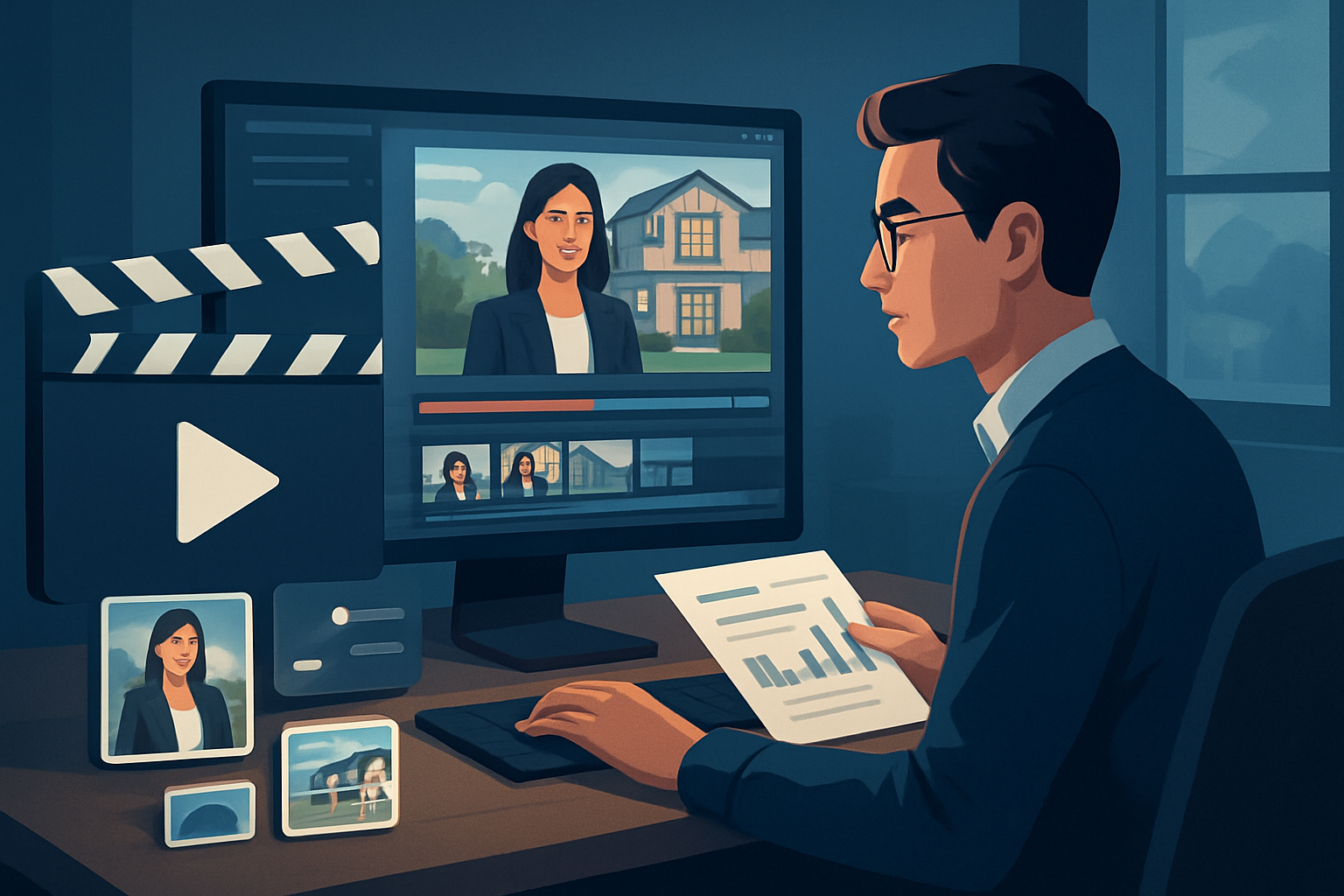

For advertisers at real estate brands on YouTube — turn one recording into a week’s worth of publishable assets
If you run advertising for a real estate brand and your primary platform is YouTube, you don’t need more shoots — you need a repeatable repurposing system that converts a single long recording (open-house tour, agent Q&A, market update) into ad clips, Shorts, thumbnails, and A/B-ready variants. This page shows a practical, implementable workflow you can use this week to multiply outputs while keeping brand control and creative polish.
Why real estate advertisers on YouTube need this now
- Listings move fast and ad windows are tight; waiting for fresh shoots kills opportunities.
- YouTube favors frequent, short, engaging clips and well-optimized thumbnails — but production teams are set up for long-form.
- Advertisers must test hooks, aspect ratios, and CTAs across TrueView, Shorts, and in-stream placements — that’s multiple edits from one source.
- Real estate content benefits from reusing location B-roll, property photos, and agent soundbites — repeatable assets are revenue multipliers.
You can’t afford a slow, multi-tool handoff. The right tool turns one recording into a consistent library of publish-ready assets with fewer steps.
Concrete workflow — implement this week
- Pick one long recording (30–90 minute market update, walkthrough, or interview). Treat it as the “single source of truth.”
- Import the footage into a local project workspace and asset library. Include property photos, logo files, and any branded overlays.
- Run a footage-first Auto Edit Video pass to auto-transcribe and generate candidate short clips focused on key moments (agent pitch, neighborhood highlight, price callout).
- Layer finishing: apply title hooks, subtitles, face tracking/auto-zoom on agent shots, and drop in B-roll from the library (exterior shots, floorplans).
- Preview and adjust per platform: landscape for full-length uploads, square for social embeds, vertical for YouTube Shorts and vertical ad placements.
- Generate and store thumbnail variants alongside each video output so you can A/B test clicks without recreating assets.
- Export a batch of assets: 15–60s Shorts with captions and hooks, 6–15s ad cuts with different CTAs, and a set of thumbnails and caption files ready to upload.
Do steps 1–4 in a single sitting to produce fast first drafts, then schedule quick finish passes for A/B variants. This compresses what usually takes days into a single productive session.
Pain points this workflow solves for real estate advertisers
- No more sending footage between editors and ad ops: a single Windows desktop workspace holds footage, generated clips, and reusable assets.
- Fewer last-minute reshoots: create property highlights and agent soundbites from one session.
- Faster testing cycle: multiple hooks and thumbnails produced in one export pass.
- Consistent branding: templates and local asset libraries keep overlays, borders, and music aligned across outputs.
Best-tool criteria for real estate YouTube repurposing (and why Shorz belongs on your shortlist)
What you need from a repurposing tool:
- Footage-first repurposing that starts with your long recordings and produces short edits automatically.
- A persistent, reusable local asset library for property photos, logo packs, and branded overlays.
- Built-in finishing controls (subtitles, title hooks, B-roll, auto-zoom/face tracking, basic color tweaks) so drafts are publish-ready.
- Ability to preview and export in landscape, portrait, and square to meet YouTube and Shorts requirements.
- Thumbnails and project assets generated and stored alongside video outputs for fast A/B testing.
- Support for ingesting existing uploads via YouTube/TikTok URLs to repurpose older content.
Shorz meets these criteria. It’s a Windows desktop AI video production suite designed around a footage-first Auto Edit Video workflow, local asset libraries, finishing systems (subtitles, hooks, B-roll, auto-zoom, face tracking), multi-ratio previews, and thumbnail generation — all aimed at compressing the production workflow and creating repeatable outputs.
Where Shorz fits in your ad production stack
- Ingest: Drag original long-form recordings and property imagery into Shorz’s local asset library. You can also pull source uploads from YouTube or TikTok URLs into the same workspace.
- Repurpose & Draft: Use Auto Edit Video to auto-transcribe, identify moments, and produce first-draft short-form clips with subtitles and hooks.
- Polish: Apply finishing controls — titles, B-roll, auto-zoom, face tracking, and basic color — inside the same app. Preview portrait, square, and landscape.
- Export: Batch-export ad cuts, Shorts, and thumbnails. Move outputs to YouTube Studio, Ads Manager, or your scheduling tool.
- Reuse: Keep templates and assets in the local library for the next listing or campaign: faster first drafts and less tool switching.
Shorz becomes the centerpiece of a low-latency repurposing workflow: fewer handoffs, repeatable assets, and faster time-to-test for ad variants.
Quick checklist for your first week rollout
- Day 1: Choose one recording and import footage + branded assets to Shorz.
- Day 2: Run Auto Edit Video, pick 6 candidate cuts, add subtitles and title hooks.
- Day 3: Create 3 vertical Shorts, 2 15s ad cuts with distinct CTAs, and 3 thumbnails.
- Day 4: Upload to YouTube and schedule A/B tests; document templates and library tags for the next repurpose cycle.
If you want a deeper playbook, read the Complete Guide to repurposing Video Repurposing: Complete Guide. For similar playbooks in adjacent verticals, see examples for local services and SaaS that illustrate template reuse and ad-testing patterns Video Repurposing for Local Services Video Repurposing for SaaS Brands.
FAQ — tailored for real estate advertisers on YouTube
Q: Can one recording produce both YouTube long-form uploads and Shorts? A: Yes. Use a footage-first Auto Edit pass to extract short clips, then preview/export in landscape for full uploads and vertical/square for Shorts and social ads.
Q: Will I lose control of branding if AI generates edits? A: No. Shorz combines AI generation with finishing controls — title hooks, subtitles, overlays, and B-roll — so drafts are quickly polished to your brand standards.
Q: Can I repurpose an existing YouTube video I already uploaded? A: Yes. Shorz supports downloading source material from YouTube or TikTok URLs into the local asset library so you can rebuild short-form assets from past uploads.
Q: Are assets reusable across campaigns? A: Projects and generated assets are stored locally. That persistent library makes repeat work, templates, and thumbnails reusable without rebuilding from scratch.
Q: How quickly can I start producing ad variants? A: You can generate fast first drafts and several platform-specific outputs within a few sessions. The workflow compresses the time between recording and publish-ready assets.
Q: Is this cloud software? A: Shorz is a Windows desktop AI video production suite that stores projects and assets locally, giving you a persistent workspace and reusable libraries.
Ready to compress your ad pipeline?
Start turning single property shoots and agent recordings into multiple YouTube assets, thumbnails, and ad-ready cuts with a repeatable, local workflow. Learn how to scale repurposing for campaigns and pipelines: Video Repurposing: Complete Guide. For vertical-specific templates and case ideas, explore local services and SaaS examples Video Repurposing for Local Services Video Repurposing for SaaS Brands.
Take the next step: streamline YouTube repurposing for your real estate ads now — /video-repurposing


