
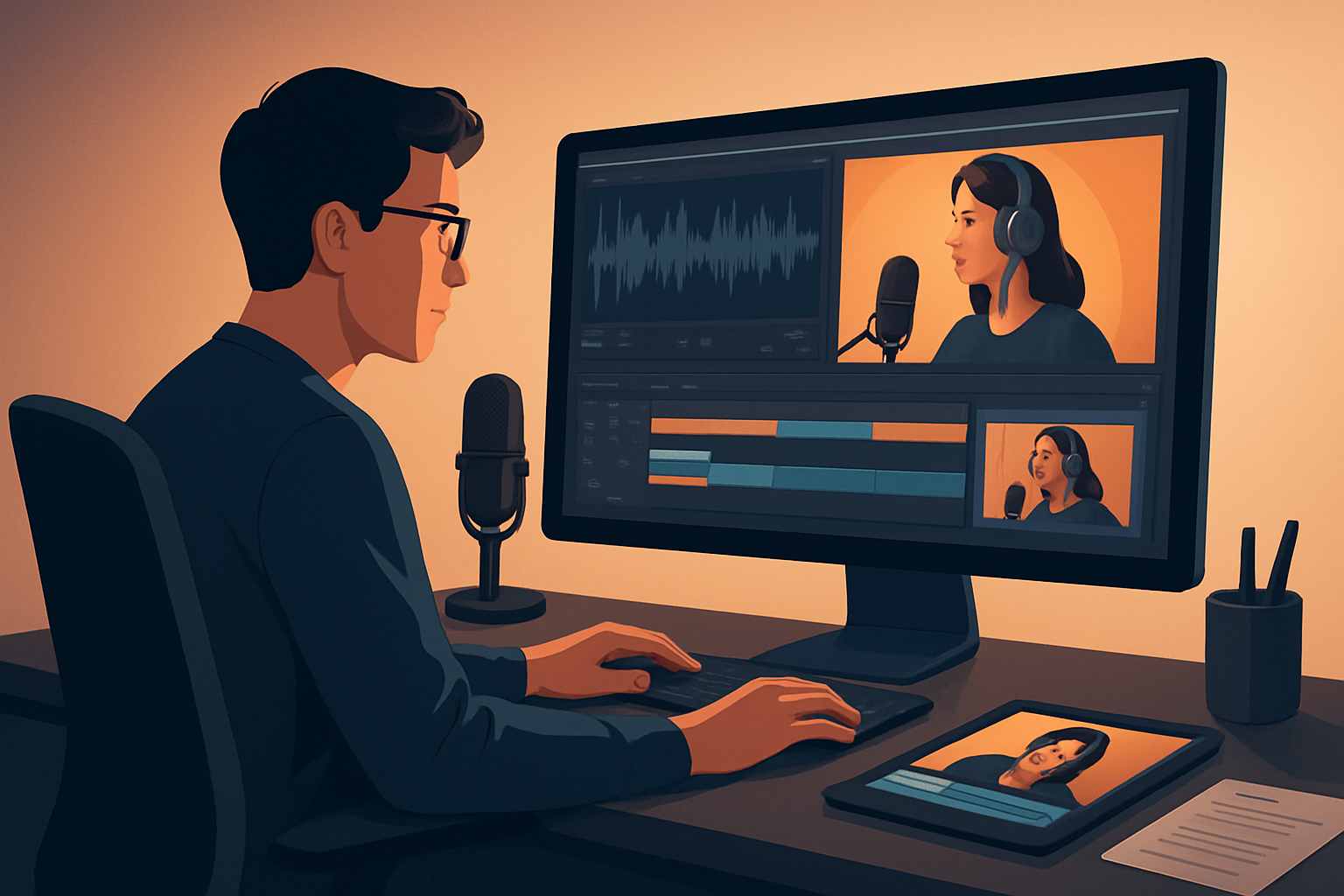

The core bottleneck: turning long-form podcast audio into a repeatable, high-output system
Most podcasters and repurposers hit the same friction point: creating a publish-ready short video from a long episode takes too many hand-offs. You transcribe, hunt for soundbites, assemble a timeline in one tool, add captions and hooks in another, then resize for different platforms — each step leaks time and consistency. That kills throughput and makes scaling repurposing a project-by-project grind.
The solution is a workflow you can repeat with minimal tool switching, fast first drafts, and reusable assets. Below is an operator-focused, step-by-step system for turning podcast episodes into a steady stream of short-form videos.
Step-by-step workflow: from episode to multi-platform clips
Gather sources
- Collect episode audio, full video recording (if available), guest video tracks, and any episode assets (logos, headshots, timestamps).
- Download platform source clips if you’re repurposing from other published posts (Shorz supports downloading YouTube and TikTok URLs into the local asset library).
Ingest and catalog
- Import all files into a single workspace and add them to a reusable asset library. Keep raw files, edited outputs, thumbnails, and audio stems together so you can reuse them later.
Auto-analyze and transcribe
- Run a fast transcript of the episode to surface timestamps and candidate clips. Use the transcript to mark highlights and structure the edit decisions.
Generate first-draft edits
- Use an “auto edit” workflow that builds edits from your highlighted timestamps. The first draft should prioritize tight soundbites (10–60 seconds), a clear hook, and natural cuts.
Layer finishing controls
- Add subtitles, title hooks, B-roll or overlays, auto-zoom/face tracking on the speaker, and a polished audio mix. Preview in the aspect ratios you plan to publish (landscape, portrait, square).
Review and refine
- Do a quick pass for pacing, caption accuracy, and thumbnail selection. Keep changes focused: trim, adjust captions, swap a B-roll clip, or tighten a hook.
Export multiples
- Render versions for each platform (shorts/reels/tik-tok aspect ratios, podcast clips for social, and a longer excerpt for YouTube) and generate thumbnails alongside video outputs.
Publish and archive
- Push to your publishing queue and store the final edits and thumbnails in a persistent asset library for future reuse and templating.
This cycle repeats cleanly when you keep standardized markers, naming conventions, and templates for each episode.
Tools needed (minimal, ops-focused)
- A Windows desktop video editor with repurposing features (Shorz is a practical option here: it combines Auto Edit Video, Podcast, Text-to-Video, and Avatar project types inside one persistent workspace).
- A transcript service or in-app transcription step to generate searchable text and timestamps.
- An audio editor or DAW for deep audio fixes (optional for teams that need advanced cleanup).
- A thumbnail/graphic tool for custom cover images (Shorz can generate and store thumbnails alongside video outputs).
- A scheduling/publishing tool to queue posts to social platforms.
For agencies or operators who want fewer hand-offs, prioritize tools that support local asset libraries, reusable styles, and batch exports to avoid repeated setup.
Mistakes to avoid
- Starting each episode from scratch. Without templates and asset libraries you waste time recreating the same overlays, hooks, and captions.
- Over-editing the first pass. Aim for a fast first draft and reserve polishing for high-impact clips.
- Ignoring captions and platform ratios. A clipped vertical version without accurate subtitles will underperform on mobile-first channels.
- Not storing generated assets. Thumbnails, lower-thirds, and B-roll selections should be saved for reuse — not re-made every time.
- Using too many tools. Each switch increases friction and slows throughput.
Optimization tips — small changes that compound
- Build a short-form template set: hooks, lower-thirds, caption style, and safe-frame guides for each ratio.
- Use transcript search to batch-queue candidate clips across multiple episodes.
- Create standard naming conventions for assets so you can programmatically filter and reuse them.
- Batch-render by platform to reduce repetitive settings changes.
- Keep a “best-of” library for recurring promotional cycles and social repurposing.
How to scale the workflow
- Template everything: overlay styles, thumbnail layouts, and caption presets mean junior editors can hit the same visual standard.
- Batch selection: spend one hour selecting 10–20 clips from several episodes, then process them in parallel.
- Reusable libraries: store recurring music, B-roll, headshots, and branded assets in a shared local library for faster assembly.
- Parallelize review: separate “first-draft” creation from “polish and publish” so two people can work the pipeline—one generates edits, the other finishes and schedules.
- Automate exports: when your editor supports multi-ratio previews and batch outputs, you reduce per-clip export overhead.
If you run an agency, combine this process with client-specific templates to deliver consistent volume without redoing creative decisions each time. For operations-focused guidance see case patterns tailored to agencies and founders: Video Repurposing Workflow for Agencies, Video Repurposing Workflow for SaaS Founders, Video Repurposing Workflow for Webinars.
Where Shorz reduces friction in this workflow
- Single workspace: Shorz is a Windows desktop AI video production suite that keeps projects and generated assets locally so you don’t juggle multiple tools.
- Footage-first repurposing: The Auto Edit Video workflow ingests recordings, analyzes/transcribes them, generates editing instructions, and builds an edit sequence — compressing the path to a first draft.
- Persistent assets: My Assets stores videos, images, thumbnails, audio stems, and downloaded platform clips so you can reuse styles and media across episodes.
- Finishing controls built-in: Add subtitles, title hooks, B-roll, overlays, auto-zoom, face tracking, freeze frames, and basic color controls without exporting to another app.
- Multi-ratio previews and thumbnail generation: Preview and export landscape, portrait, and square versions and generate thumbnails inside the same project, which reduces tool switching and speeds up first-pass outputs.
- Download support: Pull YouTube or TikTok source material directly into the local library to strengthen repurposing workflows.
Shorz is designed to compress the workflow from raw episode to publish-ready pieces faster while preserving editable control for finishing rather than stopping at a raw first draft.
FAQ (short, practical)
Q: How long should the repurposing cycle take per clip? A: For a 30–60 second clip from a recorded episode, aim for a 10–30 minute create-to-export time with a fast first draft and a focused polish pass. Batch processing reduces per-clip time.
Q: Can I repurpose audio-only podcasts into video? A: Yes. Use waveform or static visuals, add captions, a title hook, guest headshots or an avatar, and B-roll. Shorz supports Podcast and Avatar project types to start from audio, scripts, or avatar images plus audio.
Q: Will I lose raw files when using a workspace like Shorz? A: No — Shorz stores projects and generated assets locally so you retain raw and derived files for reuse.
Q: Can I download my existing YouTube or TikTok videos into the editor? A: Yes, Shorz supports downloading source material from YouTube and TikTok URLs into the local asset library for repurposing.
Q: Is this workflow suitable for agencies? A: Absolutely. Persistent projects, reusable asset libraries, and saved outputs make this workflow efficient for repeat deliverables and higher throughput. See agency-focused patterns: Video Repurposing Workflow for Agencies.
CTA
Ready to turn podcast episodes into consistent short-form output with fewer tools and faster first drafts? See a practical, scalable blueprint and get started: Video Repurposing Workflow for More Output.


