
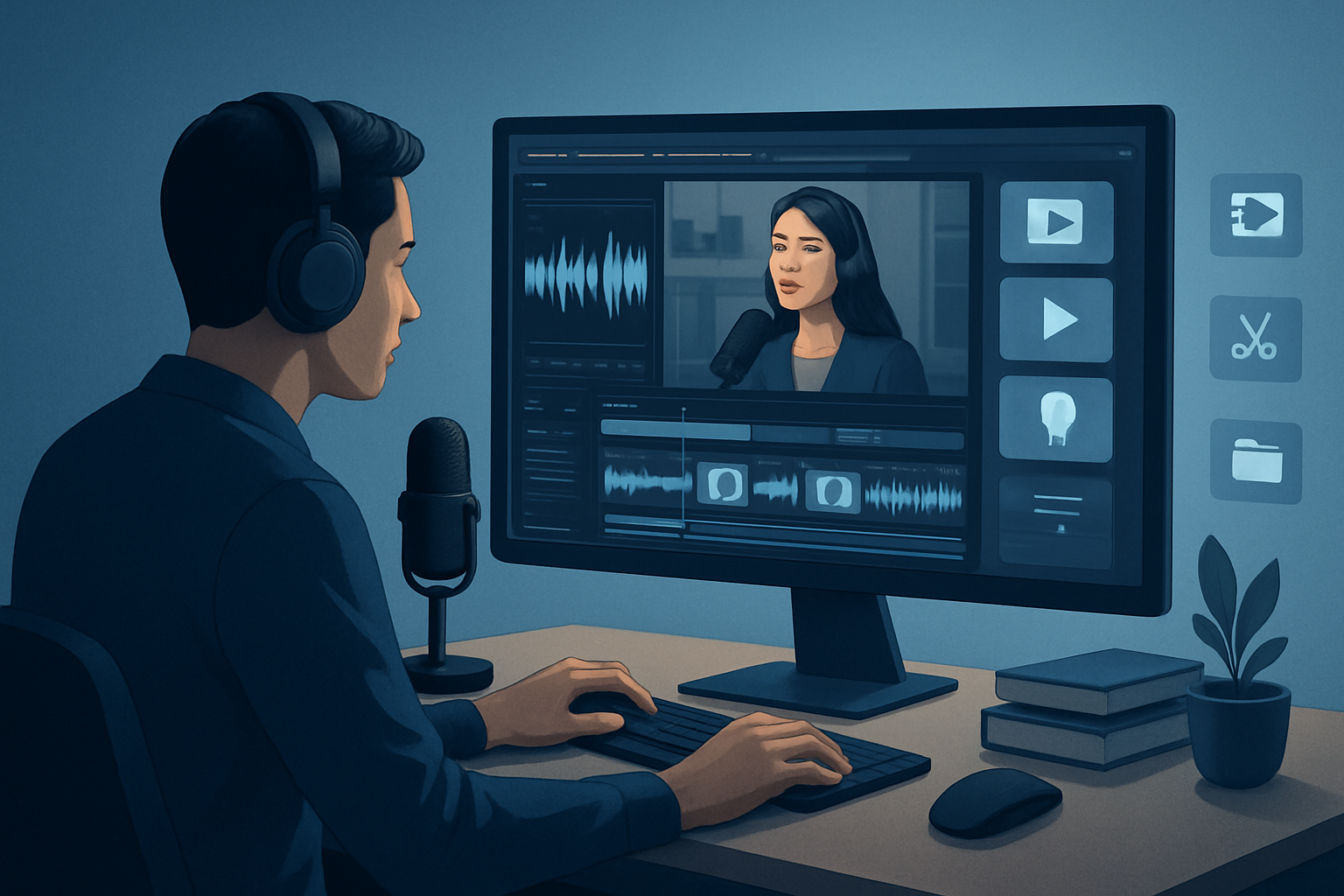

Intro — the core bottleneck for podcast repurposers
The typical bottleneck isn’t creativity — it’s turning long-form podcast audio into a steady stream of platform-ready clips without burning time on repetitive editing, format switching, and asset re-creation. Operators hit three consistent pain points: slow first drafts, too many tools (and file transfers) between draft and finish, and no reusable library to make future episodes faster. The result: inconsistent output and missed publishing windows.
This guide gives a repeatable, step-by-step video repurposing workflow for podcasts that compresses those steps, preserves quality, and scales. It uses a desktop-first approach built around faster first drafts, reusable assets, and less tool switching.
Step-by-step workflow (repeatable system)
- Prepare the source
- Pull the master podcast recording (audio-only or video) into your workspace. If the episode is on YouTube or TikTok, download the source into a local library to keep everything in one place.
- Note timecodes for known moments (guest takes, timestamps, hot quotes).
- Create a new project (audio-first or footage-first)
- Start a Podcast project if your source is dialogue-based, or use Auto Edit Video for video/recorded episodes.
- Import the episode file into the project’s local asset library so the clip is reusable across outputs.
- Auto-analyze and transcribe
- Let the project analyze/transcribe the episode to produce a searchable timeline. Use the transcript to find potent quotes and moments quickly.
- Build highlight clips (first-draft)
- Pull 10–20 candidate clips (30–90 seconds) from the transcript/timeline. Use Auto Edit Video or the Podcast workflow to generate an initial edit sequence for each clip.
- Focus on strong hooks (first 3–7 seconds), clear sound, and a single idea per clip.
- Apply finishing layers
- Add subtitles and title hooks to each clip.
- Apply visual polish: face tracking/auto-zoom, freeze-frame callouts, grayscale moments, or a simple color tweak to increase focus.
- Layer in B-roll, overlays, border treatments, music, and sound FX to match the platform intent.
- Preview in platform ratios
- Quickly check each clip in landscape, square, and portrait so the composition works on YouTube, Instagram, and TikTok.
- Adjust titles and lower-thirds per ratio if necessary.
- Generate thumbnails and export assets
- Generate and store thumbnails alongside video outputs in the project’s My Assets system so you can reuse or A/B test later.
- Publish and archive
- Export final masters for each ratio, store the project with its outputs and assets locally, and log the timecodes and deliverables in your content calendar for distribution.
Tools needed
- Shorz (Windows desktop) — core editor and repurposing workstation: import/download source assets, Auto Edit Video, Podcast and Avatar project types, local asset library, subtitle and finishing controls, ratio previews, and thumbnail generation.
- A reliable file-storage system (local NAS or synced folder) for project backups.
- Scheduling/publishing tool of your choice for distribution (to publish clips once exported).
- Optional: lightweight audio editor if you need deep podcast audio cleanup (Shorz is optimized for editing and finishing, not as a full DAW).
If you’re an individual operator, follow the solo-focused patterns in this companion guide for faster first-pass drafts: Video Repurposing Workflow for Solo Creators. Teams and agencies should read the ops-specific playbook here: Video Repurposing Workflow for In-House Teams and Video Repurposing Workflow for Agencies With Shorz.
Common mistakes to avoid
- Skipping the transcript: trying to find clips by ear wastes time. Transcripts give fast search and repeatability.
- Treating every platform the same: a single crop doesn’t work across aspect ratios. Preview and tweak per ratio.
- Over-polishing early: spend minimal time on the first draft to decide if a clip is worth finishing.
- Recreating assets each time: not using a reusable asset library leads to brand drift and wasted effort.
- Ignoring hooks: most clips die in the first 3 seconds. If the hook isn’t strong, the rest doesn’t matter.
Optimization tips (tactical)
- Build templates for styles and overlays so each clip uses the same brand package without redoing settings.
- Save frequently used B-roll and SFX in My Assets so they’re one-click away.
- Use face tracking and auto-zoom to keep attention on the speaker without manual keyframing.
- Batch-generate subtitles and thumbnails at the project level to avoid repeating tasks per clip.
- Keep a content matrix that maps timestamps to formats (short clip, audiogram, teaser, long-form extract) so you can pull variants fast.
How to scale this workflow
- Standardize deliverables: define clip lengths, ratio templates, and thumbnail styles that your ops team must produce for every episode.
- Create a project starter kit: a template project with title hooks, intro/outro stingers, and overlay presets. Load this kit into new projects to ensure consistent output.
- Leverage persistent local projects: store every episode’s assets and generated thumbnails in the project history so future repurposes reuse the same media.
- Assign specialized roles: a cutter (creates first-draft clips), a finisher (applies polish and thumbnails), and a scheduler (exports and queues publishing). This reduces context switching and increases throughput.
- Reuse successful assets: when a clip performs well, drop its thumbnail or hook into the asset library for fast remixes.
For agencies and operations-led teams looking for a deeper playbook on throughput with Shorz, see our dedicated workflow guide: Video Repurposing Workflow for Agencies With Shorz.
Where Shorz reduces friction
- Single workspace for repurposing: import or download source files into a local asset library and work inside one persistent project instead of shuttling files between apps.
- Faster first drafts: Auto Edit Video and Podcast project types move you from source to an editable sequence quickly, compressing the draft phase.
- Reusable asset system: My Assets stores videos, images, thumbnails, and audio so you don’t rebuild the same overlays or music packs every episode.
- Finish-ready controls: subtitles, title hooks, B-roll, overlays, borders, and volume mix are available in the same environment so you can go beyond a raw AI draft without switching tools.
- Platform previews: preview and adjust clips in landscape, portrait, and square inside the project to catch composition issues early.
- Local persistence: projects and generated assets are stored locally, which supports repeat work, cached media, and a project history you can iterate from.
Those efficiencies translate to less tool switching, repeatable output, and faster time from episode to publish-ready clips.
FAQ
Q: Can I repurpose an audio-only podcast into social clips? A: Yes. Start a Podcast project or import the audio into an Auto Edit Video workflow, build clips from the transcript, and pair them with either static visuals, animated avatars, or repurposed video assets from your library.
Q: Does Shorz keep generated assets for reuse? A: Yes. Generated thumbnails, video outputs, and other project assets are stored locally in the My Assets system so you can reuse them across episodes.
Q: Can I download episode sources from public platforms into the project? A: You can download source material from YouTube or TikTok URLs into the local asset library to strengthen repurposing workflows.
Q: How do I maintain consistent brand templates? A: Create and save overlay, title, color, and thumbnail presets inside your project kit so each episode begins with the same package.
Final CTA
Ready to turn episodes into a steady stream of clips with fewer tools and faster first drafts? Learn the complete approach to turning podcast inventory into consistent video assets and see how to implement this workflow end-to-end: Video Repurposing: Complete Guide.


