
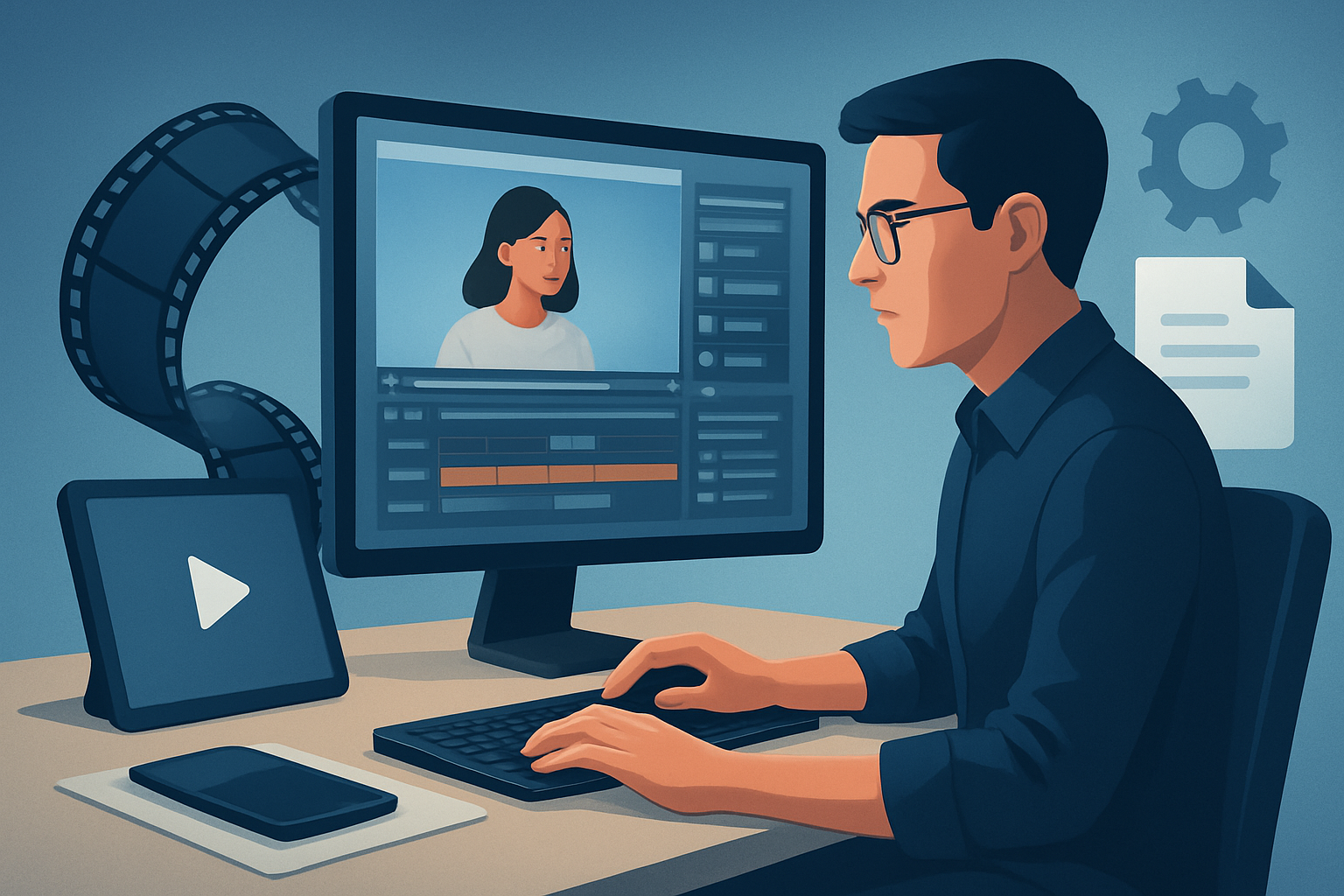

The core bottleneck for SaaS founders
You have a backlog of demos, product deep-dives, customer interviews, and investor Q&As. The content exists — but turning hour-long recordings into steady short-form assets for demand gen, sales, and social eats up time and attention. The typical bottleneck for operators: inconsistent processes, tool sprawl, and long manual edit cycles that make repurposing a low ROI task.
This guide gives a repeatable, step-by-step video repurposing workflow for SaaS founders. It’s focused on throughput: fewer decisions per clip, reusable building blocks, and reliable publish-ready outputs.
Step-by-step workflow
Inventory and pick sources
- Audit recent long-form content (demos, webinars, interviews, product tours). Tag by message: feature, use case, customer story, onboarding tip.
- Download or gather videos into a single local workspace. If a source is on YouTube or TikTok, bring it into your local asset library so it’s ready for repeat work.
Transcribe and index
- Generate a transcript and chapter markers. This turns search-for-quote into point-and-click selection.
- Create a shortlist of 10–15 soundbites per hour of footage: clear one-topic clips that map to marketing and sales themes.
Select and craft hooks
- For each soundbite, write a 1–2 line hook that will appear as the opening title or subtitle. Prioritize value-first hooks (problem → quick outcome).
Auto-generate first drafts
- Use an auto-edit or footage-first workflow to build initial cuts: assemble clip, add hook text, apply subtitles, and set aspect ratio for platform.
- Treat the first draft as a reusable template — keep consistent spacing, overlays, and sound levels.
Finish and polish
- Apply visual polish layers: zooms, face tracking, freeze frames for emphasis, simple color adjustments, and B-roll where needed.
- Finalize subtitles and title hooks, add music and volume mixing, then generate thumbnails and export variants (landscape, portrait, square).
Publish and measure
- Upload the platform-specific variants with the prepared captions and CTAs.
- Track engagement and feed learnings back into the selection process for future clips.
This pattern — import, transcribe/analyze, generate edit instructions, build sequence, finish, render — is repeatable and scales.
Tools needed
- A desktop video editor optimized for repurposing (Windows desktop AI tool recommended for local asset persistence and faster first drafts).
- Example capability to look for: footage-first Auto Edit, local asset library, multiple aspect previews, and thumbnail generation.
- Transcription and captioning (if not using the editor’s built-in analysis).
- Asset storage and naming system (local or cloud) for reusable clips, logos, and music.
- A lightweight project tracker (Notion/Asana) and publishing calendar.
- Analytics dashboard for social and conversion metrics.
Shorz is one tool that fits the repurposing pattern: it’s a Windows desktop AI video production suite with an Auto Edit Video workflow, local asset library, multi-ratio previews, and built-in finishing controls. If your process centers on converting existing footage into short assets, Shorz compresses steps inside one persistent workspace.
Mistakes to avoid
- Trying to repurpose everything: not every minute of footage is worth a clip. Prioritize signal over volume.
- Skipping transcripts: searching by ear wastes time and leads to inconsistent messaging.
- Over-editing the first draft: the point is to get a fast, consistent output that’s easy to iterate on.
- Ignoring aspect ratios: a single edit without platform variants means rework later.
- Not saving templates and assets: recurring elements (bumpers, outro CTAs, lower-thirds) should be reusable, not remade per clip.
Optimization tips
- Standardize clip lengths per channel: e.g., 15–30s for TikTok/Instagram Reels, 60–90s for LinkedIn or Twitter.
- Use title hooks as A/B test variables — try direct benefit vs curiosity-driven hooks and measure CTRs.
- Keep subtitles concise and readable: two lines max, large type, high-contrast background treatment.
- Batch tasks: transcribe a week’s worth of content, then batch select clips, then batch polish.
- Reuse B-roll and overlays from a shared asset library to maintain brand consistency and reduce decision time.
- Maintain a simple naming scheme for assets (date_topic_variant) so automation and search are reliable.
How to scale the workflow
- Build templates for each content type: demo highlight, feature explainer, customer quote, and thought leadership.
- Create a “repurpose playbook” with selection criteria, hook styles, and export settings so junior operators can execute consistently.
- Cache and reuse assets in a persistent library to avoid rebuilding the same overlays, thumbnails, or music mixes.
- Assign roles: one operator curates clips, another polishes and brand-fines, a scheduler publishes. Keep handoffs minimal and standardized.
- Automate publishing steps where possible (upload API or social scheduler) once assets are rendered.
For agencies and ops teams running repeat deliverables, the focus should be on reusable project patterns and cached assets rather than ad-hoc one-offs. See an ops-focused approach for agencies here: Video Repurposing Workflow for Agencies.
Where Shorz reduces friction
- Consolidated workspace: Shorz stores projects and generated assets locally, so every repeatable edit or template lives in the same desktop workspace.
- Footage-first Auto Edit Video workflow: lets you move from raw recordings to an edited short-form sequence without bouncing tools.
- Built-in analysis/transcription and an operational pattern to generate editing instructions and build sequences — accelerating faster first drafts.
- Persistent My Assets library: store clips, thumbnails, audio, and GIFs for consistent reuse across projects.
- Finishing controls in one place: subtitles, title hooks, B-roll, overlays, borders, music, SFX, and volume mix controls reduce context switches.
- Visual polish options (auto zoom, face tracking, freeze frames, grayscale, basic color) let operators finish edits without launching a separate app.
- Multi-ratio previewing and thumbnail generation inside the same project so you export platform-specific variants in one pass.
- Download source material from YouTube or TikTok URLs directly into the local asset library, strengthening video repurposing from existing inventory.
For a webinar-centric workflow, see more detailed tactics here: Video Repurposing Workflow for Webinars. If your main input is podcast episodes, this workflow adapts — find a podcast-specific breakdown here: Video Repurposing Workflow for Podcasts.
FAQ
Q: How do I pick which moments to repurpose? A: Look for standalone statements that answer a single question, demonstrate a feature, or tell a customer outcome. Prioritize clarity and shareability.
Q: What clip lengths should SaaS founders prioritize? A: For awareness and social: 15–60 seconds. For product education or demos: 60–90 seconds with a clear CTA to a longer resource.
Q: Can this workflow use existing webinar/podcast recordings? A: Yes. The footage-first Auto Edit workflow is built around repurposing webinars, podcasts, interviews, and demos into short assets. See targeted workflows for webinars and podcasts above.
Q: Do I need cloud collaboration to scale? A: Not necessarily. Persistent local projects, reusable asset libraries, and clear templates let small ops teams scale without complex cloud collaboration. Tools that store generated assets and project history locally are operationally valuable for repeat work.
Next step / CTA
If you want a practical, repeatable system for turning long-form founder content into steady short-form outputs — and a desktop workspace that keeps reusable assets, faster first drafts, and finishing controls in one place — explore the full repurposing playbook and tooling options here: Video Repurposing Workflow for More Output.


