
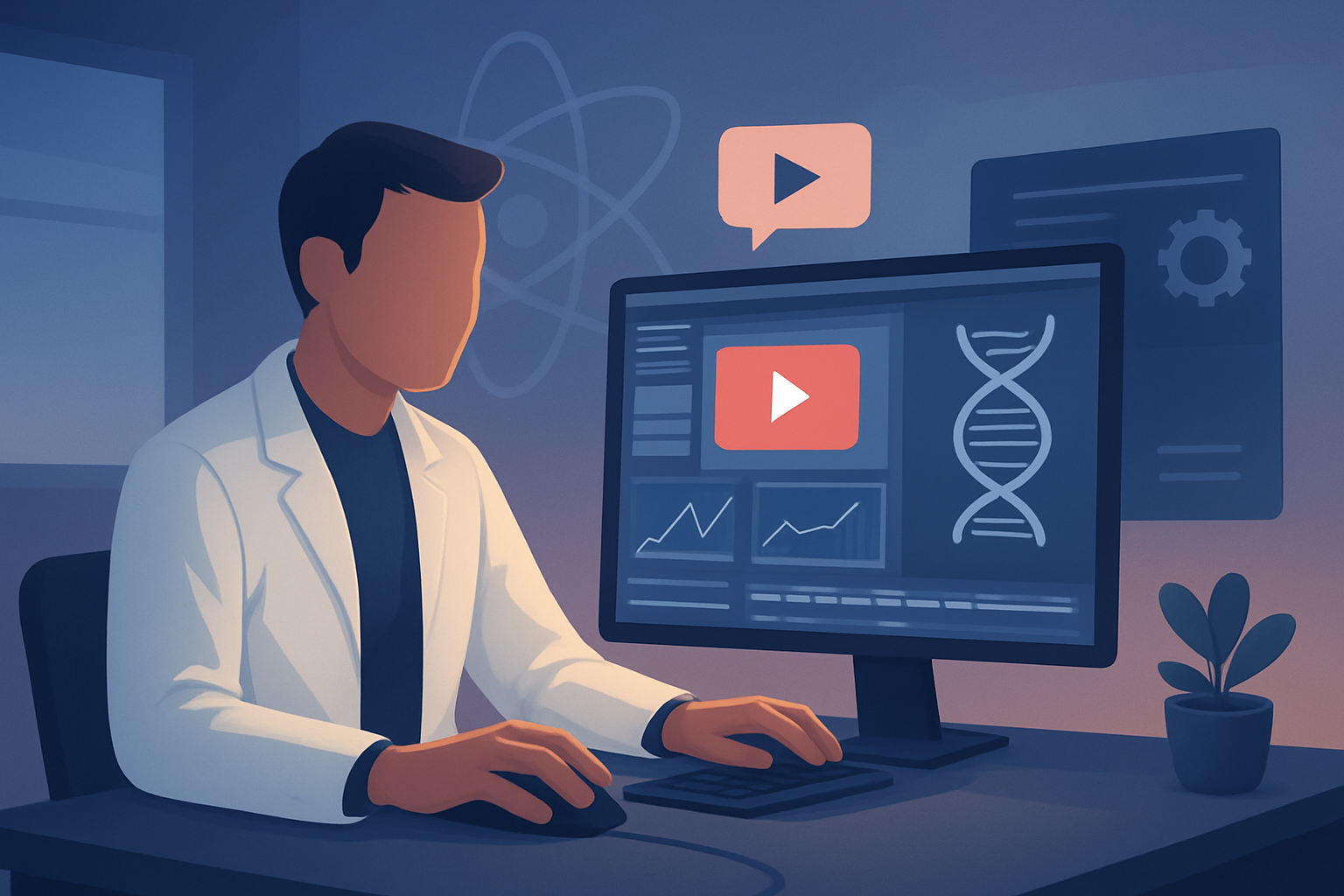

For science creators on YouTube who want to publish more faceless content — fast
You’re a creator running a science channel on YouTube. Your audience expects accuracy, clear explanations, and trustworthy visuals. You also want to scale output without becoming on-camera talent. That means faster drafts, repeatable visual templates, and a single production workspace that handles narration, visuals, captions, and thumbnails — not a dozen scattered tools.
This page explains why faceless automation matters for science YouTube now, gives a practical week-one workflow you can implement, lists the right tool criteria for science creators, and shows exactly where Shorz fits in your stack to compress the edit-to-publish cycle.
Why science channels on YouTube need a faceless automation workflow now
- Audience demand is fragmenting: viewers want short explainers, deep dives, and repurposed Shorts all from the same core idea. Meeting that requires repurposable assets and multi-aspect previews.
- Visual sourcing is the bottleneck: scientific topics need diagrams, datasets, B-roll, and consistent style references to avoid mixed messaging.
- Fact and pace balance: long scripts must be tightened into watchable sequences while preserving accuracy — you need fast first drafts and controlled finishing.
- Publishing cadence wins: channels that upload reliably (including Shorts) get algorithmic momentum. Faceless workflows reduce the friction that kills consistent schedules.
You can be accurate, fast, and faceless — but only if your workflow creates repeatable assets and minimizes tool-switching.
Practical workflow you can implement this week
Follow these steps to produce a faceless science video and a repurposed Short in 3–4 days.
Research & outline (Day 1)
- Collect sources, figures, and one-line takeaways. Save screenshots, charts, and reference images to a local folder.
- Write a 500–800 word script and mark timestamps where visuals or diagrams are required.
Generate narration and style references (Day 1–2)
- Record or generate narration (Shorz supports uploaded speech audio, voice selection, and narration preview).
- Assemble 3–5 style reference images to stabilize the visual identity of the episode.
Build a scripted project in Shorz (Day 2)
- Start a Text-to-Video project: import your script, uploaded audio, and style references.
- Use the app’s image/video generation plus imported assets for diagrams, B-roll, and scene visuals.
Finish and polish inside Shorz (Day 2–3)
- Add subtitles and title hooks using Shorz’s shared finishing controls.
- Apply auto zoom, subtle face tracking or freeze-frame effects for focus moments, and basic color tweaks for consistency.
- Generate and store a thumbnail design inside the project.
Multi-aspect preview & export (Day 3)
- Preview in landscape for YouTube, portrait for Shorts, and square for social repurposing.
- Export final files plus a repurposed Short trimmed to a hook-first 15–30s slice.
Publish schedule & iterate (Day 3–4)
- Upload to YouTube, use the exported thumbnail, and schedule a Short version. Keep the project in your local library for quick updates or sequels.
Repeatable parts: the script template, style reference images, subtitle presets, and thumbnail template are reusable across projects to speed future episodes.
Best tool criteria for science YouTube automation (and where Shorz shows up)
When evaluating tools for faceless science channels, prioritize:
- Script-to-video support that accepts typed scripts and uploaded narration — so you can produce accurate voiceovers and preview them quickly. Shorz’s Text-to-Video supports typed scripts, uploaded speech audio, voice selection, and narration preview.
- Local, persistent project storage and reusable asset libraries — critical for science channels that reuse charts, logos, and datasets. Shorz stores projects and generated assets locally and can import existing footage, images, audio, and source files into a reusable library.
- Finishing controls, not just raw AI drafts — you need subtitle design, title hooks, B-roll, overlays, and thumbnail output inside the same workspace. Shorz combines AI generation with finishing controls and includes subtitles, title hooks, B-roll, overlays, and thumbnail generation.
- Multi-aspect previews and export flows for YouTube and Shorts — to avoid re-editing for every platform. Shorz previews content in landscape, portrait, and square ratios and provides export flows for those contexts.
- Visual consistency features — style reference image support and reusable templates reduce visual churn. Shorz uses style reference images to stabilize identity across generated scenes.
Shorz matches these criteria: it compresses the workflow from script and assets to publish-ready video inside one persistent Windows desktop workspace.
Where Shorz fits into your production stack
- Pre-production (research + scripting): External research tools remain essential for sourcing and fact-checking. Use Shorz after your script is drafted.
- Production (narration + asset creation): Use Shorz to upload narration, generate images/video from scripts, and import charts/figures into the local asset library.
- Post-production (finish + repurpose): Do subtitles, title hooks, visual polish, thumbnail generation, and multi-aspect previews directly in Shorz to eliminate separate subtitle editors, thumbnail tools, and repurposing steps.
- Publishing (upload + analytics): Shorz produces publish-ready files and thumbnails you can upload to YouTube Studio or scheduling tools. For analytics and community management, continue using your chosen platforms.
In short: Shorz compresses production and finishing; other tools remain useful for research, uploads, and analytics.
Short FAQ — for science creators who want faceless output
Q: Can I keep videos factual and cite sources? A: Yes. Use your research notes and import screenshots or reference files into Shorz’s asset library. Insert on-screen citation slides or subtitle notes as part of the script-to-video workflow.
Q: Can I use my own voice or AI voices? A: Both. Shorz supports uploaded speech audio, voice selection, and narration preview, so you can drop in recorded voiceovers or choose voices supported by the app.
Q: Can I make both full-length explainers and Shorts from the same project? A: Yes. Shorz previews and exports landscape, portrait, and square formats so you can create a main video and repurposed Short without rebuilding the project.
Q: How do I maintain visual identity across episodes? A: Save style reference images and reusable assets in the local library. Use those images when generating scenes to stabilize look and tone across episodes.
Q: Are thumbnails and packaging handled inside the tool? A: Shorz can generate, store, and reuse thumbnails and creator-style packaging assets (title hooks, overlays, subtitles), keeping publish-adjacent assets together with video outputs.
Q: Where are my projects and assets stored? A: Locally on your machine. That supports repeatable output, reusable libraries, and persistent project history.
Start publishing faceless science videos faster
If your goal is more faceless uploads, consistent branding, and repeatable output from script to publish-ready assets, move the edit and finishing step into a single workspace designed for creators.
Get started with a workflow built for faceless science channels and see how Shorz compresses first drafts into finished videos. Learn the full faceless workflow and next steps here: Faceless YouTube Workflow With Shorz
Want to compare how automation looks in other niches? See approaches for finance, history, and education creators:
- YouTube Automation for Finance Channels
- YouTube Automation for History Channels
- YouTube Automation for Education Channels
Ready to move from scripts and source assets to repeatable, publish-ready science videos this week? Start by collecting your script, narration, and three style reference images — then build your first project in Shorz.


