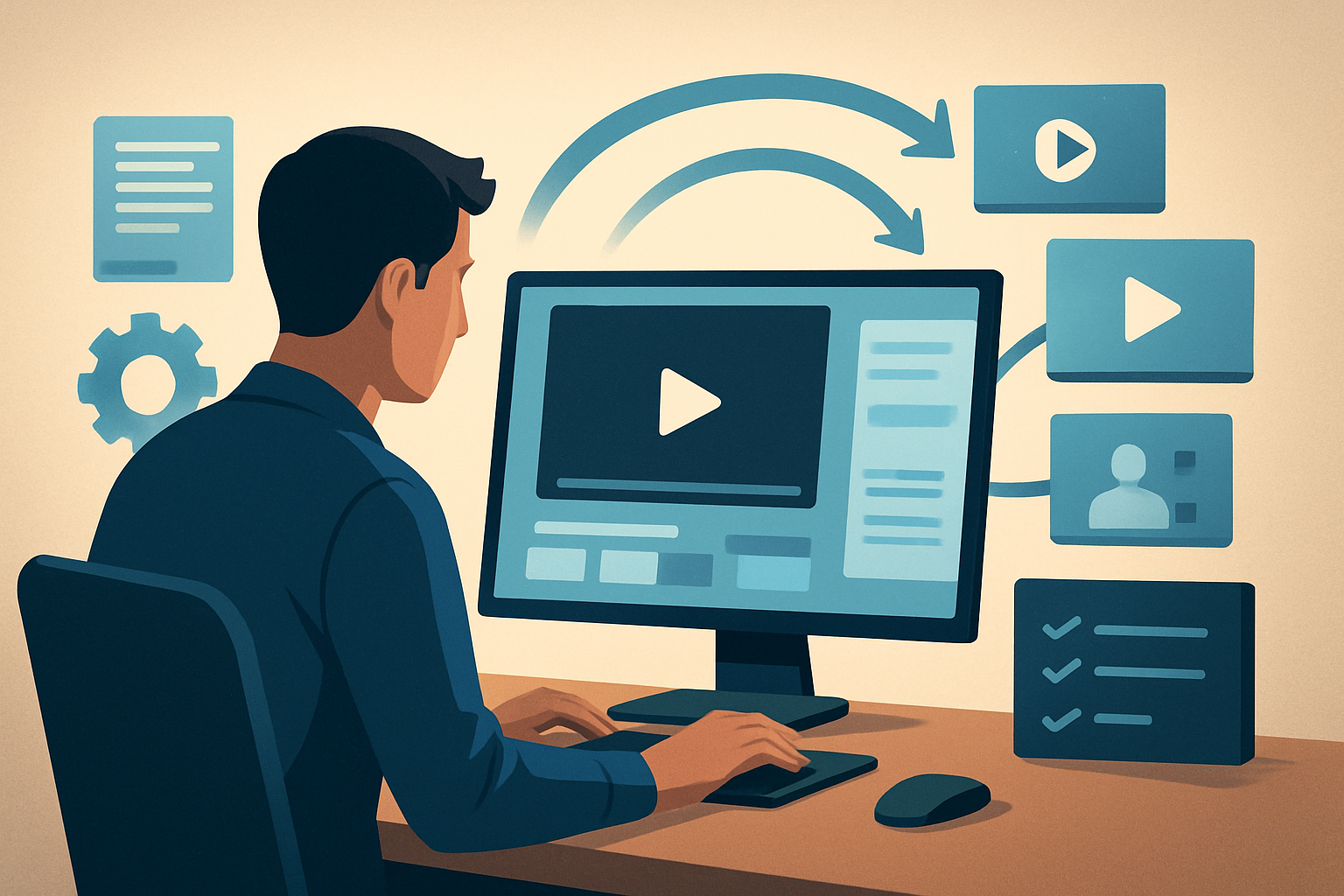
For agencies that make YouTube videos for creators: stop losing days to tool-switching
You run an agency that produces YouTube content for video creators. Your team juggles raw footage, creator scripts, thumbnails, vertical/broadcast cuts, and tight delivery windows. You need finished videos faster without sacrificing polish. This page shows a repeatable workflow you can implement this week that compresses first drafts, keeps reusable assets local to the project, and produces publish-ready YouTube outputs plus social derivatives.
Why YouTube creators need this workflow now
YouTube demands consistent uploads, multiple aspect ratios, and strong thumbnails. Agencies face tougher margins: more clients, faster turnaround, and more repurposing (shorts, clips, promos). The current gap for many shops is not creativity — it’s inefficient handoffs and tool switching between AI generators, NLEs, subtitle tools, and thumbnail makers. A desktop workflow that combines draft generation with finishing controls and local asset persistence reduces those bottlenecks and speeds time to publish-ready files.
See how creators and agencies thinking about scale approach tooling: AI Video Editor for YouTubers.
Agency pain points — and how to stop them fast
- Multiple tools for a single deliverable: editors, subtitle tools, generators, thumbnail apps. Result: inconsistent styles and lost time.
- Fragile repurposing: separate projects for portrait, square, and landscape create duplicated work.
- Asset drift: recurring elements (logos, hooks, music stems) scattered across drives and platforms.
- Waiting on usable first drafts from AI that still require heavy manual finishing.
You need faster first drafts, repeatable output, and a single persistent workspace that hosts generated assets and project history locally.
Practical 7-day workflow you can implement this week
A focused, repeatable process for YouTube creators that cuts days from production.
Day 1 — Intake and asset library
- Ingest footage, creator scripts, and reference assets into a local project library. Use URL-based ingestion where helpful to pull reference clips directly into the local asset pool.
- Add logos, brand overlays, and music stems to the reusable asset folder in the project.
Day 2 — Fast first draft
- Run an Auto Edit Video project to produce a structured first draft. Use the Text-to-Video or Avatar project types when you need scripted or faceless content.
- Export a single draft for client review; don’t fear imperfections — the goal is a solid scaffold.
Day 3 — Finish controls and polish
- Apply shared finishing systems: subtitles, title hooks, B-roll, overlays, borders, and music/SFX. Use the built-in subtitle design and title-hook options to standardize thumbnails and openers.
- Add visual polish layers like auto zoom, face tracking, freeze frames, and basic color tweaks.
Day 4 — Create social derivatives
- Preview and export portrait, square, and landscape variants from the same project to populate Shorts, Reels, and the YouTube upload.
- Generate thumbnails from within the project and store them alongside video outputs.
Day 5 — Client review and small revisions
- Use the persistent project history to re-run tweaks: swap B-roll, refine subtitle timing, update hooks, or swap avatar audio without rebuilding the whole project.
Days 6–7 — Package and publish
- Finalize two publish-ready files (YouTube landscape and a Shorts vertical cut) and a thumbnail set.
- Deliver a single zipped package with the videos, thumbnails, and any publish metadata.
This compresses draft + finish into one persistent workspace, reduces tool switching, and keeps your reusable library intact for the next episode.
What the ideal tool must do (and where Shorz fits)
Agencies need tools that deliver repeatable, publish-ready output quickly. Evaluate candidates against these criteria — Shorz meets them as described below:
- Unified project workspace: stores projects and generated assets locally so libraries and history persist across episodes. Shorz is a Windows desktop app that keeps generated assets in the project workspace.
- Fast first drafts that are finishable: combines Auto Edit Video and Text-to-Video with finishing controls so you don’t end on a raw generator output.
- Creator-friendly finishing systems: built-in subtitle design, title hooks, overlays, borders, B-roll management, music and volume mix controls.
- Visual polish without exporting to another app: auto zoom, face tracking, freeze frames, grayscale moments, and basic color controls are available for quick refinement.
- Multi-aspect preview and export: preview and export landscape, portrait, and square from the same project for YouTube and repurposing to Shorts.
- Publishing-adjacent assets: in-app thumbnail generation and helpers for YouTube/TikTok reduce separate thumbnail workflows.
If those are your must-haves, Shorz is a practical fit. For a deeper look at agency acceleration, see our approach to faster production workflows: AI Video Editor for Faster Production.
Where Shorz fits into your agency stack
- Intake & asset storage: Ingest footage, scripts, images, and URLs into a local project library. Keep brand overlays, hooks, and music stems as reusable assets.
- Draft generation: Use Auto Edit Video for clip-based projects or Text-to-Video/Avatar for scripted and faceless formats to create faster first drafts.
- Finish & polish: Apply subtitles, title hooks, B-roll, overlays, borders, and audio mix inside the same workspace. Visual polish layers reduce trips back to a full NLE for small refinements.
- Export & package: Produce landscape masters and vertical/square derivations, plus thumbnails and social previews. Store all outputs inside the project for reuse.
- Handoffs: Deliver a publish package to your upload specialist or schedule uploads with metadata prepared from the same project assets.
For teams who also service niche verticals, examine how Shorz-style workflows adapt across content types: Best AI Video Editor for Real Estate.
FAQ — agency edition
Q: Can I keep brand assets and reuse them across episodes? A: Yes. Shorz stores projects and generated assets locally, letting you maintain reusable libraries and persistent project history for repeatable series work.
Q: Will I still need a full NLE? A: For heavy, long-form color grading or complex VFX you may, but many creator-style YouTube episodes, ads, and social derivatives can be finished inside Shorz with its finishing controls and polish layers — reducing NLE passes for most episodes.
Q: Can I create thumbnails and social cuts from the same project? A: Yes. Shorz includes thumbnail generation and previews/exports in landscape, portrait, and square so you prepare YouTube masters and Shorts from one workspace.
Q: How fast are first drafts? A: Shorz compresses the draft phase using Auto Edit Video and Text-to-Video project types to generate faster first drafts that are intended for finishing rather than one-off raw outputs.
Q: Does Shorz handle scripted and faceless formats? A: Yes. The suite includes Text-to-Video and Avatar project types for scripted, avatar, and faceless workflows alongside Auto Edit Video and Podcast formats.
Q: Can I ingest content from links? A: Shorz supports URL-based ingestion into the local asset library to pull references or source material into your project quickly.
Ready to compress your agency workflow?
If your priority is faster first drafts, repeatable outputs, and fewer tool handoffs for YouTube creators, test a Shorz-driven workflow this week. Start a pilot project, ingest a week’s footage, and push a finished YouTube master plus Shorts in a single project.
Get started: AI Video Editor for Faster Production